
About Stats
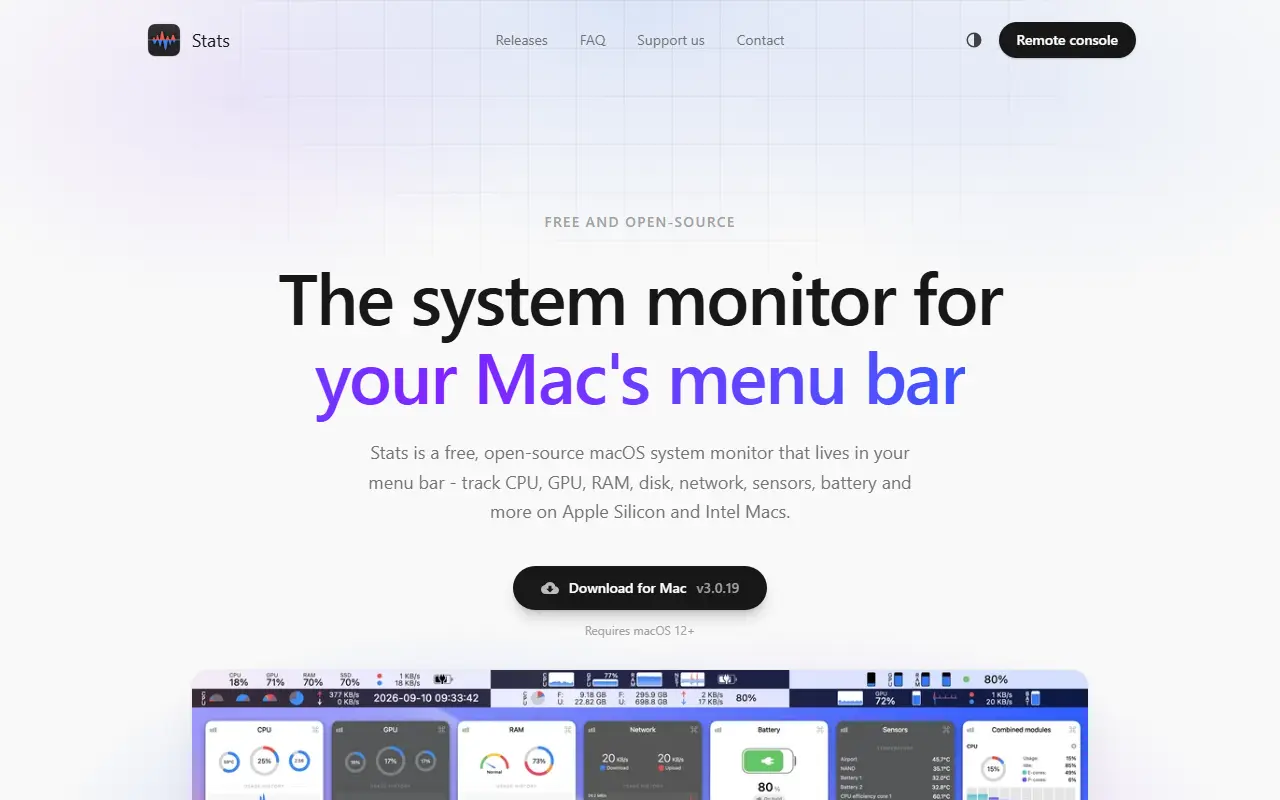
Stats is a system monitor for macOS that lives in the menu bar. It is written in Swift, released under the MIT license, and shows live information about your Mac without opening a separate monitoring window. It requires macOS 12 Monterey or later, and beta macOS releases are not supported.
It can display CPU, GPU and memory utilization, disk usage, network usage, battery level, sensor readings such as temperature, voltage and power, Bluetooth devices, and a clock with multiple time zones. Fan control is listed but is not maintained. The FAQ explains that macOS controls the order of menu bar icons, not the app.
Stats can be installed by downloading a disk image, with Homebrew, or headlessly over SSH, where it can act as a remote monitoring agent tied to a System Stats account. A legacy version exists for older systems, and an uninstall script is bundled. It suits Mac users who want at-a-glance hardware and network metrics in the menu bar.
Key features
- CPU, GPU and memory utilization
- Disk and network usage
- Battery and sensor readings
- Bluetooth device status
- Multiple time zone clock
- Headless install with remote monitoring
Good fit for
- →Watching resource use during heavy work
- →Checking temperatures and battery health
- →Monitoring a remote Mac
- Built with
- Swift
- Tags
- macos
- system-monitor
- menu-bar
- swift
- cpu
- gpu
- sensors
- utilities
Stats: questions and answers
- What is Stats used for?
- Stats is a macOS menu bar app that monitors CPU, GPU, memory, disk, network, battery and sensors, with optional remote monitoring. It is a good fit for watching resource use during heavy work, checking temperatures and battery health, and monitoring a remote Mac.
- Is Stats open source?
- Yes. Stats is open source under the MIT licence. Its source code is on GitHub at exelban/stats and is written mainly in Swift.
- Is Stats free?
- Yes. Stats is open source, so the software itself is free to use.
- Can I self-host Stats?
- Yes. Stats can be self-hosted on your own server or infrastructure.
- What are some alternatives to Stats?
- Similar open-source tools in the Productivity category include Rectangle, Maccy and Ice. SaaS products in the same category include DeskUtils, DynamicRing and Bartender.
- Is Stats actively maintained?
- Yes. The most recent commit to Stats was on 2 October 2026, and the latest release is v3.0.19, published on 29 September 2026. The project has 42k stars on GitHub.
Open-source alternatives to Stats
See all
Rectangle
Productivity
Move and resize windows on macOS with keyboard shortcuts and snap areas
OSSvs BetterTouchTool★ 30k
Maccy
Productivity
Lightweight clipboard manager for macOS
MITvs Paste★ 22k
Ice
Productivity
Powerful menu bar manager for macOS
GPL-3.0vs Bartender★ 30k
NetNewsWire
Productivity
RSS reader for macOS and iOS.
MITvs Feedly★ 10k
PowerToys
Productivity
Microsoft PowerToys is a collection of utilities that supercharge productivity and customi
MITvs Alfred★ 139k
OmniTools
Productivity
Self-hosted collection of powerful web-based tools for everyday tasks. No ads, no tracking
MITvs iLovePDF★ 10k
SaaS alternatives to Stats
See all
DeskUtils
Productivity
macOS menu bar app with clipboard history, screenshots, OCR, color picker and display controls
SaaS
DynamicRing
Productivity
Mac app that combines system essentials into one status ring
SaaS
Bartender
Productivity
Menu bar organizer for macOS that hides and rearranges menu bar icons
SaaS
Bytesweep
Productivity
Desktop disk space analyzer for macOS and Linux that finds reclaimable data such as Docker images and Xcode caches
SaaS
ClaudeUsageBar
Productivity
macOS menu bar app that shows your Claude and Claude Code usage limits at a glance
SaaS
DisplaySpan
Productivity
Mac menu bar app that lets the cursor cross blocked screen edges and restores saved display layouts
SaaS