
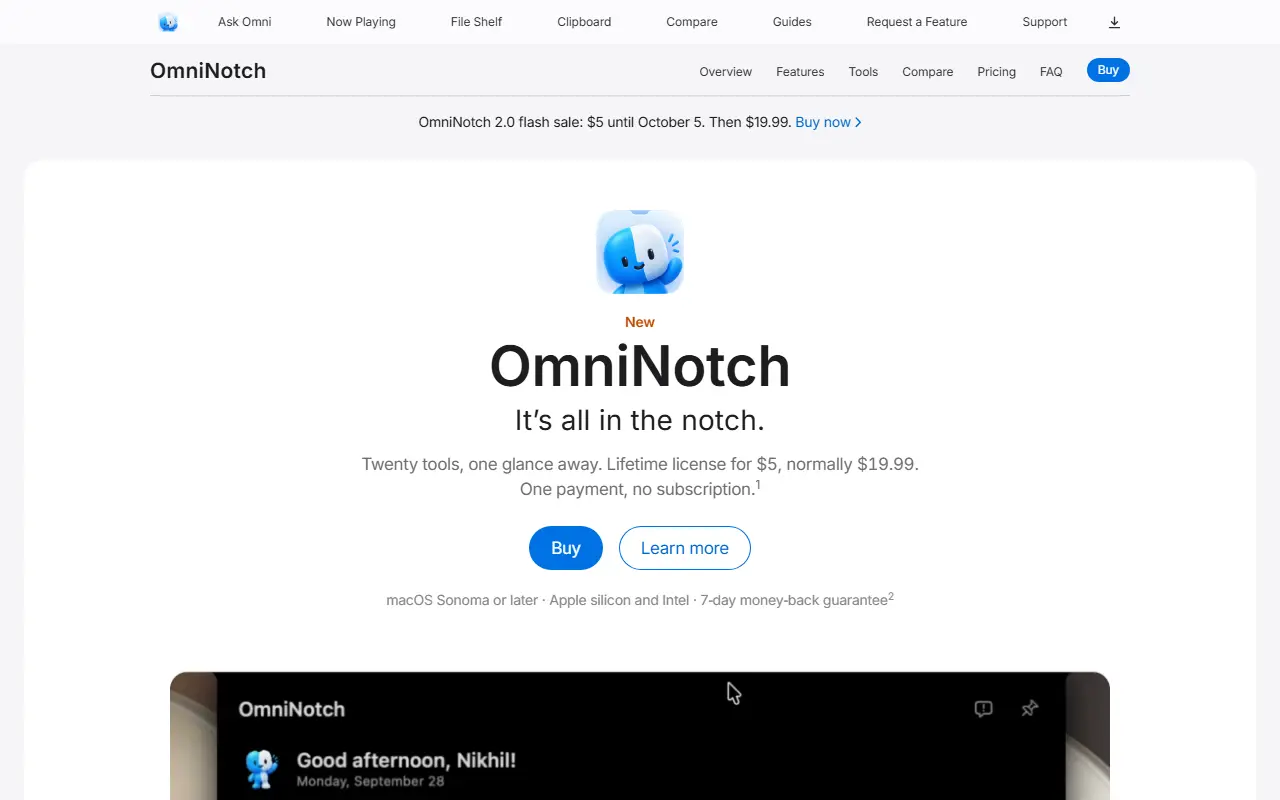
About OmniNotch
OmniNotch turns the MacBook notch into a panel opened with a hover or shortcut, with tools you pick and order yourself. Ask Omni uses Apple's on-device models to rewrite, summarize or answer questions without anything leaving the Mac, and an AI Usage view shows weekly and per-session limits for Grok, Copilot, Cursor, Codex and Claude read from tools already installed.
Other tools include a payments total across Paddle, Polar, Dodo, Gumroad, Lemon Squeezy, Shopify and Stripe using read-only keys stored in the Keychain, a searchable clipboard for text, links, images and files, a teleprompter under the camera, Pomodoro timers in the closed notch, a file shelf with AirDrop, a camera mirror and Now Playing. It needs macOS Sonoma or later on Apple silicon or Intel, with a 7-day money-back guarantee. A lifetime license is shown at $5 during a sale, normally $19.99, with no subscription.
Key features
- Ask Omni with on-device AI
- AI usage limits for several coding tools
- Searchable clipboard history
- Teleprompter under the camera
- Pomodoro timers in the notch
- File shelf with AirDrop
Good fit for
- Keeping everyday Mac utilities one hover away
- Watching AI coding tool limits at a glance
OmniNotch: questions and answers
- What is OmniNotch used for?
- OmniNotch is a macOS notch app with twenty tools, including on-device AI, usage limits for AI coding tools, clipboard history, timers, a teleprompter and a file shelf. It is a good fit for keeping everyday Mac utilities one hover away and watching AI coding tool limits at a glance.
- How much does OmniNotch cost?
- OmniNotch is a paid product with no free plan. One-time lifetime license, normally $19.99 and shown at $5 during a sale, with a 7-day money-back guarantee.
- Is OmniNotch open source?
- No. OmniNotch is proprietary (closed-source) software. In the Productivity category, open-source options include Stats, Maccy and Rectangle.
- What are some alternatives to OmniNotch?
- OmniNotch competes with BetterTouchTool, Raycast and Alfred.
Open-source alternatives to OmniNotch
See all
Stats
Productivity
macOS system monitor in your menu bar
MIT★ 42k
Maccy
Productivity
Lightweight clipboard manager for macOS
MITvs Paste★ 22k
Rectangle
Productivity
Move and resize windows on macOS with keyboard shortcuts and snap areas
OSSvs BetterTouchTool★ 30k
Ice
Productivity
Powerful menu bar manager for macOS
GPL-3.0vs Bartender★ 30k
PowerToys
Productivity
Microsoft PowerToys is a collection of utilities that supercharge productivity and customi
MITvs Alfred★ 139k
NetNewsWire
Productivity
RSS reader for macOS and iOS.
MITvs Feedly★ 10k
SaaS alternatives to OmniNotch
See all
BetterTouchTool
Productivity
Mac utility to customize trackpad gestures, keyboard shortcuts and window snapping
SaaS
Raycast
Productivity
Launcher for macOS and Windows with extensions, snippets and an AI assistant
SaaS
Alfred
Productivity
macOS launcher with workflows, clipboard history and snippets
SaaS
DeskUtils
Productivity
macOS menu bar app with clipboard history, screenshots, OCR, color picker and display controls
SaaS
Notchclip
Productivity
Notch-based clipboard manager for macOS that keeps everything you copy
SaaS
CopyCat
Productivity
Native macOS clipboard app that stores everything you copy and lets you choose what to paste
SaaS