About Raycast
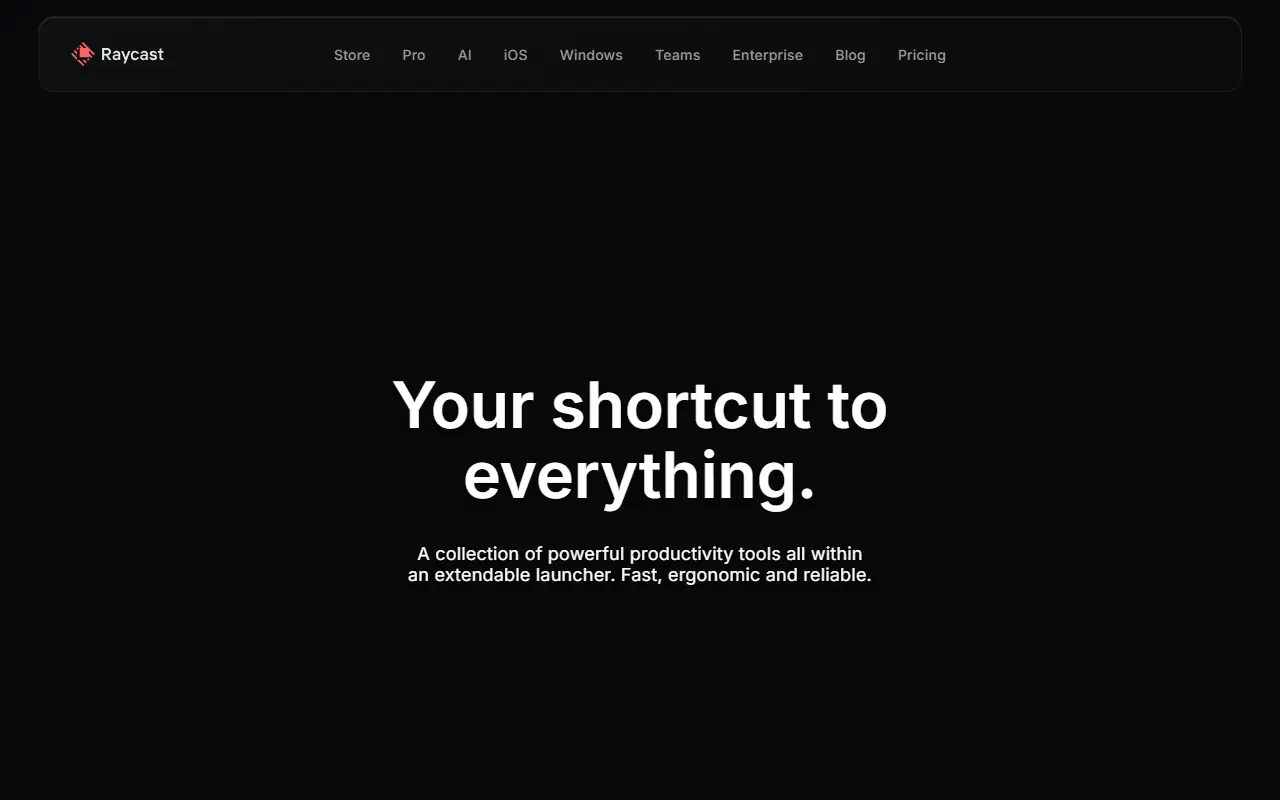
Raycast is a keyboard-first launcher for macOS and Windows that sits on top of the desktop and lets you reach apps, files and web services without touching the mouse. It is built for people who switch between many tools during the day and want a single entry point for searching, launching and acting on things.
Its extension store connects the launcher to everyday services such as Linear, Jira, Slack, Notion, Spotify, 1Password, Zoom and Google Translate, so you can create issues, check unread messages, control playback or fetch a credential straight from the prompt. Snippets, timers and a built-in AI assistant round out the core tool, and extensions are organized into areas like productivity, engineering, design and writing.
Raycast is proprietary software distributed as a desktop application, with an iOS companion and separate Pro, Teams and Enterprise offerings listed on its site. Extensions are the main way each person tailors it, which makes it most useful for developers, designers and knowledge workers who already live in a handful of connected SaaS tools.
Key features
- Keyboard-first launcher for apps and files
- Extension store for third-party services
- Snippets for reusable text
- Built-in AI assistant
- Timers and Pomodoro controls in the menu bar
- Issue search and creation for Linear and Jira
- Password lookup through a 1Password extension
Good fit for
- →Developers triaging issues without leaving the keyboard
- →Replacing a basic operating system launcher
- →Controlling music, timers and calls from one prompt
- Tags
- launcher
- macos
- windows
- productivity
- extensions
- snippets
- ai-assistant
- keyboard-shortcuts
Raycast: questions and answers
- What is Raycast used for?
- Raycast is a keyboard-driven launcher for macOS and Windows that adds extensions, snippets and an AI assistant, aimed at people who want quick access to their everyday apps. It is a good fit for developers triaging issues without leaving the keyboard; replacing a basic operating system launcher; and controlling music, timers and calls from one prompt.
- Is Raycast free?
- Yes. Raycast has a free plan, and paid plans start at $10 per seat per month. A free trial is also available.
- Is Raycast open source?
- No. Raycast is proprietary (closed-source) software. Open-source alternatives to Raycast include Flow Launcher, RustCast and PowerToys.
- What are some alternatives to Raycast?
- Raycast competes with Alfred and Keyboard Maestro. For open-source options, see Enlisted's ranked list of open-source Raycast alternatives.
Open-source alternatives to Raycast
See all
Flow Launcher
Productivity
:mag: Quick file search & app launcher for Windows with community-made plugins
MITvs Raycast★ 16k
RustCast
Productivity
An open source alternative to raycast, in rust!! (retired)
MITvs Raycast★ 1.1k
PowerToys
Productivity
Microsoft PowerToys is a collection of utilities that supercharge productivity and customi
MITvs Alfred★ 139k
Rectangle
Productivity
Move and resize windows on macOS with keyboard shortcuts and snap areas
OSSvs BetterTouchTool★ 30k
Maccy
Productivity
Lightweight clipboard manager for macOS
MITvs Paste★ 22k
MarkerOn
Productivity
Lightweight (~1.5 MB) open-source screen annotation with click-through mode and keyboard-f
MIT★ 1.1k
SaaS alternatives to Raycast
See all
Alfred
Productivity
macOS launcher with workflows, clipboard history and snippets
SaaS
Keyboard Maestro
Workflow Automation
macOS app for building keyboard-triggered macros that automate Mac tasks
SaaS
BetterTouchTool
Productivity
Mac utility to customize trackpad gestures, keyboard shortcuts and window snapping
SaaS
TextExpander
Productivity
Snippet tool that expands short abbreviations into reusable text
SaaS
DashPane
Productivity
Fast macOS app switcher with fuzzy search, single-key shortcuts and a hover sidebar
SaaS
LaunchBar
Productivity
Keyboard-driven app launcher and search tool for macOS
SaaS