
About Flow Launcher
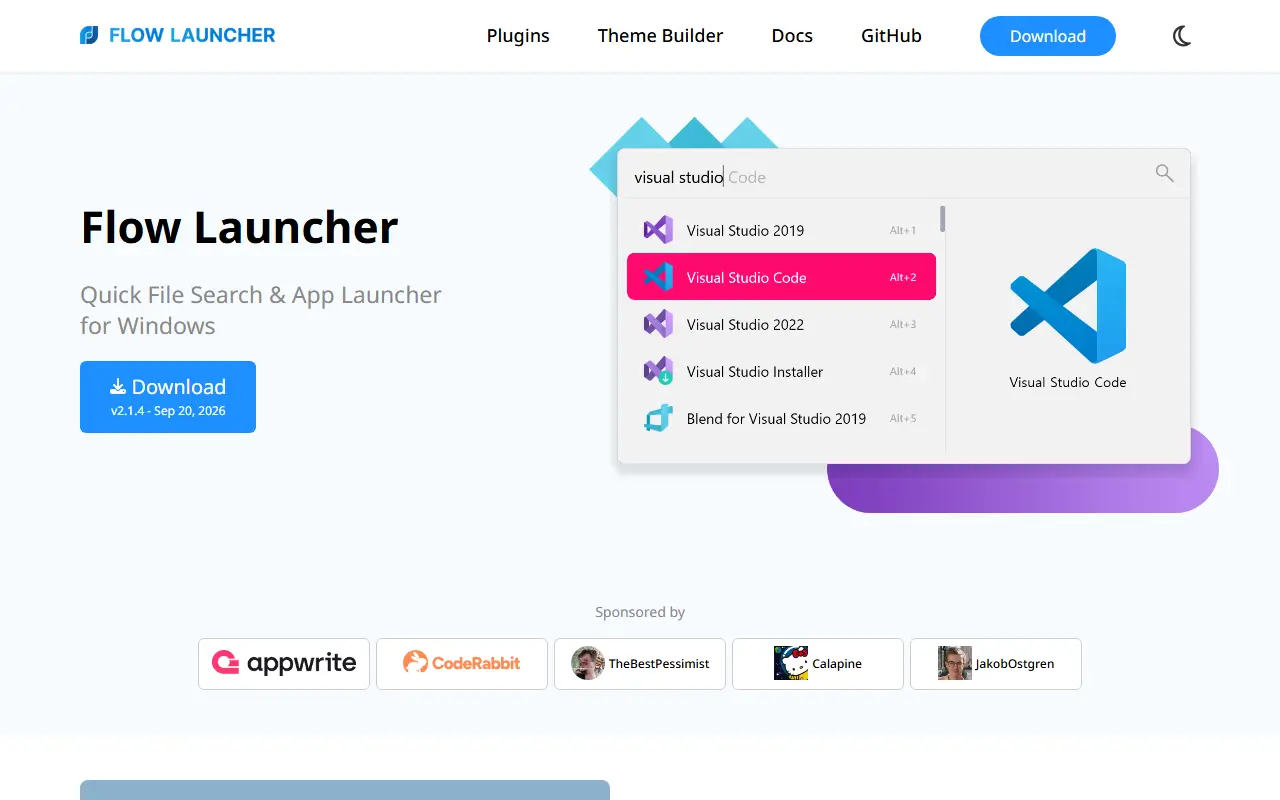
Flow Launcher is a quick file search and application launcher for Windows. A keyboard-triggered search box lets you find apps, files, file contents, browser bookmarks and web searches, and it is extended through plugins built by the community. It is written in C# and released under the MIT license.
Built-in features include searching with the Everything tool and the Windows index, queries using environment variable paths, system commands such as shutdown, lock and settings, a calculator that copies results to the clipboard, and a shell command mode that can run batch and PowerShell commands, including as Administrator. An Explorer feature stores favorite file and folder locations.
It is installable on Windows 10 and later through an installer or a portable version, and via Winget, Scoop and Chocolatey. The project notes that Windows may warn about unsigned code on first install and advises using only official channels. Its repository topics compare it to launchers such as Alfred, Spotlight, Launchy, Wox, Listary and Raycast.
Key features
- Search apps, files and file contents
- Everything and Windows Index support
- Web searches and browser bookmarks
- Built-in calculator and system commands
- Shell commands as Administrator
- Community-made plugins
Good fit for
- →Launching apps from the keyboard on Windows
- →Finding files quickly
- Built with
- C#
- Tags
- launcher
- windows
- productivity
- plugins
- search
- keyboard-launcher
- app-launcher
- csharp
Flow Launcher: questions and answers
- What is Flow Launcher used for?
- Flow Launcher is an open-source Windows app launcher and file search tool with community-made plugins. It is a good fit for launching apps from the keyboard on Windows and finding files quickly.
- Is Flow Launcher open source?
- Yes. Flow Launcher is open source under the MIT licence. Its source code is on GitHub at Flow-Launcher/Flow.Launcher and is written mainly in C#.
- Is Flow Launcher free?
- Yes. Flow Launcher is open source, so the software itself is free to use.
- Can I self-host Flow Launcher?
- Yes. Flow Launcher can be self-hosted on your own server or infrastructure; there is no official hosted version.
- What is Flow Launcher an alternative to?
- Flow Launcher is an open-source alternative to Raycast, Alfred and Listary. Other open-source alternatives to Raycast include PowerToys and RustCast.
- Is Flow Launcher actively maintained?
- Yes. The most recent commit to Flow Launcher was on 30 September 2026, and the latest release is v2.1.4, published on 20 September 2026. The project has 16k stars on GitHub.
Open-source alternatives to Flow Launcher
See all
PowerToys
Productivity
Microsoft PowerToys is a collection of utilities that supercharge productivity and customi
MITvs Alfred★ 139k
RustCast
Productivity
An open source alternative to raycast, in rust!! (retired)
MITvs Raycast★ 1.1k
Orange
Search
Cross-platform local file search engine.
GPL-3.0vs Everything★ 1.8k
Files
Productivity
A modern file manager that helps users organize their files and folders.
MIT★ 46k
ShareX
Productivity
ShareX is a free and open-source application that enables users to capture or record any a
GPL-3.0vs Snagit★ 40k
MarkerOn
Productivity
Lightweight (~1.5 MB) open-source screen annotation with click-through mode and keyboard-f
MIT★ 1.1k
SaaS alternatives to Flow Launcher
See all
Raycast
Productivity
Launcher for macOS and Windows with extensions, snippets and an AI assistant
SaaS
Alfred
Productivity
macOS launcher with workflows, clipboard history and snippets
SaaS
Listary
Productivity
Windows file search and launcher utility
SaaS
LaunchBar
Productivity
Keyboard-driven app launcher and search tool for macOS
SaaS
BetterTouchTool
Productivity
Mac utility to customize trackpad gestures, keyboard shortcuts and window snapping
SaaS
Cliptop
Productivity
Local-first clipboard manager for Mac, iPhone and iPad with search, previews and pinboards
SaaS