9 open-source alternatives ranked by real activity

Open-source Raycast alternatives

A curated, ranked list of the 9 best open-source alternatives to Raycast.

The best open-source alternative to Raycast is PowerToys. If that doesn't suit you, other good options are Hyperswitch, Flow Launcher, Wox and Alt Tab Macos.

Commercial alternatives to Raycast include Alfred, Keyboard Maestro, BetterTouchTool and LaunchBar. See all 29.

Raycast alternatives are mainly productivity tools, but some are also finance & accounting tools and utilities & system tools. 9 of them shipped code in the last 30 days, 9 can be self-hosted, and 5 use a permissive licence.

Last updated November 12, 2026 · ranked by GitHub stars, growth and recent commits

PowerToys

Microsoft's MIT-licensed set of more than 30 Windows utilities, including FancyZones, PowerRename, Color Picker and Keyboard Manager.

GitHub stars
141k
Last commit
yesterday
Latest release
v0.102.3101
Licence
MIT

PowerToys is a bundle of small utilities from Microsoft for customizing Windows and speeding up routine tasks. The README lists more than 30 of them, from window layout and file renaming to clipboard pasting, screen measuring and mouse helpers, all shipped and updated together as one package.

It can be installed several ways: an .exe downloaded from the GitHub releases page (choose the build that matches your architecture and install scope, usually x64 per-user), the Microsoft Store, or WinGet with either a user-scope or machine-wide installer. Chocolatey and Scoop are community-driven alternatives.

The source is on GitHub under the MIT licence and written mainly in C. The team asks contributors to read the contributor guide first and to agree to a Contributor License Agreement. The current roadmap mentions a new Awake flyout, improvements to Screen Ruler and moving more utilities to WinUI 3.

Key features

  • More than 30 separate utilities in one package
  • Utilities include Advanced Paste, Color Picker and FancyZones
  • File tools such as File Locksmith and Image Resizer
  • Includes PowerRename, PowerToys Run and Screen Ruler
  • Install from the Microsoft Store
  • WinGet installer with user or machine scope
  • Community install routes through Chocolatey and Scoop
Read more about PowerToysGitHub#1 Raycast alternative

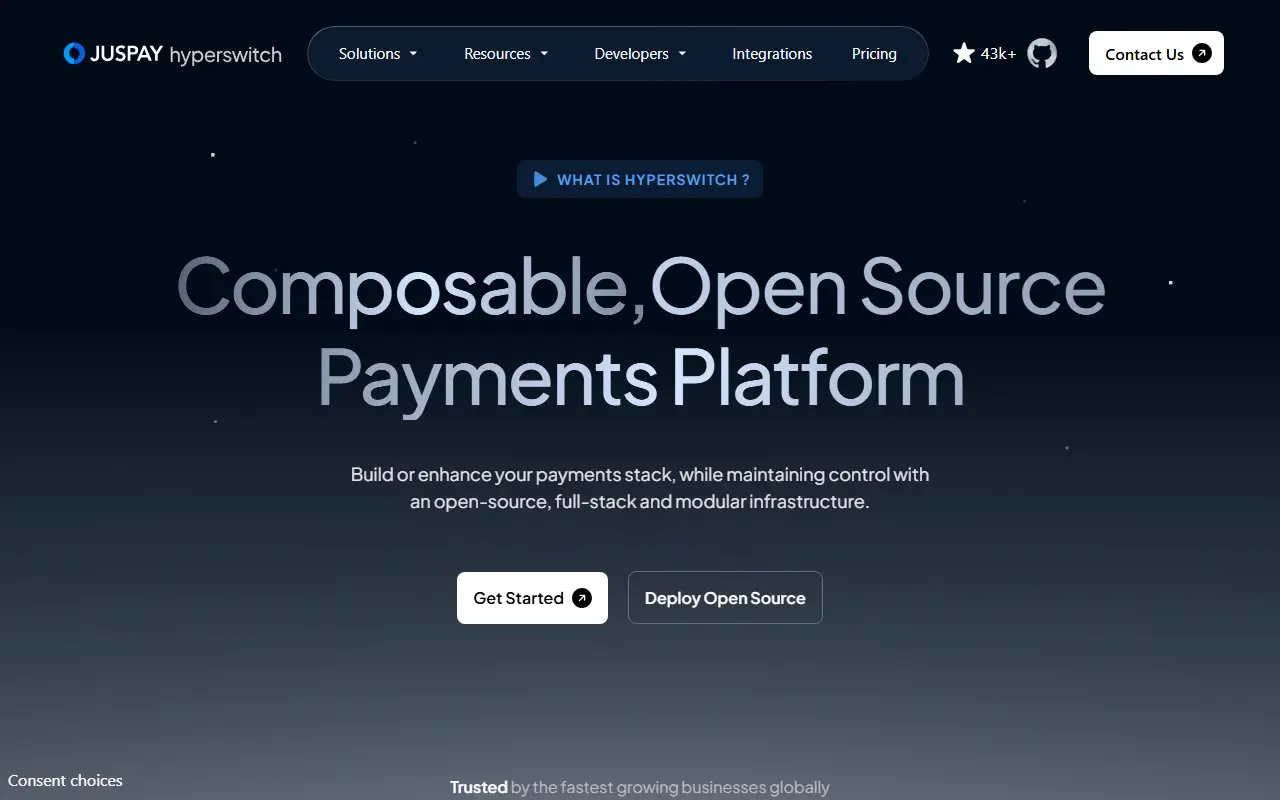
Hyperswitch

An open-source, composable payments platform in Rust that routes payments across providers, with cost observability, a vault and revenue recovery modules.

GitHub stars
46k
Last commit
yesterday
Latest release
v1.129.0
Licence
Apache-2.0
Self-hosted
Yes
Hosted version
Available
hyperswitch.ioHyperswitch homepage screenshot

Hyperswitch is an open-source payments infrastructure written in Rust and released under the Apache-2.0 license. It is designed so businesses can pick only the modules they need and add them on top of an existing payment stack, without extra complexity or vendor lock-in. It is offered in both SaaS and self-hosted forms, and it connects to many payment, payout, fraud, vault and tokenization providers.

The modules include cost observability, with dashboards for detecting hidden fees, downgrades and penalties; revenue recovery, with configurable retry strategies to reduce passive churn; a vault service for storing cards, tokens, wallets and bank credentials, which the project describes as PCI-compliant and which can connect to existing providers; and intelligent routing that sends each transaction to a suitable payment processor, among them Stripe, Adyen, Braintree and Worldpay and over a hundred others.

The README also lists reconciliation to reduce payment operations work, a local quickstart, cloud deployment instructions and a hosted sandbox that needs no setup. It suits merchants, platforms and fintech teams that work with several payment processors and want more control over routing, costs and recovery than a single processor provides.

Key features

  • Intelligent routing across payment processors
  • Cost observability dashboards
  • Revenue recovery with configurable retries
  • Vault for cards, tokens and wallets
  • Reconciliation to reduce payment operations
  • SaaS, self-hosted and hosted sandbox options

Pricing: The self-hosted Community Edition is free. The self-hosted Enterprise Edition and Hyperswitch Cloud are quoted through the sales team; no prices are published.

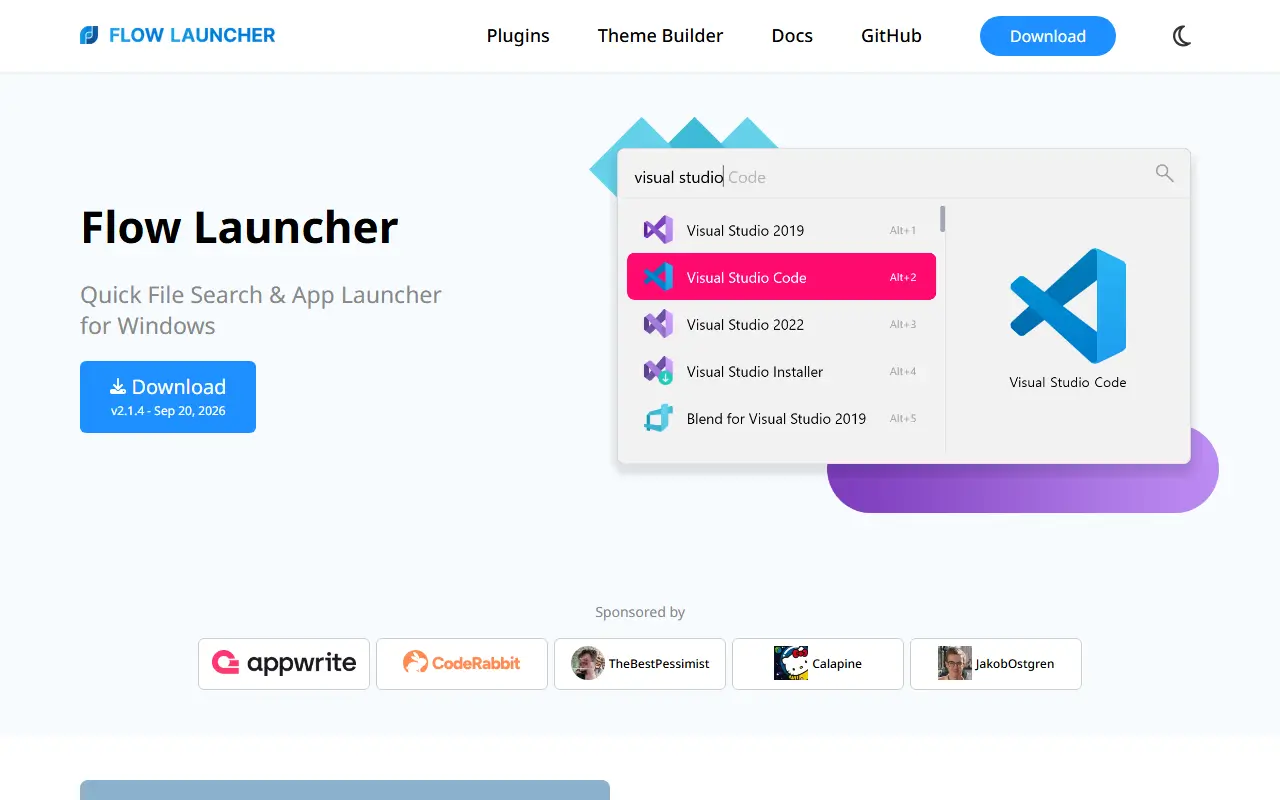
Flow Launcher

Flow Launcher is an open-source Windows app launcher and file search tool with community-made plugins.

GitHub stars
16k
Last commit
2 days ago
Latest release
v2.1.4
Licence
MIT
Self-hosted
Yes
flowlauncher.comFlow Launcher homepage screenshot

Flow Launcher is a quick file search and application launcher for Windows. A keyboard-triggered search box lets you find apps, files, file contents, browser bookmarks and web searches, and it is extended through plugins built by the community. It is written in C# and released under the MIT license.

Built-in features include searching with the Everything tool and the Windows index, queries using environment variable paths, system commands such as shutdown, lock and settings, a calculator that copies results to the clipboard, and a shell command mode that can run batch and PowerShell commands, including as Administrator. An Explorer feature stores favorite file and folder locations.

It is installable on Windows 10 and later through an installer or a portable version, and via Winget, Scoop and Chocolatey. The project notes that Windows may warn about unsigned code on first install and advises using only official channels. Its repository topics compare it to launchers such as Alfred, Spotlight, Launchy, Wox, Listary and Raycast.

Key features

  • Search apps, files and file contents
  • Everything and Windows Index support
  • Web searches and browser bookmarks
  • Built-in calculator and system commands
  • Shell commands as Administrator
  • Community-made plugins

Pricing: Free and open source under the MIT license.

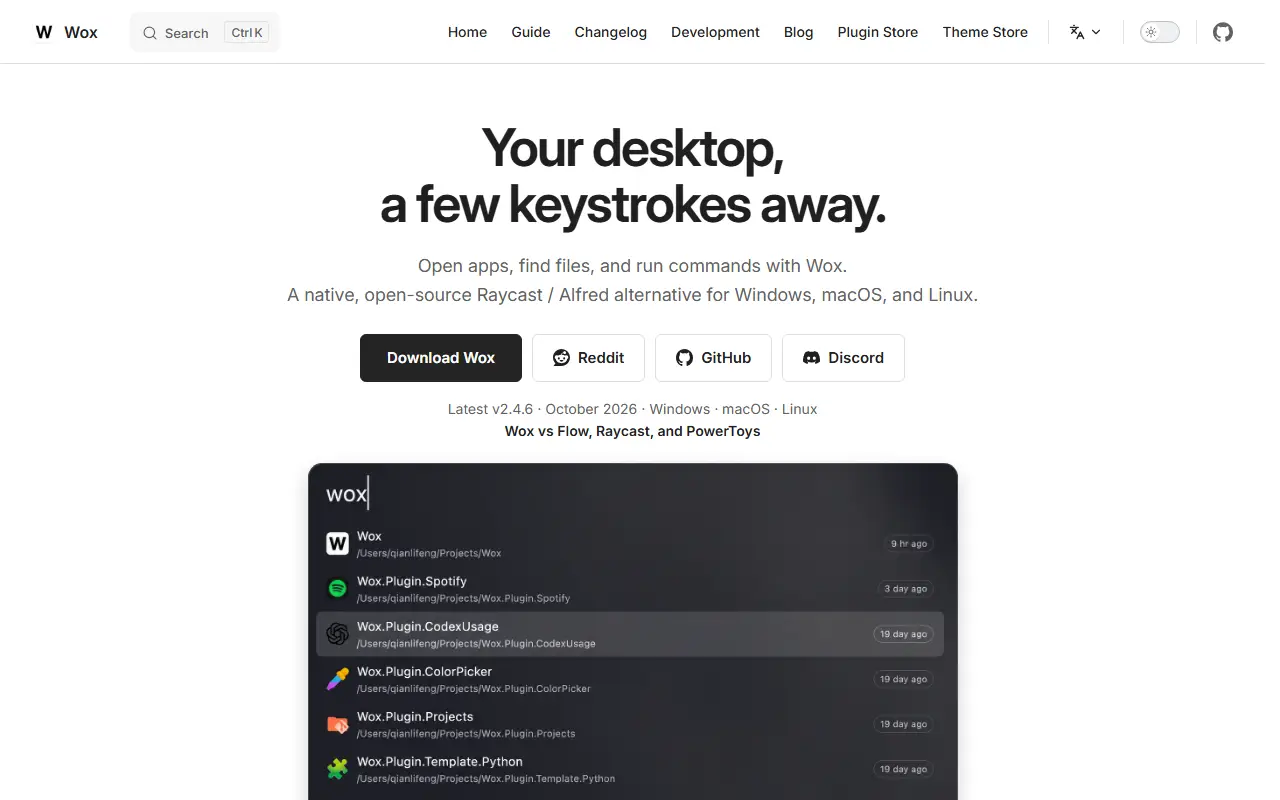
Wox

Wox is an open source launcher for Windows, macOS and Linux that opens apps, searches files and runs commands from the keyboard.

GitHub stars
28k
Last commit
yesterday
Latest release
v2.5.0
Licence
GPL-3.0
woxlauncher.comWox homepage screenshot

Wox is a cross-platform launcher that calls itself a native, open-source alternative to Raycast and Alfred. A hotkey opens a search bar for launching apps, finding files, running commands and switching windows. The version shown is 2.4.7, released under the GPL-3.0 licence.

Many functions ship built in: a clipboard history, calculator, unit and currency converter, notes, screenshots, timers, emoji search, color picker, AI chat, and cloud sync for settings. Themes can follow the system appearance or come from a community store. Developers can write plugins, and the site mentions asking an AI agent to create one.

The project publishes a changelog, a blog, a plugin store and a theme store alongside the guide, and has community channels on Reddit and Discord. The site is available in English and Simplified Chinese. Downloads and an installation guide are linked from the homepage for each of the three desktop platforms.

Key features

  • Built-in apps, files, notes and AI
  • Calculator and unit, currency and date converter
  • Settings sync and backup
  • Community themes or system appearance
  • Plugin creation, including with an AI agent
Read more about WoxWebsiteGitHub#4 Raycast alternative

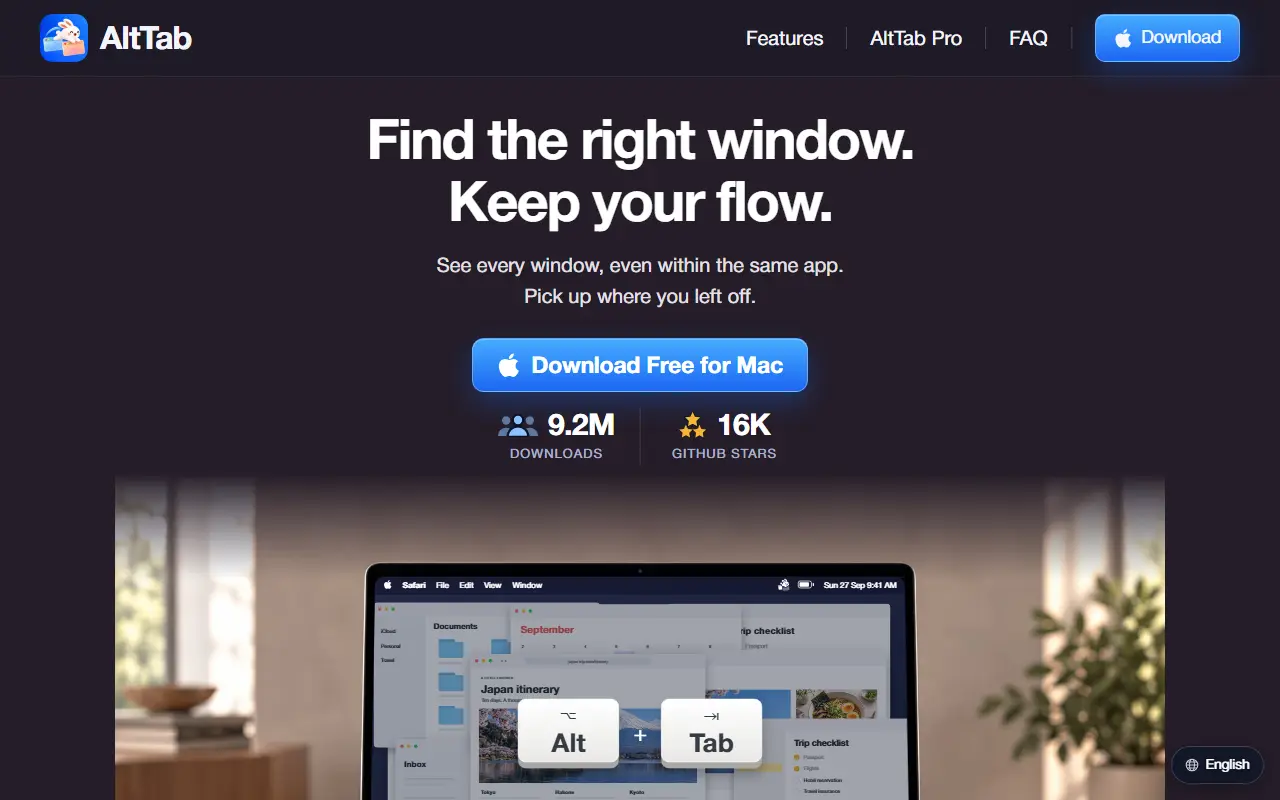
Alt Tab Macos

A window switcher for macOS that lists every window, including minimized and hidden ones, and previews the selected window before you switch.

GitHub stars
17k
Last commit
9 days ago
Latest release
v11.10.1
Licence
GPL-3.0
alt-tab.appAlt Tab Macos homepage screenshot

AltTab replaces the default app-level switcher on macOS with one that shows individual windows. Windows that are minimized, hidden or sitting on another Space appear in the switcher too, each with a badge that says where it is. The selected window is previewed at full size on top of everything, so you can confirm it is the right one before switching.

The core is free and open source under GPL-3.0, with the source on GitHub for anyone who wants to build it. A paid AltTab Pro adds search by window title or app name, extra display styles, auto-sizing thumbnails and additional shortcuts. The Pro licence applies to the pre-built, signed and notarized binaries the project distributes, and every Pro feature can be tried free for 14 days.

It runs natively on Apple silicon and Intel Macs and needs macOS 12 or later. The project states that it collects no tracking data and no telemetry. Its homepage reports 362 releases since 2018, with new features and fixes shipped almost every month, and a changelog lists each release.

Key features

  • Switches between individual windows, not just apps
  • Lists minimized, hidden and other-Space windows with location badges
  • Full-size preview of the selected window
  • Thumbnail, app icon or compact title list styles (Pro)
  • Search windows by title or app name (Pro)
  • Shows windows of one app across every Space and screen
  • Pro adds auto-size and extra shortcuts

Pricing: The core app is free. Pro is $9.99 one time with updates for the current major version, and Pro Lifetime is $24.99 one time with every future update. Team licences are $24.99 per Mac, one time.

Synapse

Element's open source Matrix homeserver, written in Python and Rust, available under AGPL or a commercial licence.

GitHub stars
4.8k
Last commit
yesterday
Latest release
v1.165.0
Licence
AGPL-3.0
Self-hosted
Yes
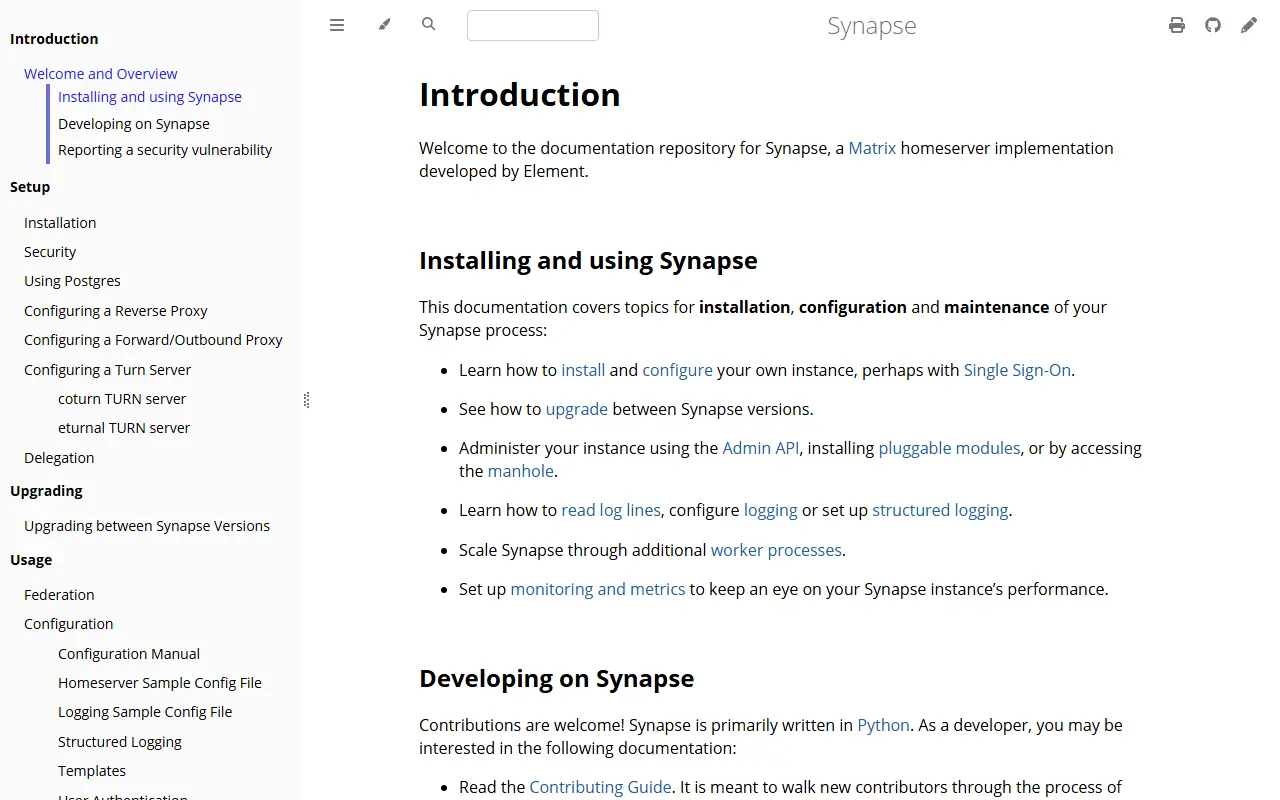
element-hq.github.ioSynapse homepage screenshot

Synapse is an open source implementation of a Matrix homeserver, written and maintained by Element. Matrix is described as the open standard for secure and interoperable real-time communications. The code is mainly Python with Rust, and it can be run straight from the repository's source.

It is shipped as part of the Element Server Suite (ESS), the official means of deployment. ESS comes in three editions: ESS Community, the free distribution for small to mid-scale non-commercial use; ESS Pro, the commercial edition; and ESS TI-M, a version of Pro for the German Gematik TI-Messenger Pro and ePA requirements. Synapse can also be installed standalone using its own documentation.

The documentation covers installation, configuration, federation, reverse proxy setup, upgrading, an Admin API, pluggable modules, logging, monitoring, and scaling with additional worker processes. Support from Element comes only with an ESS subscription; otherwise help is available from the community on Matrix and an admin FAQ.

Key features

  • Implements the Matrix homeserver protocol
  • Scales with additional worker processes
  • Admin API and pluggable modules
  • Single Sign-On configuration
  • Metrics and monitoring support
  • Structured logging options

Cerebro

An open-source, cross-platform desktop launcher built with Electron that searches files and the web and extends through plugins.

GitHub stars
8.6k
Last commit
13 days ago
Latest release
v0.11.0
Licence
MIT
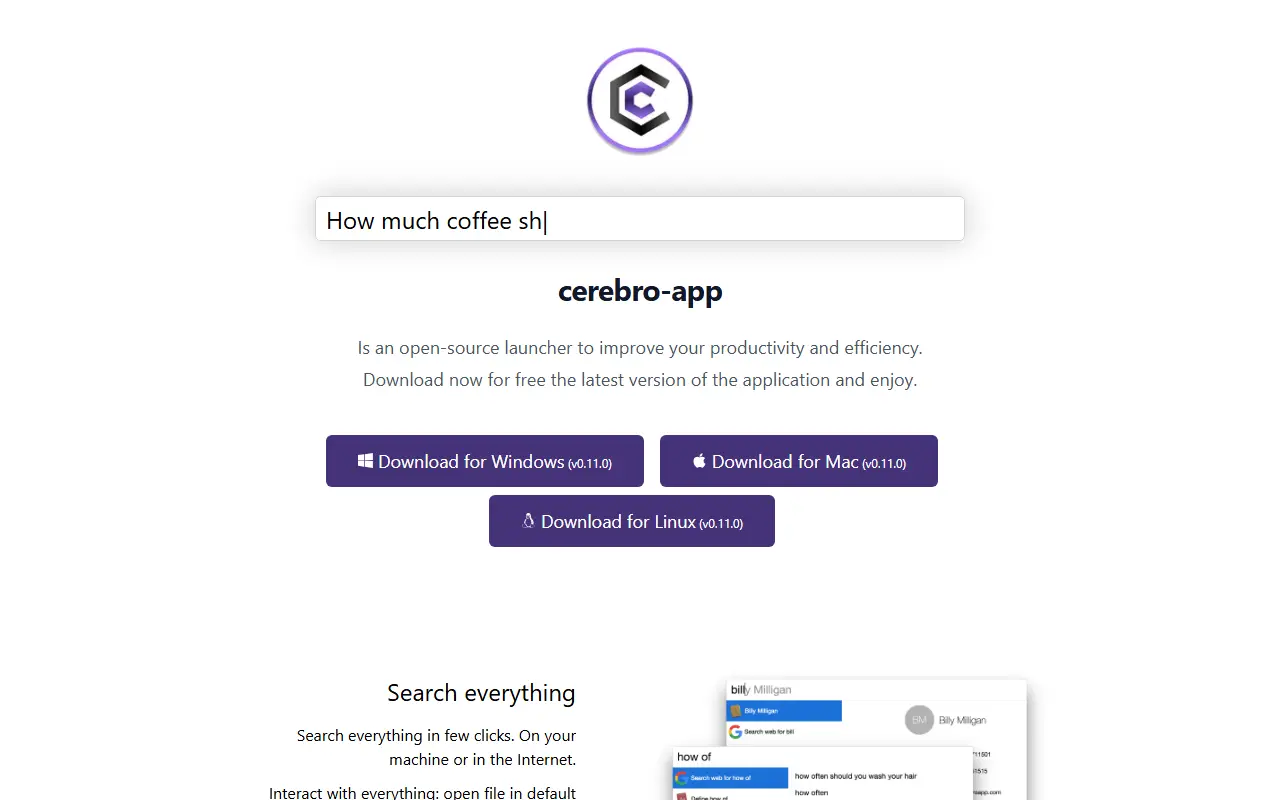
cerebroapp.comCerebro homepage screenshot

Cerebro is an open-source launcher application with downloads for Windows, Mac and Linux, developed with Electron. It lets you search on your own machine or on the Internet, open a file in its default program or reveal it in the file manager, copy contact details to the clipboard and see Google suggestions.

Maps, translations and files show up inside the launcher, so a separate application is not needed to see them. A built-in plugin manager finds and installs plugins, and a plugin API lets people write and share their own. The project lists more than 10 official plugins, about 8k GitHub stars and 400+ forks, and the code is MIT licensed.

Key features

  • Search local files and the Internet
  • Open or reveal files, copy contact details
  • Built-in plugin manager
  • Plugin API for writing and sharing your own
  • Builds for Windows, Mac and Linux

Pricing: Cerebro is described as free to download and open source.

Albert

A fast, plugin-based keyboard launcher that can act as an application launcher or a full system command palette.

GitHub stars
8k
Last commit
9 days ago
Latest release
v35.2.0
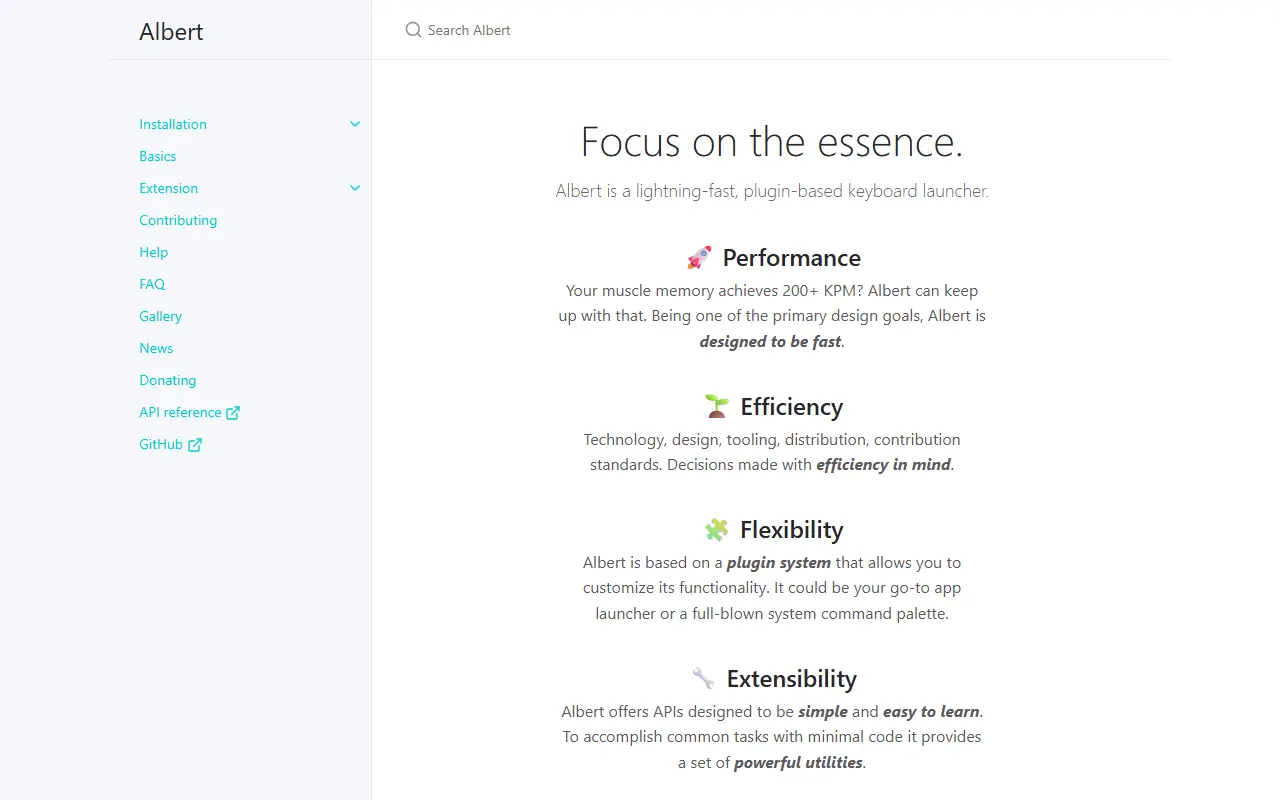
albertlauncher.github.ioAlbert homepage screenshot

Albert is a keyboard launcher built around a plugin system. Depending on the plugins in use, it can serve as a go-to application launcher or as a full system command palette. Speed is described as one of its primary design goals, aimed at users who type quickly.

It ships with a curated collection of peer-reviewed, actively maintained plugins, so it works out of the box. Developers can extend it through documented APIs in C++ and Python. Installation instructions cover macOS, Linux and building from source, and the project accepts donations.

The documentation site also contains a FAQ, a gallery, news and an API reference. Because the launcher is plugin-based, what it can do depends on which plugins are installed, ranging from simple application launching to a command palette for system actions.

Key features

  • Plugin system for customizing behaviour
  • Bundled, curated and maintained plugins
  • Simple APIs for writing extensions
  • Works as app launcher or command palette
  • Speed as a core design goal

RustCast

RustCast was a Rust-based, open-source macOS popup launcher in the style of Raycast; the author has since retired it and recommends other tools.

GitHub stars
1.1k
Last commit
9 days ago
Latest release
v0.8.5
Licence
MIT
Self-hosted
Yes
rustcast.appRustCast homepage screenshot

RustCast is an open-source productivity launcher for macOS written in Rust with the iced UI toolkit. It was designed as an alternative to Raycast, giving a quick popup window for launching apps, running utilities and triggering workflows from the keyboard.

The feature list in the README includes automatic loading and searching of installed apps, icons, scrollable results, customizable themes and colors, Spotify control, running custom shell scripts with variables, a Google search shortcut, a calculator, clipboard history and a configuration file in TOML. A plugin-style library helps with shell scripts, and installation was offered through Homebrew or a downloadable disk image.

The README now states that RustCast is no longer being maintained, with the author using a different launcher and mentioning another closed-source option. The code remains available under the MIT licence for reference or forking. Anyone considering it should treat it as a retired project rather than a supported application, and look at maintained launchers for day-to-day use.

Key features

  • Popup launcher for macOS apps
  • Customizable themes and colors
  • Calculator and clipboard history
  • Custom shell script commands
  • Spotify controls
  • TOML configuration file

Pricing: Free and open source under the MIT licence; the project is no longer maintained.

Commercial Raycast alternatives

Hosted, closed-source products that compete with Raycast. Showing 12 of 29.

See every Raycast alternative on its tool page

Raycast alternatives: questions

What is the best open-source alternative to Raycast?
PowerToys is the top-ranked open-source alternative to Raycast on Enlisted: Microsoft's MIT-licensed set of more than 30 Windows utilities, including FancyZones, PowerRename, Color Picker and Keyboard Manager. Other strong options are Hyperswitch, Flow Launcher, Wox and Alt Tab Macos.
What are the best commercial alternatives to Raycast?
Alfred, Keyboard Maestro, BetterTouchTool, LaunchBar and Paste are among the hosted, closed-source alternatives to Raycast listed on Enlisted, which lists 29 in total. Compare their pricing and features on each tool page.
Are these Raycast alternatives free?
All 9 are open source, so the code is free to use under its licence, and all of them can be self-hosted on your own server or computer. 1 also offers a paid or managed cloud version if you'd rather not host it yourself.
How is this list of Raycast alternatives ranked?
By a score built from GitHub stars, star growth over the last 30 days and how recently the code changed. 9 of these projects shipped code in the last 30 days. Data is refreshed daily, and nobody can pay to move up.

People also look for alternatives to…

View all