
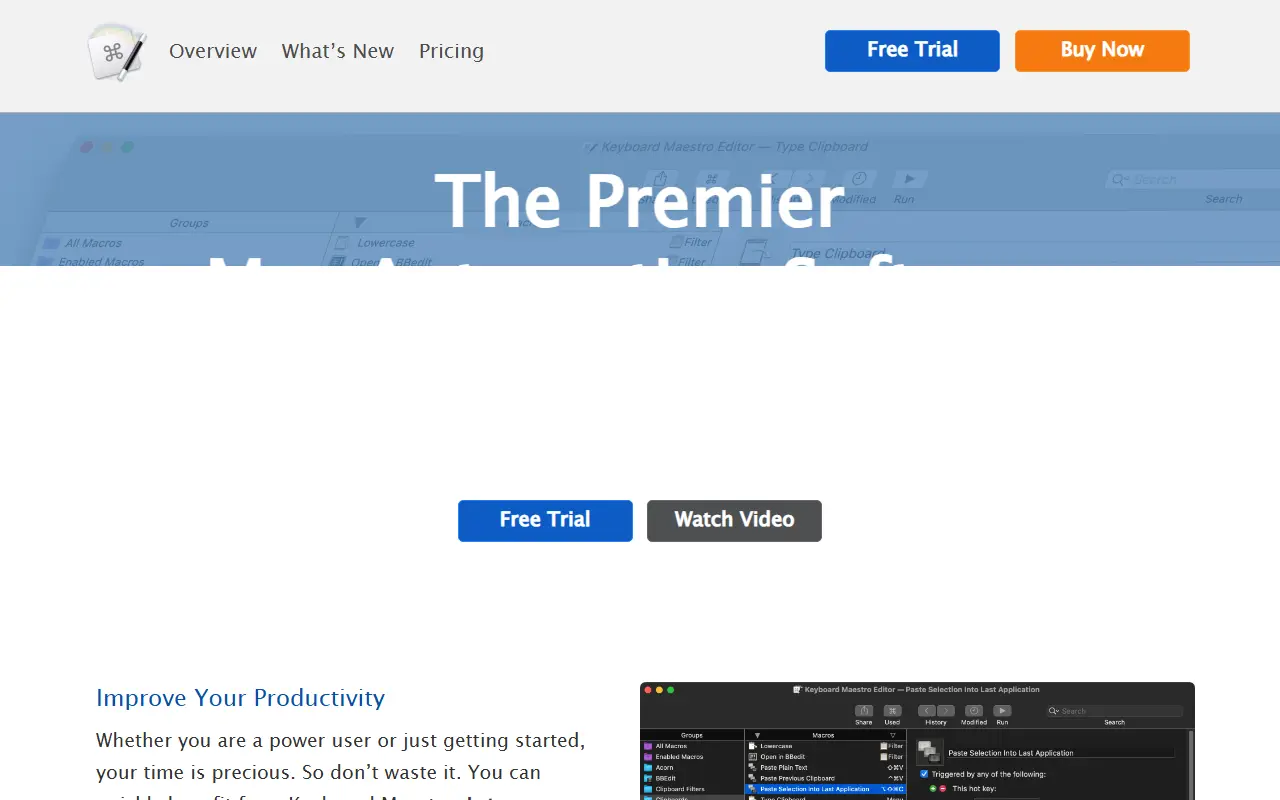
About Keyboard Maestro
Keyboard Maestro is a Mac automation tool for creating macros that perform tasks on command or on a schedule. If you can do something manually on a Mac, the app can often automate it, from typing text to launching apps and moving windows.
Its site lists capabilities for controlling applications, manipulating text and images including OCR and snippet expansion, working with a multi-entry clipboard history, and controlling websites by filling forms and downloading reports. Version 11 is the current release listed on the site, is native for Apple Silicon and supports recent macOS releases.
Keyboard Maestro is commercial software that you can try for free before buying a license, with pricing on its site. It runs locally on your Mac and has no hosted service, and it suits power users who want repeatable shortcuts.
Key features
- Keystroke-triggered macros
- Scheduled and event-based automation
- Application and window control
- Text and image manipulation with OCR
- Clipboard history and snippets
- Web form filling and downloads
Good fit for
- →Automating repetitive Mac tasks
- →Text expansion and snippets
- →Window and app management
- Tags
- macos
- automation
- macros
- productivity
- keyboard-shortcuts
- text-expansion
- clipboard
- desktop-software
Keyboard Maestro: questions and answers
- What is Keyboard Maestro used for?
- Keyboard Maestro is a macOS app for building macros triggered by keystrokes, schedules and events to automate Mac tasks. It is a good fit for automating repetitive Mac tasks, text expansion and snippets, and window and app management.
- How much does Keyboard Maestro cost?
- Paid plans for Keyboard Maestro start at $25 as a one-time payment, and there is no free plan. A free trial is available.
- Is Keyboard Maestro open source?
- No. Keyboard Maestro is proprietary (closed-source) software. Open-source alternatives to Keyboard Maestro include AutoHotkey, Hammerspoon and AutoKey.
- Can I self-host Keyboard Maestro?
- Yes. Although Keyboard Maestro is closed source, it can be self-hosted on your own servers.
- What are some alternatives to Keyboard Maestro?
- Keyboard Maestro competes with Hazel, Alfred and Raycast. For open-source options, see Enlisted's ranked list of open-source Keyboard Maestro alternatives.
Open-source alternatives to Keyboard Maestro
See all
AutoHotkey
Workflow Automation
AutoHotkey - macro-creation and automation-oriented scripting utility for Windows.
GPL-2.0vs Keyboard Maestro★ 13k
Hammerspoon
Workflow Automation
Staggeringly powerful macOS desktop automation with Lua
MITvs Keyboard Maestro★ 16k
AutoKey
Workflow Automation
AutoKey, a desktop automation utility for Linux and X11.
GPL-3.0vs TextExpander★ 3.9k
Huginn
Workflow Automation
Create agents that monitor and act on your behalf. Your agents are standing by!
MITvs IFTTT★ 50k
AstronRPA
Workflow Automation
Agent-ready RPA suite with out-of-the-box automation tools. Built for individuals and ente
Apache-2.0vs UiPath★ 5.4k
Automa
Workflow Automation
A browser extension for automating your browser by connecting blocks
OSSvs Bardeen★ 22k
SaaS alternatives to Keyboard Maestro
See all
Hazel
Workflow Automation
macOS utility that watches folders and organizes files with rules automatically
SaaS
Alfred
Productivity
macOS launcher with workflows, clipboard history and snippets
SaaS
Raycast
Productivity
Launcher for macOS and Windows with extensions, snippets and an AI assistant
SaaS
Apple Shortcuts
Workflow Automation
Automation app built into iOS, iPadOS and macOS for chaining actions across apps
SaaS
MacroDroid
Workflow Automation
Android automation app that uses triggers, actions and constraints to run macros
SaaS
Tasker
Workflow Automation
Android app that automates device actions using profiles, tasks and plugins
SaaS