4 open-source alternatives ranked by real activity

Open-source Keyboard Maestro alternatives

A curated, ranked list of the 4 best open-source alternatives to Keyboard Maestro.

The best open-source alternative to Keyboard Maestro is Karabiner-Elements. If that doesn't suit you, other good options are AutoHotkey, AutoKey and Hammerspoon.

Commercial alternatives to Keyboard Maestro include Alfred, Hazel, Raycast and Apple Shortcuts. See all 9.

Keyboard Maestro alternatives are mainly workflow automation tools. 3 of them shipped code in the last 30 days, 4 can be self-hosted, and 1 uses a permissive licence.

Last updated November 13, 2026 · ranked by GitHub stars, growth and recent commits

Karabiner-Elements

Karabiner-Elements is a keyboard customizer for macOS with a GUI for simple key mappings and support for custom and predefined rules.

GitHub stars
23k
Last commit
3 days ago
Latest release
v16.3.0
Licence
Unlicense
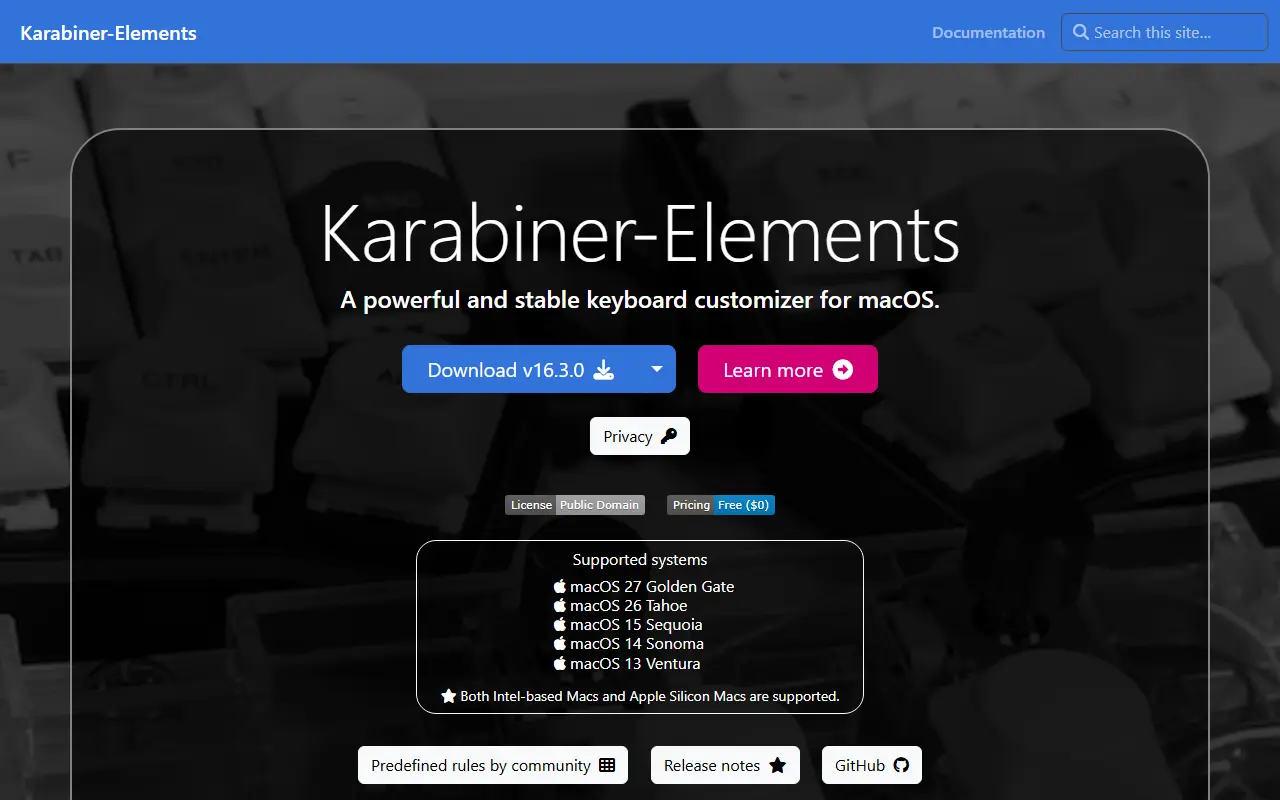
karabiner-elements.pqrs.orgKarabiner-Elements homepage screenshot

Karabiner-Elements is a keyboard customizer for macOS, released under the Unlicense. Simple key mappings can be set up in a graphical interface, and more complex changes use rules that you write yourself or import.

Predefined community rules include a diamond cursor, Emacs key bindings anywhere, Vi key bindings, protection against unintended command-q and mouse keys. The documentation also covers choosing devices, profiles, an EventViewer for checking results and a command line interface.

Both Intel-based and Apple Silicon Macs are supported. The download page lists separate versions for each macOS release, with the newest version covering macOS 13 through 27 and older versions for earlier systems.

Key features

  • Simple key mappings from a GUI
  • Predefined rules such as Emacs and Vi key bindings
  • Write your own rules
  • Device selection and built-in keyboard disabling
  • Profiles with export and import of configuration
  • Command line interface and config file location

AutoHotkey

Free, open-source scripting language for Windows used to write hotkeys, macros, form fillers and other desktop automation.

GitHub stars
13k
Last commit
yesterday
Latest release
v2.0.31
Licence
GPL-2.0

AutoHotkey is a free, open-source scripting language for Windows. People use it to write scripts, from small to complex, for tasks such as form fillers, auto-clicking and macros. Its built-in commands are described as easy for beginners, and it is also a full scripting language for fast prototyping and small projects.

Key binds let you define hotkeys for the mouse and keyboard, remap keys or buttons and create autocorrect-like replacements in a few lines. The syntax supports imperative-procedural, object-oriented and command-based programming. Examples on the site cover hotstrings and hotkeys, clipboard handling, short GUIs and arrays.

The homepage says AutoHotkey v2 has been released and is the default version, with the website and forums being updated during a transition period. The code is licensed under GNU GPLv2 and hosted on GitHub, with related projects including Ahk2Exe and forks such as AutoHotkey_H, KeySharp and AutoHotkey-jk.

Key features

  • Hotkeys, key remapping and autocorrect-like replacements
  • Scripting language for forms, auto-clicking and macros
  • Imperative, object-oriented and command-based styles
  • Small, fast and runs without setup
Read more about AutoHotkeyWebsiteGitHub#2 Keyboard Maestro alternative

AutoKey

AutoKey is a Linux desktop automation utility for X11 that provides text abbreviations, hotkeys and Python scripting for keyboard and mouse actions.

GitHub stars
3.9k
Last commit
2 days ago
Latest release
v0.96.0
Licence
GPL-3.0
Self-hosted
Yes
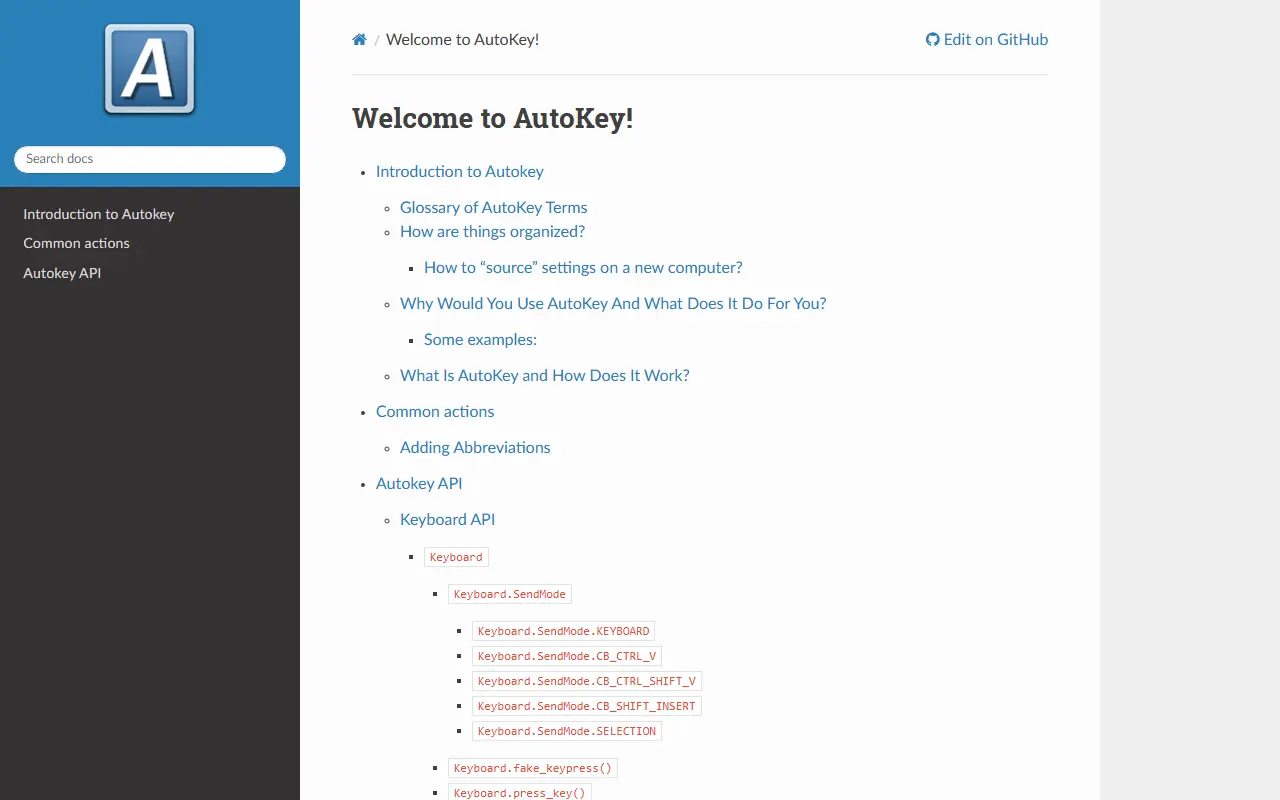
autokey.github.ioAutoKey homepage screenshot

AutoKey is a desktop automation utility for Linux and X11. It lets users define abbreviations that expand into text, assign hotkeys to actions and write Python scripts that control the keyboard and perform other desktop tasks, which saves time on repetitive typing and routine operations.

The documentation describes an introduction and glossary, how settings are organized and moved to a new computer, common actions such as adding abbreviations, and an API reference that includes a keyboard interface with different send modes. The application is written in Python and offers both Qt and GTK front ends, according to the repository topics. The project seeks contributors, as the help-wanted topic suggests.

AutoKey is licensed under GPL-3.0 and runs locally on your own machine, with no cloud component. It suits Linux users on X11 who want something similar to text expanders and scripting tools available on other platforms.

Key features

  • Text abbreviations and phrase expansion
  • Actions triggered by hotkeys
  • Python scripting API
  • Keyboard API with multiple send modes
  • Qt and GTK front ends
  • Portable settings between computers

Pricing: Free and open source under GPL-3.0.

Read more about AutoKeyWebsiteGitHub#3 Keyboard Maestro alternative

Hammerspoon

Hammerspoon is a macOS automation tool that exposes system functions to Lua scripts, letting you control windows, apps, hotkeys and more.

GitHub stars
16k
Last commit
4 mo ago
Latest release
1.1.1
Licence
MIT
Self-hosted
Yes
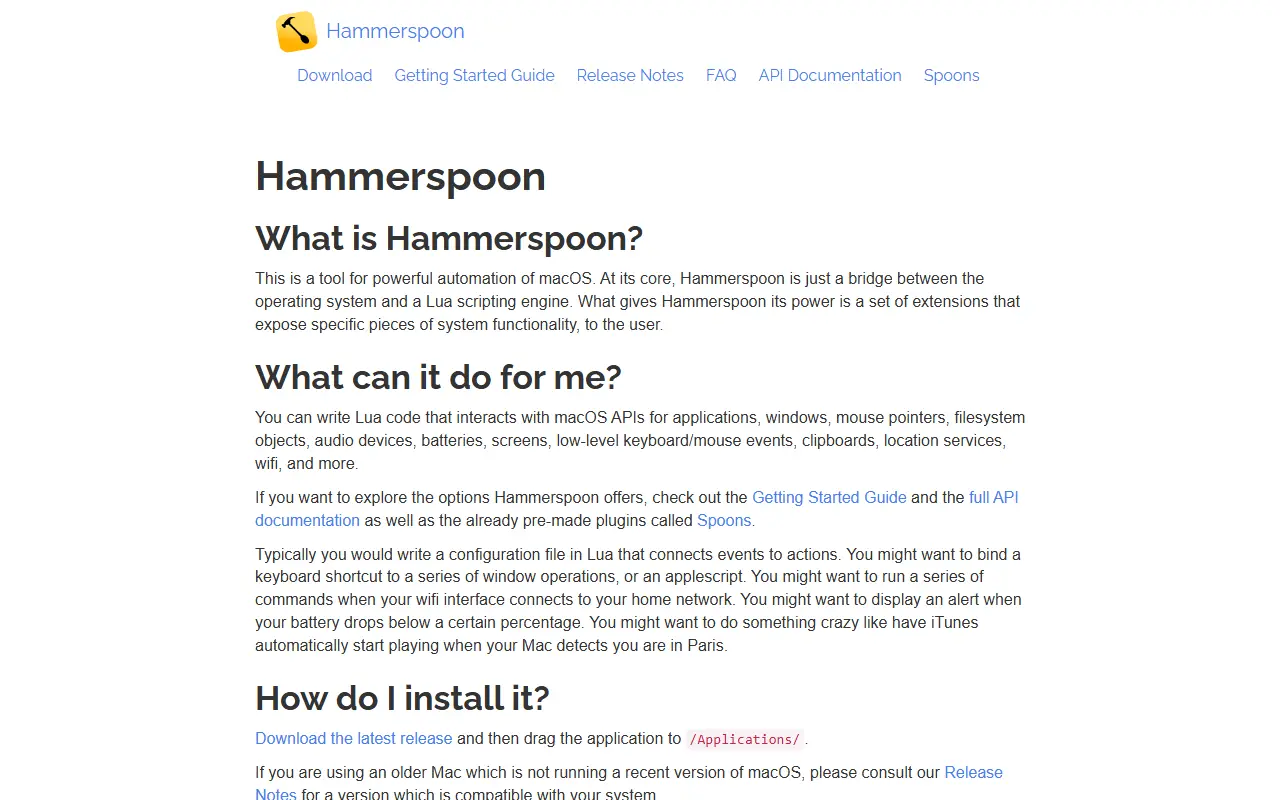
hammerspoon.orgHammerspoon homepage screenshot

Hammerspoon is a free automation tool for macOS that links the operating system to a Lua scripting engine. By itself it does nothing; you create an init.lua file in a .hammerspoon folder in your home directory and fill it with scripts that tell your Mac what to do.

Its flexibility comes from a large set of extensions that expose pieces of system functionality to Lua, such as window management, application control, keyboard shortcuts and reactions to system events. People use it to build custom hotkeys, tile windows, automate repetitive tasks and wire apps together in ways the stock system does not allow. A Discord server and shared configurations help newcomers get started.

Hammerspoon is MIT-licensed and installs either by dragging the app into Applications or with the Homebrew cask. It runs locally on macOS only, so there is no server to manage and no hosted version, and it suits power users and developers who like to script their desktop.

Key features

  • Lua scripting bridge to macOS
  • Window management and layout control
  • Custom hotkeys and keyboard automation
  • Application and system event hooks
  • Modular extensions for system functions
  • Installable via Homebrew cask

Pricing: Free and open source under the MIT license.

Read more about HammerspoonWebsiteGitHub#4 Keyboard Maestro alternative

Commercial Keyboard Maestro alternatives

Hosted, closed-source products that compete with Keyboard Maestro.

Keyboard Maestro alternatives: questions

What is the best open-source alternative to Keyboard Maestro?
Karabiner-Elements is the top-ranked open-source alternative to Keyboard Maestro on Enlisted: Karabiner-Elements is a keyboard customizer for macOS with a GUI for simple key mappings and support for custom and predefined rules. Other strong options are AutoHotkey, AutoKey and Hammerspoon.
What are the best commercial alternatives to Keyboard Maestro?
Alfred, Hazel, Raycast, Apple Shortcuts and BetterTouchTool are among the hosted, closed-source alternatives to Keyboard Maestro listed on Enlisted, which lists 9 in total. Compare their pricing and features on each tool page.
Are these Keyboard Maestro alternatives free?
All 4 are open source, so the code is free to use under its licence, and all of them can be self-hosted on your own server or computer.
How is this list of Keyboard Maestro alternatives ranked?
By a score built from GitHub stars, star growth over the last 30 days and how recently the code changed. 3 of these projects shipped code in the last 30 days. Data is refreshed daily, and nobody can pay to move up.

People also look for alternatives to…

View all