
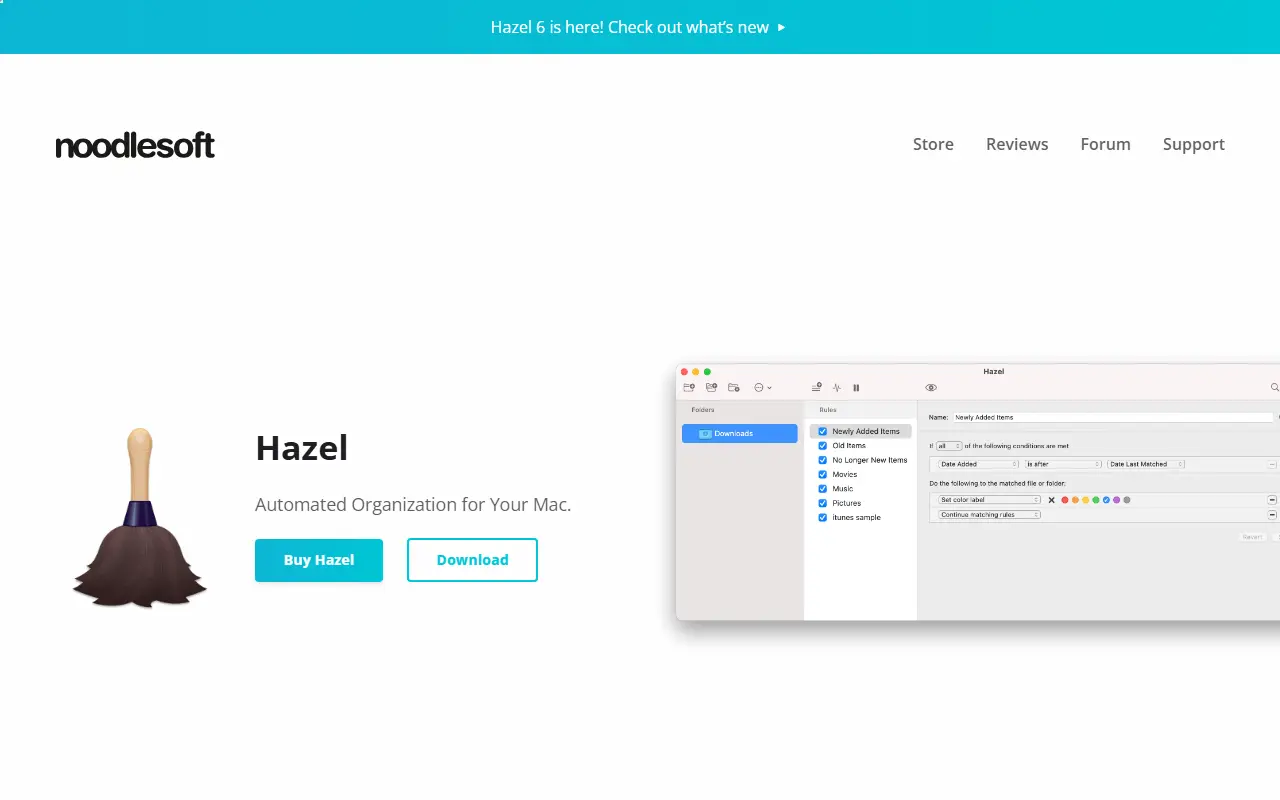
About Hazel
Hazel is a Mac utility from Noodlesoft that monitors folders you choose and acts on the files in them according to rules. Rules can match on name, date, type, the site a file came from and more, and then move, rename, tag, archive, open or upload the files.
Beyond filing, Hazel can sort files into subfolders, keep the Trash under control by deleting old items or clearing it when it gets too big, and run App Sweep, which finds leftover support files when you delete an application and offers to remove them. It integrates with Spotlight, Photos and Music or TV importing, notifications, tags, Shortcuts, AppleScript and Automator. Hazel 6 is the current release listed.
Hazel is commercial software with a store page and download for trying it, and it runs entirely on your Mac with no hosted service. It suits anyone who wants their downloads and documents sorted without manual work.
Key features
- Folder watching with rule-based actions
- Automatic renaming and sorting
- Trash management by age or size
- App Sweep removes leftover app files
- Spotlight, tags and Shortcuts support
- AppleScript and Automator integration
Good fit for
- →Auto-filing downloads
- →Organizing bills and documents
- →Cleaning up after app removal
- Tags
- macos
- file-organization
- automation
- productivity
- rules
- desktop-software
- applescript
- trash
Hazel: questions and answers
- What is Hazel used for?
- Hazel is a macOS utility that watches folders and organizes, renames and cleans up files automatically using rules you create. It is a good fit for auto-filing downloads, organizing bills and documents, and cleaning up after app removal.
- How much does Hazel cost?
- Hazel is a paid product with no free plan.
- Is Hazel open source?
- No. Hazel is proprietary (closed-source) software. Open-source alternatives to Hazel include Hammerspoon.
- Can I self-host Hazel?
- Yes. Although Hazel is closed source, it can be self-hosted on your own servers.
- What are some alternatives to Hazel?
- Hazel competes with Keyboard Maestro and Alfred. For open-source options, see Enlisted's ranked list of open-source Hazel alternatives.
Open-source alternatives to Hazel
See all
Hammerspoon
Workflow Automation
Staggeringly powerful macOS desktop automation with Lua
MITvs Keyboard Maestro★ 16k
Huginn
Workflow Automation
Create agents that monitor and act on your behalf. Your agents are standing by!
MITvs IFTTT★ 50k
AutoHotkey
Workflow Automation
AutoHotkey - macro-creation and automation-oriented scripting utility for Windows.
GPL-2.0vs Keyboard Maestro★ 13k
AstronRPA
Workflow Automation
Agent-ready RPA suite with out-of-the-box automation tools. Built for individuals and ente
Apache-2.0vs UiPath★ 5.4k
Automa
Workflow Automation
A browser extension for automating your browser by connecting blocks
OSSvs Bardeen★ 22k
Refly
Workflow Automation
The first open-source agent skills builder. Define skills by vibe workflow, run on Claude
OSSvs Gumloop★ 7.5k
SaaS alternatives to Hazel
See all
Keyboard Maestro
Workflow Automation
macOS app for building keyboard-triggered macros that automate Mac tasks
SaaS
Alfred
Productivity
macOS launcher with workflows, clipboard history and snippets
SaaS
Apple Shortcuts
Workflow Automation
Automation app built into iOS, iPadOS and macOS for chaining actions across apps
SaaS
Raycast
Productivity
Launcher for macOS and Windows with extensions, snippets and an AI assistant
SaaS
MacroDroid
Workflow Automation
Android automation app that uses triggers, actions and constraints to run macros
SaaS
Tasker
Workflow Automation
Android app that automates device actions using profiles, tasks and plugins
SaaS