
About Notchledge
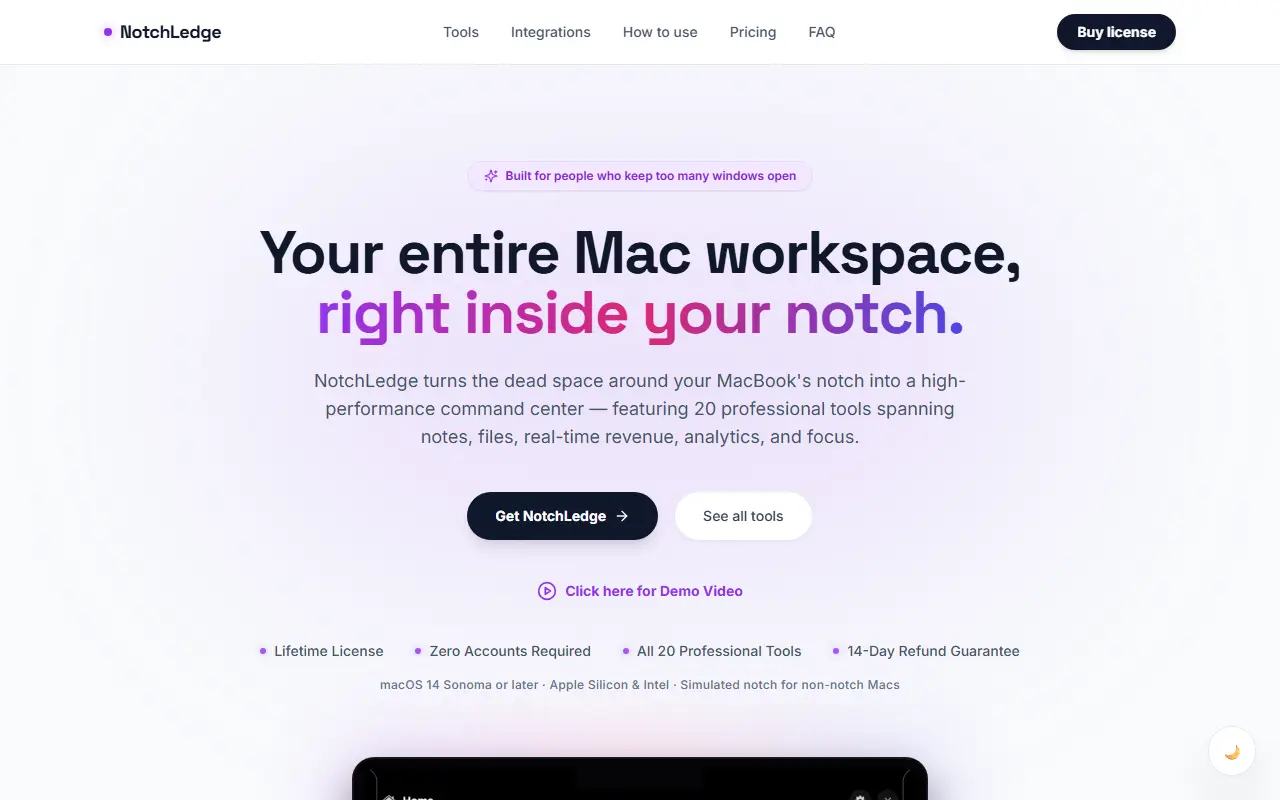
NotchLedge uses the space around the MacBook notch as a command center. Hovering over the top of the screen opens tools such as Screen Time, which shows how long you have spent in apps like Chrome or Xcode, Quick Notes, files, weather and focus tools, with twenty tools in total.
Two features target small online businesses: a live ticker that shows incoming payments as they happen by linking Stripe, Polar or Dodo Payments with a read-only token, with celebratory banners, and a Live Analytics view of active visitors, pageviews, bounce rates, session lengths, top pages and referral sources over today, 7 or 30 days.
It needs macOS 14 Sonoma or later on Apple Silicon or Intel, and simulates a notch on Macs without one. It is offered as a lifetime license with no accounts required, a 14-day refund guarantee and no subscription.
Key features
- Hover-activated tools in the notch
- Screen Time per app
- Live website analytics
- Payment event ticker with read-only API tokens
- Quick Notes and file tools
- Simulated notch for non-notch Macs
Good fit for
- Checking site traffic without opening a browser tab
- Keeping notes and tools one hover away on a MacBook
Notchledge: questions and answers
- What is Notchledge used for?
- Notchledge is a macOS utility that makes the MacBook notch a hover panel with about 20 tools, including notes, screen time, live analytics and payment alerts. It is a good fit for checking site traffic without opening a browser tab, and keeping notes and tools one hover away on a MacBook.
- How much does Notchledge cost?
- Notchledge is a paid product with no free plan. Offered as a lifetime license with no subscription and a 14-day refund guarantee.
- Is Notchledge open source?
- No. Notchledge is proprietary (closed-source) software. In the Productivity category, open-source options include Stats, Rectangle and Maccy.
- What are some alternatives to Notchledge?
- Other SaaS products in the Productivity category include OmniNotch, DeskUtils and DynamicRing.
Open-source alternatives to Notchledge
See all
Stats
Productivity
macOS system monitor in your menu bar
MIT★ 42k
Rectangle
Productivity
Move and resize windows on macOS with keyboard shortcuts and snap areas
OSSvs BetterTouchTool★ 30k
Maccy
Productivity
Lightweight clipboard manager for macOS
MITvs Paste★ 22k
Ice
Productivity
Powerful menu bar manager for macOS
GPL-3.0vs Bartender★ 30k
PowerToys
Productivity
Microsoft PowerToys is a collection of utilities that supercharge productivity and customi
MITvs Alfred★ 139k
ActivityWatch
Productivity
The best free and open-source automated time tracker. Cross-platform, extensible, privacy-
MPL-2.0vs RescueTime★ 19k
SaaS alternatives to Notchledge
See all
OmniNotch
Productivity
macOS notch utility with twenty tools in one hover, including clipboard, timers and now playing
SaaS
DeskUtils
Productivity
macOS menu bar app with clipboard history, screenshots, OCR, color picker and display controls
SaaS
DynamicRing
Productivity
Mac app that combines system essentials into one status ring
SaaS
Mac Pet
Productivity
Pixel pet for the macOS menu bar with a Pomodoro timer and daily activity streaks
SaaS
Notchclip
Productivity
Notch-based clipboard manager for macOS that keeps everything you copy
SaaS
NotchMind
Productivity
Mac app that puts music, files, a timer and daily updates in the MacBook notch
SaaS