 TrackMedia
 TrackRev

 Screen Studio
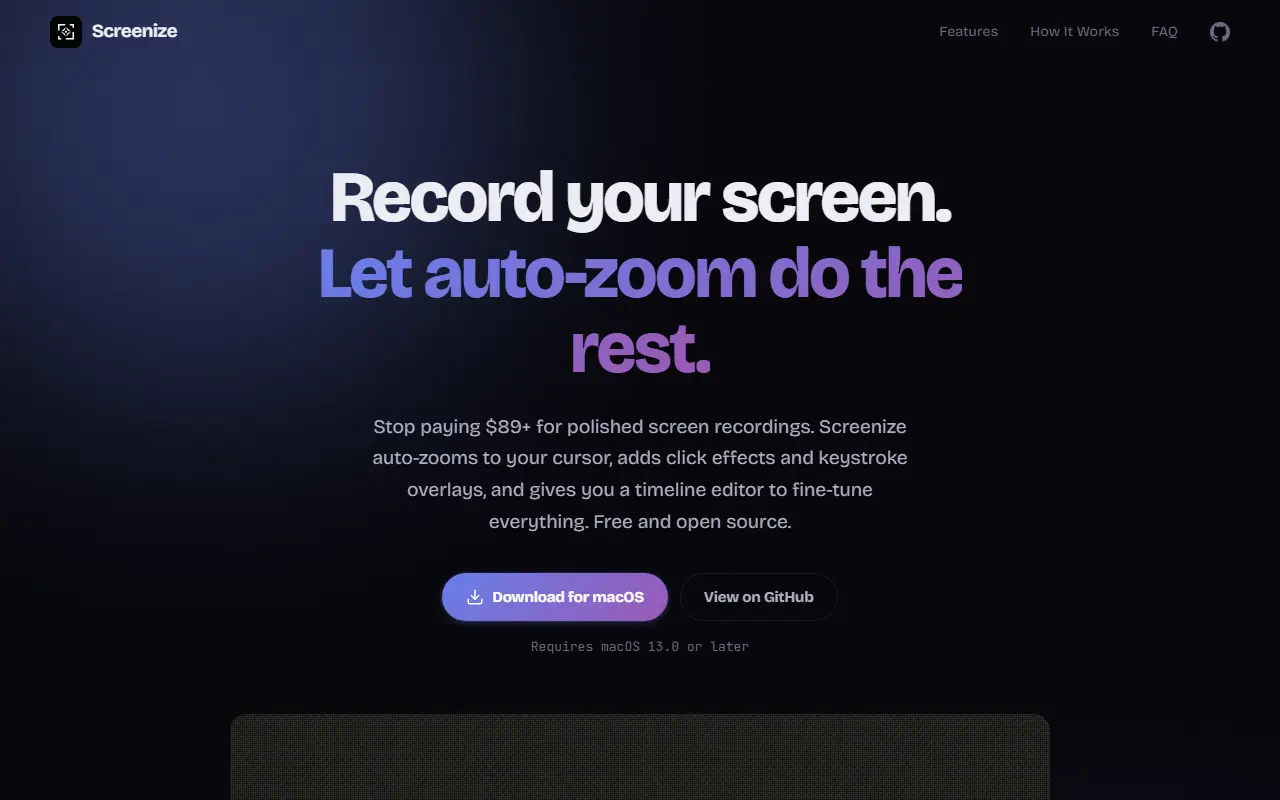
About Screenize
Screenize is a macOS screen recording application that automatically zooms to the cursor and adds click effects and keystroke overlays. It provides a multi-track timeline editor for fine-tuning recordings. The app is free and open source under the Apache 2.0 license.
Key features
- Auto-zoom with two modes: Continuous Camera follows cursor with spring physics, Segment-based Camera plans zoom levels per activity
- Multi-track timeline with Camera, Click Effects, Cursor, and Keystroke tracks, each with independent keyframes and easing curves
- Click effects with ripple animations, color-coded by click type (left, right, double-click), adjustable color, intensity, and duration
- Keystroke overlays that auto-detect keyboard shortcuts and display them on screen with customizable style, duration, and position
- Cursor styles (7 options) and backgrounds with gradient presets, rounded corners, shadows, and padding
- Export in H.264, HEVC, ProRes 422, ProRes 4444, 4K, QHD
Good fit for
- Tutorials and demos
Screenize: questions and answers
- What is Screenize used for?
- Screenize is a free, open-source macOS screen recording app that auto-zooms to cursor, adds click effects and keystroke overlays, and includes a timeline editor. It is a good fit for tutorials and demos.
- Is Screenize open source?
- Yes. Screenize is open source under the Apache-2.0 licence. Its source code is on GitHub at syi0808/screenize and is written mainly in Swift.
- Is Screenize free?
- Yes. Screenize is open source, so the software itself is free to use.
- Can I self-host Screenize?
- Yes. Screenize can be self-hosted on your own server or infrastructure.
- What is Screenize an alternative to?
- Screenize is an open-source alternative to Screen Studio. Other open-source alternatives to Screen Studio include BetterShot, Cap and OBS Studio.
- Is Screenize actively maintained?
- The most recent commit to Screenize was on 22 May 2026, and the latest release is v0.4.3, published on 28 March 2026. The project has 619 stars on GitHub, with 2 added in the last 30 days.
Open-source alternatives to Screenize
See all
BetterShot
Productivity
Screenshot, screen recording, and video editor for macOS. Native SwiftUI app with capture
OSSvs CleanShot X★ 2.5k
Cap
Video Editing
Open source Loom alternative. Beautiful, shareable screen recordings.
OSSvs Loom★ 25k
OBS Studio
Video Editing
OBS Studio - Free and open source software for live streaming and screen recording
GPL-2.0vs vMix★ 79k
Screenity
Video Editing
The free and privacy-friendly screen recorder with no limits 🎥
GPL-3.0vs Screencastify★ 19k