
About Overlaid
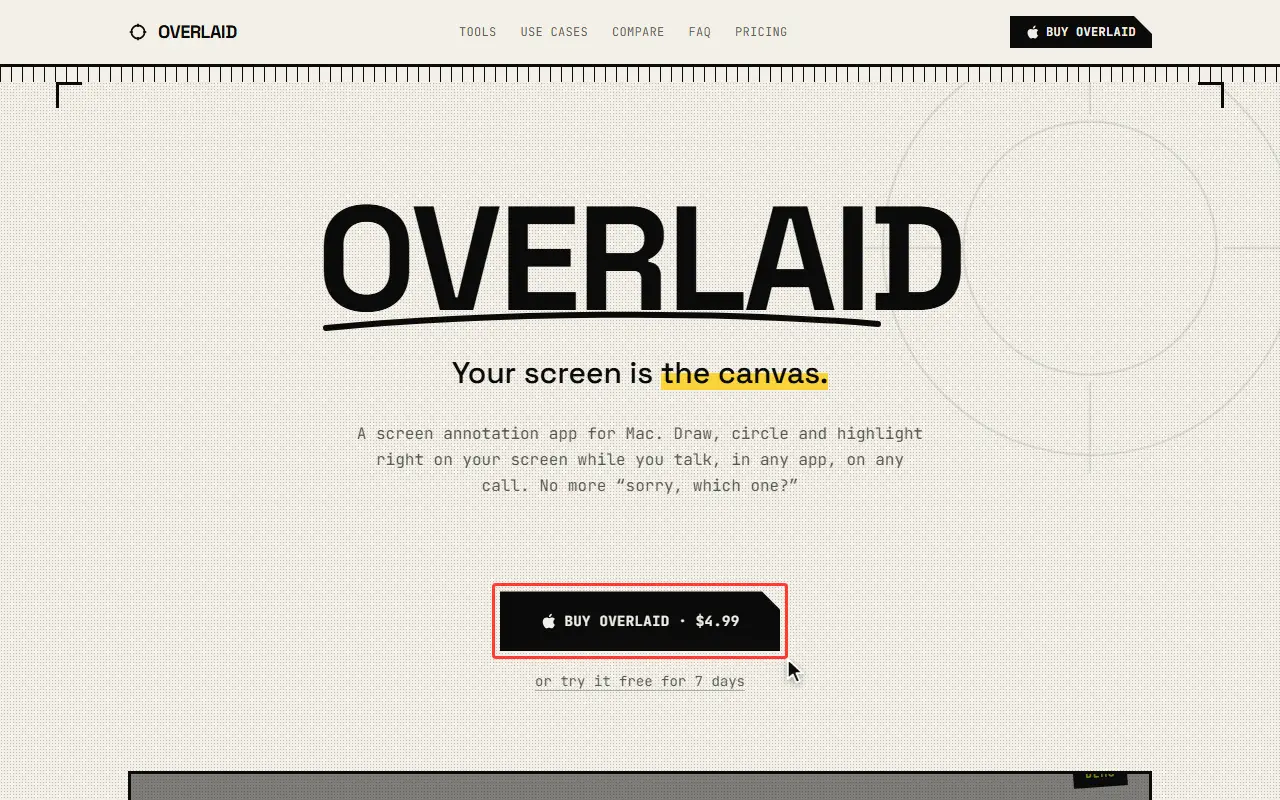
Overlaid draws directly on top of your screen so you can circle, highlight and point at things in any app or call. Tools include a pen and highlighter, shapes and arrows, a ruler that measures in px and pt, an eraser, and text labels you can move and resize. Marks can be set to fade after 2, 5 or 10 seconds, and the toolbar can be trimmed to the tools you use.
A zoom mode freezes the screen and magnifies up to 8 times with panning, and cursor effects such as ripples, halo, spotlight, trail or a live magnifier make the pointer easy to follow. A keystroke overlay shows pressed shortcuts as raised keycaps with themes and nine anchor positions, and all shortcuts can be rebound.
It stays on top of full-screen apps and covers each connected display. Everything renders locally in memory, and nothing is written to disk or uploaded. The download is under 2 MB. There is a 7-day free trial with all features and no card, then a one-time purchase, priced at $4.99 for the first 50 licenses and $11.99 afterwards, using a license key instead of an account.
Key features
- Pen, highlighter, shapes and arrows
- On-screen ruler measuring in px and pt
- Freeze-and-zoom magnification up to 8x
- Cursor effects like spotlight and trail
- Keystroke overlay with raised keycaps
- Auto-fading ink after 2, 5 or 10 seconds
- Rebindable keyboard shortcuts
- Works over full-screen apps and multiple displays
Good fit for
- Annotating the screen during presentations
- Highlighting steps in tutorial recordings
- Showing keyboard shortcuts on video calls
Overlaid: questions and answers
- What is Overlaid used for?
- Overlaid is a macOS screen annotation app for drawing, zooming, spotlighting the cursor and showing keystrokes live while presenting or on calls. It is a good fit for annotating the screen during presentations, highlighting steps in tutorial recordings and showing keyboard shortcuts on video calls.
- How much does Overlaid cost?
- Overlaid is a paid product with no free plan. 7-day free trial, then a one-time purchase: $4.99 for the first 50 licenses and $11.99 after. No subscription or account.
- Is Overlaid open source?
- No. Overlaid is proprietary (closed-source) software. In the Productivity category, open-source options include MarkerOn, Stats and Rectangle.
- What are some alternatives to Overlaid?
- Other SaaS products in the Productivity category include Scribbble, Dictato and iShot.
Open-source alternatives to Overlaid
See all
MarkerOn
Productivity
Lightweight (~1.5 MB) open-source screen annotation with click-through mode and keyboard-f
MIT★ 1.1k
Stats
Productivity
macOS system monitor in your menu bar
MIT★ 42k
Rectangle
Productivity
Move and resize windows on macOS with keyboard shortcuts and snap areas
OSSvs BetterTouchTool★ 30k
Maccy
Productivity
Lightweight clipboard manager for macOS
MITvs Paste★ 22k
NetNewsWire
Productivity
RSS reader for macOS and iOS.
MITvs Feedly★ 10k
LibreOffice
Productivity
Free, open-source office suite with word processing, spreadsheets and presentations
MPL-2.0vs Microsoft 365★ 4.5k
SaaS alternatives to Overlaid
See all
Scribbble
Productivity
Mac screen annotation tool that draws on top of any app with hotkeys
SaaS
Dictato
Productivity
Offline dictation software for Mac that turns speech into text in any app
SaaS
iShot
Productivity
Screenshot tool for macOS
SaaS
Jollycat
Productivity
Native macOS file converter for images, video, audio, documents and PDFs that runs locally
SaaS
MacGlow
Productivity
Mac utility that syncs brightness across your Mac and all connected monitors
SaaS
Picmal
Productivity
Mac app to convert, compress and edit images, video, audio and PDFs locally
SaaS