 TrackMedia
 TrackRev

 Beautiful.ai
 Pitch
 PDFelement
 Nitro PDF
 Slidebean
 Microsoft Visio
 Foxit PDF Editor
 Sejda PDF
 Google Docs
 WPS Office
 Soda PDF
 UPDF
 Google Sheets
 Google Slides
 Apple Keynote
 Venngage
 Cacoo
 Zoho Sheet
 Microsoft Excel
 Apple Numbers
 Apple Pages
 Zoho Writer
 Microsoft PowerPoint
 Adobe Creative Cloud
 MyDraw
 Slides
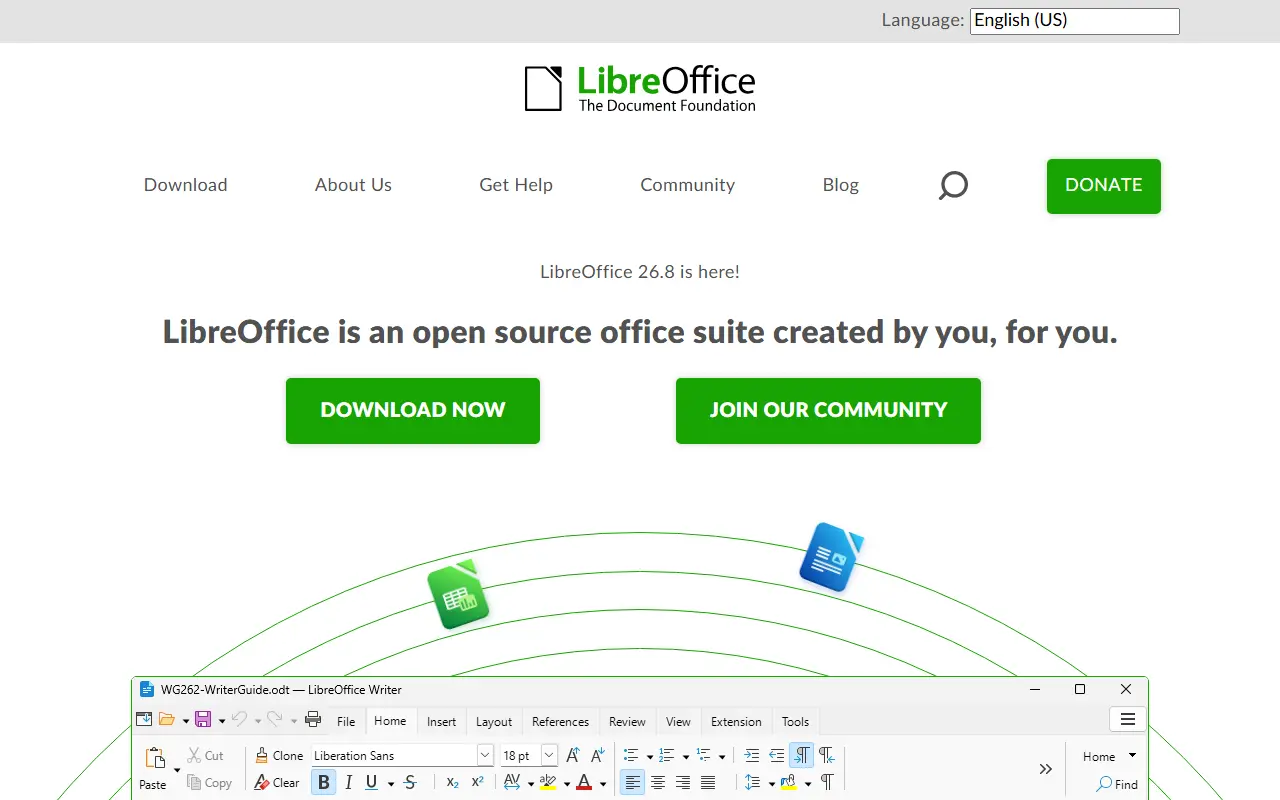
About LibreOffice
LibreOffice is a free office suite whose licenses are copyleft, built to open and save most common document formats and standards. It is free to download, use and distribute, and it is backed by The Document Foundation, which represents an independent community of enterprises, developers and other volunteers.
This GitHub repository is a read-only mirror of the core code: pull requests are not accepted, contributions go through Gerrit, and downloading a zip is discouraged in favor of the project's source bundles. Developers can add features by working on the code base in C++, or write extensions using the SDK and UNO APIs, which are also used by macro scripting in StarBasic.
The README documents the minimum build and runtime baselines for Windows, macOS and Linux, plus iOS for LibreOfficeKit and Android builds. As is widely known, the suite includes applications for word processing, spreadsheets, presentations, drawing and databases. Its code is written mostly in C++.
Key features
- Integrated office suite
- Compatibility with most document formats
- Word processing, spreadsheets and presentations
- Extensions via SDK and UNO APIs
- Macro scripting with StarBasic
- Builds for Windows, macOS and Linux
Good fit for
- Everyday document, spreadsheet and presentation work
- Opening and editing common document formats
- Developing office extensions
LibreOffice: questions and answers
- What is LibreOffice used for?
- LibreOffice is an integrated, free office suite compatible with most document formats and backed by The Document Foundation; this is its read-only core code repository. It is a good fit for everyday document, spreadsheet and presentation work; opening and editing common document formats; and developing office extensions.
- Is LibreOffice open source?
- Yes. LibreOffice is open source under the MPL-2.0 licence. Its source code is on GitHub at LibreOffice/core and is written mainly in C++.
- Is LibreOffice free?
- Yes. LibreOffice is open source, so the software itself is free to use.
- Can I self-host LibreOffice?
- Yes. LibreOffice can be self-hosted on your own server or infrastructure; there is no official hosted version.
- What is LibreOffice an alternative to?
- LibreOffice is an open-source alternative to Microsoft 365, Google Workspace, Microsoft Word and SoftMaker Office. Other open-source alternatives to Microsoft 365 include ONLYOFFICE Docs, CryptPad and OpenOffice.
- Is LibreOffice actively maintained?
- Yes. The most recent commit to LibreOffice was on 12 November 2026. The project has 4.6k stars on GitHub, with 137 added in the last 30 days.
Open-source alternatives to LibreOffice
See all
ONLYOFFICE Docs
Productivity
ONLYOFFICE Docs is a free collaborative online office suite comprising viewers and editors
AGPL-3.0vs Microsoft 365★ 7.1k
CryptPad
Productivity
Collaborative office suite, end-to-end encrypted and open-source.
AGPL-3.0vs Google Docs★ 8.1k
OpenOffice
Open source
Apache OpenOffice
Apache-2.0vs Microsoft Visio★ 1.3k
Univer
Productivity
The Office Harness for AI Agents — Spreadsheets, Docs, Slides, Canvas, Relational Tables,
Apache-2.0vs Microsoft Excel★ 23k
Collabora Online
Productivity
Issue tracker only. Active development is on Gerrit at https://gerrit.collaboraoffice.com/
OSSvs Microsoft 365★ 3.4k
PDFsam
Productivity
PDFsam, a desktop application to split, merge, mix, rotate PDF files and extract pages
AGPL-3.0vs Smallpdf★ 4.7k
SaaS alternatives to LibreOffice
See all
Microsoft 365
Productivity
Subscription suite bundling Word, Excel, PowerPoint, Outlook, Teams and cloud storage
SaaS
Google Workspace
Productivity
Cloud suite with email, docs, calendar, meetings and storage for businesses
SaaS
Microsoft Word
Docs & Wikis
Word processor for writing, formatting and co-editing documents
SaaS
SoftMaker Office
Productivity
Office suite with word processor, spreadsheet and presentation apps
SaaS
Smallpdf
Productivity
Browser-based PDF tools for merging, compressing, editing and signing
SaaS
Adobe Acrobat
Productivity
PDF reader and editor with e-signature and document conversion
SaaS