5 open-source alternatives ranked by real activity

Open-source UPDF alternatives

A curated, ranked list of the 5 best open-source alternatives to UPDF.

The best open-source alternative to UPDF is Stirling PDF. If that doesn't suit you, other good options are BentoPDF, LibreOffice, PDFsam and Inkscape.

Commercial alternatives to UPDF include Soda PDF, Sejda PDF, PDF Expert and Foxit PDF Editor. See all 19.

UPDF alternatives are mainly productivity tools, but some are also design tools. 4 of them shipped code in the last 30 days, 5 can be self-hosted, and 1 uses a permissive licence.

Last updated November 12, 2026 · ranked by GitHub stars, growth and recent commits

Stirling PDF

An open-core PDF platform with 50+ tools for editing, merging, signing, redacting and converting documents on desktop, in the browser or on your own server.

GitHub stars
96k
Last commit
today
Latest release
v3.3.0
Self-hosted
Yes
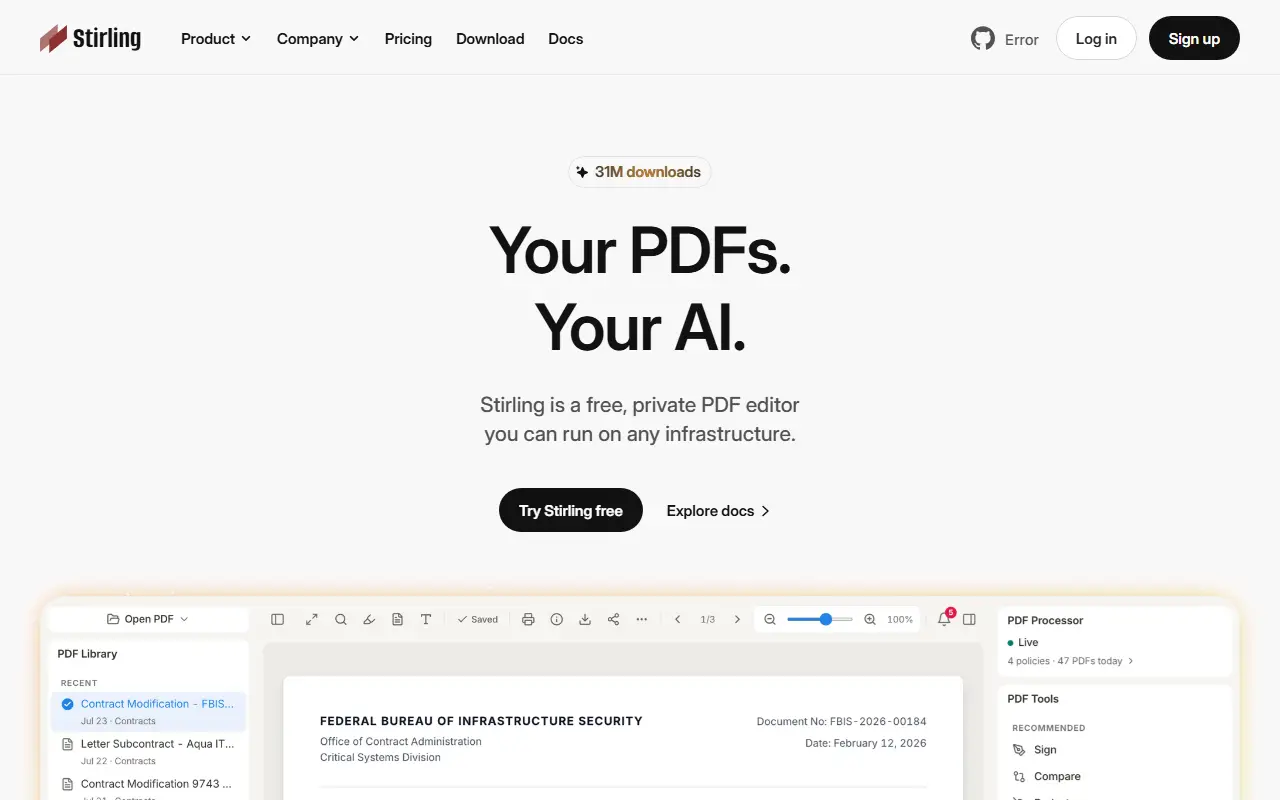
stirling.comStirling PDF homepage screenshot

Stirling PDF is an open-source PDF editing platform that can run as a desktop app, in the browser, or on servers you control through a private API. The project's pitch is that documents can be edited, signed, redacted, converted and automated without being sent to an external service. It is written in Java and distributed with Docker for self-hosting.

It bundles more than 50 PDF tools, including merge, split, sign, redact, convert, OCR and compress. No-code pipelines in the interface let you automate repeated processing, and REST APIs cover nearly all tools for integration into existing systems. The interface is available in over 40 languages. Enterprise options include SSO, auditing and flexible on-premise deployments.

A quick start with Docker serves the app on a local port, and the documentation covers desktop and Kubernetes installs. The repository describes the project as open-core, and GitHub lists its license as 'Other', so confirm which features fall under which terms. It suits individuals and organizations that handle sensitive PDFs and prefer a self-hosted alternative to online PDF tools.

Key features

  • 50+ PDF tools: merge, split, sign, redact
  • OCR, conversion and compression
  • No-code automation pipelines in the UI
  • REST APIs for nearly all tools
  • Desktop, browser and self-hosted server modes
  • SSO and auditing for enterprise deployments
  • Interface in 40+ languages

Pricing: Free open-source plan with 1,000 monthly credits. Team costs $99 per month for 100 users; Enterprise is custom, and a PDF Processor option sells credits at 1¢ each.

BentoPDF

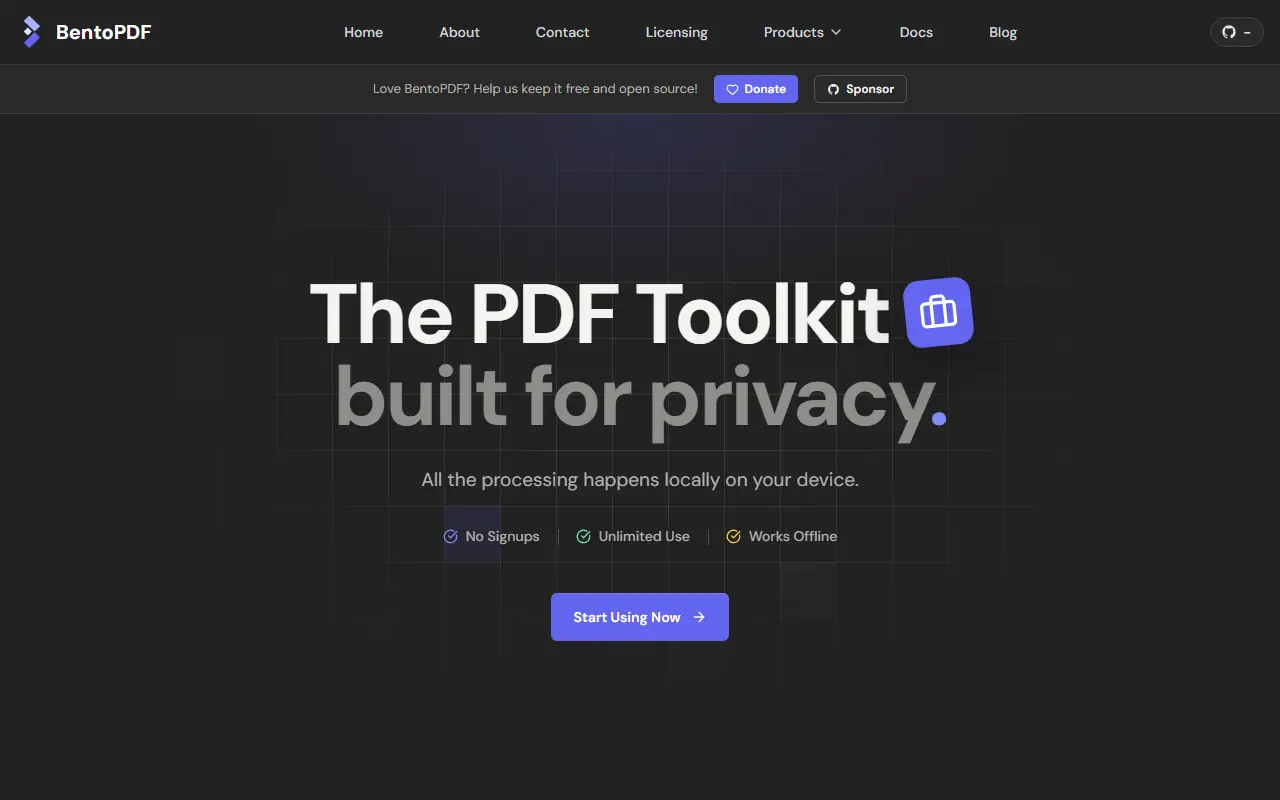
A privacy-first PDF toolkit that merges, edits, converts and secures PDFs entirely in your browser, with no server-side processing and a self-hostable build.

GitHub stars
16k
Last commit
yesterday
Latest release
v2.8.11
Licence
AGPL-3.0
Self-hosted
Yes
Hosted version
Available
bentopdf.comBentoPDF homepage screenshot

BentoPDF is a client-side PDF toolkit that handles files directly in the browser, so documents are never uploaded to a server. That design makes it attractive for sensitive paperwork, and it can also be self-hosted. You can merge, split and reorganize pages, edit and modify PDFs, convert images and other formats to PDF, convert PDFs to other formats, and secure or optimize files.

Deployment is flexible. The project documents static hosting, local self-hosting, Docker Compose and Podman, a Podman Quadlet setup and a simple self-hosted build mode, along with options for custom branding, disabling specific tools and removing the GitHub star counter. It also covers WebAssembly configuration, air-gapped or offline deployment, a CORS proxy for digital signatures, and version management. A commercial build is mentioned, and the interface is translated into multiple languages.

BentoPDF is licensed under AGPL-3.0, with commercial licensing noted in the documentation, and it is written in JavaScript and TypeScript. It suits individuals, teams and organizations that need a free alternative to online PDF tools without sending files to third parties.

Key features

  • Merge, split and reorganize PDF pages
  • Edit and modify PDF files
  • Convert to and from PDF formats
  • Secure and optimize documents
  • Runs entirely in the browser
  • Docker, Podman and static hosting options

Pricing: Open source under AGPL-3.0; the project also mentions a commercial license and build.

LibreOffice

An integrated, free office suite compatible with most document formats and backed by The Document Foundation; this is its read-only core code repository.

GitHub stars
4.6k
Last commit
yesterday
Licence
MPL-2.0
Self-hosted
Yes
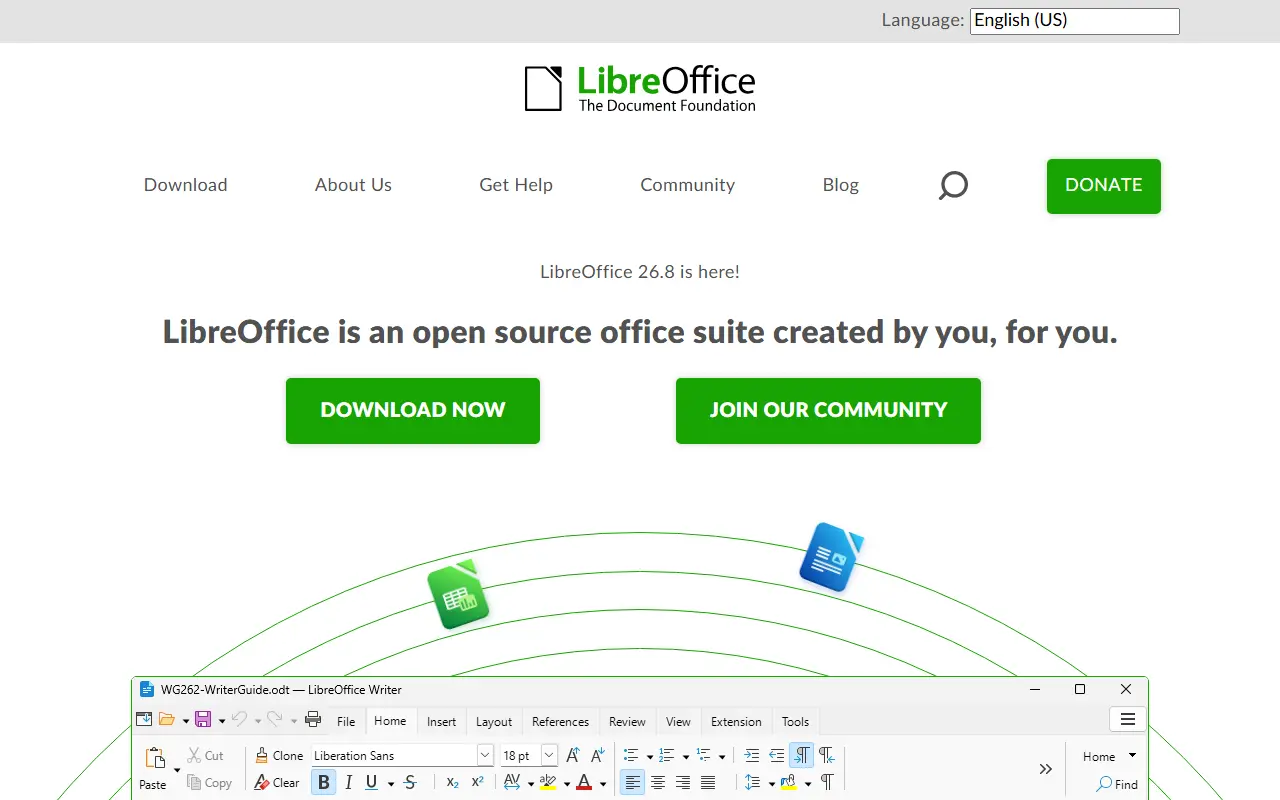
libreoffice.orgLibreOffice homepage screenshot

LibreOffice is a free office suite whose licenses are copyleft, built to open and save most common document formats and standards. It is free to download, use and distribute, and it is backed by The Document Foundation, which represents an independent community of enterprises, developers and other volunteers.

This GitHub repository is a read-only mirror of the core code: pull requests are not accepted, contributions go through Gerrit, and downloading a zip is discouraged in favor of the project's source bundles. Developers can add features by working on the code base in C++, or write extensions using the SDK and UNO APIs, which are also used by macro scripting in StarBasic.

The README documents the minimum build and runtime baselines for Windows, macOS and Linux, plus iOS for LibreOfficeKit and Android builds. As is widely known, the suite includes applications for word processing, spreadsheets, presentations, drawing and databases. Its code is written mostly in C++.

Key features

  • Integrated office suite
  • Compatibility with most document formats
  • Word processing, spreadsheets and presentations
  • Extensions via SDK and UNO APIs
  • Macro scripting with StarBasic
  • Builds for Windows, macOS and Linux

Pricing: Free to download, use and distribute.

PDFsam

A free, multi-platform desktop application for splitting, merging, mixing and rotating PDF files and extracting pages, built with JavaFX.

GitHub stars
4.7k
Last commit
9 days ago
Latest release
v6.0.10
Licence
AGPL-3.0
Self-hosted
Yes
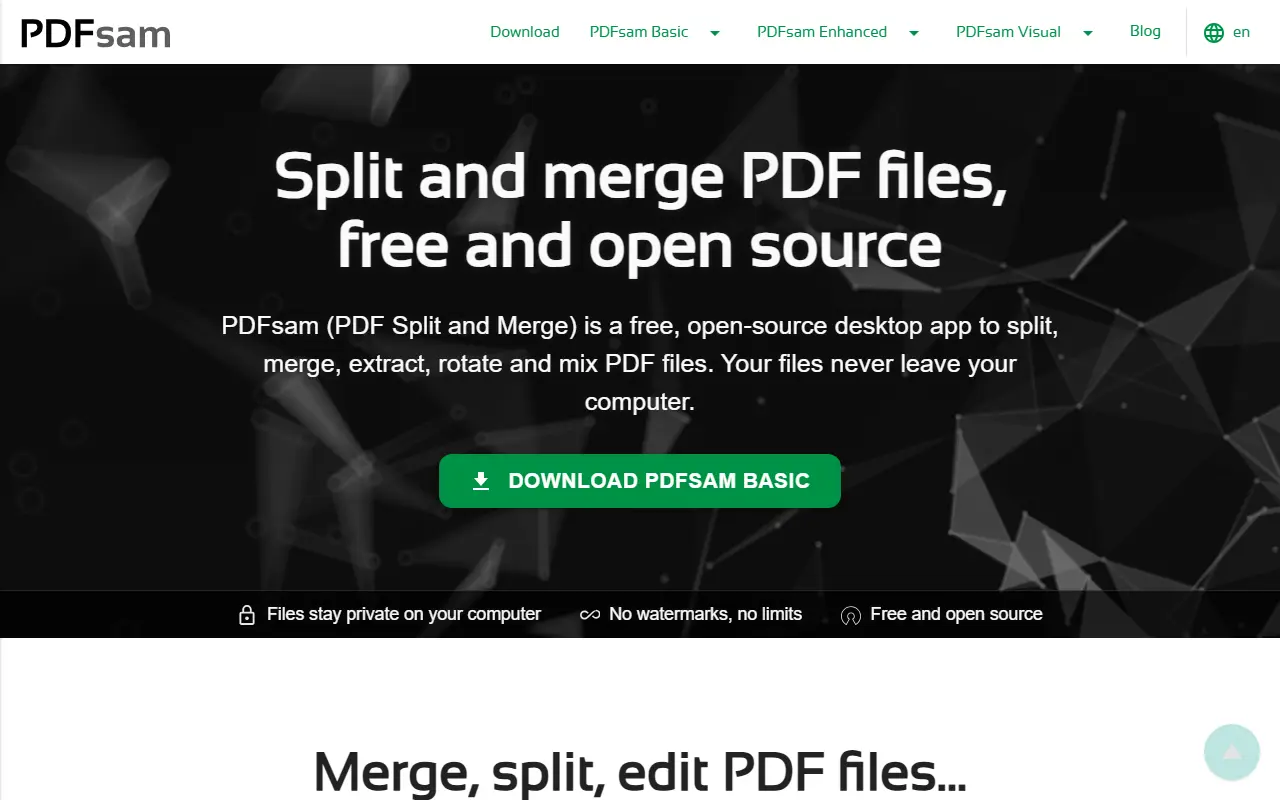
pdfsam.orgPDFsam homepage screenshot

PDFsam, short for PDF Split And Merge, is a desktop application for working with PDF files. PDFsam Basic, the free and open-source edition developed in this repository, extracts pages, splits, merges, mixes and rotates documents on multiple platforms.

The application is written with JavaFX. Since version 4 it is released as a self-contained application that bundles a jlinked JDK, whereas version 3 required a Java Runtime Environment 8 with JavaFX installed. Documentation, an FAQ, build instructions, contribution guidelines, a translation project and a list of properties and arguments to tweak behavior are all linked from the repository.

Since version 3, PDFsam Basic is licensed under the GNU Affero General Public License, while earlier versions were released under GPLv2. The software runs locally on your computer, so documents do not need to be uploaded to a web service.

Key features

  • Split PDF files
  • Merge and combine PDFs
  • Mix pages from several documents
  • Rotate PDF pages
  • Extract selected pages
  • Self-contained app with bundled JDK

Pricing: PDFsam Basic is free and open source. PDFsam Visual is listed at $34.9 per user with a 14-day trial, and PDFsam Enhanced at $69 as a yearly subscription.

Inkscape

Inkscape is a vector graphics editor offered as a free download, with drawing tools, a text tool and Bezier and spiro curves.

GitHub stars
4.1k
Last commit
4 yr ago

Inkscape is a vector graphics editor. The site describes it as a free design tool for illustrators, designers, web designers and anyone who needs to create vector imagery.

It lists flexible drawing tools, broad file format compatibility, a text tool, and Bezier and spiro curves. A full features page, screenshots, tutorials, books and manuals, and a community gallery sit alongside the download page.

The current stable version on the site is 1.4.4, with an unstable development snapshot available separately and work under way on a 1.5 release. The interface and site are offered in many languages, and the project accepts help through code, testing, translations and donations.

Key features

  • Vector graphics editor
  • Flexible drawing tools
  • Reads and writes many file formats
  • Bezier and spiro curve support
  • Community gallery and learning resources

Commercial UPDF alternatives

Hosted, closed-source products that compete with UPDF. Showing 12 of 19.

See every UPDF alternative on its tool page

UPDF alternatives: questions

What is the best open-source alternative to UPDF?
Stirling PDF is the top-ranked open-source alternative to UPDF on Enlisted: An open-core PDF platform with 50+ tools for editing, merging, signing, redacting and converting documents on desktop, in the browser or on your own server. Other strong options are BentoPDF, LibreOffice, PDFsam and Inkscape.
What are the best commercial alternatives to UPDF?
Soda PDF, Sejda PDF, PDF Expert, Foxit PDF Editor and Nitro PDF are among the hosted, closed-source alternatives to UPDF listed on Enlisted, which lists 19 in total. Compare their pricing and features on each tool page.
Are these UPDF alternatives free?
All 5 are open source, so the code is free to use under its licence, and all of them can be self-hosted on your own server or computer. 1 also offers a paid or managed cloud version if you'd rather not host it yourself.
How is this list of UPDF alternatives ranked?
By a score built from GitHub stars, star growth over the last 30 days and how recently the code changed. 4 of these projects shipped code in the last 30 days. Data is refreshed daily, and nobody can pay to move up.

People also look for alternatives to…

View all