
About Nitro PDF
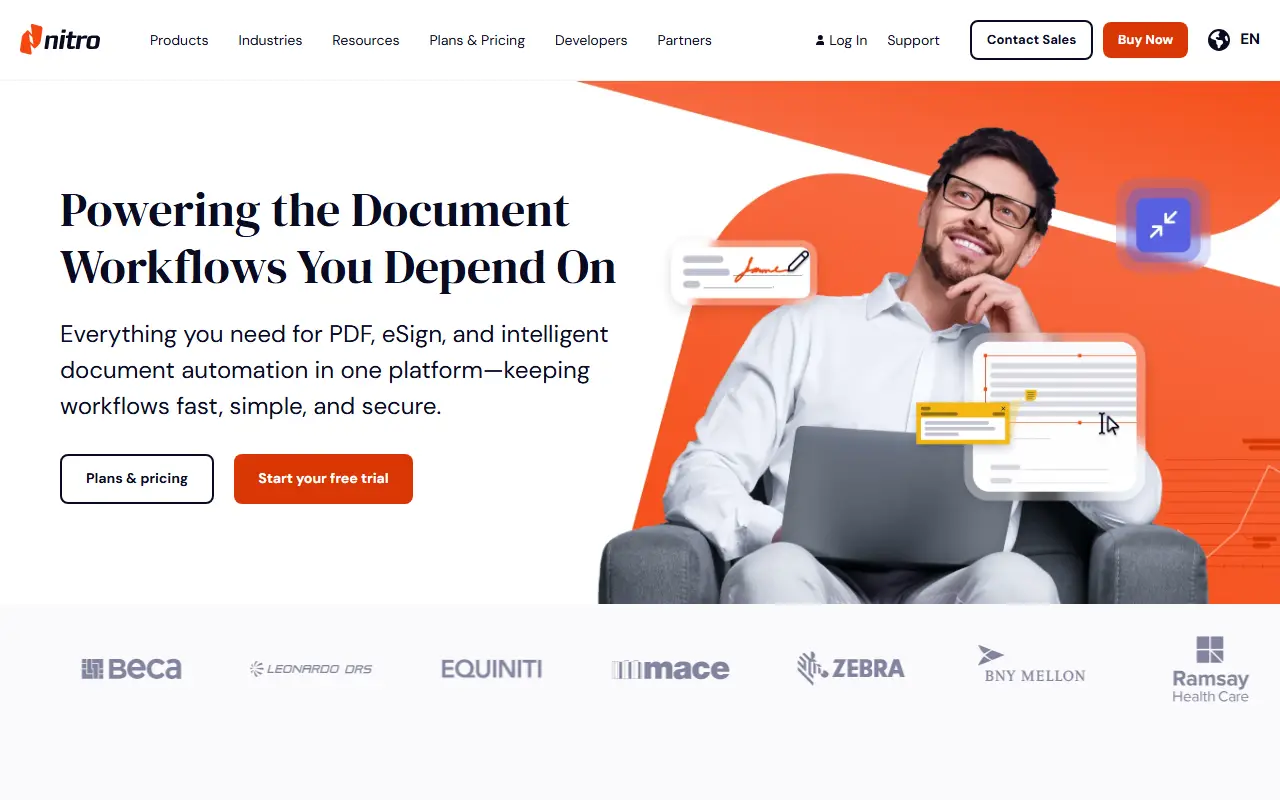
Nitro PDF is the flagship product of Nitro Software, a commercial company that sells PDF and document tools for businesses. Nitro PDF lets users edit, convert, secure and sign PDFs with annotation and OCR, and it works on Mac, Windows and iOS with a 14-day free trial.
The company's other products include Nitro Sign for eSigning and workflow automation, with global and regional options, Nitro Smart Redact for AI-assisted redaction of sensitive data, and Nitro Automate for intelligent document processing across AI agents and systems. A Nitro MCP can be used with Claude.
Nitro targets enterprise and mid-market companies, small businesses, individual professionals, students, teachers and home users, and publishes industry pages for real estate, healthcare, finance, government and more. It is delivered as software and hosted services, with plans on its pricing page.
Key features
- PDF editing, conversion and annotation
- OCR for scanned documents
- Electronic signature with Nitro Sign
- AI redaction of sensitive data
- Document automation and processing
- Mac, Windows and iOS support
Good fit for
- →Business contract editing and signing
- →Redacting sensitive information in documents
- →Automating document workflows
- Tags
- pdf-editor
- e-signature
- ocr
- redaction
- document-automation
- enterprise
Nitro PDF: questions and answers
- What is Nitro PDF used for?
- Nitro PDF is software for editing PDFs and collecting e-signatures, aimed at businesses, with OCR, AI redaction and document workflow automation. It is a good fit for business contract editing and signing, redacting sensitive information in documents, and automating document workflows.
- How much does Nitro PDF cost?
- Nitro PDF is a paid product with no free plan. A free trial is available. Nitro PDF comes as Standard (per user, billed annually), Plus (via sales) and a three-year Classic licence for Windows, with a 14-day free trial; prices are not printed in the text.
- Is Nitro PDF open source?
- No. Nitro PDF is proprietary (closed-source) software and can't be self-hosted. Open-source alternatives to Nitro PDF include Stirling PDF, DocuSeal and BentoPDF.
- What are some alternatives to Nitro PDF?
- Nitro PDF competes with Adobe Acrobat, Foxit PDF Editor and PDFelement. For open-source options, see Enlisted's ranked list of open-source Nitro PDF alternatives.
Open-source alternatives to Nitro PDF
See all
Stirling PDF
Productivity
A free, private PDF editor you can run on any infrastructure.
OSSvs Adobe Acrobat★ 93k
DocuSeal
Productivity
Free and Open source tool to streamline document filling and signing. Create custom PDF fo
AGPL-3.0vs DocuSign★ 19k
BentoPDF
Productivity
The Privacy First PDF Toolkit
AGPL-3.0vs iLovePDF★ 16k
Documenso
Productivity
Sign everywhere with Documenso. Build workflows, create templates, and integrate seamlessl
AGPL-3.0vs DocuSign★ 15k
OCRmyPDF
Productivity
OCRmyPDF adds an OCR text layer to scanned PDF files, allowing them to be searched
MPL-2.0vs Adobe Acrobat★ 35k
ShareX
Productivity
ShareX is a free and open-source application that enables users to capture or record any a
GPL-3.0vs Snagit★ 40k
SaaS alternatives to Nitro PDF
See all
Adobe Acrobat
Productivity
PDF reader and editor with e-signature and document conversion
SaaS
Foxit PDF Editor
Productivity
PDF editor for creating, annotating and signing documents
SaaS
PDFelement
Productivity
PDF editing and conversion software from Wondershare
SaaS
Smallpdf
Productivity
Browser-based PDF tools for merging, compressing, editing and signing
SaaS
Dropbox Sign
Productivity
E-signature service from Dropbox, formerly HelloSign
SaaS
PDF Expert
Productivity
PDF reader, annotator and editor for Mac, iPhone and iPad
SaaS