#1
A customizable team communications platform with real-time chat and video, aimed at organizations with strict data protection needs and offered self-hosted, cloud or air-gapped.
- GitHub stars
- 46k
- Last commit
- today
- Latest release
- 9.0.0
- Self-hosted
- Yes
- Hosted version
- Available
rocket.chat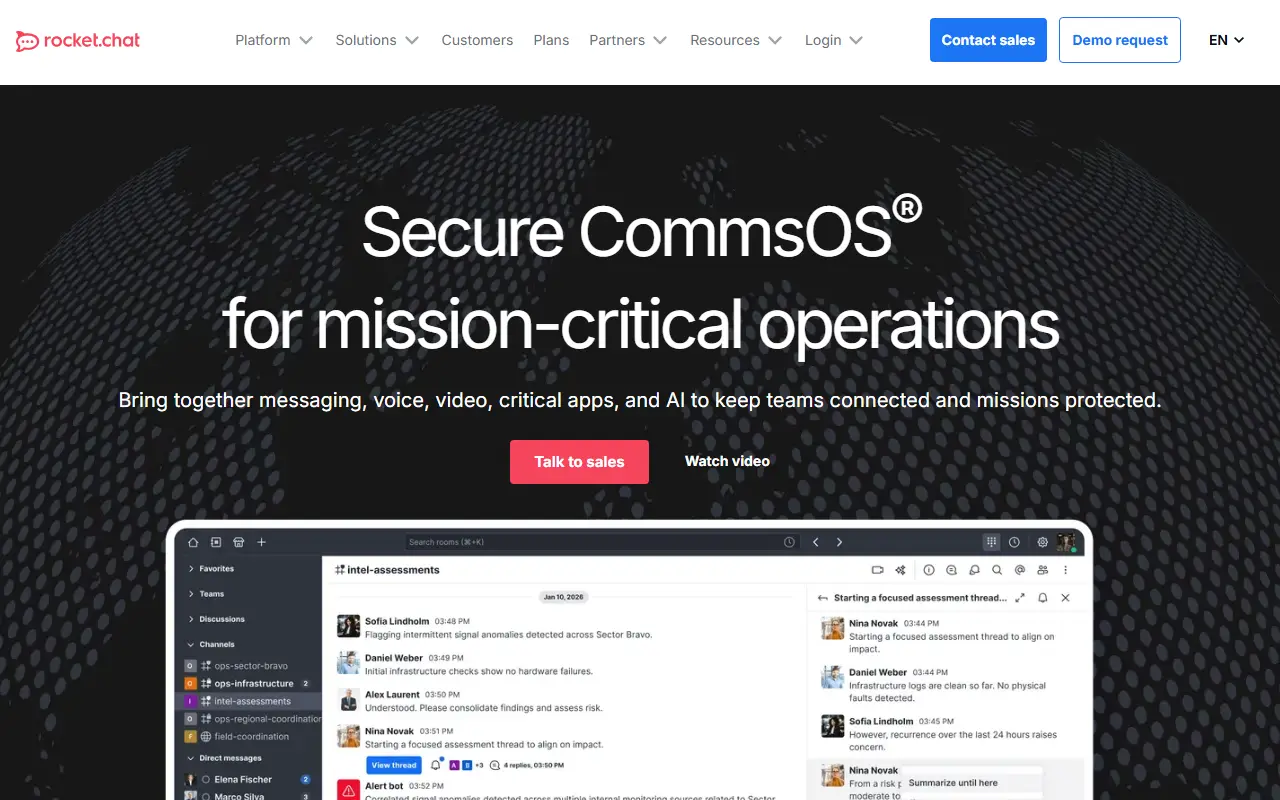
Rocket.Chat is a communications platform written in TypeScript for teams and organizations that care about data protection. It supports real-time conversations between colleagues, with partner companies, and with customers or citizens, and its topics place it in the same space as Slack, with WebRTC for calls and meetings.
The product emphasizes control over where and how it runs. Deployment options include self-hosted servers, a managed cloud and fully air-gapped environments, with a scalable architecture and performance monitoring for workspace administration. Security and sovereignty features, including identity management, are a core part of the pitch, and the platform is built to be highly customizable, so organizations can adapt it to their own workflows and integrations.
The repository's license is listed as 'Other' on GitHub, although the topics reference an MIT-licensed community core, so confirm which components fall under which terms before relying on it commercially. It suits government bodies, enterprises and regulated industries that want a Slack-style tool they can host themselves.
Key features
- Real-time team messaging and channels
- Video conferencing built on WebRTC
- Self-hosted, cloud and air-gapped deployment
- Scalable architecture with performance monitoring
- Identity and security controls for data sovereignty
- Highly customizable platform
Pricing: Rocket.Chat does not publish prices. Commercial, Government and Defense plans are quoted through its sales team, with on-premise and air-gapped deployment options.
#2
A self-hosted real-time collaborative document editor that attributes every keystroke to an author, keeps full revision history and extends through plugins.
- GitHub stars
- 19k
- Last commit
- yesterday
- Latest release
- v3.3.17
- Licence
- Apache-2.0
- Self-hosted
- Yes
etherpad.org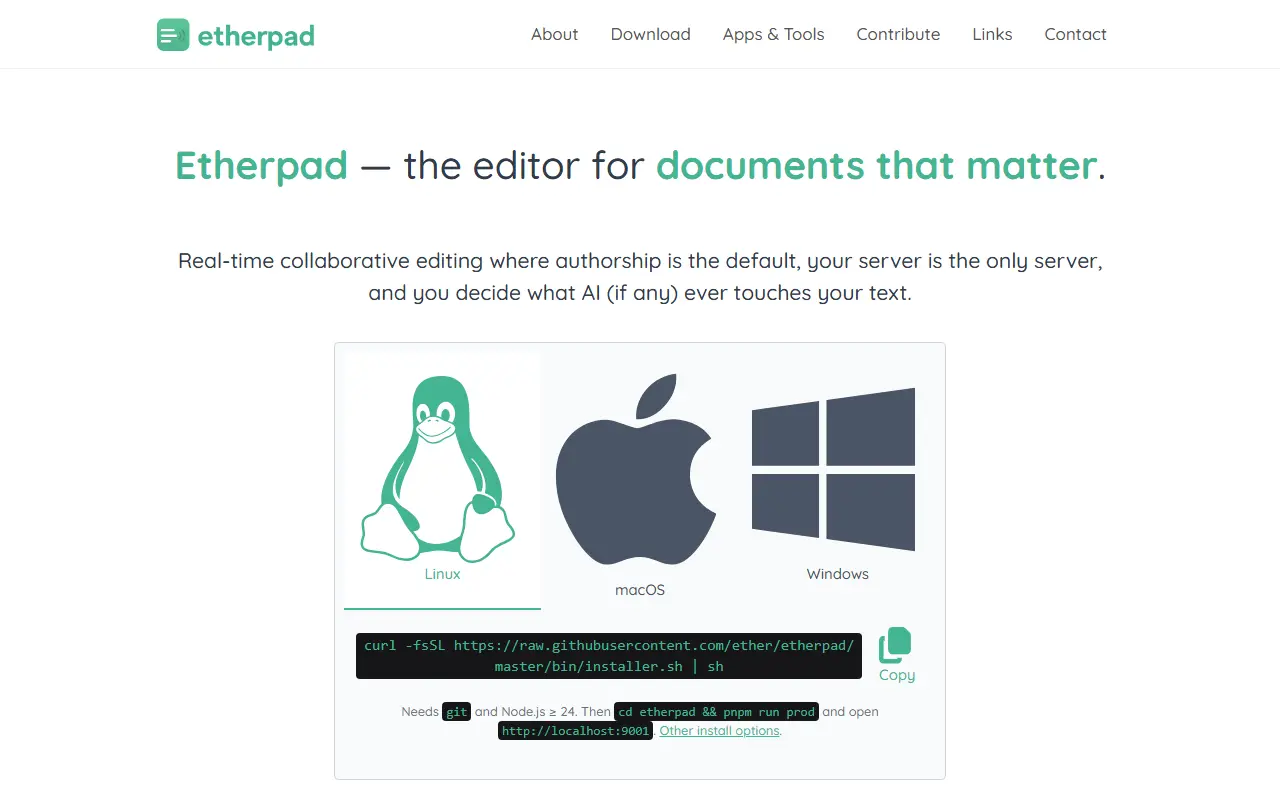
Etherpad is a collaborative editor in which several people write in the same document at the same moment. It attributes every keystroke to its author using color highlighting, preserves every revision, and provides a timeslider that lets you replay a document's whole history character by character.
It is built to run on your own server under your own governance, with no telemetry and no upsells, and the project documents the two optional network calls its own code makes and how to turn them off. AI is treated as a plugin that you install and point at a model you choose, running on infrastructure you control. The project says it scales to thousands of simultaneous editors on a single pad, is translated into 105 languages and is extended by hundreds of plugins. Topics mention PDF generation and rich-text editing.
Etherpad is written in TypeScript and licensed under Apache-2.0, and its data format is open. It is used by governments, public institutions, newsrooms and communities that need a simple, trustworthy shared writing space, from meeting notes to collaborative drafting.
Key features
- Real-time collaborative editing
- Per-author color attribution
- Full revision history with timeslider
- Hundreds of plugins
- Translated into 105 languages
- No telemetry and self-hosted control
Pricing: Free and open source under the Apache-2.0 license.
#3
An integrated, free office suite compatible with most document formats and backed by The Document Foundation; this is its read-only core code repository.
- GitHub stars
- 4.6k
- Last commit
- yesterday
- Licence
- MPL-2.0
- Self-hosted
- Yes
libreoffice.org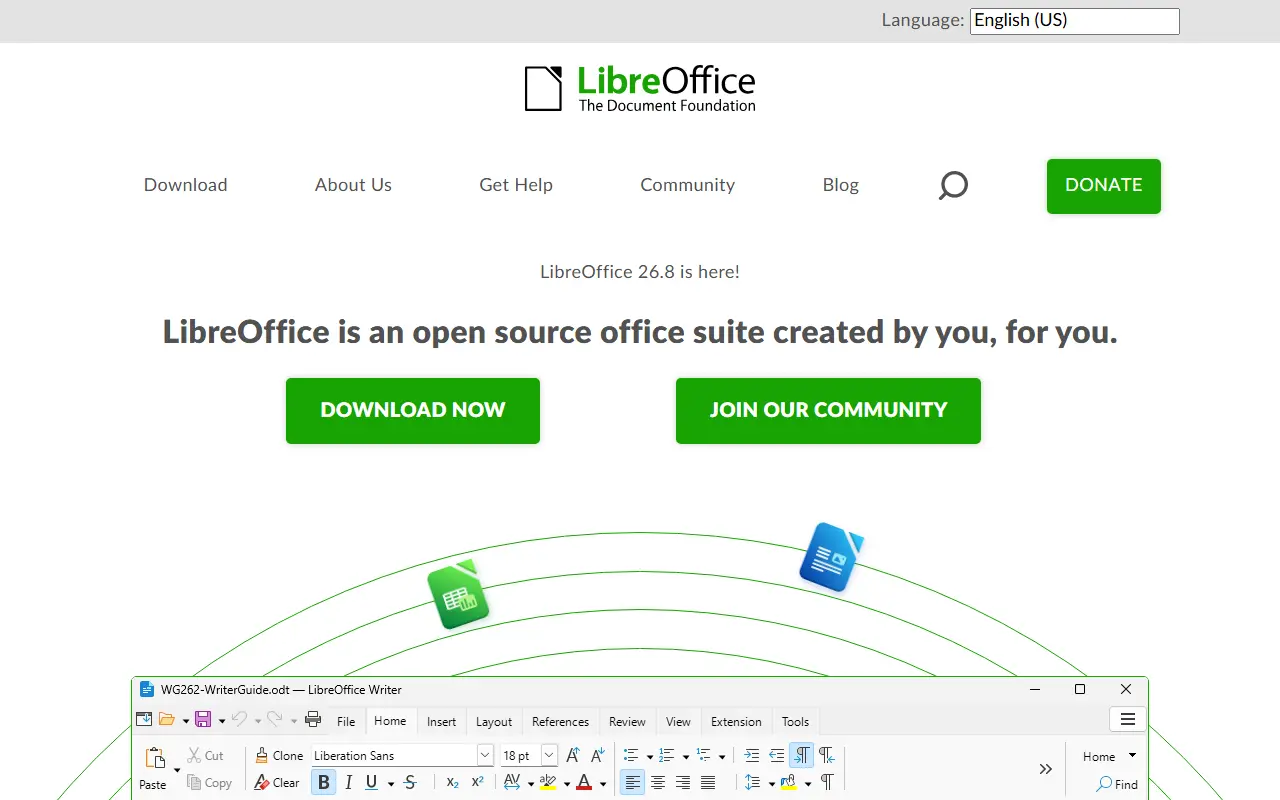
LibreOffice is a free office suite whose licenses are copyleft, built to open and save most common document formats and standards. It is free to download, use and distribute, and it is backed by The Document Foundation, which represents an independent community of enterprises, developers and other volunteers.
This GitHub repository is a read-only mirror of the core code: pull requests are not accepted, contributions go through Gerrit, and downloading a zip is discouraged in favor of the project's source bundles. Developers can add features by working on the code base in C++, or write extensions using the SDK and UNO APIs, which are also used by macro scripting in StarBasic.
The README documents the minimum build and runtime baselines for Windows, macOS and Linux, plus iOS for LibreOfficeKit and Android builds. As is widely known, the suite includes applications for word processing, spreadsheets, presentations, drawing and databases. Its code is written mostly in C++.
Key features
- Integrated office suite
- Compatibility with most document formats
- Word processing, spreadsheets and presentations
- Extensions via SDK and UNO APIs
- Macro scripting with StarBasic
- Builds for Windows, macOS and Linux
Pricing: Free to download, use and distribute.
#4
ONLYOFFICE Docs is an online office suite with real-time collaborative editors for documents, spreadsheets, presentations, forms and PDFs.
- GitHub stars
- 7.1k
- Last commit
- 18 days ago
- Latest release
- v10.0.0
- Licence
- AGPL-3.0
- Self-hosted
- Yes
- Hosted version
- Available
onlyoffice.com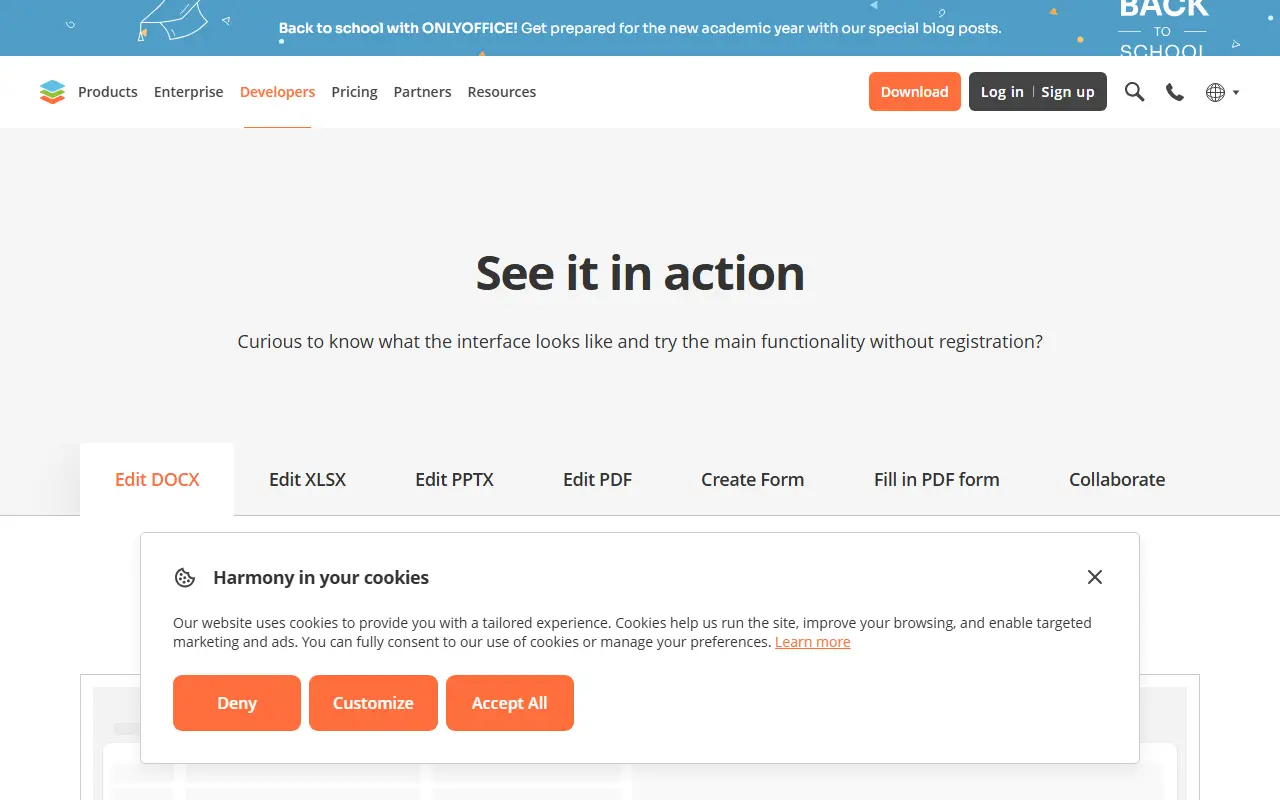
ONLYOFFICE Docs, published in this repository as the document server, is an online office suite that bundles viewers and editors for text documents, spreadsheets, presentations, forms and PDF files. It is built around Office Open XML formats such as docx, xlsx and pptx, and it supports collaborative editing in real time. The server component runs on Node.js and is licensed under AGPL-3.0.
The vendor's site describes several ways to use it. Docs can be connected to other platforms for in-place editing, with ready integrations for products such as Box, Moodle, Nextcloud, Odoo and WordPress. It can be embedded in your own service under your own brand, and it powers the vendor's DocSpace, where you create rooms and invite people to work on documents. A demo lets you try editing and form filling without registration.
Free desktop apps for Windows, Linux and macOS and mobile apps for iOS and Android are offered for working with documents offline or on the go. The site also offers templates for forms, text documents, spreadsheets and presentations, and converters between formats. Commercial plans and pricing are published by the vendor.
Key features
- Editors for documents, spreadsheets and presentations
- Form creation and PDF form filling
- Compatible with docx, xlsx and pptx
- Real-time collaborative editing
- Integrations with Nextcloud, Moodle, Odoo and others
- Desktop and mobile apps
Pricing: Source available under AGPL-3.0; the vendor offers a free DocSpace account and publishes separate plan pricing.
#5
CryptPad is an open-source, end-to-end encrypted collaboration suite where documents sync in real time and the server cannot read their content.
- GitHub stars
- 8.1k
- Last commit
- 3 days ago
- Latest release
- 2026.10.1
- Licence
- AGPL-3.0
- Self-hosted
- Yes
- Hosted version
- Available
cryptpad.org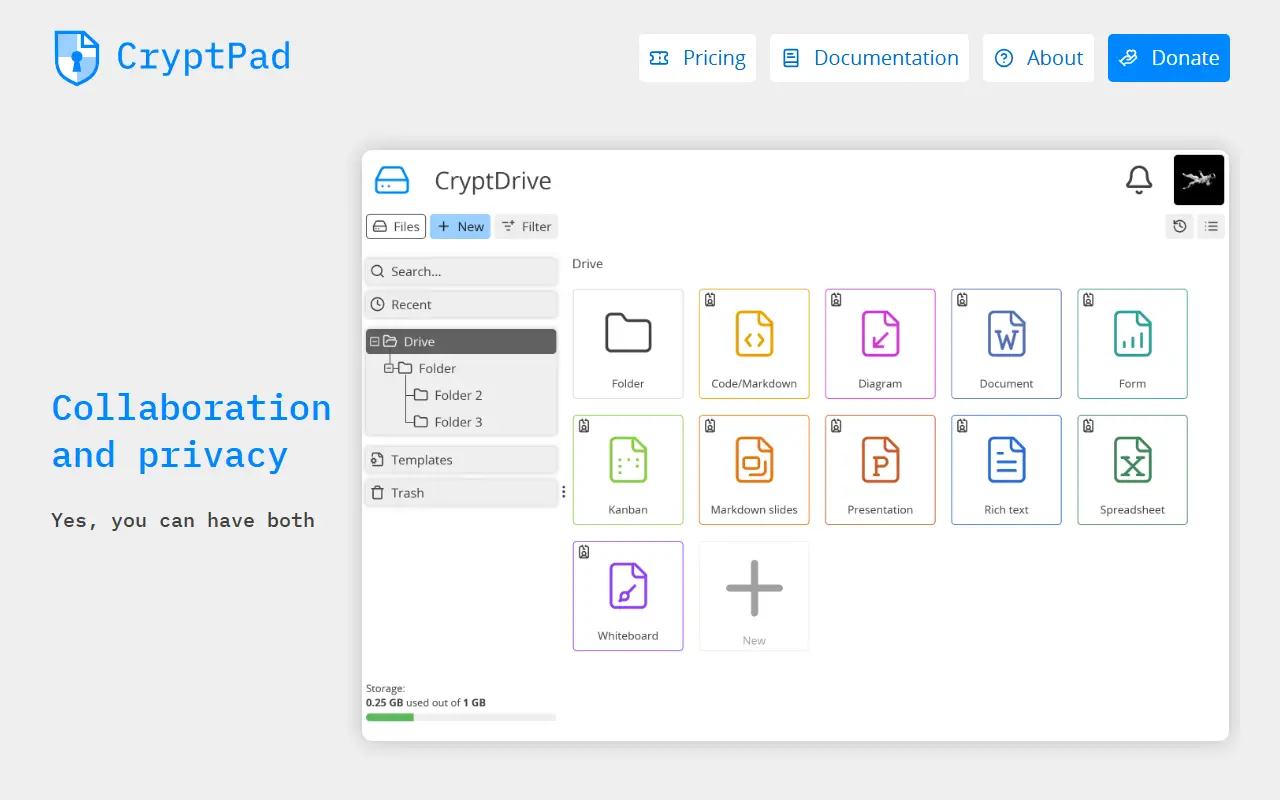
CryptPad is an open-source collaboration suite with end-to-end encryption. Documents are synchronized between collaborators in real time, and because user data is encrypted, an attacker who breaches the server cannot read the stored content. Administrators who run unmodified code and the service itself also cannot see what users store.
The encryption happens in the browser before data is sent to the server or to collaborators. The README is candid about a limit of this model: the code that does the encrypting is delivered by the host server, as on any website, so users must trust the administrator to keep the server secure. Repository topics mention collaborative editing, real-time work and the ChainPad algorithm.
CryptPad is written in JavaScript and licensed under AGPL-3.0. A developer guide covers setting up a local instance, and an admin guide covers production deployments. Official Docker images for AMD64 and ARM64 are published with every release, and a Dockerfile and docker-compose.yml are included in the repository.
Key features
- End-to-end encrypted documents
- Real-time collaborative editing
- Encryption performed in the browser
- Official Docker images for AMD64 and ARM64
- Admin guide for production installs
Pricing: Free accounts are available on public instances, and the software can be self-hosted. Paid plans on CryptPad.fr run €5 to €100 per month; managed own-instance plans start at €3,000 per year.
#6
The server core of ownCloud Classic, a self-hosted platform for file storage, sync and sharing with WebDAV, CalDAV and CardDAV support.
- GitHub stars
- 8.8k
- Last commit
- 4 days ago
- Latest release
- v11.1.0
- Licence
- AGPL-3.0
- Self-hosted
- Yes
owncloud.com
ownCloud Core is the server component of ownCloud Classic, a self-hosted platform for file storage, synchronization and sharing. It is the foundation on which apps such as Activity, Calendar and Contacts are built, and is written in PHP and JavaScript.
It ships with servers for WebDAV, CalDAV and CardDAV, an app plugin architecture, backends for external storage, support for encryption, user and group management, and a REST API. The server runs on PHP with MySQL, MariaDB, PostgreSQL or SQLite, and is also available as a Docker image on Docker Hub. Its topics point to federated sharing and enterprise use.
ownCloud Classic is licensed under AGPL-3.0, and installation is covered by the official manual. For the next-generation platform, the project points to ownCloud Infinite Scale. Contributors follow a rebase workflow with signed commits and DCO sign-off, and enterprise support is available from the vendor. It suits organizations and individuals who want to keep files on their own servers instead of a public cloud.
Key features
- File storage, sync and sharing
- WebDAV, CalDAV and CardDAV servers
- Plugin architecture for apps
- User and group management
- Encryption and external storage support
- REST API for integrations
- Docker image available
Pricing: Free and open source under AGPL-3.0; enterprise support is available from the vendor.
#7
The desktop sync client for Nextcloud, which keeps files on a Nextcloud server in sync with a Windows, macOS or Linux computer.
- GitHub stars
- 4k
- Last commit
- yesterday
- Latest release
- v35.0.3
- Licence
- GPL-2.0
nextcloud.com
The Nextcloud Desktop Client is an app that synchronizes files from a Nextcloud server with your computer. It is available for Windows, macOS and Linux and is the companion to a Nextcloud server that you run or use.
Official downloads, daily builds and release lists are available from the Nextcloud site, and user, administration and developer manuals are on the central documentation site. Contributors can follow the repository's guidelines and code of conduct, help with testing by installing daily builds, and report bugs in the issue tracker.
The client is written mostly in C++ with Qt6 since version 3.14, with Swift components on macOS, and builds with CMake and compilers such as clang or gcc. Windows 10 and 11, macOS 13 Ventura or newer and Linux are supported, and the build instructions use KDE Craft. The code is licensed under GPL-2.0.
Key features
- File synchronization with Nextcloud servers
- Windows, macOS and Linux clients
- Daily builds for testing
- Qt6-based C++ codebase
- User and admin manuals online
Pricing: Standard plan starts at 42€ per user per year for 100+ users; pricing decreases at higher user volumes.
#8
Collabora Online is a browser-based office suite built on LibreOffice technology for viewing and editing documents, spreadsheets and presentations.
- GitHub stars
- 3.4k
- Last commit
- yesterday
- Latest release
- 25.04.7-mobile
- Self-hosted
- Yes
collaboraonline.com
Collabora Online is an open-source, web-based office suite built on LibreOffice technology. It lets users open and edit documents in the browser, and the project's topics also reference mobile apps for iOS and Android. It is aimed at organizations that want document editing they can control, often integrated into other collaboration or file-sharing platforms.
This GitHub repository has a narrower role than the product as a whole. Active development and code review have moved to the project's own Gerrit instance, and the GitHub repository is kept for issue tracking and for release artifacts, including the nightly container image, the Helm chart and build assets. Pull requests are welcome only for the Helm chart and the Docker image build, and a read-only source mirror is available elsewhere.
Because the container image and Helm chart are published from here, the software is designed to be deployed on your own infrastructure, including Kubernetes. The code is a mix of C++, JavaScript and shell scripts. Contributors should follow the contributing guide and push source changes to Gerrit rather than GitHub.
Key features
- Browser-based document editing
- Built on LibreOffice technology
- Nightly container image
- Helm chart for Kubernetes deployment
- Mobile apps for iOS and Android

Apache OpenOffice is a free, open-source office suite with a word processor, spreadsheet, presentation, drawing, database and equation tool.
- GitHub stars
- 1.3k
- Last commit
- yesterday
- Licence
- Apache-2.0
openoffice.org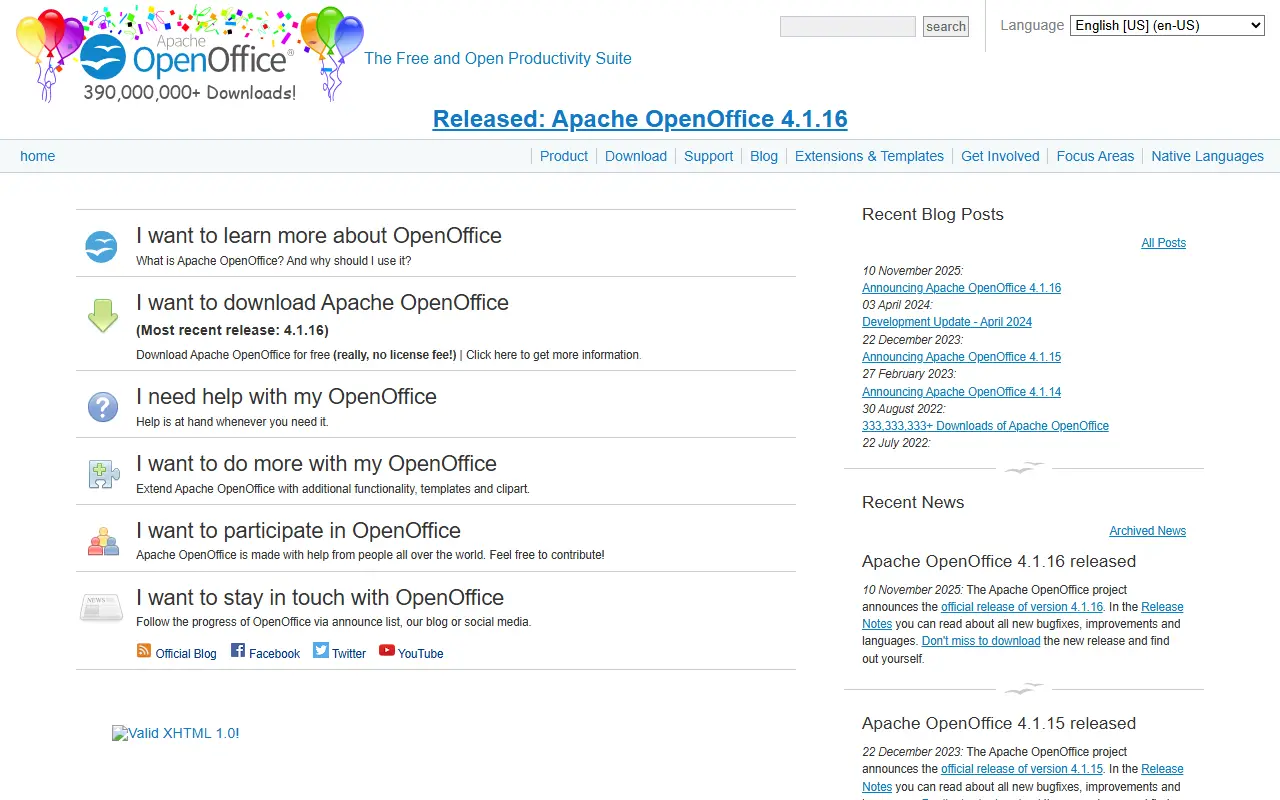
Apache OpenOffice is an office productivity suite maintained by the Apache OpenOffice project, which describes it as the continuation of the OpenOffice.org project. It bundles six applications: Writer for documents, Calc for spreadsheets, Impress for presentations, Draw for diagrams and illustrations, Base for databases and Math for equations.
The suite stores documents in an open standard format and can also read and write files from other common office packages. The project says it reads most file types of its major competitors, and that its interface is meant to feel familiar to anyone who has used a competing product.
The software is released under the Apache 2.0 License and can be downloaded without a licence fee. It is installed locally and runs on Windows, macOS, Linux variants, FreeBSD and OS/2. The latest release listed on the project site is version 4.1.17, announced on 14 October 2026, and the interface is available in dozens of languages.
Key features
- Writer word processor for letters through whole books
- Calc spreadsheet for calculating, analysing and presenting data
- Impress for building multimedia presentations
- Draw for diagrams up to 3D illustrations
- Base for tables, forms, queries and reports
- Math equation editor with graphical or typed input
- Opens files from competing office suites
Pricing: Free to download and use under the Apache 2.0 License, with no licence fee.
#10
ONLYOFFICE Groups (formerly Community Server) is a collaboration suite combining document management, projects, CRM, mail aggregation and a wiki in one self-hostable app.
- GitHub stars
- 3.2k
- Last commit
- 6 mo ago
- Latest release
- v12.8
- Licence
- Apache-2.0
- Self-hosted
- Yes
onlyoffice.com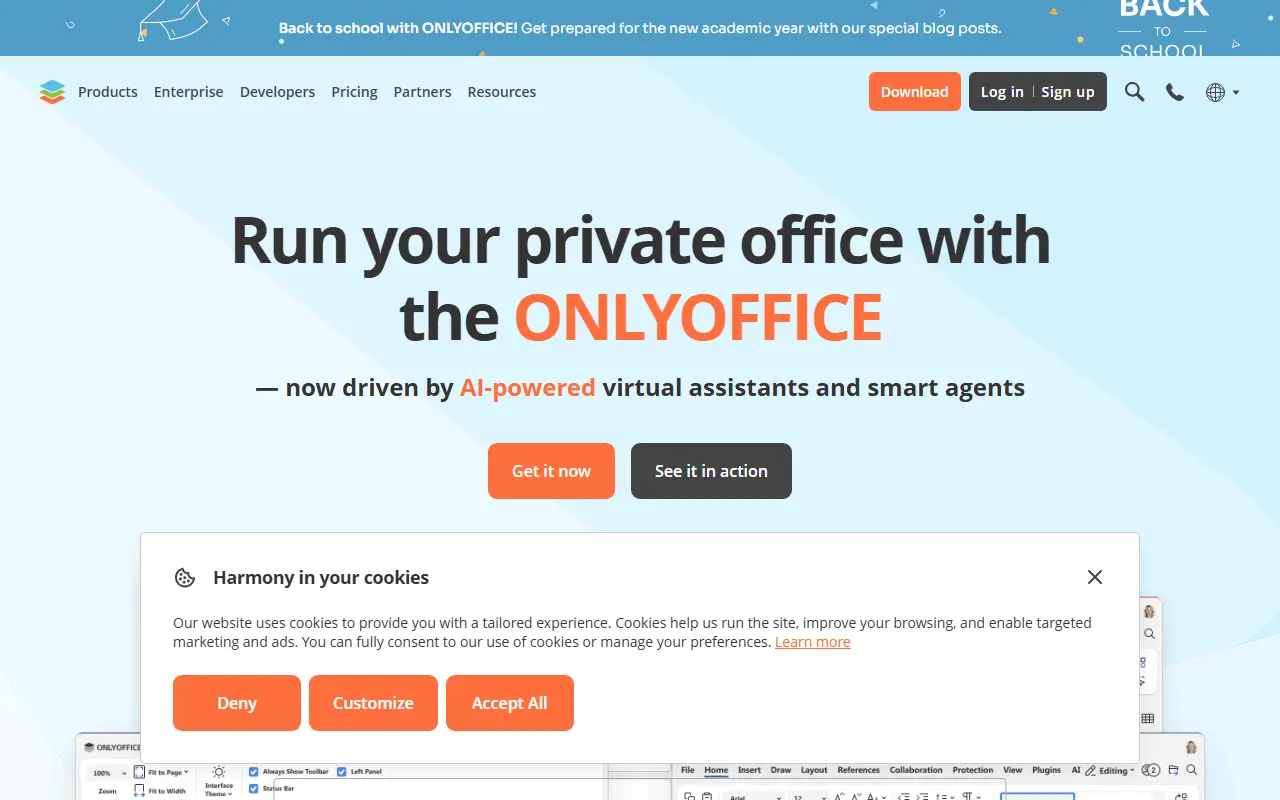
ONLYOFFICE Groups, formerly known as Community Server, is an open-source collaborative platform that serves as a central workspace for a team. It brings documents, projects, customers and email together in one place, and from version 11.0 it is distributed under the Apache 2.0 licence.
Document management covers file sharing with flexible permissions, links to cloud storage such as Google Drive, Box, Dropbox, OneDrive and ownCloud, and embedding of documents in websites. Project management offers milestones, tasks and subtasks, Gantt charts, time tracking and automated reports. The CRM stores contacts and interactions, generates invoices, tracks payments and offers web-to-lead forms.
Collaboration tools add blogs, forums, an internal wiki, a shared calendar, a mail client that aggregates several accounts, and an employee directory. It forms the base of the wider ONLYOFFICE Workspace suite, which can be extended with ONLYOFFICE Docs for document, spreadsheet, presentation and PDF editing, a mail server, Talk messaging and a control panel. The code base is C#.
Key features
- Document management with access permissions
- Project management with Gantt charts
- CRM with invoices and web-to-lead forms
- Mail client aggregating multiple accounts
- Internal wiki, blogs and forums
- Shared calendar and employee directory
- Cloud storage integrations
Pricing: Free and open source under the Apache-2.0 licence.
Commercial Microsoft 365 alternatives
Hosted, closed-source products that compete with Microsoft 365. Showing 12 of 20.
- View tool

SoftMaker Office
Productivity
Office suite with word processor, spreadsheet and presentation apps
SaaS
- View tool
Google Docs is Google's browser-based word processor for writing and co-editing documents in real time, part of Google Workspace.
SaaS
- View tool

Dropbox Paper
Docs & Wikis
Dropbox's collaborative document editor with media embeds and task lists
SaaS
- View tool

Google Workspace
Productivity
Cloud suite with email, docs, calendar, meetings and storage for businesses
SaaS
- View tool

IceWarp
Email Clients & Servers
Email, collaboration and chat server and cloud service for businesses
SaaS
- View tool
Salesforce's collaborative documents and spreadsheets with built-in team chat
SaaS
- View tool

Zoho Workplace
Productivity
Business suite with email, docs, chat and meetings from Zoho
SaaS
- View tool
Office suite with word processor, spreadsheet and presentation apps
SaaS
- View tool
Documents that combine text, tables and automations with database-like views
SaaS
- View tool
MMDaemon
Email Clients & Servers
Email server software for Windows with groupware and security features
SaaS
- View tool

Rackspace Email
Email Clients & Servers
Hosted business email with calendar, contacts and migration support
SaaS
- View tool

SmarterMail
Email Clients & Servers
Email and collaboration server for Windows with webmail and ActiveSync
SaaS
See every Microsoft 365 alternative on its tool page
Microsoft 365 alternatives: questions
- What is the best open-source alternative to Microsoft 365?
- Rocket.Chat is the top-ranked open-source alternative to Microsoft 365 on Enlisted: A customizable team communications platform with real-time chat and video, aimed at organizations with strict data protection needs and offered self-hosted, cloud or air-gapped. Other strong options are Etherpad, LibreOffice, ONLYOFFICE Docs and CryptPad.
- What are the best commercial alternatives to Microsoft 365?
- SoftMaker Office, Google Docs, Dropbox Paper, Google Workspace and IceWarp are among the hosted, closed-source alternatives to Microsoft 365 listed on Enlisted, which lists 20 in total. Compare their pricing and features on each tool page.
- Are these Microsoft 365 alternatives free?
- All 10 are open source, so the code is free to use under its licence, and all of them can be self-hosted on your own server or computer. 3 also offer a paid or managed cloud version if you'd rather not host it yourself.
- How is this list of Microsoft 365 alternatives ranked?
- By a score built from GitHub stars, star growth over the last 30 days and how recently the code changed. 9 of these projects shipped code in the last 30 days. Data is refreshed daily, and nobody can pay to move up.
 TrackMedia
 TrackRev





