 TrackMedia
 TrackRev

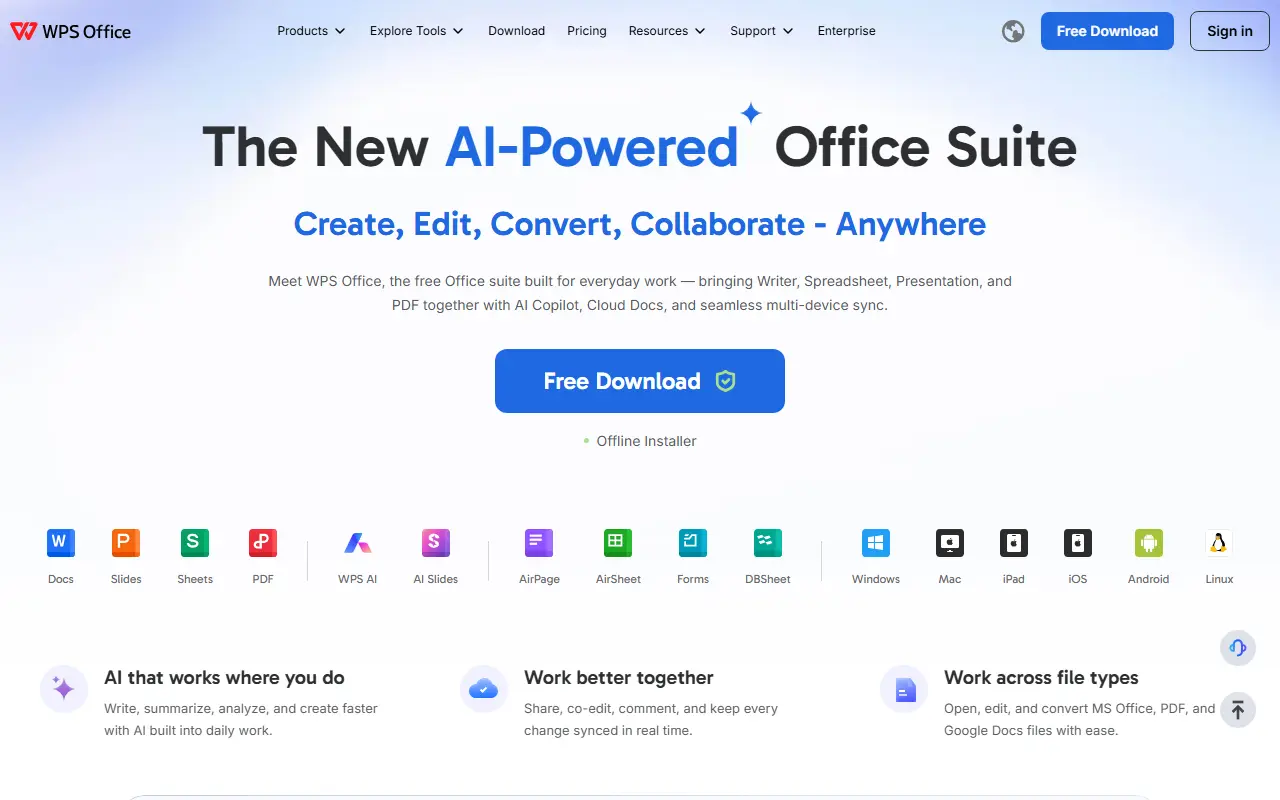
About WPS Office
WPS Office is a commercial office suite that bundles a word processor, a spreadsheet application and a presentation program. It is designed to open and save common Microsoft Office document formats, which makes it a lower-cost alternative for people who exchange files with Word, Excel and PowerPoint users.
WPS Office is proprietary software that runs on the user's own devices and offers cloud storage features through the vendor, rather than being something you host yourself. See the vendor's site for current platforms, AI features and plan details.
Key features
- Word processor for documents
- Spreadsheet application for calculations
- Presentation program for slides
- Compatibility with Microsoft Office formats
Good fit for
- Replacing Microsoft Office on a budget
- Opening and editing Word and Excel files
WPS Office: questions and answers
- What is WPS Office used for?
- WPS Office is an office suite with a word processor, spreadsheet and presentation app that works with Microsoft Office file formats. It is a good fit for replacing Microsoft Office on a budget, and opening and editing Word and Excel files.
- Is WPS Office free?
- Yes. WPS Office has a free plan, and paid plans start at $5.83 per month. A free trial is also available.
- Is WPS Office open source?
- No. WPS Office is proprietary (closed-source) software. Open-source alternatives to WPS Office include LibreOffice, Collabora Online and ONLYOFFICE Docs.
- What are some alternatives to WPS Office?
- WPS Office competes with Google Workspace, Zoho Workplace and Apple Keynote. For open-source options, see Enlisted's ranked list of open-source WPS Office alternatives.
Open-source alternatives to WPS Office
See all
LibreOffice
Productivity
Free, open-source office suite with word processing, spreadsheets and presentations
MPL-2.0vs Microsoft 365★ 4.6k
Collabora Online
Productivity
Issue tracker only. Active development is on Gerrit at https://gerrit.collaboraoffice.com/
OSSvs Microsoft 365★ 3.4k
ONLYOFFICE Docs
Productivity
ONLYOFFICE Docs is a free collaborative online office suite comprising viewers and editors
AGPL-3.0vs Microsoft 365★ 7.1k
Univer
Productivity
The Office Harness for AI Agents — Spreadsheets, Docs, Slides, Canvas, Relational Tables,
Apache-2.0vs Microsoft Excel★ 23k
CryptPad
Productivity
Collaborative office suite, end-to-end encrypted and open-source.
AGPL-3.0vs Google Docs★ 8.1k
OpenOffice
Open source
Apache OpenOffice
Apache-2.0vs Microsoft Visio★ 1.3k
SaaS alternatives to WPS Office
See all
Google Workspace
Productivity
Cloud suite with email, docs, calendar, meetings and storage for businesses
SaaS
Zoho Workplace
Productivity
Business suite with email, docs, chat and meetings from Zoho
SaaS
Apple Keynote
Productivity
Apple's presentation app for Mac, iPad and iPhone with animated transitions
SaaS
SoftMaker Office
Productivity
Office suite with word processor, spreadsheet and presentation apps
SaaS
Microsoft 365
Productivity
Subscription suite bundling Word, Excel, PowerPoint, Outlook, Teams and cloud storage
SaaS
Beautiful.ai
Productivity
Presentation software with smart templates that auto-format slides and generate decks
SaaS