7 open-source alternatives ranked by real activity

Open-source MyDraw alternatives

A curated, ranked list of the 7 best open-source alternatives to MyDraw.

The best open-source alternative to MyDraw is draw.io. If that doesn't suit you, other good options are LibreOffice, Pencil, Drawnix and OpenOffice.

Commercial alternatives to MyDraw include Cacoo, Gliffy, Lucidchart and Balsamiq. See all 16.

MyDraw alternatives are mainly whiteboard tools, but some are also design tools and productivity tools. 5 of them shipped code in the last 30 days, 7 can be self-hosted, and 4 use a permissive licence.

Last updated November 13, 2026 · ranked by GitHub stars, growth and recent commits

draw.io

A configurable client-side diagramming and whiteboarding editor in JavaScript, also available as the hosted app at diagrams.net.

GitHub stars
9.3k
Last commit
9 days ago
Latest release
v32.6.10
Licence
Apache-2.0
Self-hosted
Yes
Hosted version
Available
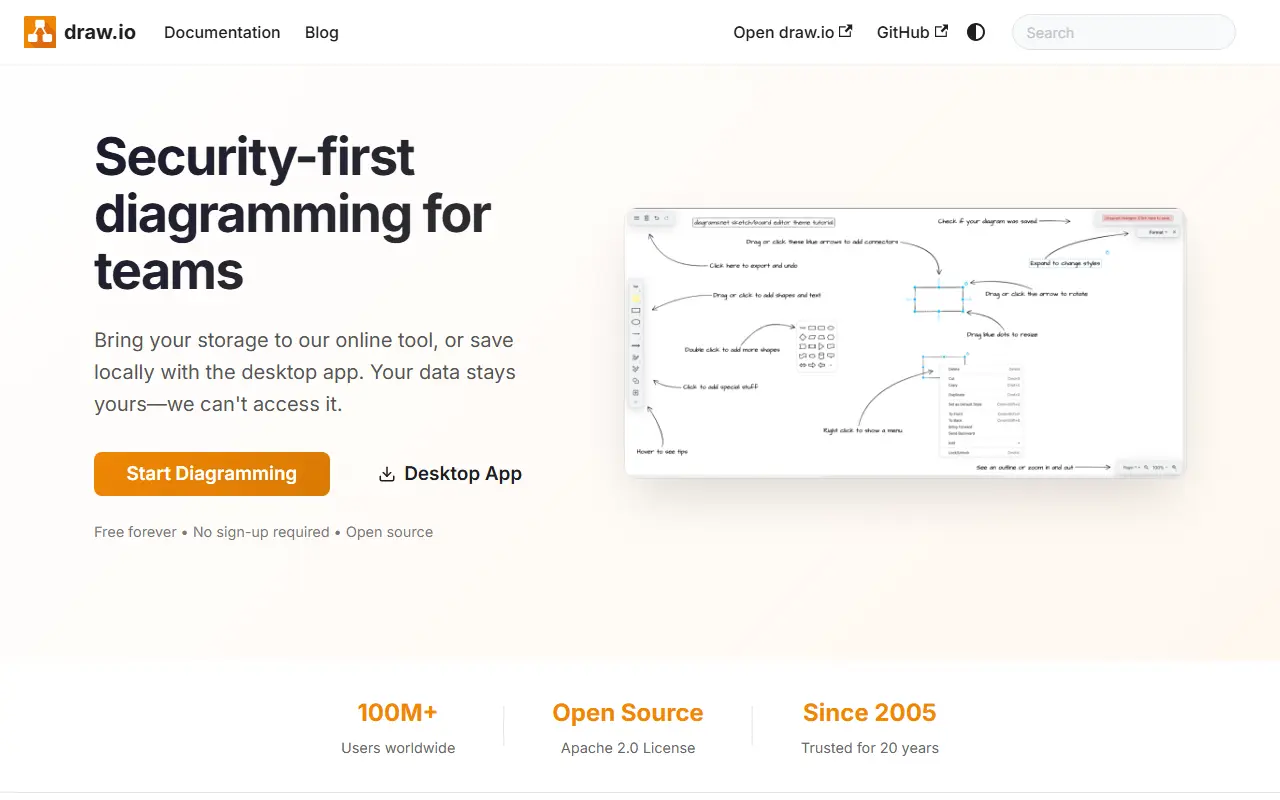
drawio.comdraw.io homepage screenshot

draw.io is a diagramming and whiteboarding application, with many configuration options, written in JavaScript and running entirely in the browser. It is co-owned and built by draw.io Ltd (formerly JGraph) and draw.io AG, and the same code powers the production deployment at app.diagrams.net.

The repository's source code uses the Apache License 2.0, while the icon sets, stencil libraries and diagram templates come with extra terms, including a restriction on using them in Atlassian products or marketplace plugins without written permission, although diagrams you create are unaffected and the project makes no copyright claim on them. The scope is diagramming and whiteboarding, not SVG editing, and this version does not offer real-time collaborative editing.

The team does not accept pull requests; development is done entirely by the core team. Because the editor is client-side, it can be embedded or hosted on your own infrastructure, and the hosted app is free to use in a browser. It suits anyone drawing flowcharts, architecture diagrams, network maps or UML.

Key features

  • Client-side diagram editor
  • Configurable shape libraries and stencils
  • Ready-made diagram templates
  • Export to image and document formats
  • Hosted version at app.diagrams.net
  • Apache 2.0 licensed source

Pricing: Source code under Apache-2.0; the hosted app at app.diagrams.net is run by the vendor. Icon sets have extra usage terms.

LibreOffice

An integrated, free office suite compatible with most document formats and backed by The Document Foundation; this is its read-only core code repository.

GitHub stars
4.6k
Last commit
yesterday
Licence
MPL-2.0
Self-hosted
Yes
libreoffice.orgLibreOffice homepage screenshot

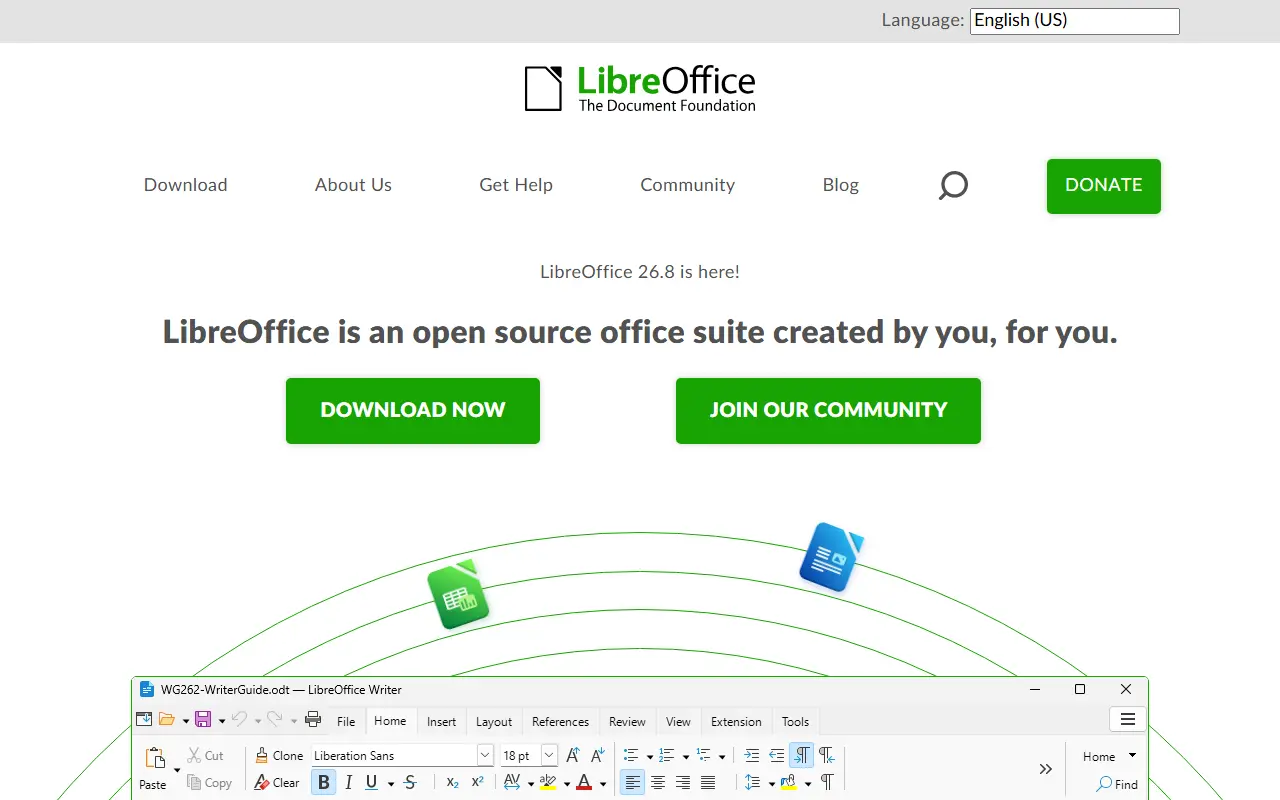
LibreOffice is a free office suite whose licenses are copyleft, built to open and save most common document formats and standards. It is free to download, use and distribute, and it is backed by The Document Foundation, which represents an independent community of enterprises, developers and other volunteers.

This GitHub repository is a read-only mirror of the core code: pull requests are not accepted, contributions go through Gerrit, and downloading a zip is discouraged in favor of the project's source bundles. Developers can add features by working on the code base in C++, or write extensions using the SDK and UNO APIs, which are also used by macro scripting in StarBasic.

The README documents the minimum build and runtime baselines for Windows, macOS and Linux, plus iOS for LibreOfficeKit and Android builds. As is widely known, the suite includes applications for word processing, spreadsheets, presentations, drawing and databases. Its code is written mostly in C++.

Key features

  • Integrated office suite
  • Compatibility with most document formats
  • Word processing, spreadsheets and presentations
  • Extensions via SDK and UNO APIs
  • Macro scripting with StarBasic
  • Builds for Windows, macOS and Linux

Pricing: Free to download, use and distribute.

Pencil

Free desktop wireframing and GUI prototyping app for macOS, Windows and Linux, with stencil libraries and MCP support for AI assistants.

GitHub stars
9.9k
Last commit
3 days ago
Latest release
v4.0.0
Licence
GPL-2.0
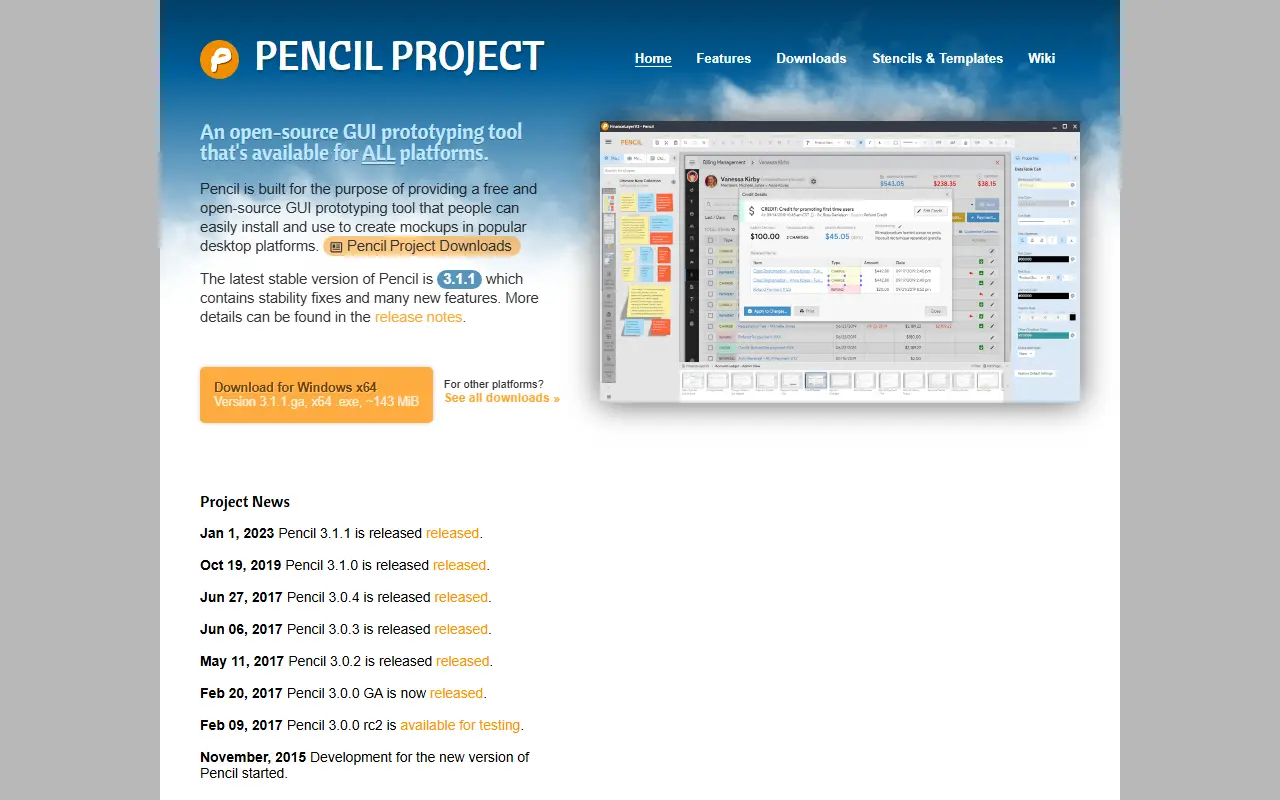
pencil.evolus.vnPencil homepage screenshot

Pencil is an open-source GUI prototyping and wireframing application for macOS, Windows and Linux. It provides a vector canvas for mockups, system diagrams and user flows, with built-in stencil collections that cover general shapes, flowcharts, desktop and web UI, and Android and iOS interfaces.

The README describes version 4.0 as adding native Model Context Protocol support. Pencil runs a local server inside the app, and AI clients such as Claude Desktop, Cursor and VS Code can then inspect, create and edit wireframes on the canvas. The README says all data and MCP traffic stay on the local machine, with no cloud sync or telemetry. The project website still lists 3.1.1 as the latest stable version.

Documents can be linked page to page, which turns into hyperlinks when exported as a web page. Output formats include PNG, OpenOffice or LibreOffice text documents, Inkscape SVG and Adobe PDF. A clipart browser searches OpenClipart.org by keyword.

Key features

  • Native MCP support for AI assistants
  • Local MCP server runs inside the app
  • Built-in stencil collections for web, mobile and flowcharts
  • Link elements to other pages to define UI flow
  • Exports to PDF, SVG, PNG and office formats
  • Clipart search through OpenClipart.org

Drawnix

An open-source, browser-based whiteboard that combines mind maps, flowcharts and freehand drawing on one infinite canvas, for people who sketch ideas visually.

GitHub stars
15k
Last commit
2 mo ago
Latest release
v0.4.0
Licence
MIT
Self-hosted
Yes
Hosted version
Available
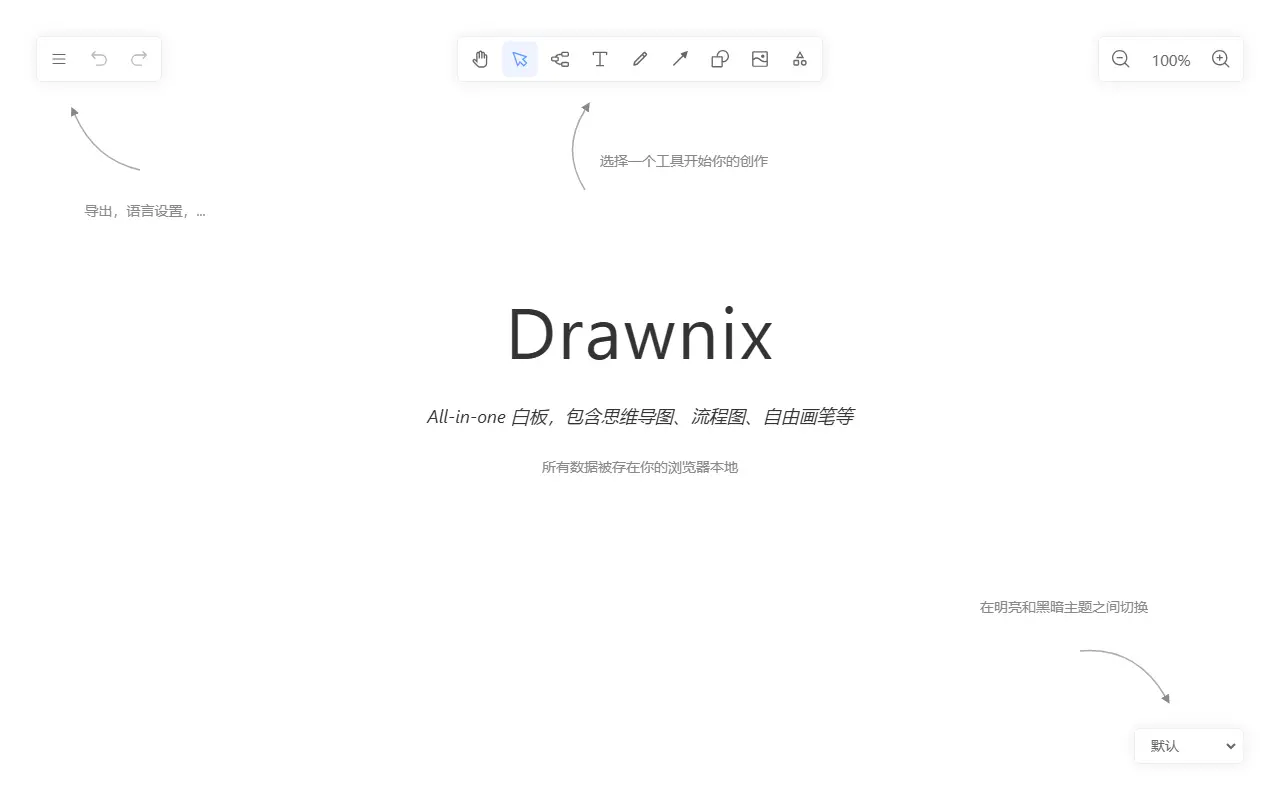
drawnix.comDrawnix homepage screenshot

Drawnix is a free, open-source whiteboard that brings mind maps, flowcharts and freehand drawing together in a single workspace. Instead of switching between separate diagramming apps, you can sketch ideas, structure them into diagrams and annotate everything on one infinite canvas that you can zoom and scroll freely.

The editor supports inserting images, undo and redo, copy and paste, light and dark themes, and a layout that adapts to mobile devices. Mermaid syntax can be converted into flowcharts and Markdown text into mind maps, while work is saved automatically in the browser and can be exported as PNG images or as .drawnix JSON files for later reuse.

Drawnix is released under the MIT licence and is built on Plait, an open-source drawing framework from the PingCode team, using a plugin architecture that can work with different UI frameworks. The hosted app at drawnix.com is a minimal version, and the repository includes Docker instructions for people who prefer to run their own copy.

Key features

  • Mind maps and flowcharts on one canvas
  • Freehand drawing with brush tools
  • Mermaid syntax converted into flowcharts
  • Markdown text converted into mind maps
  • Export to PNG or .drawnix JSON
  • Automatic saving in the browser
  • Infinite canvas with zoom and scrolling
  • Plugin architecture supporting multiple UI frameworks

Pricing: Free and open source under the MIT licence.

OpenOffice

Apache OpenOffice is a free, open-source office suite with a word processor, spreadsheet, presentation, drawing, database and equation tool.

GitHub stars
1.3k
Last commit
yesterday
Licence
Apache-2.0
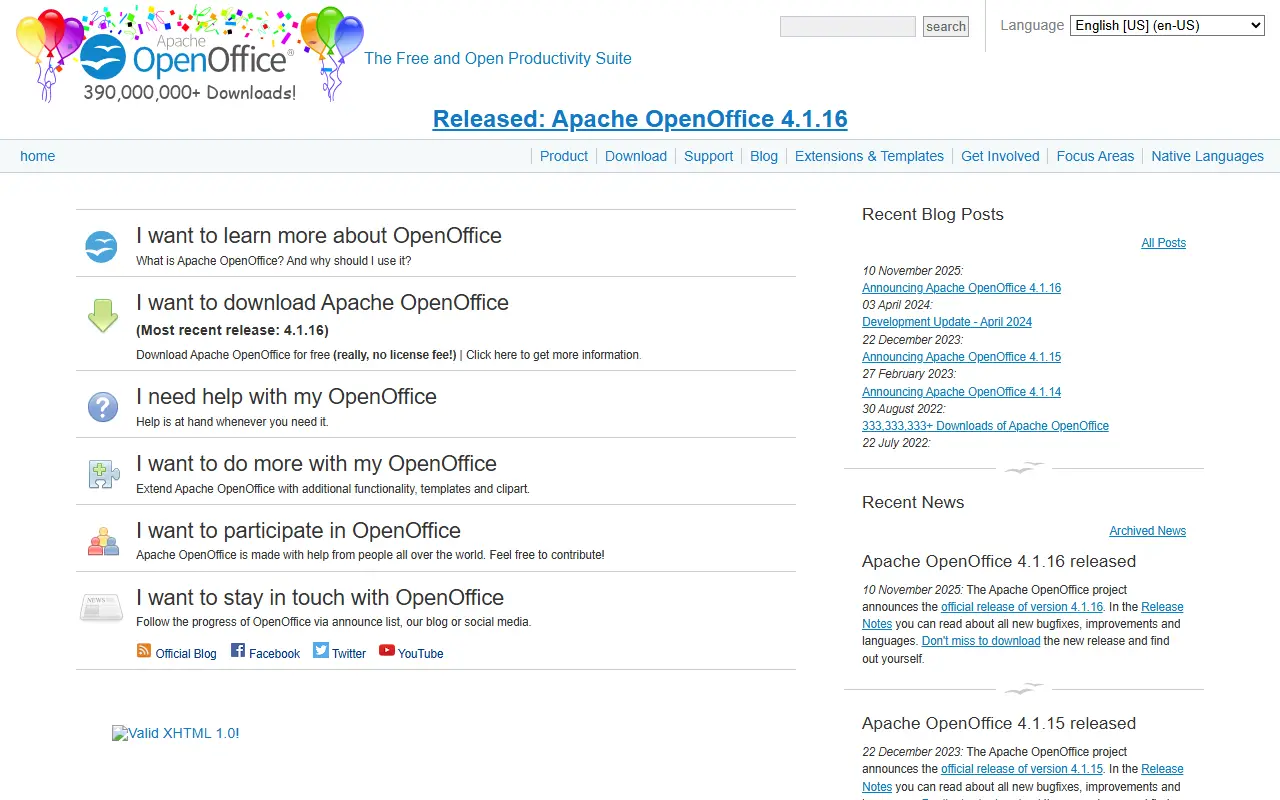
openoffice.orgOpenOffice homepage screenshot

Apache OpenOffice is an office productivity suite maintained by the Apache OpenOffice project, which describes it as the continuation of the OpenOffice.org project. It bundles six applications: Writer for documents, Calc for spreadsheets, Impress for presentations, Draw for diagrams and illustrations, Base for databases and Math for equations.

The suite stores documents in an open standard format and can also read and write files from other common office packages. The project says it reads most file types of its major competitors, and that its interface is meant to feel familiar to anyone who has used a competing product.

The software is released under the Apache 2.0 License and can be downloaded without a licence fee. It is installed locally and runs on Windows, macOS, Linux variants, FreeBSD and OS/2. The latest release listed on the project site is version 4.1.17, announced on 14 October 2026, and the interface is available in dozens of languages.

Key features

  • Writer word processor for letters through whole books
  • Calc spreadsheet for calculating, analysing and presenting data
  • Impress for building multimedia presentations
  • Draw for diagrams up to 3D illustrations
  • Base for tables, forms, queries and reports
  • Math equation editor with graphical or typed input
  • Opens files from competing office suites

Pricing: Free to download and use under the Apache 2.0 License, with no licence fee.

TheOneFile

TheOneFile is a self-contained, offline-first HTML tool for diagramming networks, smart homes, plays and mind maps with encryption, animation and optional multiplayer.

GitHub stars
551
Last commit
9 days ago
Latest release
V4.2.0
Self-hosted
Yes
therecanonlybe.oneTheOneFile homepage screenshot

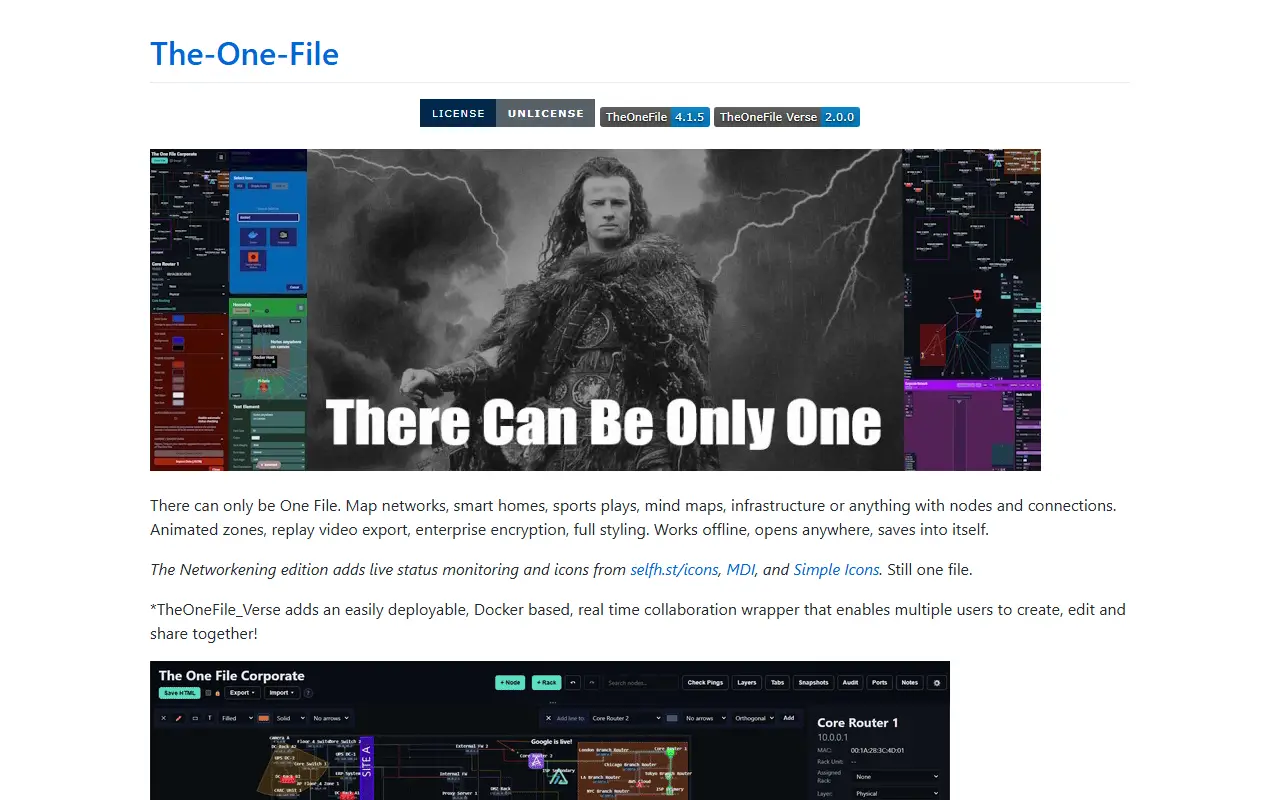
TheOneFile is a visual planning and replay environment that lives in a single HTML file. It lets you map anything made of nodes and connections, such as networks, smart homes, sports plays, mind maps, facilities and infrastructure, and it works offline, opens in a browser and saves changes back into itself.

The core edition offers shapes, lines and full styling, animated zones, replay video export and encryption of saved data. A Networkening edition adds live status monitoring and icon sets from selfh.st, Material Design Icons and Simple Icons while remaining a single file. TheOneFile Verse is a Docker-based wrapper that adds real-time collaboration so multiple users can create, edit and share diagrams together.

Online demos exist for corporate and homelab examples, and the repository topics point to use as air-gapped or break-glass documentation, with OIDC and SSO also mentioned. The repository metadata lists the license as Other, so check the license file for the exact terms.

Key features

  • Single self-contained HTML file
  • Offline-first, saves into itself
  • Animated zones and replay video export
  • Encrypted diagrams
  • Live status monitoring in Networkening edition
  • Real-time multiplayer through Docker-based Verse

Pricing: Free and open source. The repository lists the license as Other, so check the license file for the exact terms.

Inkscape

Inkscape is a vector graphics editor offered as a free download, with drawing tools, a text tool and Bezier and spiro curves.

GitHub stars
4.1k
Last commit
4 yr ago

Inkscape is a vector graphics editor. The site describes it as a free design tool for illustrators, designers, web designers and anyone who needs to create vector imagery.

It lists flexible drawing tools, broad file format compatibility, a text tool, and Bezier and spiro curves. A full features page, screenshots, tutorials, books and manuals, and a community gallery sit alongside the download page.

The current stable version on the site is 1.4.4, with an unstable development snapshot available separately and work under way on a 1.5 release. The interface and site are offered in many languages, and the project accepts help through code, testing, translations and donations.

Key features

  • Vector graphics editor
  • Flexible drawing tools
  • Reads and writes many file formats
  • Bezier and spiro curve support
  • Community gallery and learning resources

Commercial MyDraw alternatives

Hosted, closed-source products that compete with MyDraw. Showing 12 of 16.

See every MyDraw alternative on its tool page

MyDraw alternatives: questions

What is the best open-source alternative to MyDraw?
draw.io is the top-ranked open-source alternative to MyDraw on Enlisted: A configurable client-side diagramming and whiteboarding editor in JavaScript, also available as the hosted app at diagrams.net. Other strong options are LibreOffice, Pencil, Drawnix and OpenOffice.
What are the best commercial alternatives to MyDraw?
Cacoo, Gliffy, Lucidchart, Balsamiq and Microsoft Visio are among the hosted, closed-source alternatives to MyDraw listed on Enlisted, which lists 16 in total. Compare their pricing and features on each tool page.
Are these MyDraw alternatives free?
All 7 are open source, so the code is free to use under its licence, and all of them can be self-hosted on your own server or computer. 2 also offer a paid or managed cloud version if you'd rather not host it yourself.
How is this list of MyDraw alternatives ranked?
By a score built from GitHub stars, star growth over the last 30 days and how recently the code changed. 5 of these projects shipped code in the last 30 days. Data is refreshed daily, and nobody can pay to move up.

People also look for alternatives to…

View all