7,363 open-source and SaaS tools, with GitHub stats refreshed every day.

5 alternatives ranked by real activity

Open-source Adobe Acrobat alternatives

A curated, ranked list of the 5 best open-source alternatives to Adobe Acrobat.

The best open-source alternative to Adobe Acrobat is Stirling PDF. If that doesn't suit you, other good options are OCRmyPDF, BentoPDF, Sioyek and PDFsam.

Adobe Acrobat alternatives are mainly productivity tools. 5 of them shipped code in the last 30 days, 5 can be self-hosted, and 1 uses a permissive licence.

Last updated October 3, 2026 · ranked by GitHub stars, growth and recent commits

Stirling PDF

An open-core PDF platform with 50+ tools for editing, merging, signing, redacting and converting documents on desktop, in the browser or on your own server.

GitHub stars
93k
Last commit
yesterday
Latest release
v3.0.2
Self-hosted
Yes
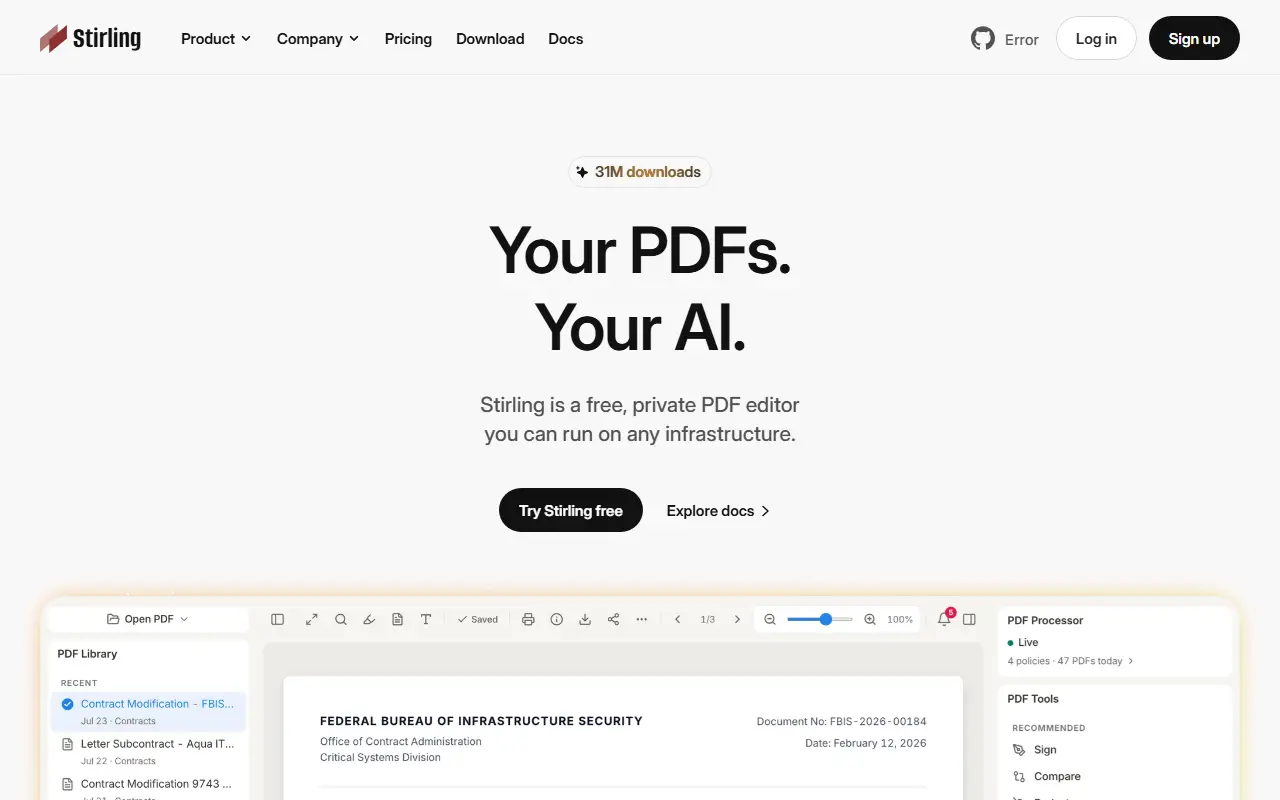
stirling.comStirling PDF homepage screenshot

Stirling PDF is an open-source PDF editing platform that can run as a desktop app, in the browser, or on servers you control through a private API. The project's pitch is that documents can be edited, signed, redacted, converted and automated without being sent to an external service. It is written in Java and distributed with Docker for self-hosting.

It bundles more than 50 PDF tools, including merge, split, sign, redact, convert, OCR and compress. No-code pipelines in the interface let you automate repeated processing, and REST APIs cover nearly all tools for integration into existing systems. The interface is available in over 40 languages. Enterprise options include SSO, auditing and flexible on-premise deployments.

A quick start with Docker serves the app on a local port, and the documentation covers desktop and Kubernetes installs. The repository describes the project as open-core, and GitHub lists its license as 'Other', so confirm which features fall under which terms. It suits individuals and organizations that handle sensitive PDFs and prefer a self-hosted alternative to online PDF tools.

Key features

  • 50+ PDF tools: merge, split, sign, redact
  • OCR, conversion and compression
  • No-code automation pipelines in the UI
  • REST APIs for nearly all tools
  • Desktop, browser and self-hosted server modes
  • SSO and auditing for enterprise deployments
  • Interface in 40+ languages

Pricing: Free open-source plan with 1,000 monthly credits. Team costs $99 per month for 100 users; Enterprise is custom, and a PDF Processor option sells credits at 1¢ each.

OCRmyPDF

OCRmyPDF is a command-line tool that adds a searchable OCR text layer to scanned PDF files using the Tesseract engine.

GitHub stars
35k
Last commit
4 days ago
Latest release
v17.13.0
Licence
MPL-2.0
ocrmypdf.readthedocs.ioOCRmyPDF homepage screenshot

OCRmyPDF adds an optical character recognition text layer to scanned PDF files so they can be searched and copied from. It turns an ordinary PDF into a searchable PDF/A file and places the recognized text under the page image so copy and paste works accurately. The tool is written in Python and released under the MPL-2.0 license.

It uses the Tesseract OCR engine, which recognizes more than a hundred languages. The tool keeps the original image resolution, inserts OCR data without disturbing other content where possible, and can optimize images so output files are often smaller than the input. Optional deskewing and image cleaning run before recognition, input and output files are validated, and work is spread across available CPU cores. Processing happens on your own machine, which keeps documents private, and it is available from PyPI and Homebrew.

Key features

  • Adds searchable text layer to scanned PDFs
  • Outputs PDF/A files
  • Tesseract OCR with 100+ language support
  • Optional deskew and image cleanup
  • Image optimization to shrink output size
  • Multi-core processing for large documents

Pricing: Free and open source under the MPL-2.0 license.

Read more about OCRmyPDFWebsite GitHub

BentoPDF

A privacy-first PDF toolkit that merges, edits, converts and secures PDFs entirely in your browser, with no server-side processing and a self-hostable build.

GitHub stars
16k
Last commit
yesterday
Latest release
v2.8.8
Licence
AGPL-3.0
Self-hosted
Yes
Hosted version
Available
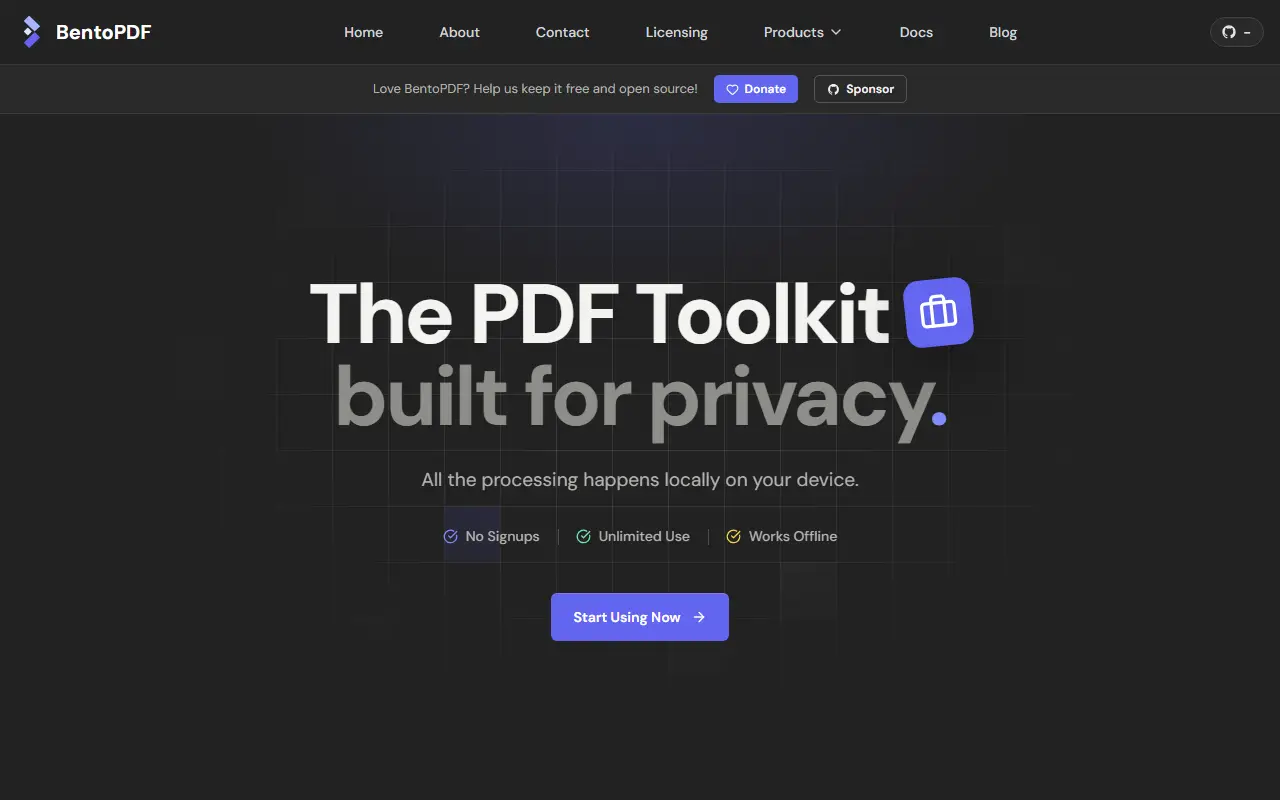
bentopdf.comBentoPDF homepage screenshot

BentoPDF is a client-side PDF toolkit that handles files directly in the browser, so documents are never uploaded to a server. That design makes it attractive for sensitive paperwork, and it can also be self-hosted. You can merge, split and reorganize pages, edit and modify PDFs, convert images and other formats to PDF, convert PDFs to other formats, and secure or optimize files.

Deployment is flexible. The project documents static hosting, local self-hosting, Docker Compose and Podman, a Podman Quadlet setup and a simple self-hosted build mode, along with options for custom branding, disabling specific tools and removing the GitHub star counter. It also covers WebAssembly configuration, air-gapped or offline deployment, a CORS proxy for digital signatures, and version management. A commercial build is mentioned, and the interface is translated into multiple languages.

BentoPDF is licensed under AGPL-3.0, with commercial licensing noted in the documentation, and it is written in JavaScript and TypeScript. It suits individuals, teams and organizations that need a free alternative to online PDF tools without sending files to third parties.

Key features

  • Merge, split and reorganize PDF pages
  • Edit and modify PDF files
  • Convert to and from PDF formats
  • Secure and optimize documents
  • Runs entirely in the browser
  • Docker, Podman and static hosting options

Pricing: Open source under AGPL-3.0; the project also mentions a commercial license and build.

Read more about BentoPDFWebsite GitHub

Sioyek

PDF viewer built for textbooks and research papers, with quick file opening, table of contents navigation and installers for major desktop systems.

GitHub stars
9.9k
Last commit
9 days ago
Latest release
v2.0.0
Licence
GPL-3.0
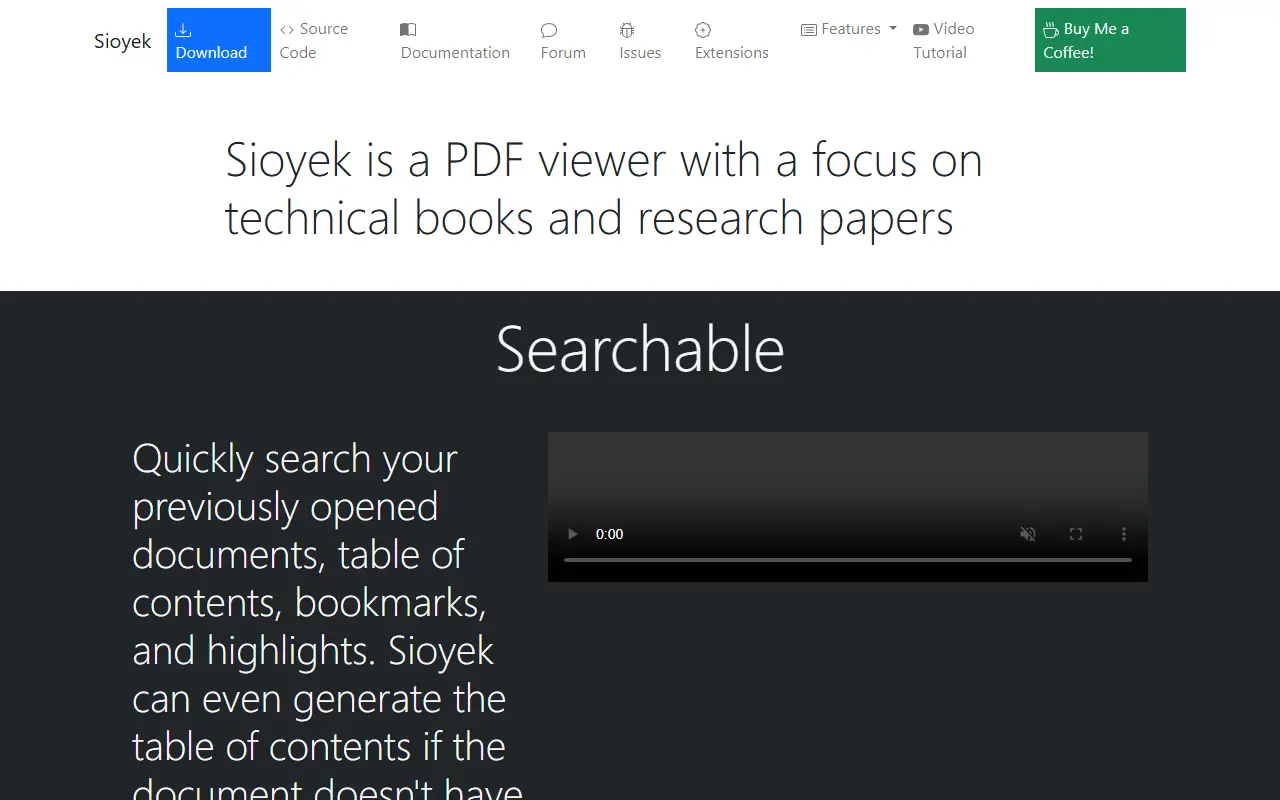
sioyek.infoSioyek homepage screenshot

Sioyek is a PDF viewer with a focus on textbooks and research papers. It is meant for people who read long technical documents and need to move around them quickly, rather than just scroll through pages.

Features documented in the README include quick open, which lets you search for and open any file you have previously used, and navigation through a document's table of contents. The project offers official documentation and a video overview. Installers cover Windows, macOS and Linux, a Homebrew cask is available, and third-party packages exist for Flathub, Alpine, Arch, Debian, NixOS, openSUSE and Ubuntu.

Sioyek is written in C and C++ with Qt and released under GPL-3.0. Building the development branch needs Qt 6.7 or 6.8, and the FAQ explains how to get past the macOS quarantine message. The author accepts support through a buy-me-a-coffee link.

Key features

  • PDF viewing for books and papers
  • Quick open for previously used files
  • Table of contents navigation
  • Installers for Windows, macOS and Linux
  • Documentation and video demo

Pricing: Free and open source under the GPL-3.0 license.

Read more about SioyekWebsite GitHub

PDFsam

A free, multi-platform desktop application for splitting, merging, mixing and rotating PDF files and extracting pages, built with JavaFX.

GitHub stars
4.6k
Last commit
yesterday
Latest release
v6.0.6
Licence
AGPL-3.0
Self-hosted
Yes
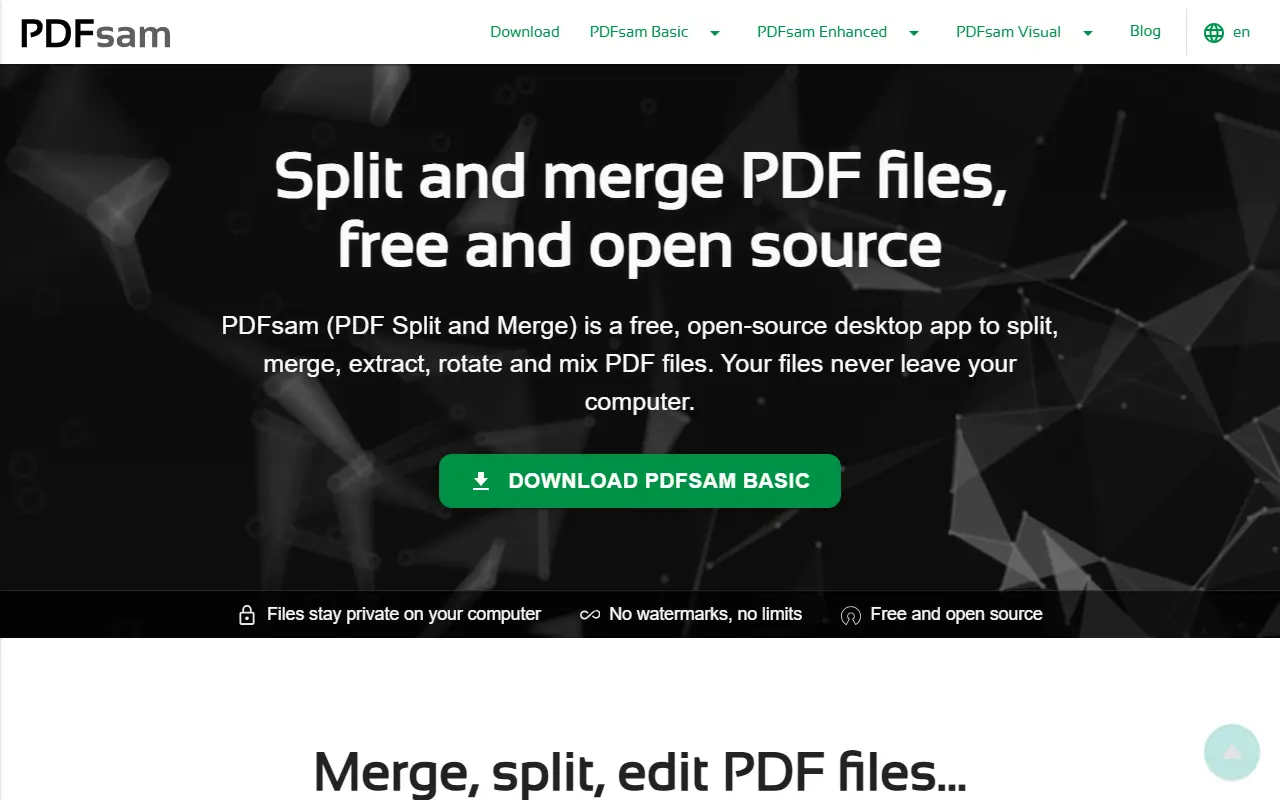
pdfsam.orgPDFsam homepage screenshot

PDFsam, short for PDF Split And Merge, is a desktop application for working with PDF files. PDFsam Basic, the free and open-source edition developed in this repository, extracts pages, splits, merges, mixes and rotates documents on multiple platforms.

The application is written with JavaFX. Since version 4 it is released as a self-contained application that bundles a jlinked JDK, whereas version 3 required a Java Runtime Environment 8 with JavaFX installed. Documentation, an FAQ, build instructions, contribution guidelines, a translation project and a list of properties and arguments to tweak behavior are all linked from the repository.

Since version 3, PDFsam Basic is licensed under the GNU Affero General Public License, while earlier versions were released under GPLv2. The software runs locally on your computer, so documents do not need to be uploaded to a web service.

Key features

  • Split PDF files
  • Merge and combine PDFs
  • Mix pages from several documents
  • Rotate PDF pages
  • Extract selected pages
  • Self-contained app with bundled JDK

Pricing: PDFsam Basic is free and open source. PDFsam Visual is listed at $34.9 per user with a 14-day trial, and PDFsam Enhanced at $69 as a yearly subscription.

Read more about PDFsamWebsite GitHub

Adobe Acrobat alternatives: questions

What is the best open-source alternative to Adobe Acrobat?
Stirling PDF is the top-ranked open-source alternative to Adobe Acrobat on Enlisted: An open-core PDF platform with 50+ tools for editing, merging, signing, redacting and converting documents on desktop, in the browser or on your own server. Other strong options are OCRmyPDF, BentoPDF, Sioyek and PDFsam.
Are these Adobe Acrobat alternatives free?
All 5 are open source, so the code is free to use under its licence, and all of them can be self-hosted on your own server or computer. 1 also offers a paid or managed cloud version if you'd rather not host it yourself.
How is this list of Adobe Acrobat alternatives ranked?
By a score built from GitHub stars, star growth over the last 30 days and how recently the code changed. 5 of these projects shipped code in the last 30 days. Data is refreshed daily, and nobody can pay to move up.

People also look for alternatives to…

View all