
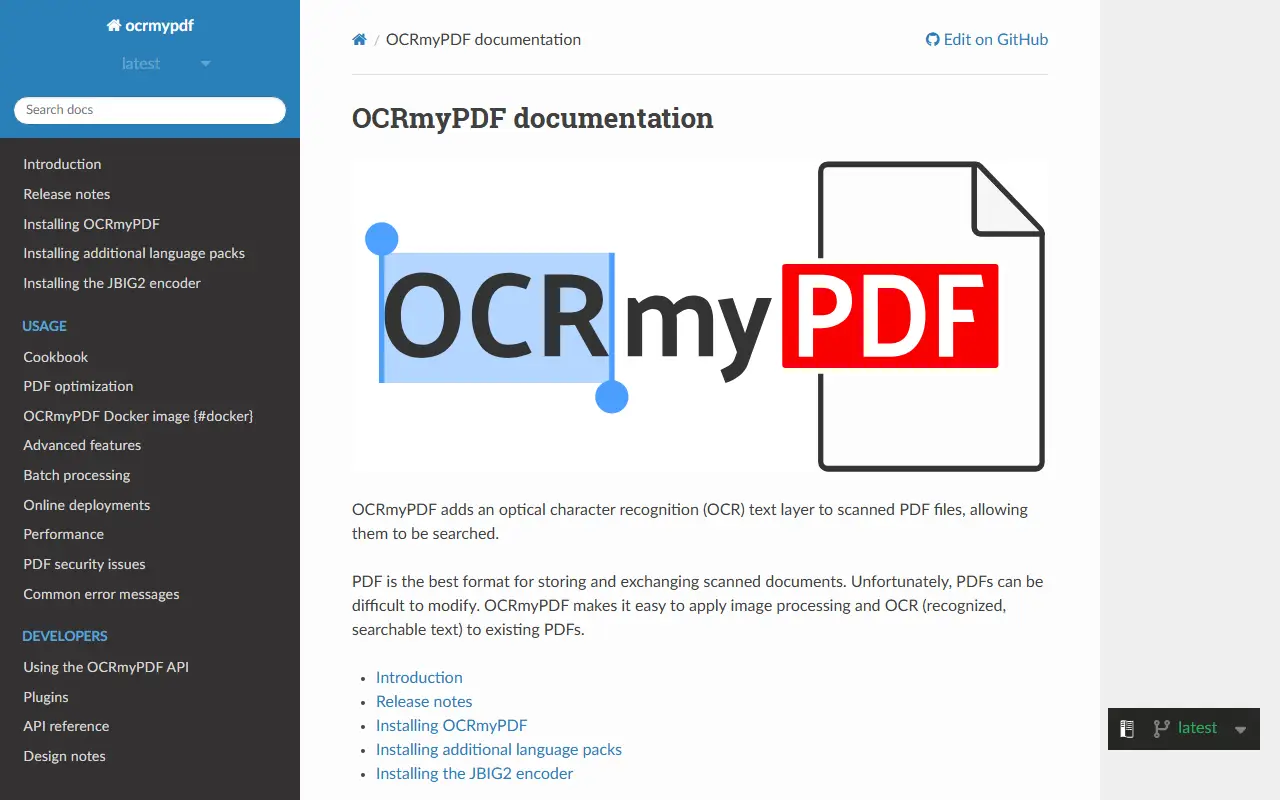
About OCRmyPDF
OCRmyPDF adds an optical character recognition text layer to scanned PDF files so they can be searched and copied from. It turns an ordinary PDF into a searchable PDF/A file and places the recognized text under the page image so copy and paste works accurately. The tool is written in Python and released under the MPL-2.0 license.
It uses the Tesseract OCR engine, which recognizes more than a hundred languages. The tool keeps the original image resolution, inserts OCR data without disturbing other content where possible, and can optimize images so output files are often smaller than the input. Optional deskewing and image cleaning run before recognition, input and output files are validated, and work is spread across available CPU cores. Processing happens on your own machine, which keeps documents private, and it is available from PyPI and Homebrew.
Key features
- Adds searchable text layer to scanned PDFs
- Outputs PDF/A files
- Tesseract OCR with 100+ language support
- Optional deskew and image cleanup
- Image optimization to shrink output size
- Multi-core processing for large documents
Good fit for
- →Making scanned document archives searchable
- →Batch OCR on a server or workstation
- Built with
- Python
- Tags
- ocr
- tesseract
- document-processing
- python
- command-line
- pdfa
- scanning
OCRmyPDF: questions and answers
- What is OCRmyPDF used for?
- OCRmyPDF is a command-line tool that adds a searchable OCR text layer to scanned PDF files using the Tesseract engine. It is a good fit for making scanned document archives searchable and batch OCR on a server or workstation.
- Is OCRmyPDF open source?
- Yes. OCRmyPDF is open source under the MPL-2.0 licence. Its source code is on GitHub at ocrmypdf/OCRmyPDF and is written mainly in Python.
- Is OCRmyPDF free?
- Yes. OCRmyPDF is open source, so the software itself is free to use.
- What is OCRmyPDF an alternative to?
- OCRmyPDF is an open-source alternative to Adobe Acrobat. Other open-source alternatives to Adobe Acrobat include Stirling PDF, BentoPDF and PDFsam.
- Is OCRmyPDF actively maintained?
- Yes. The most recent commit to OCRmyPDF was on 29 September 2026, and the latest release is v17.13.0, published on 28 September 2026. The project has 35k stars on GitHub.
Open-source alternatives to OCRmyPDF
See all
Stirling PDF
Productivity
A free, private PDF editor you can run on any infrastructure.
OSSvs Adobe Acrobat★ 93k
BentoPDF
Productivity
The Privacy First PDF Toolkit
AGPL-3.0vs iLovePDF★ 16k
PDFsam
Productivity
PDFsam, a desktop application to split, merge, mix, rotate PDF files and extract pages
AGPL-3.0vs Smallpdf★ 4.6k
Sioyek
Productivity
Sioyek is a PDF viewer with a focus on textbooks and research papers
GPL-3.0vs Adobe Acrobat★ 9.9kBuku
Productivity
:bookmark: Personal mini-web in text
GPL-3.0vs Raindrop.io★ 7.2k
Watson
Productivity
:watch: A wonderful CLI to track your time!
MITvs Clockify★ 2.5k
SaaS alternatives to OCRmyPDF
See all
Adobe Acrobat
Productivity
PDF reader and editor with e-signature and document conversion
SaaS
iLovePDF
Productivity
Online PDF tools for splitting, merging, compressing and converting
SaaS
Nitro PDF
Productivity
PDF editing and e-signature software for businesses
SaaS
PDF Expert
Productivity
PDF reader, annotator and editor for Mac, iPhone and iPad
SaaS
PDFelement
Productivity
PDF editing and conversion software from Wondershare
SaaS
Soda PDF
Productivity
Desktop and online PDF editor, converter and e-signature tool
SaaS