
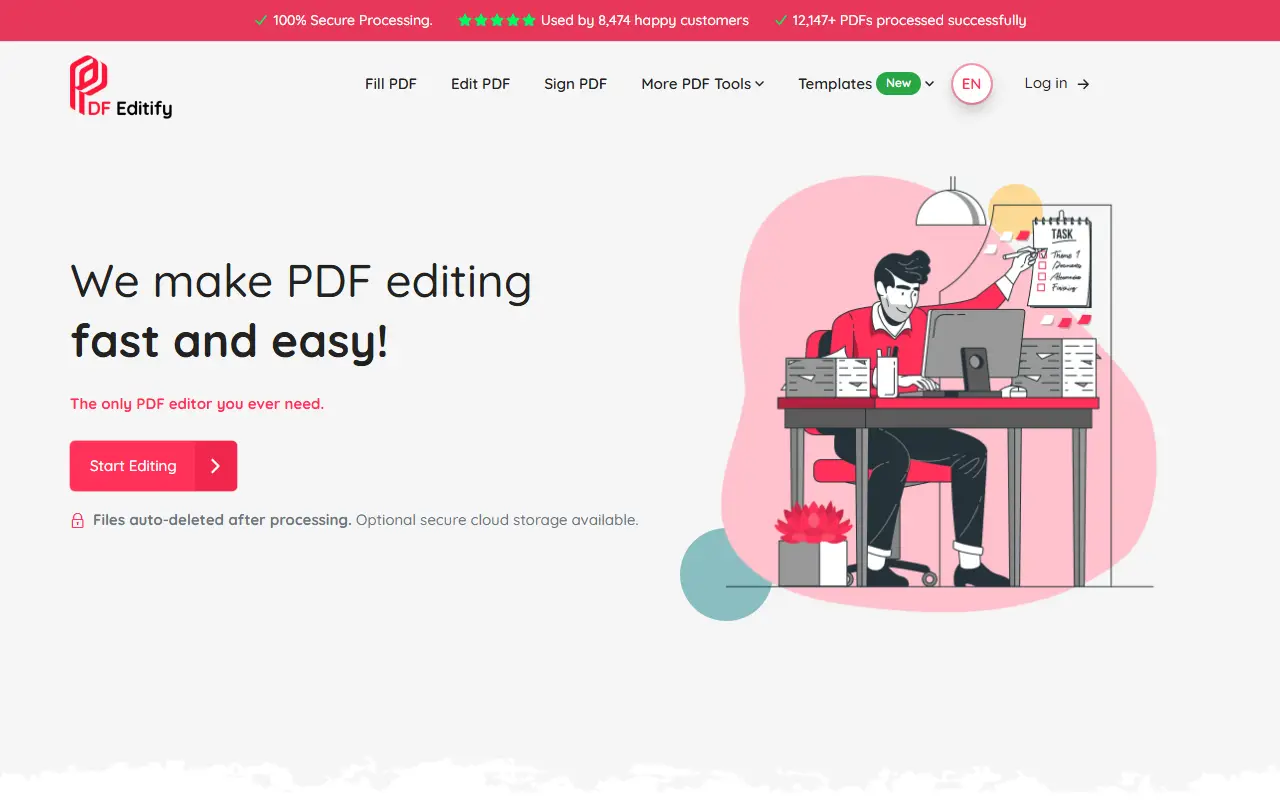
About PDF Editify
PDF Editify is a browser-based PDF toolbox. The main tools are filling, editing and signing PDFs, and it also offers redaction, OCR, creating fillable PDF forms, adding images, protecting and unlocking files, and merging and splitting. The interface is available in English, German, French, Italian and Spanish.
The template library of fillable forms spans federal tax paperwork from the IRS, other U.S. government forms, property and real estate documents, legal forms and a few Social Security, Medicare and family benefit forms, all of which can be filled, edited, signed and downloaded online. Uploaded files are said to be deleted automatically after processing, with optional secure cloud storage if you want to save them for later.
The site publishes comparison pages against Adobe Acrobat, pdfFiller, Sejda, Nitro, iLovePDF, Smallpdf and Xodo. The tools are advertised as free, and a pricing page lists paid options. The interface keeps to a simple upload, edit, sign and download flow.
Key features
- Fill, edit and sign PDFs online
- Redaction and OCR tools
- Create fillable PDF forms
- Merge, split and protect PDFs
- Library of IRS, legal and real estate templates
- Automatic deletion after processing
- Five interface languages
Good fit for
- Filling out tax or government forms online
- Signing documents without printing
- Redacting sensitive details before sharing
PDF Editify: questions and answers
- What is PDF Editify used for?
- PDF Editify is an online service to fill, edit, sign and redact PDFs, with OCR, form creation, merge and split tools and fillable form templates. It is a good fit for filling out tax or government forms online, signing documents without printing and redacting sensitive details before sharing.
- How much does PDF Editify cost?
- Paid plans for PDF Editify start at $3, and there is no free plan.
- Is PDF Editify open source?
- No. PDF Editify is proprietary (closed-source) software and can't be self-hosted. In the Productivity category, open-source options include Stirling PDF, BentoPDF and OCRmyPDF.
- What are some alternatives to PDF Editify?
- PDF Editify competes with Smallpdf, Sejda PDF and iLovePDF.
Open-source alternatives to PDF Editify
See all
Stirling PDF
Productivity
A free, private PDF editor you can run on any infrastructure.
OSSvs Adobe Acrobat★ 94k
BentoPDF
Productivity
The Privacy First PDF Toolkit
AGPL-3.0vs iLovePDF★ 16k
OCRmyPDF
Productivity
OCRmyPDF adds an OCR text layer to scanned PDF files, allowing them to be searched
MPL-2.0vs Adobe Acrobat★ 35k
ShareX
Productivity
ShareX is a free and open-source application that enables users to capture or record any a
GPL-3.0vs Snagit★ 40k
DocuSeal
Productivity
Free and Open source tool to streamline document filling and signing. Create custom PDF fo
AGPL-3.0vs DocuSign★ 19k
Documenso
Productivity
Sign everywhere with Documenso. Build workflows, create templates, and integrate seamlessl
AGPL-3.0vs DocuSign★ 15k
SaaS alternatives to PDF Editify
See all
Smallpdf
Productivity
Browser-based PDF tools for merging, compressing, editing and signing
SaaS
Sejda PDF
Productivity
Online and desktop PDF editor with merge, split, compress and sign tools
SaaS
iLovePDF
Productivity
Online PDF tools for splitting, merging, compressing and converting
SaaS
Adobe Acrobat
Productivity
PDF reader and editor with e-signature and document conversion
SaaS
PDFelement
Productivity
PDF editing and conversion software from Wondershare
SaaS
Fynepdf
Productivity
PDF tools with AI agents to merge, compress, convert and sign PDFs and review resumes, contracts and statements
SaaS