
About Docs to PDF
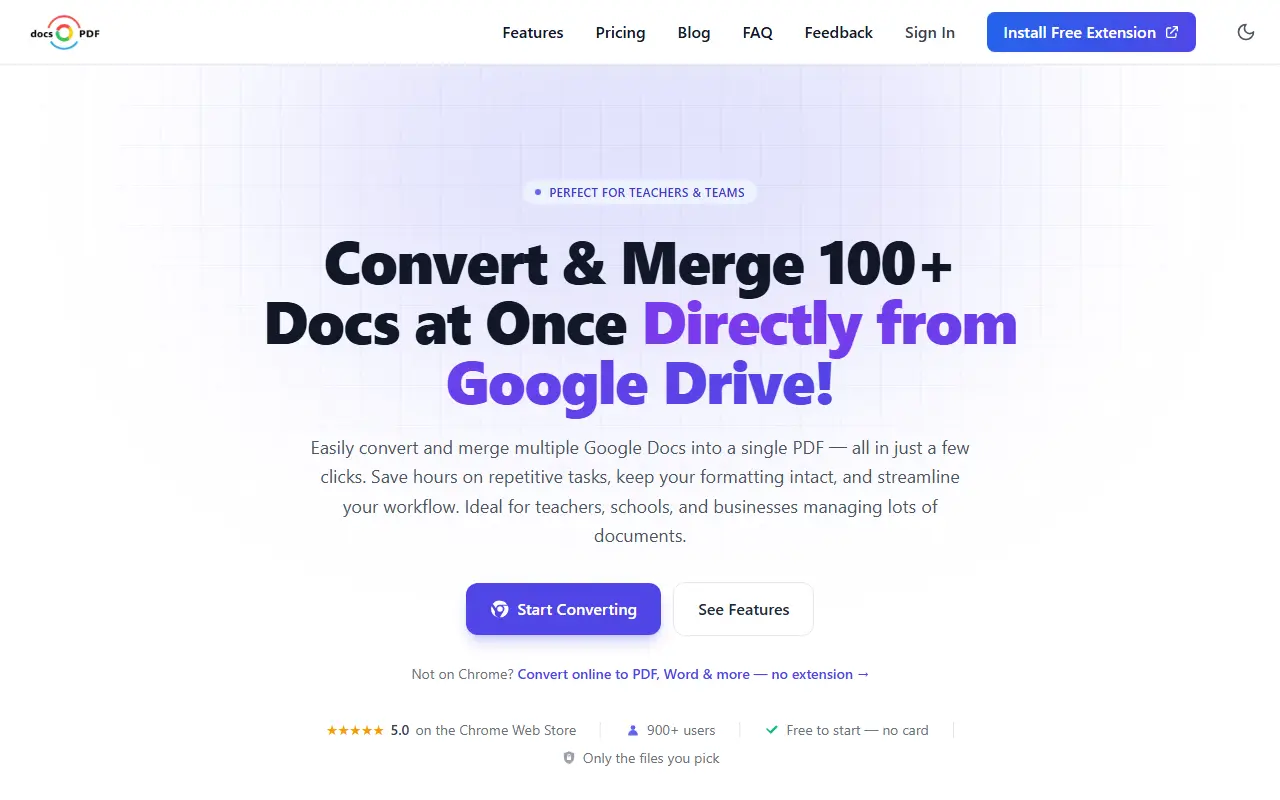
Docs to PDF is a Google Drive add-on delivered as a Chrome extension and a web app. You pick one document or a whole folder through the Google Picker, and it converts them to PDF with formatting kept, downloading the files or saving them to a folder you choose. The extension only sees the files you select.
Batch conversion handles many documents at once, and a merge option combines multiple Google Docs into a single PDF, with the site citing 100 or more documents in one go. Exported PDFs can be password protected. It is aimed at teachers, schools and businesses that manage many documents, and the web app is available for people not using Chrome.
Key features
- Batch convert Google Docs to PDF
- Merge many documents into one PDF
- Formatting preserved from the original
- Password protection for exported PDFs
- Custom folders for saved PDFs
- Chrome extension and web app
Good fit for
- Teachers exporting a folder of lesson plans
- Merging reports into a single PDF
Docs to PDF: questions and answers
- What is Docs to PDF used for?
- Docs to PDF is a Chrome extension and web app that converts Google Docs to PDF in batches, merges many documents into one PDF and can password-protect the result. It is a good fit for teachers exporting a folder of lesson plans and merging reports into a single PDF.
- Is Docs to PDF free?
- Yes. Docs to PDF has a free plan, and paid plans start at $10 per month.
- Is Docs to PDF open source?
- No. Docs to PDF is proprietary (closed-source) software and can't be self-hosted. In the Productivity category, open-source options include PDFsam, Stirling PDF and Dark Reader.
- What are some alternatives to Docs to PDF?
- Docs to PDF competes with iLovePDF, Smallpdf and Adobe Acrobat.
Open-source alternatives to Docs to PDF
See all
PDFsam
Productivity
PDFsam, a desktop application to split, merge, mix, rotate PDF files and extract pages
AGPL-3.0vs Smallpdf★ 4.6k
Stirling PDF
Productivity
A free, private PDF editor you can run on any infrastructure.
OSSvs Adobe Acrobat★ 94k
Dark Reader
Productivity
Dark Reader Chrome and Firefox extension
MIT★ 22k
DocuSeal
Productivity
Free and Open source tool to streamline document filling and signing. Create custom PDF fo
AGPL-3.0vs DocuSign★ 19k
BentoPDF
Productivity
The Privacy First PDF Toolkit
AGPL-3.0vs iLovePDF★ 16k
Documenso
Productivity
Sign everywhere with Documenso. Build workflows, create templates, and integrate seamlessl
AGPL-3.0vs DocuSign★ 15k
SaaS alternatives to Docs to PDF
See all
iLovePDF
Productivity
Online PDF tools for splitting, merging, compressing and converting
SaaS
Smallpdf
Productivity
Browser-based PDF tools for merging, compressing, editing and signing
SaaS
Adobe Acrobat
Productivity
PDF reader and editor with e-signature and document conversion
SaaS
Nitro PDF
Productivity
PDF editing and e-signature software for businesses
SaaS
PDF Expert
Productivity
PDF reader, annotator and editor for Mac, iPhone and iPad
SaaS
PDFelement
Productivity
PDF editing and conversion software from Wondershare
SaaS