7,363 open-source and SaaS tools, with GitHub stats refreshed every day.

8 alternatives ranked by real activity

Open-source Google Docs alternatives

A curated, ranked list of the 8 best open-source alternatives to Google Docs.

The best open-source alternative to Google Docs is Univer. If that doesn't suit you, other good options are Etherpad, Overleaf, La Suite Docs and CryptPad.

Google Docs alternatives are mainly productivity tools, but some are also documentation & wiki tools. 7 of them shipped code in the last 30 days, 8 can be self-hosted, and 3 use a permissive licence.

Last updated October 2, 2026 · ranked by GitHub stars, growth and recent commits

Univer

Univer is an open-source SDK for embedding spreadsheet, document and presentation editing into your own product, in the browser or on Node.js.

GitHub stars
22k
Last commit
yesterday
Latest release
v1.0.3
Licence
Apache-2.0
Self-hosted
Yes
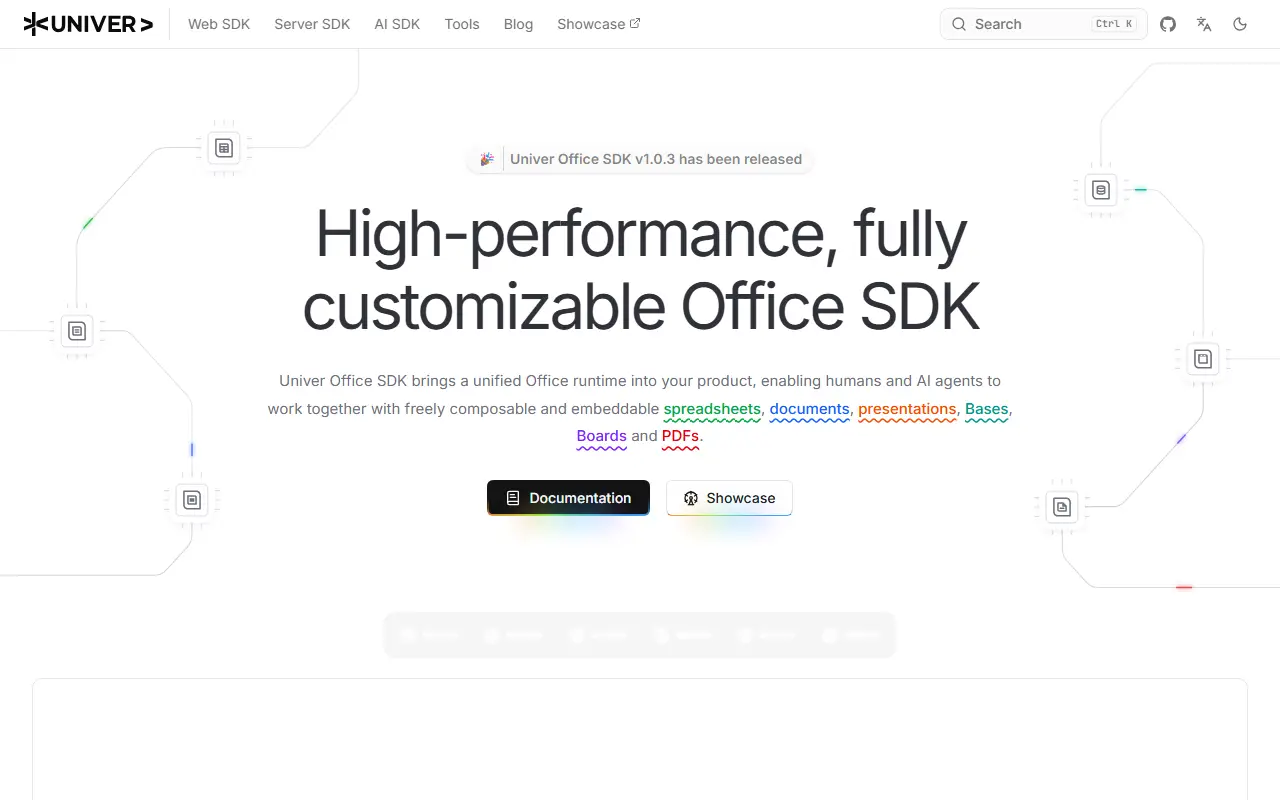
docs.univer.aiUniver homepage screenshot

Univer is an open-source SDK that lets you build office-style applications within your own product. It provides components for spreadsheet, document and presentation features, with no requirement to use a hosted app or a fixed interface. The architecture is plugin-based, with rendering on Canvas, a built-in formula engine and a single Facade API usable in browsers and on Node.js. It is written in TypeScript and released under the Apache-2.0 license.

Typical uses include adding spreadsheet or document editing to a SaaS product, an internal tool, a business intelligence workflow or an AI application, and running workbook or document processing on the server with the same architecture as in the browser. Plugins let you include just the capabilities you want, and presets offer a fast way to get going, and extend behavior with custom plugins, commands, services and UI components. The wider Univer family also covers bases, boards and PDFs, and Univer Workspace, a workspace you can host yourself, is built on the SDK as an open-source example. The README distinguishes the open-source scope from the Pro offering.

Key features

  • Embeddable spreadsheet and document editing
  • Plugin architecture with presets
  • Formula engine and Canvas rendering
  • Facade API for browser and Node.js
  • Server-side workbook processing
  • Open-source and Pro editions

Pricing: Core SDK is free and open source under Apache-2.0; the README refers to a separate Pro edition.

Read more about UniverWebsite GitHub

Etherpad

A self-hosted real-time collaborative document editor that attributes every keystroke to an author, keeps full revision history and extends through plugins.

GitHub stars
19k
Last commit
yesterday
Latest release
v3.3.6
Licence
Apache-2.0
Self-hosted
Yes
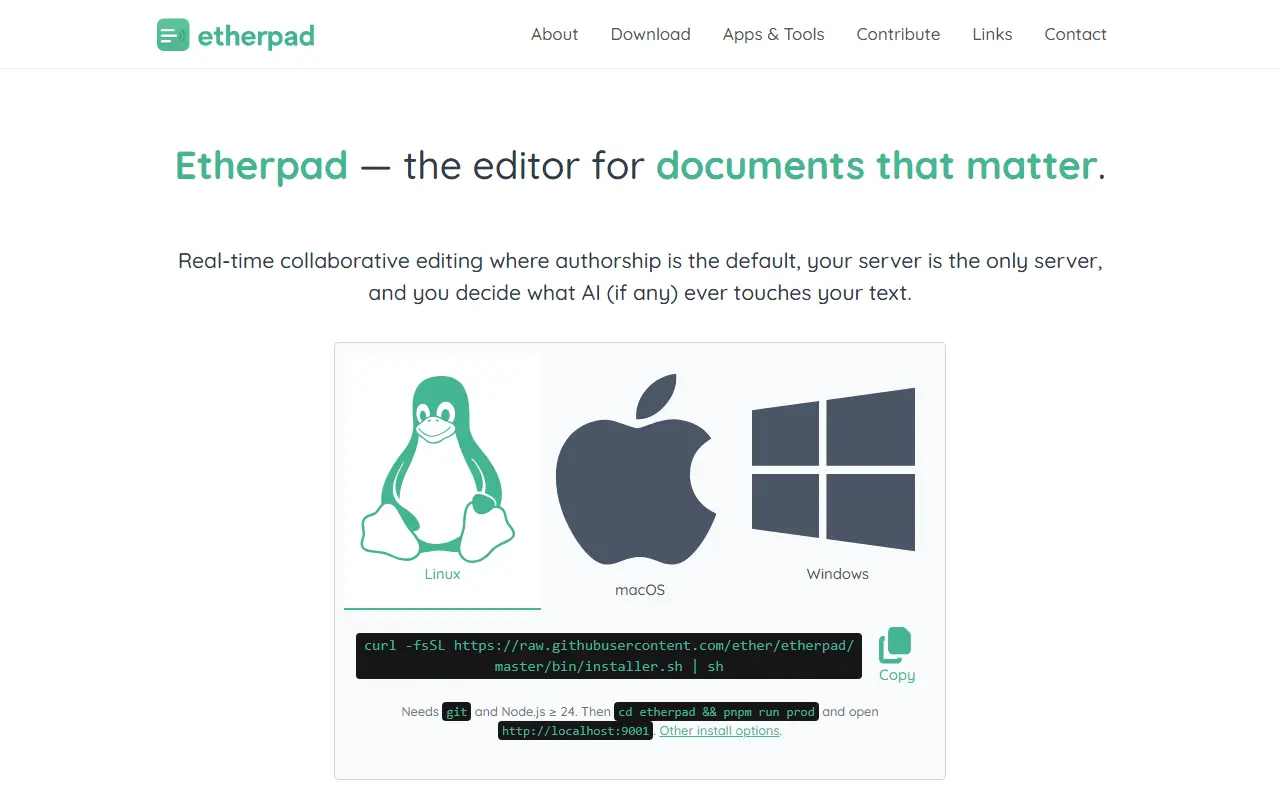
etherpad.orgEtherpad homepage screenshot

Etherpad is a collaborative editor in which several people write in the same document at the same moment. It attributes every keystroke to its author using color highlighting, preserves every revision, and provides a timeslider that lets you replay a document's whole history character by character.

It is built to run on your own server under your own governance, with no telemetry and no upsells, and the project documents the two optional network calls its own code makes and how to turn them off. AI is treated as a plugin that you install and point at a model you choose, running on infrastructure you control. The project says it scales to thousands of simultaneous editors on a single pad, is translated into 105 languages and is extended by hundreds of plugins. Topics mention PDF generation and rich-text editing.

Etherpad is written in TypeScript and licensed under Apache-2.0, and its data format is open. It is used by governments, public institutions, newsrooms and communities that need a simple, trustworthy shared writing space, from meeting notes to collaborative drafting.

Key features

  • Real-time collaborative editing
  • Per-author color attribution
  • Full revision history with timeslider
  • Hundreds of plugins
  • Translated into 105 languages
  • No telemetry and self-hosted control

Pricing: Free and open source under the Apache-2.0 license.

Read more about EtherpadWebsite GitHub

Overleaf

Overleaf is an open-source, web-based collaborative LaTeX editor that can be self-hosted or used through the hosted service at overleaf.com.

GitHub stars
18k
Last commit
15 days ago
Latest release
v0.1.3
Licence
AGPL-3.0
Self-hosted
Yes
Hosted version
Available

Overleaf is an online editor for writing LaTeX documents together in real time. Several people can work on the same project in a browser, which removes the need to install a TeX distribution on every machine. The Community Edition is open source and licensed under AGPL-3.0.

The vendor runs a hosted version at overleaf.com, and the Community Edition can also be run locally using the Overleaf Toolkit and its Docker images. The project cautions that Community Edition is meant for environments where all users are trusted, because without Sandboxed Compiles users get broad access to the container's resources during LaTeX compiles.

For organizations that want help installing and maintaining it, Overleaf offers a commercially supported version called Server Pro. It adds security features such as SSO with LDAP or SAML, administration options and collaboration features including tracked changes. Release updates are announced through a mailing list and the wiki release notes.

Key features

  • Real-time collaborative LaTeX editing
  • Browser-based editor with no local TeX install
  • Docker-based self-hosting with the Overleaf Toolkit
  • Server Pro adds SSO and tracked changes
  • Hosted version at overleaf.com
  • Release notes and upgrade guides on the wiki

Pricing: Community Edition is free under AGPL-3.0; Server Pro is a commercial version, and the hosted service runs at overleaf.com.

Read more about OverleafGitHub

La Suite Docs

La Suite Docs is an open-source collaborative editor and Notion or Google Docs alternative with real-time editing, subpages, access control and self-hosting.

GitHub stars
17k
Last commit
yesterday
Latest release
v5.7.0
Licence
MIT
Self-hosted
Yes
Hosted version
Available
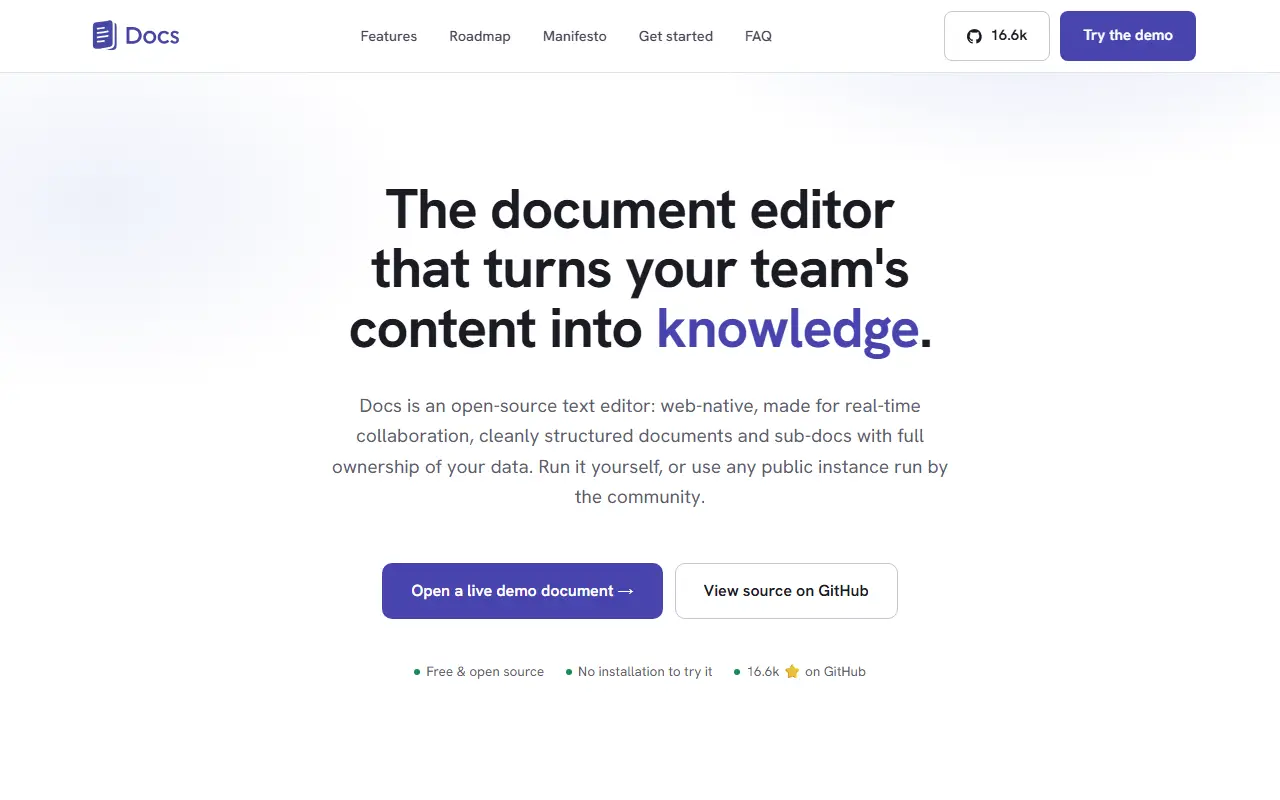
docs.la-suite.euLa Suite Docs homepage screenshot

Docs, from the La Suite initiative, is an open-source collaborative text editor presented as an alternative to Notion and Google Docs. It is built for real-time collaboration, cleanly structured documents with sub-documents, knowledge organization and full ownership of your data, and it targets public organizations, companies and open communities.

Writing features include rich-text and Markdown editing, slash commands and a block system, offline editing, and optional AI helpers to rewrite, summarize, translate or fix typos. Collaboration covers live cursors and presence, comments and sharing with granular access control. Knowledge management relies on subpages, hierarchy and search. Documents can also be turned into presentations using simple delimiters, with a full-screen mode, PDF export and keyboard navigation. Import and export options are provided.

The back end is built with Django and the front end with React, using collaborative-editing tooling such as Yjs and BlockNote according to its topics. Docs is MIT licensed, can be self-hosted, and has a hosted instance you can try. It suits teams in government and enterprises that need sovereign, self-controlled documentation tools.

Key features

  • Real-time collaborative editing
  • Rich-text and Markdown with slash commands
  • Subpages and document hierarchy
  • Comments, sharing and granular permissions
  • Presentation mode with PDF export
  • Optional AI writing helpers

Pricing: Free and open source under the MIT license.

CryptPad

CryptPad is an open-source, end-to-end encrypted collaboration suite where documents sync in real time and the server cannot read their content.

GitHub stars
8k
Last commit
today
Latest release
2026.5.1
Licence
AGPL-3.0
Self-hosted
Yes
Hosted version
Available
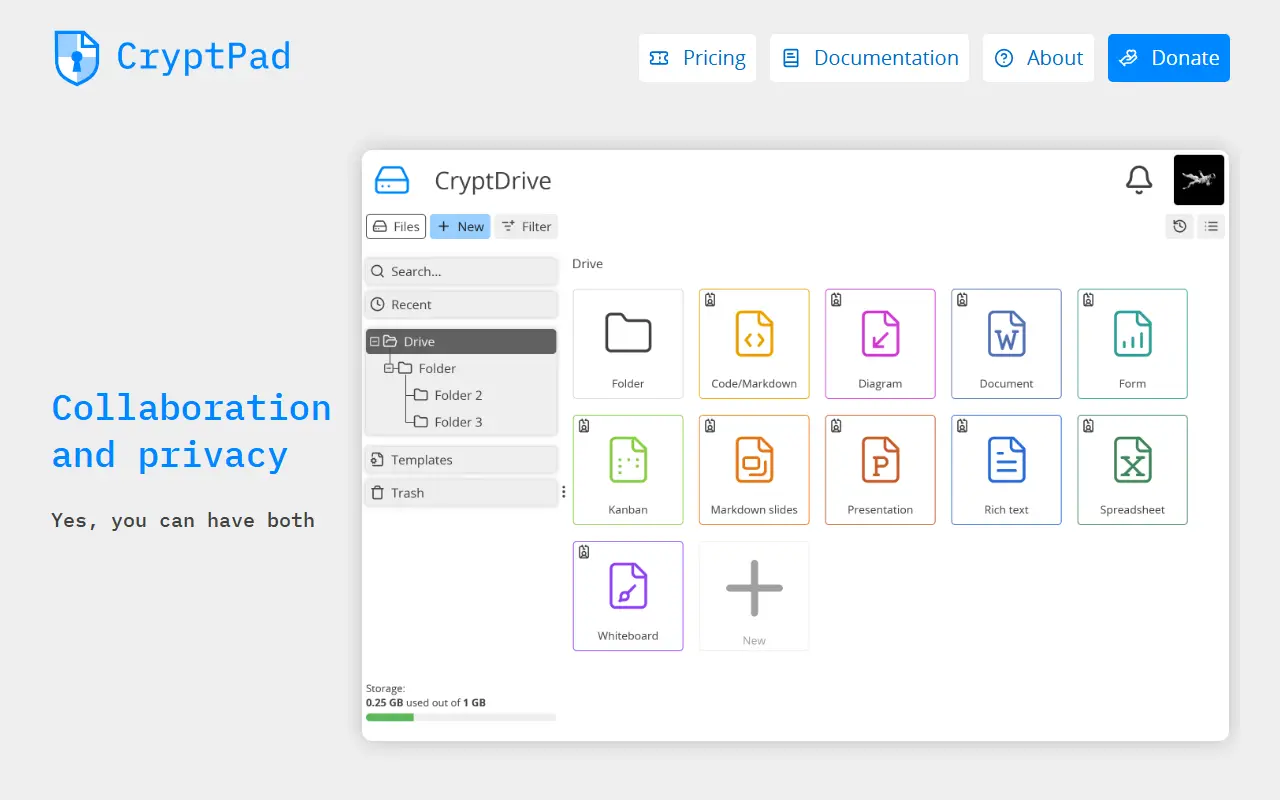
cryptpad.orgCryptPad homepage screenshot

CryptPad is an open-source collaboration suite with end-to-end encryption. Documents are synchronized between collaborators in real time, and because user data is encrypted, an attacker who breaches the server cannot read the stored content. Administrators who run unmodified code and the service itself also cannot see what users store.

The encryption happens in the browser before data is sent to the server or to collaborators. The README is candid about a limit of this model: the code that does the encrypting is delivered by the host server, as on any website, so users must trust the administrator to keep the server secure. Repository topics mention collaborative editing, real-time work and the ChainPad algorithm.

CryptPad is written in JavaScript and licensed under AGPL-3.0. A developer guide covers setting up a local instance, and an admin guide covers production deployments. Official Docker images for AMD64 and ARM64 are published with every release, and a Dockerfile and docker-compose.yml are included in the repository.

Key features

  • End-to-end encrypted documents
  • Real-time collaborative editing
  • Encryption performed in the browser
  • Official Docker images for AMD64 and ARM64
  • Admin guide for production installs

Pricing: Free accounts are available on public instances, and the software can be self-hosted. Paid plans on CryptPad.fr run €5 to €100 per month; managed own-instance plans start at €3,000 per year.

Read more about CryptPadWebsite GitHub

HedgeDoc

HedgeDoc is an open-source platform for writing real-time collaborative markdown notes that teams can host themselves.

GitHub stars
7.5k
Last commit
today
Latest release
1.12.0
Licence
AGPL-3.0
Self-hosted
Yes
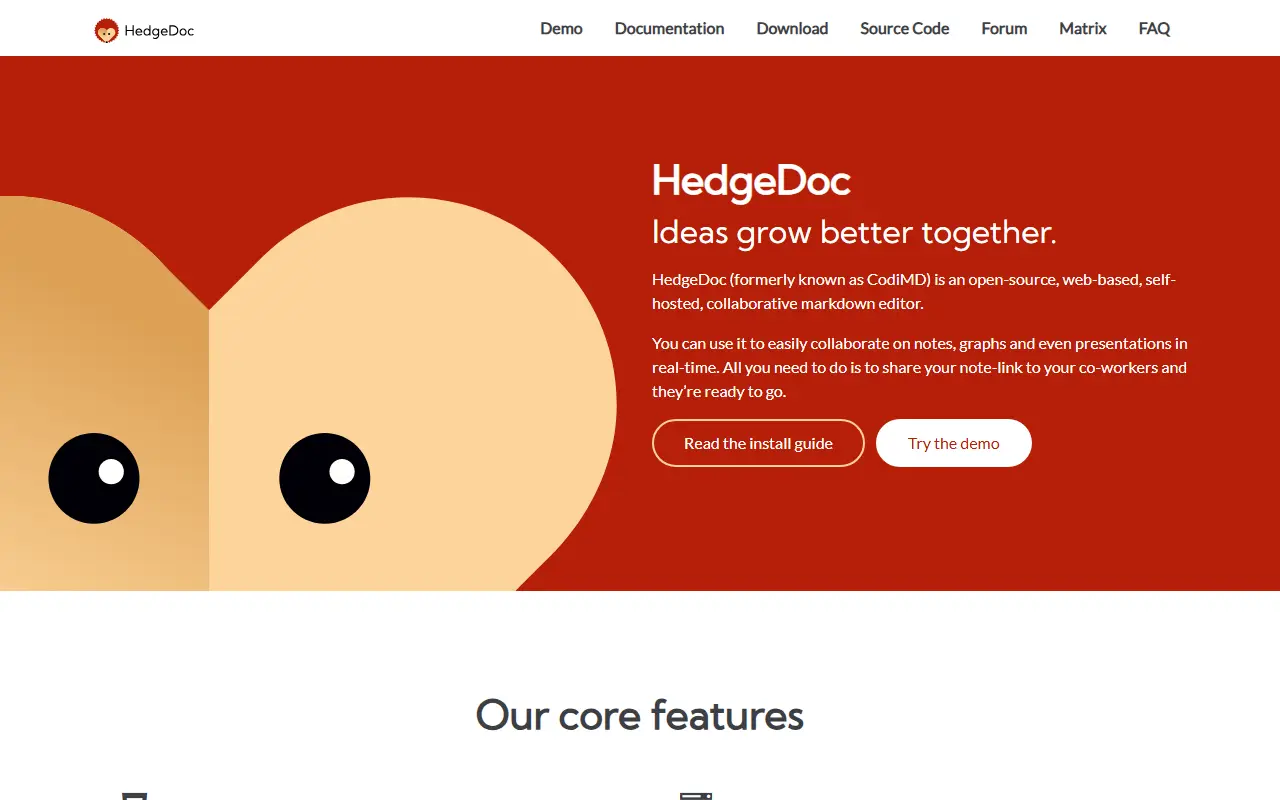
hedgedoc.orgHedgeDoc homepage screenshot

With HedgeDoc you write markdown notes together in real time. Several people can edit a document together in the browser, which makes it useful for meeting notes, drafts, documentation and brainstorming, and its tagline is that ideas grow better together.

Repository topics mention markdown, diagrams, collaboration and real-time editing, and the project grew out of the CodiMD and HackMD lineage. The README explains where the project stands: HedgeDoc 1.x is stable and widely used but in maintenance mode, while HedgeDoc 2 is a complete rewrite, split into backend and frontend, that is still in alpha and does not yet implement every feature. A demo instance and features page let you try it first.

HedgeDoc is written in TypeScript and licensed under AGPL-3.0. You install it yourself by following the install guide, and support is available through a Matrix chat and community forums. Translations are handled through POEditor.

Key features

  • Real-time collaborative markdown editing
  • Diagram support in notes
  • Browser-based editor
  • Demo instance to try before installing
  • HedgeDoc 2 rewrite in progress

Pricing: Free and open source under the AGPL-3.0 licence.

Read more about HedgeDocWebsite GitHub

Collabora Online

Collabora Online is a browser-based office suite built on LibreOffice technology for viewing and editing documents, spreadsheets and presentations.

GitHub stars
3.4k
Last commit
7 days ago
Latest release
25.04.7-mobile
Self-hosted
Yes
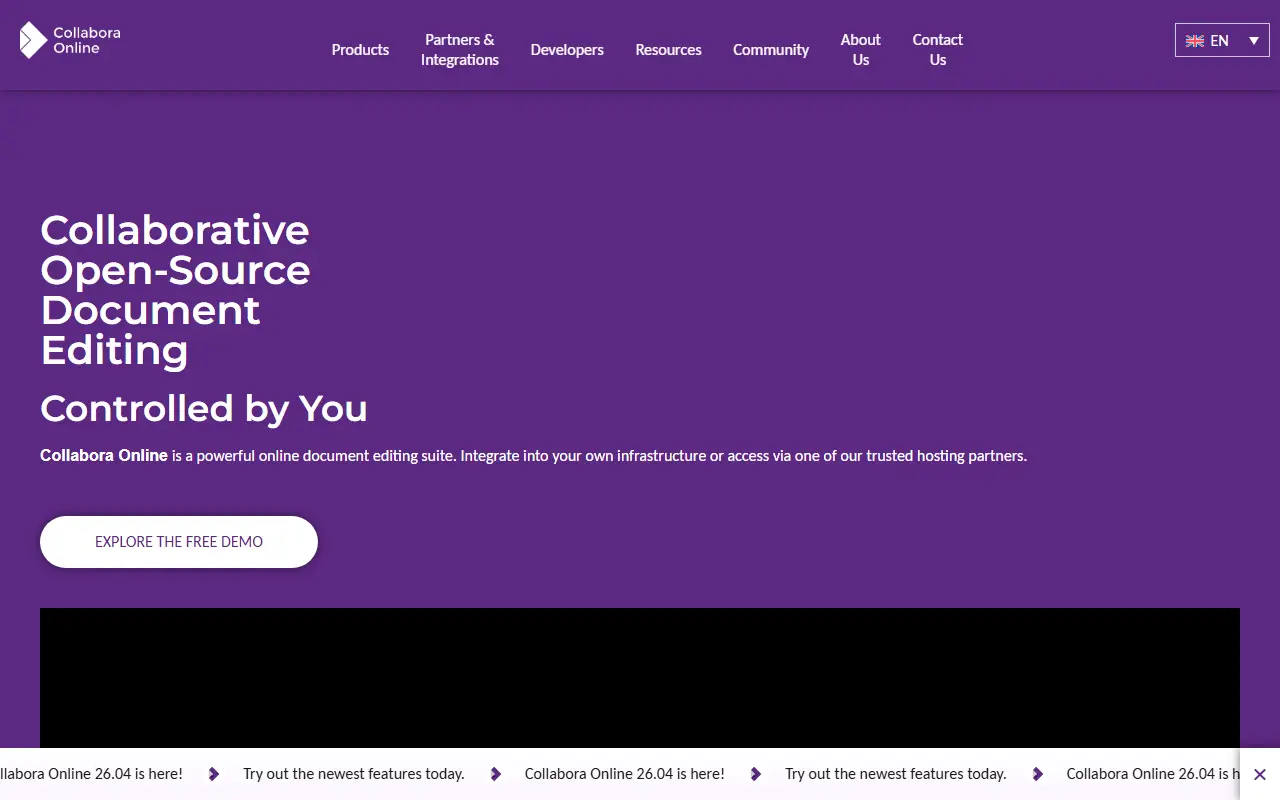
collaboraonline.comCollabora Online homepage screenshot

Collabora Online is an open-source, web-based office suite built on LibreOffice technology. It lets users open and edit documents in the browser, and the project's topics also reference mobile apps for iOS and Android. It is aimed at organizations that want document editing they can control, often integrated into other collaboration or file-sharing platforms.

This GitHub repository has a narrower role than the product as a whole. Active development and code review have moved to the project's own Gerrit instance, and the GitHub repository is kept for issue tracking and for release artifacts, including the nightly container image, the Helm chart and build assets. Pull requests are welcome only for the Helm chart and the Docker image build, and a read-only source mirror is available elsewhere.

Because the container image and Helm chart are published from here, the software is designed to be deployed on your own infrastructure, including Kubernetes. The code is a mix of C++, JavaScript and shell scripts. Contributors should follow the contributing guide and push source changes to Gerrit rather than GitHub.

Key features

  • Browser-based document editing
  • Built on LibreOffice technology
  • Nightly container image
  • Helm chart for Kubernetes deployment
  • Mobile apps for iOS and Android

ONLYOFFICE Docs

ONLYOFFICE Docs is an online office suite with real-time collaborative editors for documents, spreadsheets, presentations, forms and PDFs.

GitHub stars
7k
Last commit
2 mo ago
Latest release
v9.4.0
Licence
AGPL-3.0
Self-hosted
Yes
Hosted version
Available
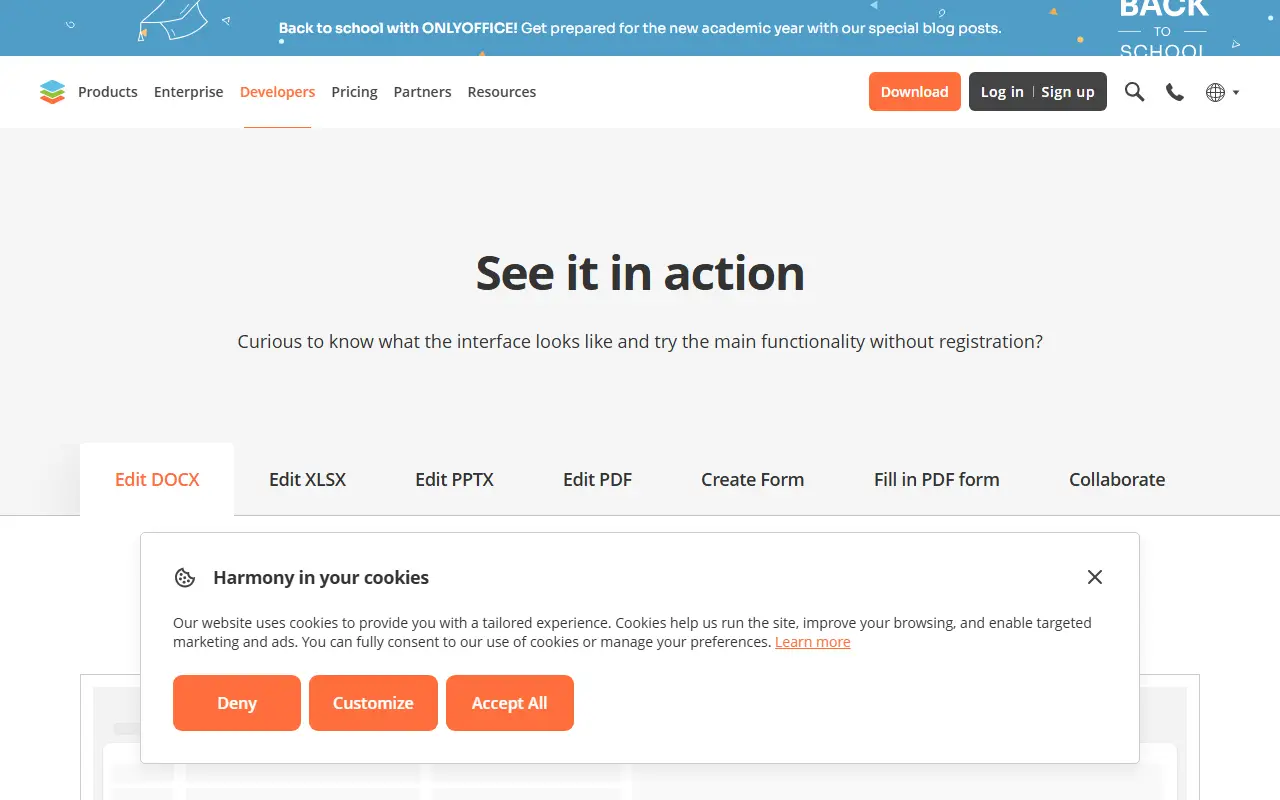
onlyoffice.comONLYOFFICE Docs homepage screenshot

ONLYOFFICE Docs, published in this repository as the document server, is an online office suite that bundles viewers and editors for text documents, spreadsheets, presentations, forms and PDF files. It is built around Office Open XML formats such as docx, xlsx and pptx, and it supports collaborative editing in real time. The server component runs on Node.js and is licensed under AGPL-3.0.

The vendor's site describes several ways to use it. Docs can be connected to other platforms for in-place editing, with ready integrations for products such as Box, Moodle, Nextcloud, Odoo and WordPress. It can be embedded in your own service under your own brand, and it powers the vendor's DocSpace, where you create rooms and invite people to work on documents. A demo lets you try editing and form filling without registration.

Free desktop apps for Windows, Linux and macOS and mobile apps for iOS and Android are offered for working with documents offline or on the go. The site also offers templates for forms, text documents, spreadsheets and presentations, and converters between formats. Commercial plans and pricing are published by the vendor.

Key features

  • Editors for documents, spreadsheets and presentations
  • Form creation and PDF form filling
  • Compatible with docx, xlsx and pptx
  • Real-time collaborative editing
  • Integrations with Nextcloud, Moodle, Odoo and others
  • Desktop and mobile apps

Pricing: Source available under AGPL-3.0; the vendor offers a free DocSpace account and publishes separate plan pricing.

Google Docs alternatives: questions

What is the best open-source alternative to Google Docs?
Univer is the top-ranked open-source alternative to Google Docs on Enlisted: Univer is an open-source SDK for embedding spreadsheet, document and presentation editing into your own product, in the browser or on Node.js. Other strong options are Etherpad, Overleaf, La Suite Docs and CryptPad.
Are these Google Docs alternatives free?
All 8 are open source, so the code is free to use under its licence, and all of them can be self-hosted on your own server or computer. 4 also offer a paid or managed cloud version if you'd rather not host it yourself.
How is this list of Google Docs alternatives ranked?
By a score built from GitHub stars, star growth over the last 30 days and how recently the code changed. 7 of these projects shipped code in the last 30 days. Data is refreshed daily, and nobody can pay to move up.

People also look for alternatives to…

View all