#1
Stalwart is an all-in-one mail and collaboration server written in Rust that speaks JMAP, IMAP, POP3, SMTP, CalDAV, CardDAV and WebDAV.
- GitHub stars
- 16k
- Last commit
- 3 days ago
- Latest release
- v1.1.0
- Self-hosted
- Yes
stalw.art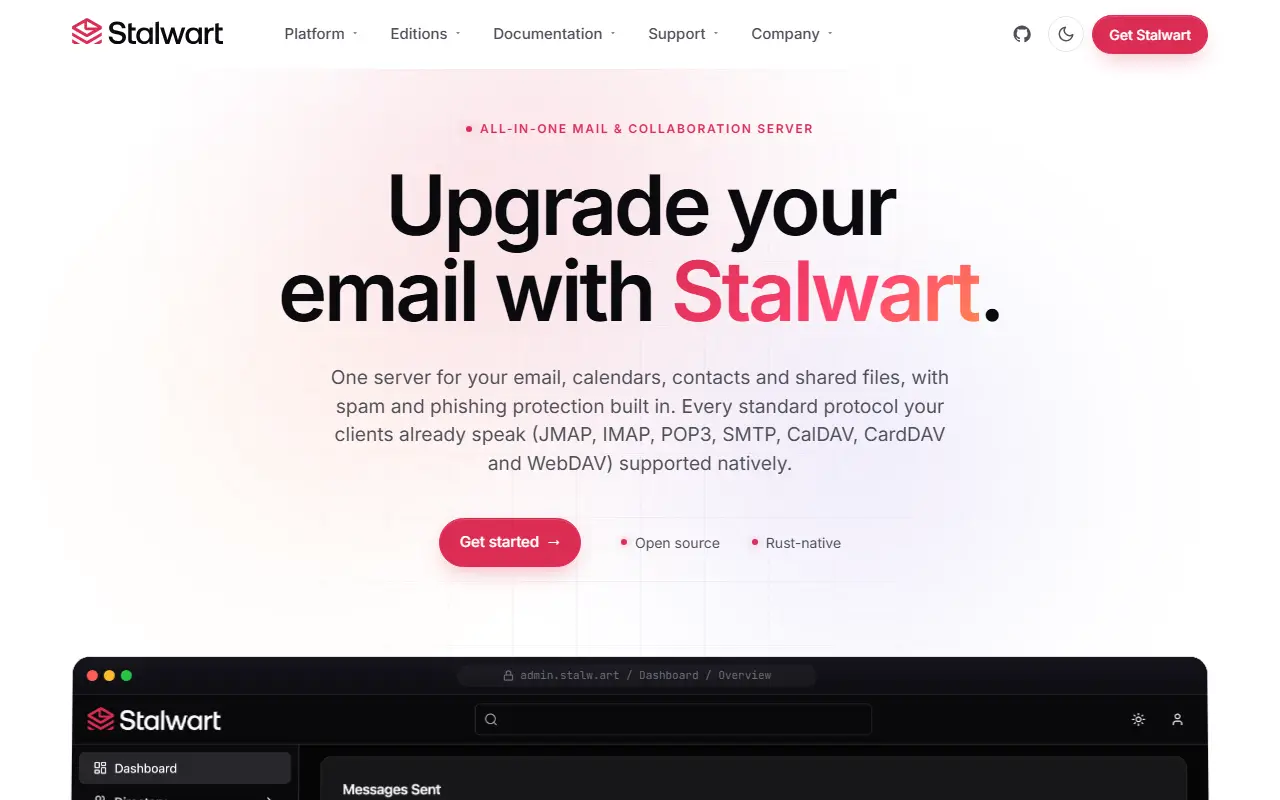
Stalwart is an open-source mail and collaboration server written in Rust and designed to be secure, fast, robust and scalable. It supports JMAP, IMAP4, POP3, SMTP, CalDAV, CardDAV and WebDAV, so a single server can handle email, calendars, contacts and file storage.
On the email side it offers JMAP for Mail and Sieve, IMAP4rev2 and IMAP4rev1 with ManageSieve, and POP3. The SMTP server includes DMARC, DKIM, SPF and ARC for message authentication, transport security through DANE, MTA-STS and TLS reporting, automated DKIM key rotation, throttling and filtering rules, sieve scripting and milter integration, and distributed virtual queues.
The collaboration features cover CalDAV and JMAP for Calendars, CardDAV and JMAP for Contacts, and WebDAV and JMAP for File Storage, with fine-grained sharing through WebDAV ACL and JMAP Sharing. A built-in spam and phishing filter includes a rule set and LLM-driven message analysis. It is self-hosted software that administrators run on their own servers.
Key features
- JMAP, IMAP4, POP3 and SMTP servers
- Calendars, contacts and file storage
- DMARC, DKIM, SPF and ARC support
- Built-in spam and phishing filter
- Fine-grained sharing and access controls
- Written in Rust for speed and safety
Pricing: The Community edition is free. Enterprise is priced per mailbox per year from $2.40 (25 to 499 mailboxes) with lower rates at volume, plus a 30-day trial.
#2
A self-hosted file sync, sharing and collaboration platform that stores files, contacts and calendars on a server you choose, extensible with hundreds of apps.
- GitHub stars
- 37k
- Last commit
- yesterday
- Latest release
- v33.0.11
- Licence
- AGPL-3.0
- Self-hosted
- Yes
- Hosted version
- Available
nextcloud.com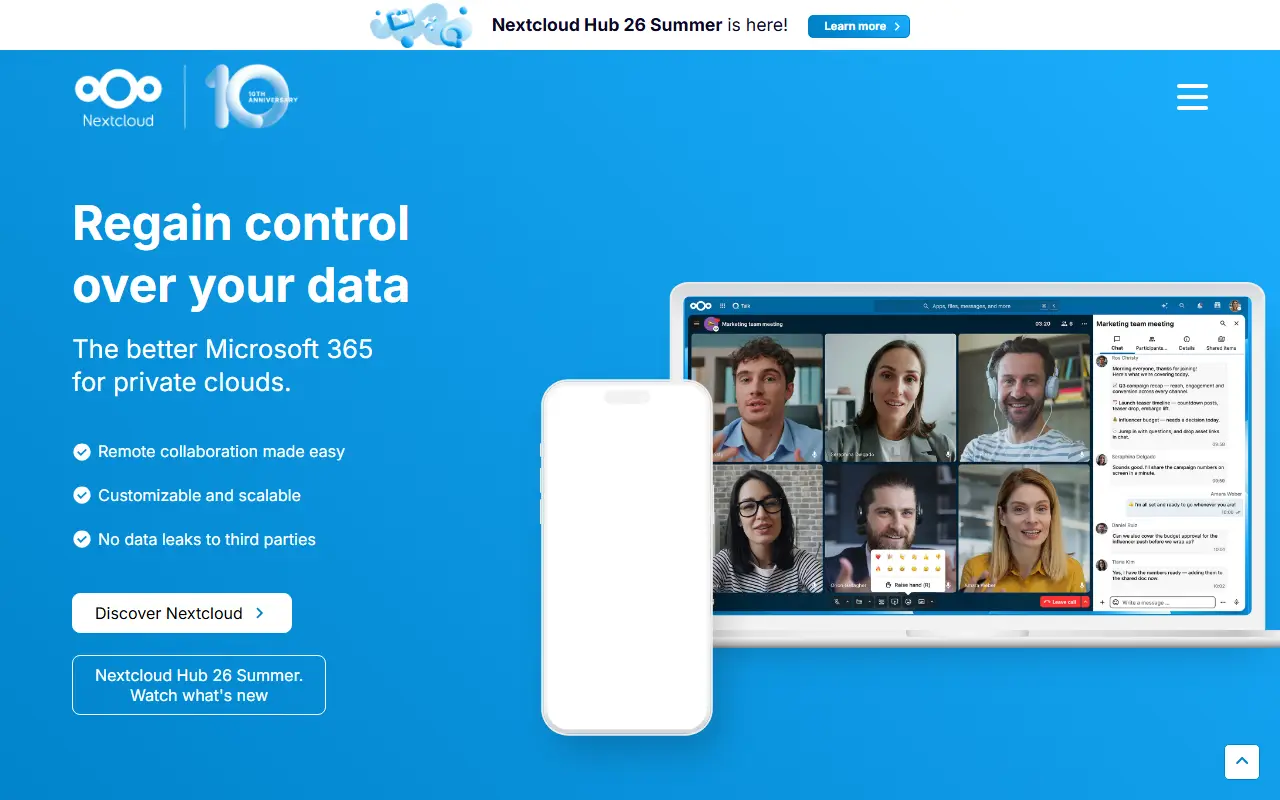
Nextcloud Server is a platform for keeping your files, contacts, calendars and other data on a server of your choosing. Content is synchronized across your devices, can be shared with other people for viewing or collaboration, and stays under your control rather than with a large cloud provider. It grew out of the ownCloud lineage.
Functionality can be expanded through hundreds of apps in its App Store, including Calendar, Contacts, Mail and Video Chat. Security measures include encryption mechanisms, a public bug bounty program and two-factor authentication. There are several ways to get a Nextcloud: sign up with a provider, install the server yourself on your own hardware or with a ready-to-use appliance, buy a device that comes with it preinstalled, or find a service provider to host it for you.
The server is written in PHP and JavaScript under the AGPL-3.0 license. Nextcloud GmbH also offers an Enterprise edition aimed at public sector, education and company users. It suits households, schools and organizations that want to replace commercial cloud storage and office suites with something they run themselves.
Key features
- File storage and sync across devices
- Contacts and calendar hosting
- Sharing and collaboration controls
- App Store with hundreds of apps
- Two-factor authentication and encryption
- Self-install, appliance or provider-hosted options
Pricing: Nextcloud Enterprise Standard starts at 42€ per user per year, with subscriptions from 100 users and 31.50€ from 250 users. Nextcloud One managed hosting is offered for smaller teams.
#3
Dockerized mail server suite combining SMTP, IMAP, spam filtering and webmail so you can host your own email and groupware.
- GitHub stars
- 14k
- Last commit
- 2 days ago
- Latest release
- 2026-11
- Licence
- GPL-3.0
- Self-hosted
- Yes
mailcow.email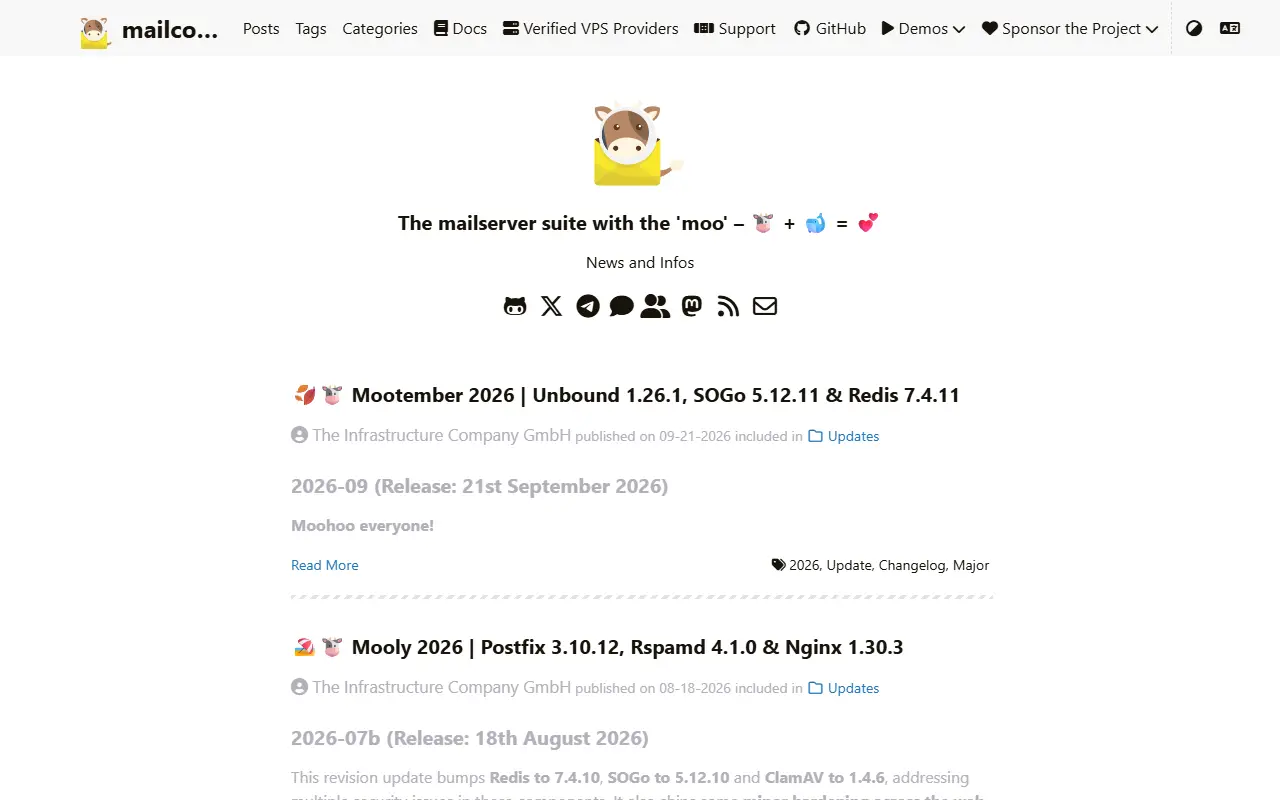
mailcow: dockerized is an open-source mail server package that runs as a set of Docker containers managed with Docker Compose. It bundles the pieces needed to run your own email, so administrators do not have to assemble and configure each component separately.
The stack is built around established open-source software: Postfix for SMTP, Dovecot for IMAP, Rspamd for spam filtering, ClamAV for antivirus scanning, SOGo for groupware and webmail, and ACME support for certificates. A web administration interface sits on top. Topics in the repository also mention the Olefy component for document scanning.
mailcow is released under the GNU General Public License v3 and installed on your own server following the official documentation. It is managed and maintained by The Infrastructure Company GmbH, and the project offers support contracts through Servercow as well as a one-time support payment option. The community gathers on Telegram, Mastodon and GitHub Sponsors.
Key features
- Complete mail server in Docker containers
- Postfix and Dovecot for SMTP and IMAP
- Rspamd spam filtering and ClamAV scanning
- SOGo webmail and groupware
- Automatic certificates through ACME
- Web interface for administration
Pricing: Free and open source under GPL-3.0; paid support contracts are offered through Servercow.
#4
Tuta Mail is an encrypted email, contacts and calendar service with open-source clients for web, desktop and mobile devices, focused on privacy.
- GitHub stars
- 8.2k
- Last commit
- 2 days ago
- Latest release
- tutanota-release-368.261110.0
- Licence
- GPL-3.0
- Self-hosted
- No
- Hosted version
- Available
tuta.com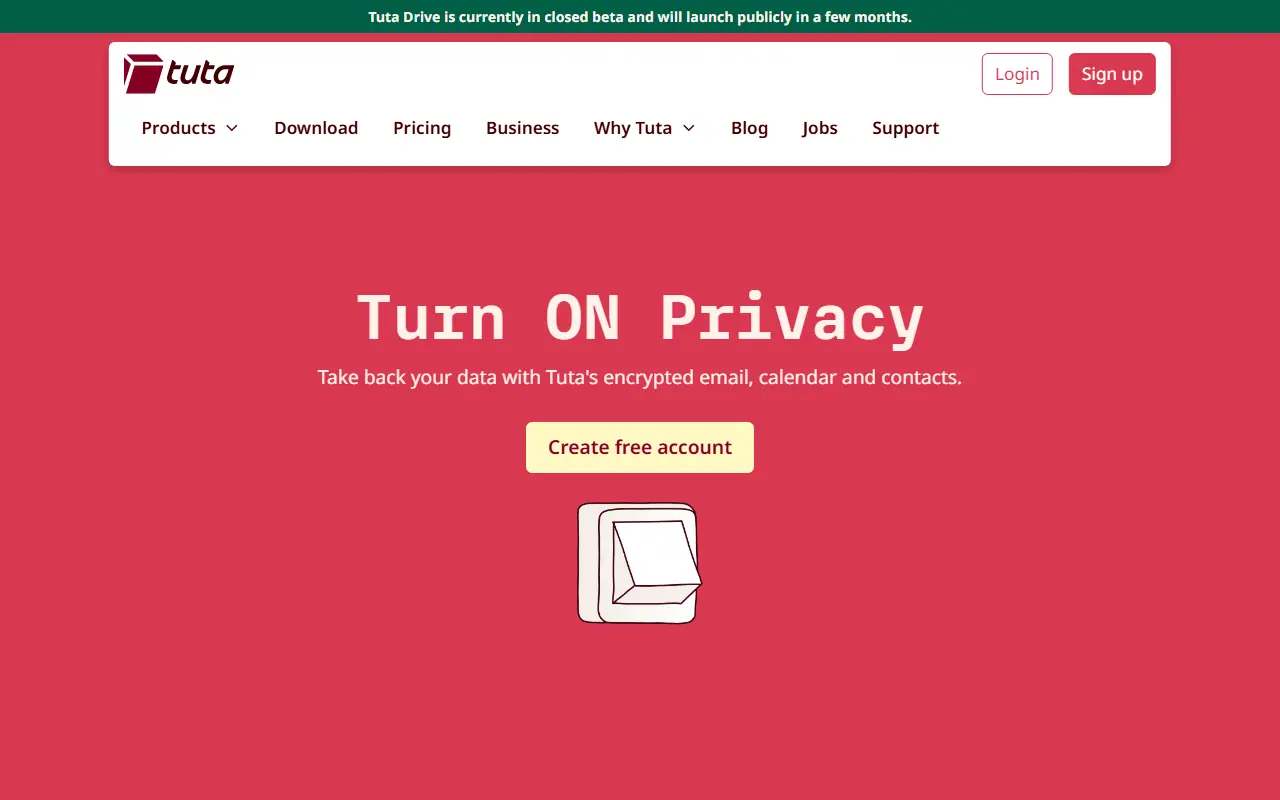
Tuta, formerly known as Tutanota, is an email service built around security and privacy. It uses built-in end-to-end encryption to protect emails, contacts and calendar entries across devices, and it lets users communicate securely with other people regardless of what provider they use.
The open-source repository contains the client applications, which include a web client, an iOS app and a desktop client, along with separate calendar releases for mobile platforms. The code is written in TypeScript and JavaScript on top of the Mithril framework and is licensed under GPL-3.0. Build, translation and development instructions are provided in dedicated files, and the roadmap and feature requests are handled through Reddit and the vendor website.
Tuta is a hosted service operated by the vendor rather than a product you install on your own server. The repository states that it does not accept contributions or bug reports produced with the help of large language models, and maintainers close such submissions without explanation.
Key features
- End-to-end encrypted email
- Encrypted contacts and calendar entries
- Web, desktop and iOS clients
- Open-source client code
- Community translations
Pricing: Free plan with 1 GB of storage, plus paid Revolutionary (20 GB) and Legend (500 GB) plans. Plan prices were not visible on the page, so check the vendor site.
#5
An integrated, free office suite compatible with most document formats and backed by The Document Foundation; this is its read-only core code repository.
- GitHub stars
- 4.6k
- Last commit
- yesterday
- Licence
- MPL-2.0
- Self-hosted
- Yes
libreoffice.org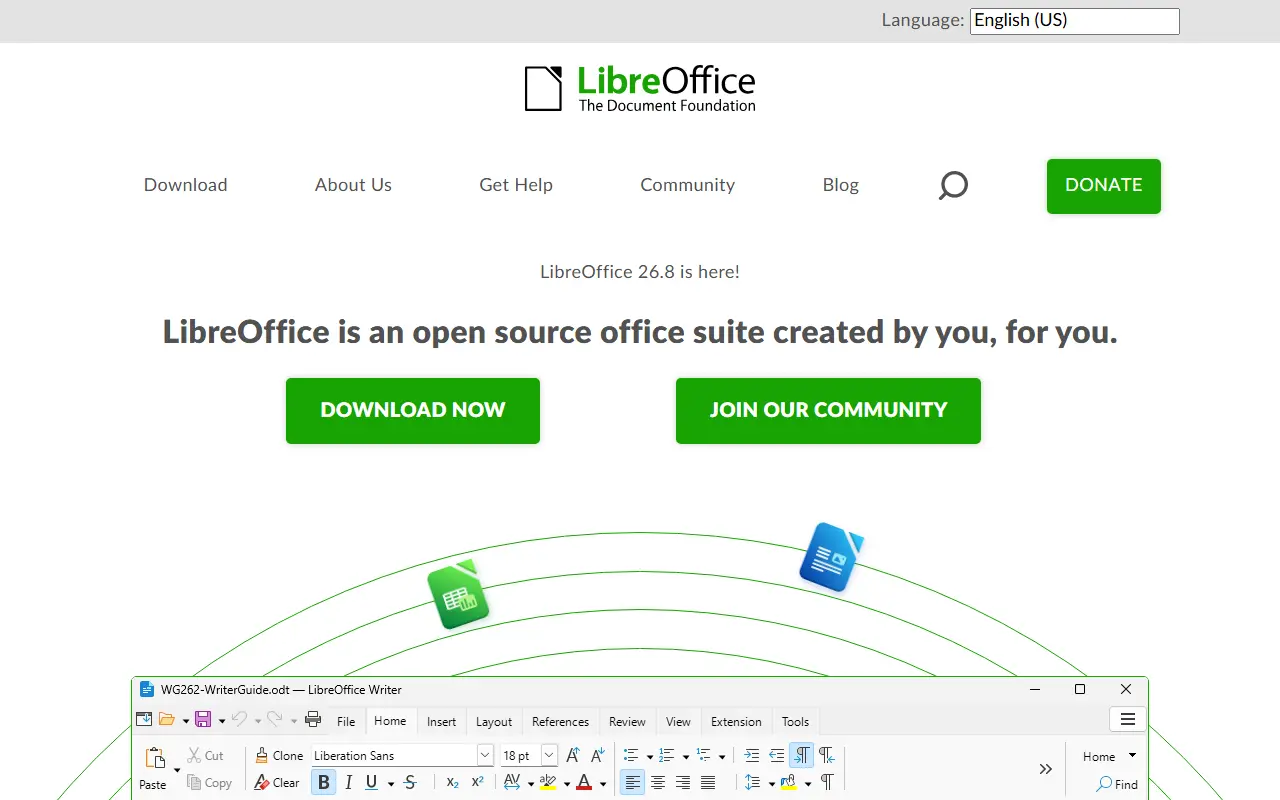
LibreOffice is a free office suite whose licenses are copyleft, built to open and save most common document formats and standards. It is free to download, use and distribute, and it is backed by The Document Foundation, which represents an independent community of enterprises, developers and other volunteers.
This GitHub repository is a read-only mirror of the core code: pull requests are not accepted, contributions go through Gerrit, and downloading a zip is discouraged in favor of the project's source bundles. Developers can add features by working on the code base in C++, or write extensions using the SDK and UNO APIs, which are also used by macro scripting in StarBasic.
The README documents the minimum build and runtime baselines for Windows, macOS and Linux, plus iOS for LibreOfficeKit and Android builds. As is widely known, the suite includes applications for word processing, spreadsheets, presentations, drawing and databases. Its code is written mostly in C++.
Key features
- Integrated office suite
- Compatibility with most document formats
- Word processing, spreadsheets and presentations
- Extensions via SDK and UNO APIs
- Macro scripting with StarBasic
- Builds for Windows, macOS and Linux
Pricing: Free to download, use and distribute.
#6
Mail-in-a-Box turns a fresh Ubuntu server into a complete self-hosted mail server with webmail, DNS, spam filtering and automatic TLS.
- GitHub stars
- 15k
- Last commit
- 5 days ago
- Latest release
- v77
- Licence
- CC0-1.0
- Self-hosted
- Yes
mailinabox.email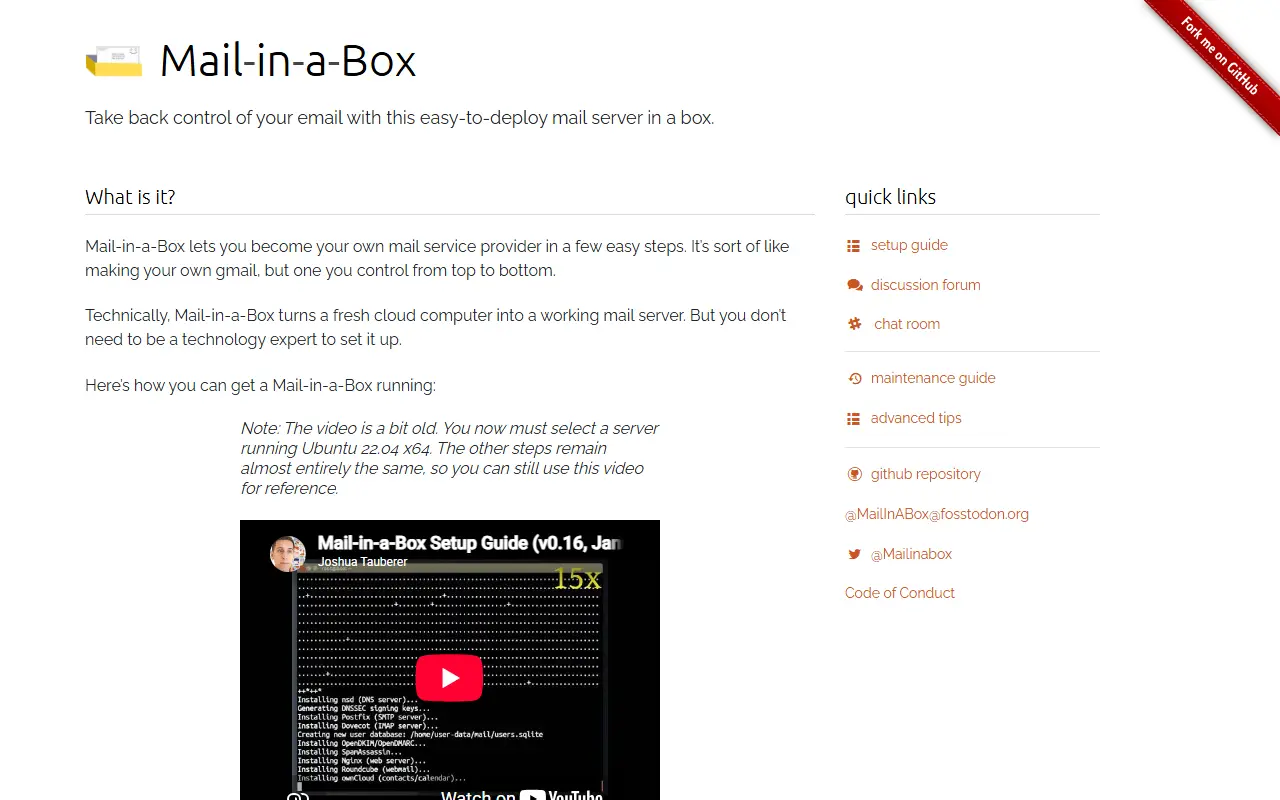
Mail-in-a-Box helps individuals take back control of their email by providing a one-click, easy-to-deploy mail server in a box. It turns a fresh Ubuntu 22.04 LTS 64-bit machine into a working mail server by installing and configuring the required components. There are no user-configurable setup options, so it is designed to just work.
The installed components include Postfix for SMTP, Dovecot for IMAP, Nextcloud for CardDAV and CalDAV, z-push for Exchange ActiveSync, and Roundcube webmail. It adds spam filtering with SpamAssassin and greylisting with Postgrey, DNS with SPF, DKIM, DMARC, DNSSEC, DANE TLSA, MTA-STS and SSHFP records set automatically, and TLS certificates from Let's Encrypt. Backups use duplicity, with ufw, fail2ban and munin for protection and monitoring.
Project goals include making a good mail server easy to deploy, promoting decentralization and privacy, and keeping configuration automated, auditable and idempotent. It deliberately does not aim to be customizable by power users. Mail-in-a-Box is written in Python, released into the public domain under CC0-1.0, and has a Code of Conduct for contributors.
Key features
- One-click mail server on Ubuntu 22.04
- Postfix SMTP and Dovecot IMAP
- Roundcube webmail and Nextcloud contacts
- Automatic SPF, DKIM, DMARC and DNSSEC setup
- Let's Encrypt TLS certificate provisioning
- Backups, fail2ban and health monitoring
Pricing: Free and open source, released under CC0-1.0.
#7
ONLYOFFICE Docs is an online office suite with real-time collaborative editors for documents, spreadsheets, presentations, forms and PDFs.
- GitHub stars
- 7.1k
- Last commit
- 18 days ago
- Latest release
- v10.0.0
- Licence
- AGPL-3.0
- Self-hosted
- Yes
- Hosted version
- Available
onlyoffice.com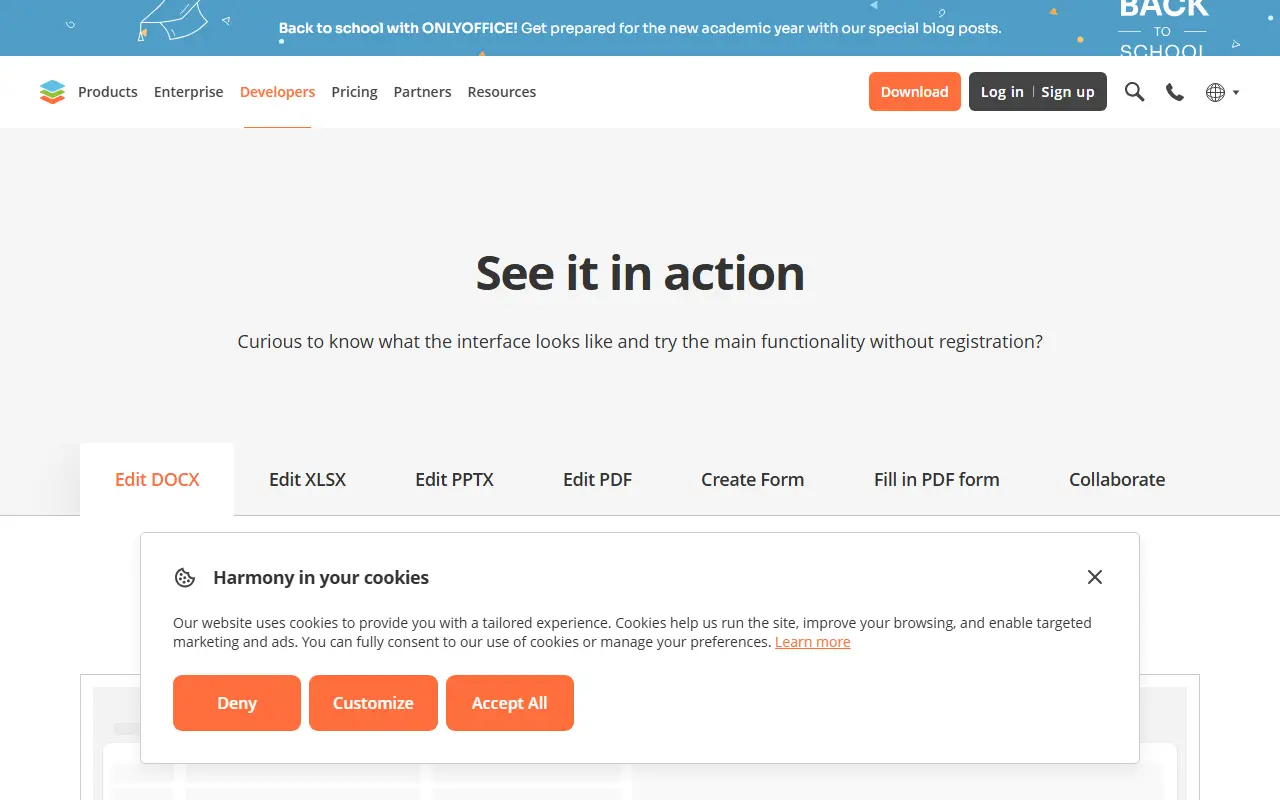
ONLYOFFICE Docs, published in this repository as the document server, is an online office suite that bundles viewers and editors for text documents, spreadsheets, presentations, forms and PDF files. It is built around Office Open XML formats such as docx, xlsx and pptx, and it supports collaborative editing in real time. The server component runs on Node.js and is licensed under AGPL-3.0.
The vendor's site describes several ways to use it. Docs can be connected to other platforms for in-place editing, with ready integrations for products such as Box, Moodle, Nextcloud, Odoo and WordPress. It can be embedded in your own service under your own brand, and it powers the vendor's DocSpace, where you create rooms and invite people to work on documents. A demo lets you try editing and form filling without registration.
Free desktop apps for Windows, Linux and macOS and mobile apps for iOS and Android are offered for working with documents offline or on the go. The site also offers templates for forms, text documents, spreadsheets and presentations, and converters between formats. Commercial plans and pricing are published by the vendor.
Key features
- Editors for documents, spreadsheets and presentations
- Form creation and PDF form filling
- Compatible with docx, xlsx and pptx
- Real-time collaborative editing
- Integrations with Nextcloud, Moodle, Odoo and others
- Desktop and mobile apps
Pricing: Source available under AGPL-3.0; the vendor offers a free DocSpace account and publishes separate plan pricing.
#8
CryptPad is an open-source, end-to-end encrypted collaboration suite where documents sync in real time and the server cannot read their content.
- GitHub stars
- 8.1k
- Last commit
- 3 days ago
- Latest release
- 2026.10.1
- Licence
- AGPL-3.0
- Self-hosted
- Yes
- Hosted version
- Available
cryptpad.org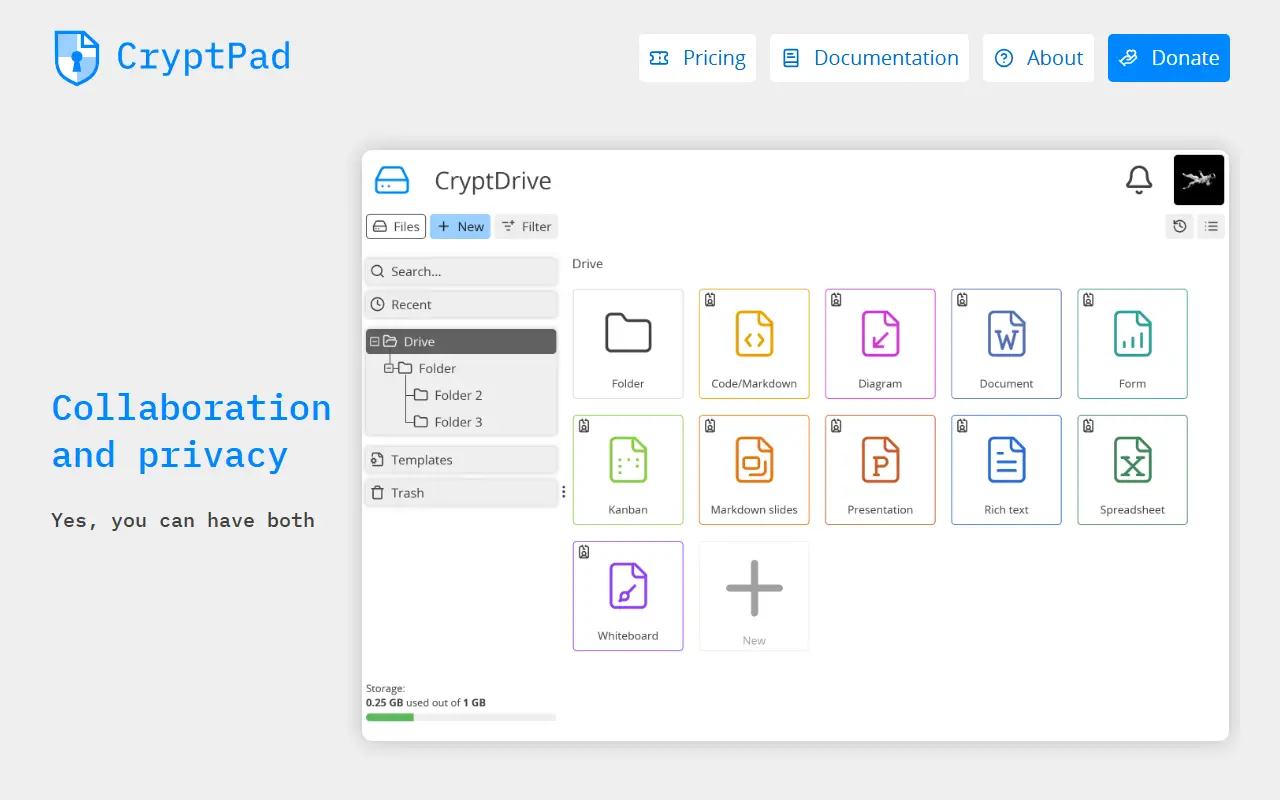
CryptPad is an open-source collaboration suite with end-to-end encryption. Documents are synchronized between collaborators in real time, and because user data is encrypted, an attacker who breaches the server cannot read the stored content. Administrators who run unmodified code and the service itself also cannot see what users store.
The encryption happens in the browser before data is sent to the server or to collaborators. The README is candid about a limit of this model: the code that does the encrypting is delivered by the host server, as on any website, so users must trust the administrator to keep the server secure. Repository topics mention collaborative editing, real-time work and the ChainPad algorithm.
CryptPad is written in JavaScript and licensed under AGPL-3.0. A developer guide covers setting up a local instance, and an admin guide covers production deployments. Official Docker images for AMD64 and ARM64 are published with every release, and a Dockerfile and docker-compose.yml are included in the repository.
Key features
- End-to-end encrypted documents
- Real-time collaborative editing
- Encryption performed in the browser
- Official Docker images for AMD64 and ARM64
- Admin guide for production installs
Pricing: Free accounts are available on public instances, and the software can be self-hosted. Paid plans on CryptPad.fr run €5 to €100 per month; managed own-instance plans start at €3,000 per year.
#9
Collabora Online is a browser-based office suite built on LibreOffice technology for viewing and editing documents, spreadsheets and presentations.
- GitHub stars
- 3.4k
- Last commit
- yesterday
- Latest release
- 25.04.7-mobile
- Self-hosted
- Yes
collaboraonline.com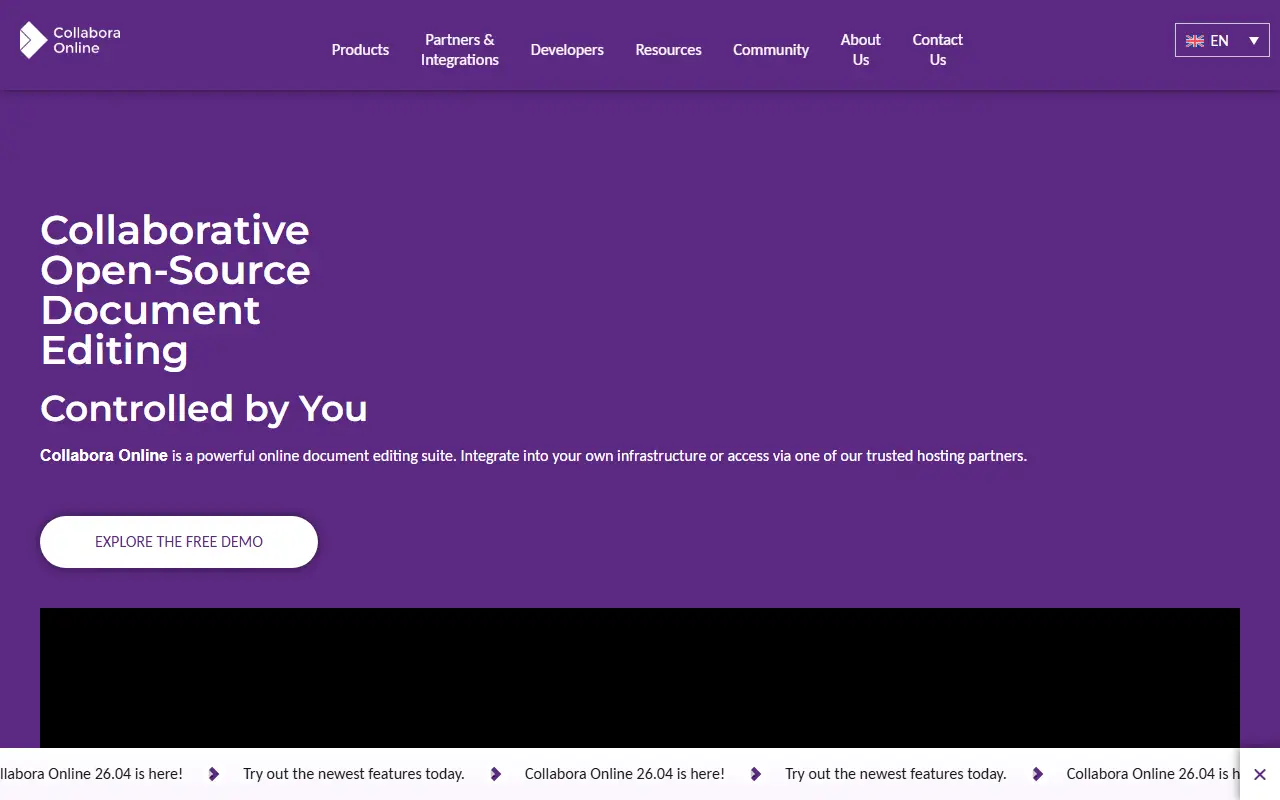
Collabora Online is an open-source, web-based office suite built on LibreOffice technology. It lets users open and edit documents in the browser, and the project's topics also reference mobile apps for iOS and Android. It is aimed at organizations that want document editing they can control, often integrated into other collaboration or file-sharing platforms.
This GitHub repository has a narrower role than the product as a whole. Active development and code review have moved to the project's own Gerrit instance, and the GitHub repository is kept for issue tracking and for release artifacts, including the nightly container image, the Helm chart and build assets. Pull requests are welcome only for the Helm chart and the Docker image build, and a read-only source mirror is available elsewhere.
Because the container image and Helm chart are published from here, the software is designed to be deployed on your own infrastructure, including Kubernetes. The code is a mix of C++, JavaScript and shell scripts. Contributors should follow the contributing guide and push source changes to Gerrit rather than GitHub.
Key features
- Browser-based document editing
- Built on LibreOffice technology
- Nightly container image
- Helm chart for Kubernetes deployment
- Mobile apps for iOS and Android

An open-source, privacy-focused email service offering encrypted mailboxes, custom-domain forwarding and sending, positioned against Gmail and Mailchimp.
- GitHub stars
- 1.7k
- Last commit
- today
- Latest release
- v2.19.19
- Self-hosted
- Yes
- Hosted version
- Available
forwardemail.net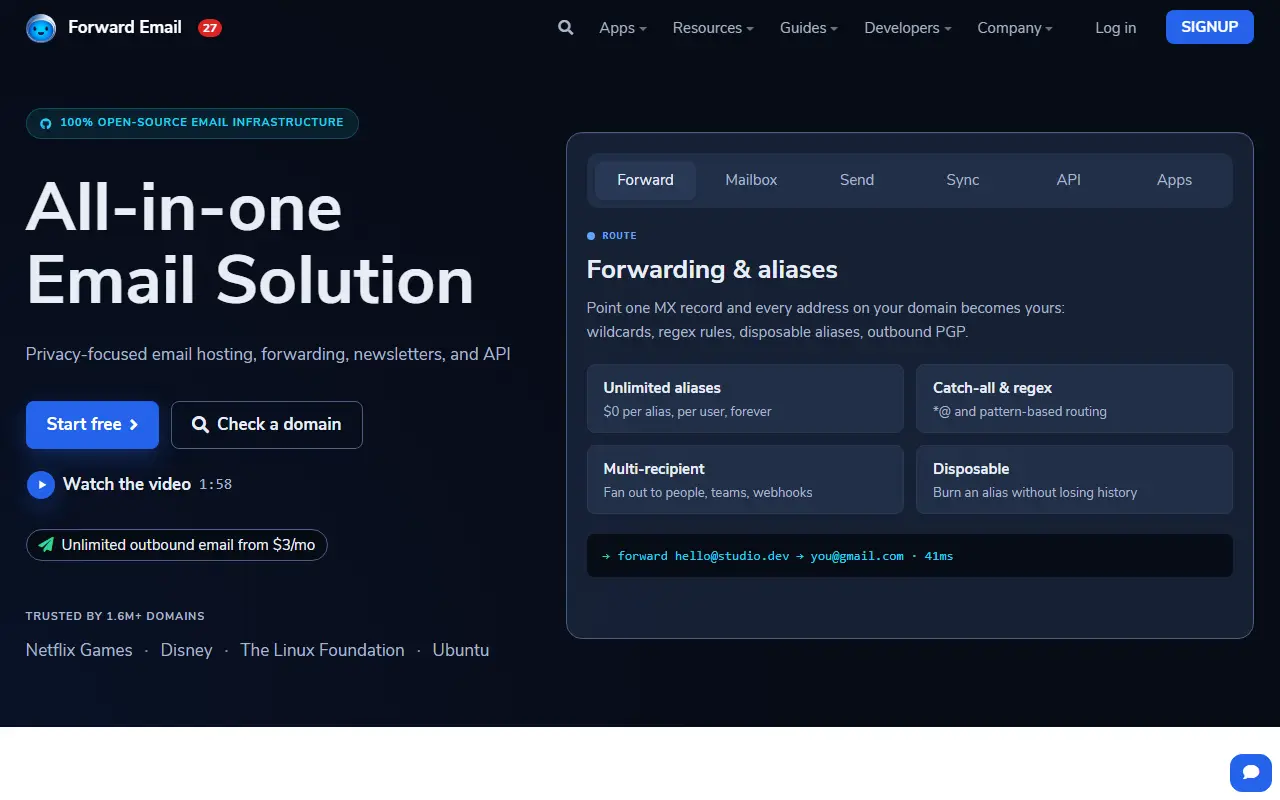
Forward Email is an open-source email service focused on privacy. It handles custom-domain email forwarding and also provides mailboxes accessible over IMAP, POP and SMTP, with encryption using algorithms such as AES-256 and ChaCha20, and it positions itself as an all-in-one alternative to Gmail, Mailchimp and Sendgrid.
Its topics and documentation point to features such as sending mail, newsletters, SQLite-based storage, push notifications, and calendar and contact support through CalDAV and CardDAV, plus autodiscovery records and Domain Connect integration for setting up DNS. The README includes a local development guide and detailed notes on server infrastructure, load balancing, provisioning and deployment, including automated setup with Ansible.
The code is JavaScript and the project says it is fully open source, so the service can be inspected and, with the published infrastructure guidance, run on your own servers. Most consumers simply use the hosted service at forwardemail.net. It suits individuals and small organizations that want private email on their own domain and developers interested in how such a stack is built.
Key features
- Custom-domain email forwarding
- Encrypted mailboxes over IMAP, POP, and SMTP
- Outbound sending and newsletter support
- CalDAV and CardDAV support
- Email autodiscovery and Domain Connect setup
- Ansible-based deployment guidance
Pricing: Free email forwarding for unlimited domains. Enhanced Protection costs $3, Team $9 and Enterprise $250 per month for unlimited domains; extra storage is $3 per month per 10 GB.
3 more Google Workspace alternatives
Commercial Google Workspace alternatives
Hosted, closed-source products that compete with Google Workspace. Showing 12 of 22.
- View tool

Zoho Workplace
Productivity
Business suite with email, docs, chat and meetings from Zoho
SaaS
- View tool
Office suite with word processor, spreadsheet and presentation apps
SaaS
- View tool

IceWarp
Email Clients & Servers
Email, collaboration and chat server and cloud service for businesses
SaaS
- View tool

Axigen
Email Clients & Servers
Email and collaboration server for hosting providers and businesses
SaaS
- View tool
MMDaemon
Email Clients & Servers
Email server software for Windows with groupware and security features
SaaS
- View tool

Microsoft 365
Productivity
Subscription suite bundling Word, Excel, PowerPoint, Outlook, Teams and cloud storage
SaaS
- View tool

SmarterMail
Email Clients & Servers
Email and collaboration server for Windows with webmail and ActiveSync
SaaS
- View tool

HEY
Email Clients & Servers
Email service from Basecamp with sender screening and inbox bundles
SaaS
- View tool

iCloud Mail
Email Clients & Servers
Apple email service included with iCloud accounts
SaaS
- View tool

Rackspace Email
Email Clients & Servers
Hosted business email with calendar, contacts and migration support
SaaS
- View tool

SoftMaker Office
Productivity
Office suite with word processor, spreadsheet and presentation apps
SaaS
- View tool

Titan Email
Email Clients & Servers
Business email hosting service sold through domain registrars and web hosts
SaaS
See every Google Workspace alternative on its tool page
Google Workspace alternatives: questions
- What is the best open-source alternative to Google Workspace?
- Stalwart is the top-ranked open-source alternative to Google Workspace on Enlisted: Stalwart is an all-in-one mail and collaboration server written in Rust that speaks JMAP, IMAP, POP3, SMTP, CalDAV, CardDAV and WebDAV. Other strong options are Nextcloud, Mailcow, Tuta and LibreOffice.
- What are the best commercial alternatives to Google Workspace?
- Zoho Workplace, WPS Office, IceWarp, Axigen and MDaemon are among the hosted, closed-source alternatives to Google Workspace listed on Enlisted, which lists 22 in total. Compare their pricing and features on each tool page.
- Are these Google Workspace alternatives free?
- All 13 are open source, so the code is free to use under its licence, and 12 of them can be self-hosted on your own server or computer. 5 also offer a paid or managed cloud version if you'd rather not host it yourself.
- How is this list of Google Workspace alternatives ranked?
- By a score built from GitHub stars, star growth over the last 30 days and how recently the code changed. 12 of these projects shipped code in the last 30 days. Data is refreshed daily, and nobody can pay to move up.
 TrackMedia
 TrackRev





