
About Scribbble
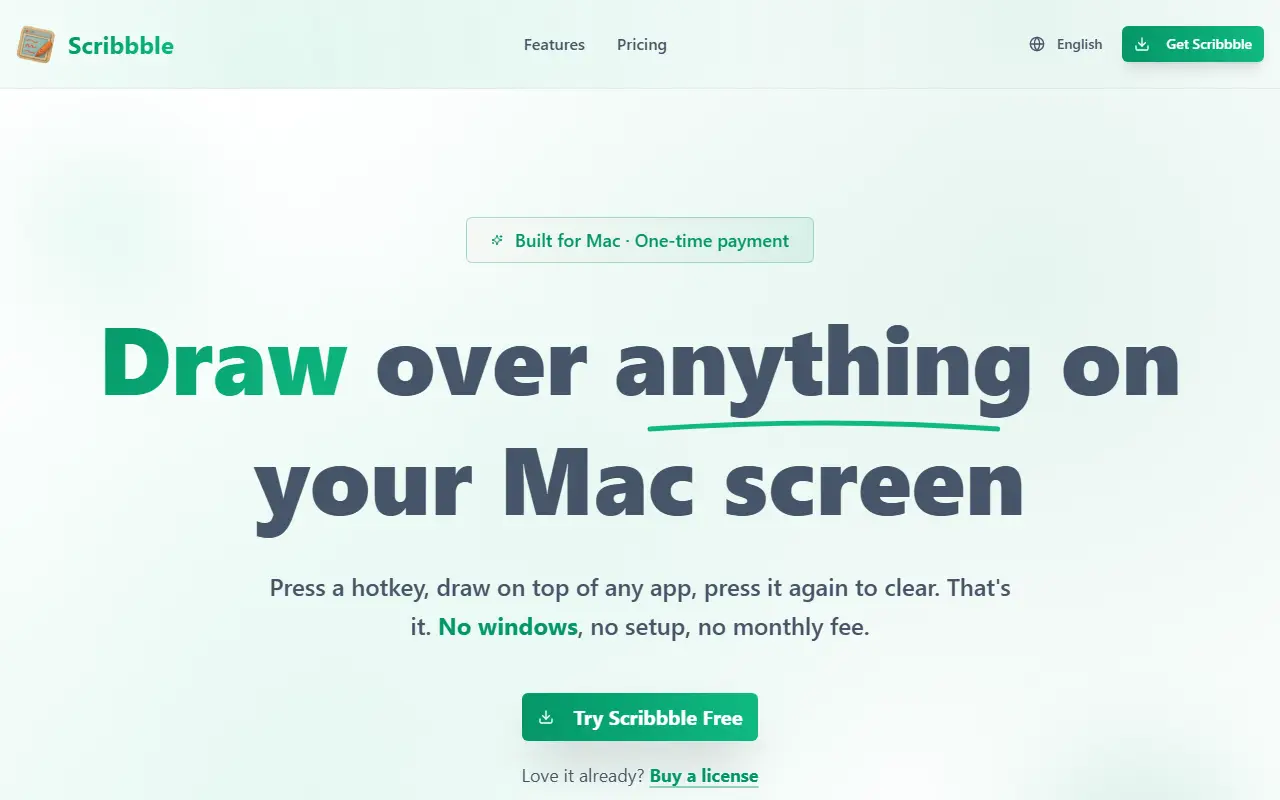
Scribbble is a macOS screen annotation app for live presentations, tutorials and recordings. You trigger a hotkey, draw over whatever app is open, and trigger it again to wipe the drawings. Because it draws at the operating system level, recordings and shares made with Zoom, Google Meet, OBS, Loom or QuickTime include the annotations, and it works across multiple monitors.
Tools include a freehand pen, arrows, rectangles and ellipses, a whiteboard that blanks the screen, an auto-fade mode where strokes disappear on their own, a spotlight that dims everything except a circle around the cursor, a translucent highlighter, text, magnify and zoom for live detail, snapshots of the screen or a region and a measure tool for pixel distances. Each tool is a single keystroke away, and the toolbar floats or docks to a screen edge. It is built Mac-first with native Apple Silicon performance and requires macOS 14 or later, with a free download and a one-time license for the full version.
Key features
- Hotkey drawing over any app
- Pen, arrows, shapes and highlighter
- Spotlight and magnify tools
- Whiteboard and auto-fade modes
- Snapshots with annotations included
- Pixel measure tool
Good fit for
- Live presentations and screen shares
- YouTube and tutorial recording
- Design reviews and spacing checks
Scribbble: questions and answers
- What is Scribbble used for?
- Scribbble is a Mac app for drawing over whatever is on screen by hotkey, with pen, shape, spotlight, magnify and whiteboard tools for presentations and recordings. It is a good fit for live presentations and screen shares, YouTube and tutorial recording, and design reviews and spacing checks.
- How much does Scribbble cost?
- Paid plans for Scribbble start at $12 as a one-time payment, and there is no free plan. A free trial is available.
- Is Scribbble open source?
- No. Scribbble is proprietary (closed-source) software. In the Productivity category, open-source options include MarkerOn, Stats and Rectangle.
- What are some alternatives to Scribbble?
- Other SaaS products in the Productivity category include Overlaid, Alfred and Bartender.
Open-source alternatives to Scribbble
See all
MarkerOn
Productivity
Lightweight (~1.5 MB) open-source screen annotation with click-through mode and keyboard-f
MIT★ 1.1k
Stats
Productivity
macOS system monitor in your menu bar
MIT★ 42k
Rectangle
Productivity
Move and resize windows on macOS with keyboard shortcuts and snap areas
OSSvs BetterTouchTool★ 30k
Maccy
Productivity
Lightweight clipboard manager for macOS
MITvs Paste★ 22k
NetNewsWire
Productivity
RSS reader for macOS and iOS.
MITvs Feedly★ 10k
LibreOffice
Productivity
Free, open-source office suite with word processing, spreadsheets and presentations
MPL-2.0vs Microsoft 365★ 4.5k
SaaS alternatives to Scribbble
See all
Overlaid
Productivity
macOS app to draw, highlight and spotlight your cursor on screen live, with on-screen shortcuts and zoom
SaaS
Alfred
Productivity
macOS launcher with workflows, clipboard history and snippets
SaaS
Bartender
Productivity
Menu bar organizer for macOS that hides and rearranges menu bar icons
SaaS
ShareSpeak
Productivity
AI teleprompter for Mac and Windows with voice-activated scrolling that stays hidden during screen sharing
SaaS
SortCopy
Productivity
Free Windows clipboard manager that auto-sorts links, code, images and text into a searchable history
SaaS
AI Renamer
Productivity
Renames files automatically based on their content using AI, with a local or cloud mode
SaaS