
About Motion Software
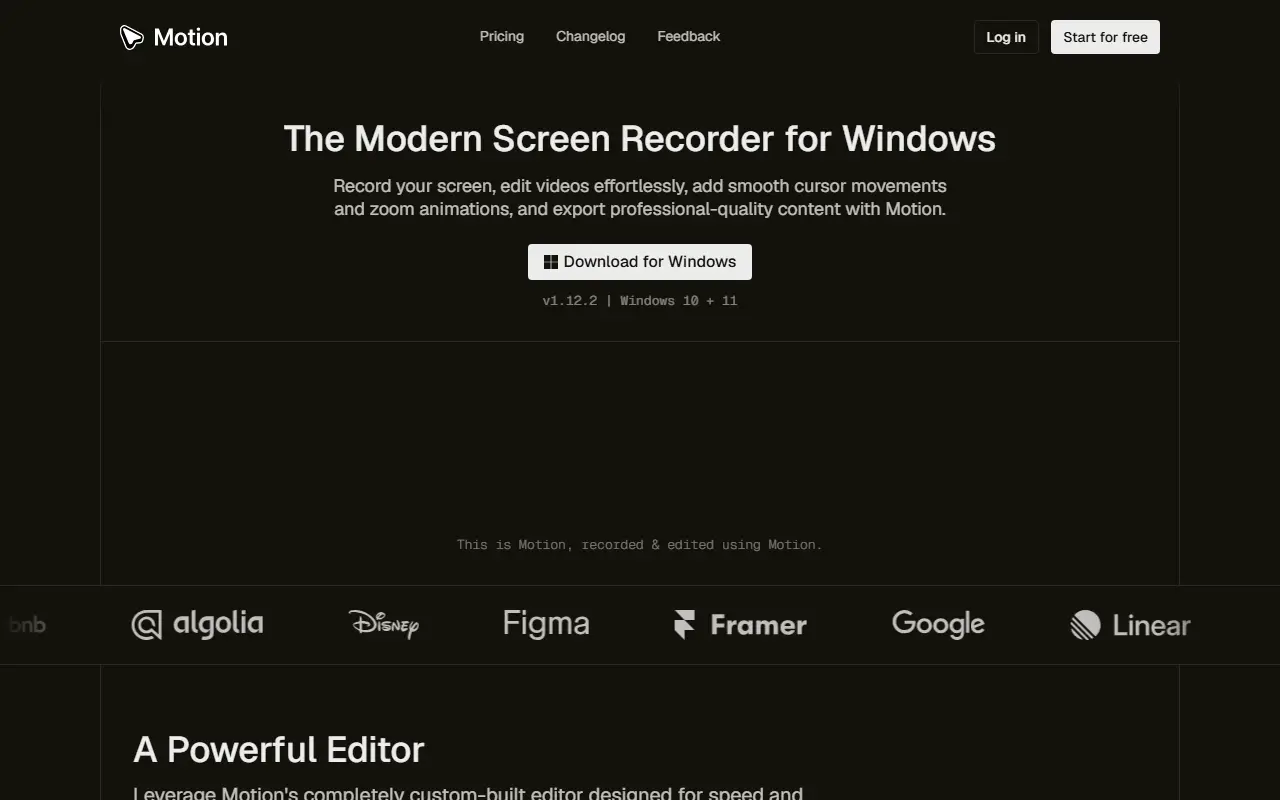
Motion is a screen recorder and editor for Windows 10 and 11. You record your screen, then use its custom-built editor to polish the result: cursor settings that smooth and animate pointer movement, smart zooms that focus on what you are clicking, background settings, a timeline editor and a preview and export engine.
The site lists the kinds of video it is meant for: software tutorials, product demos, walkthroughs, app showcases, code walkthroughs, online courses, explainers, marketing and social clips, onboarding guides, team training, investor demos and launch announcements. The homepage video was itself recorded and edited with Motion. It is a downloadable desktop application with a changelog, feedback page and pricing page, and you can start for free.
Key features
- Screen recording for Windows 10 and 11
- Smooth cursor movement and click effects
- Smart zoom animations
- Custom background settings
- Timeline editor with preview
- Video export engine
Good fit for
- Software tutorials and product demos
- Course and onboarding videos
Motion Software: questions and answers
- What is Motion Software used for?
- Motion Software is a Windows screen recorder and video editor that adds smooth cursor movement, smart zooms and backgrounds to tutorials, demos and walkthroughs. It is a good fit for software tutorials and product demos, and course and onboarding videos.
- Is Motion Software free?
- Yes. Motion Software has a free plan, and paid plans start at $6 per seat per month.
- Is Motion Software open source?
- No. Motion Software is proprietary (closed-source) software. In the Video Editing category, open-source options include ScreenToGif, Screenity and OpenCut.
- What are some alternatives to Motion Software?
- Motion Software competes with Camtasia, Wondershare Filmora and Movavi Video Editor.
Open-source alternatives to Motion Software
See all
ScreenToGif
Video Editing
🎬 ScreenToGif allows you to record a selected area of your screen, edit and save it as a
MS-PLvs Snagit★ 28k
Screenity
Video Editing
The free and privacy-friendly screen recorder with no limits 🎥
GPL-3.0vs Screencastify★ 19k
OpenCut
Video Editing
The open-source CapCut alternative
MITvs CapCut★ 93k
Cap
Video Editing
Open source Loom alternative. Beautiful, shareable screen recordings.
OSSvs Loom★ 23k
Shotcut
Video Editing
cross-platform (Qt), open-source (GPLv3) video editor
GPL-3.0vs Adobe Premiere Pro★ 15k
OpenShot
Video Editing
OpenShot Video Editor is an award-winning free and open-source video editor for Linux, Mac
OSSvs Adobe Premiere Pro★ 6.6k
SaaS alternatives to Motion Software
See all
Camtasia
Video Editing
Screen recorder and video editor for tutorials and training videos
SaaS
Wondershare Filmora
Video Editing
Video editor for beginners and creators with effects, titles and AI tools
SaaS
Movavi Video Editor
Video Editing
Consumer video editor with templates, effects and screen recording
SaaS
Microsoft Clipchamp
Video Editing
Browser and Windows video editor with templates, stock media and screen recording
SaaS
CapCut
Video Editing
Video editor for short-form clips with templates, effects and auto captions
SaaS
Shorz
Video Editing
AI video editor for Windows with auto-edit, text-to-video, avatar videos, b-roll, captions and auto-zoom
SaaS