
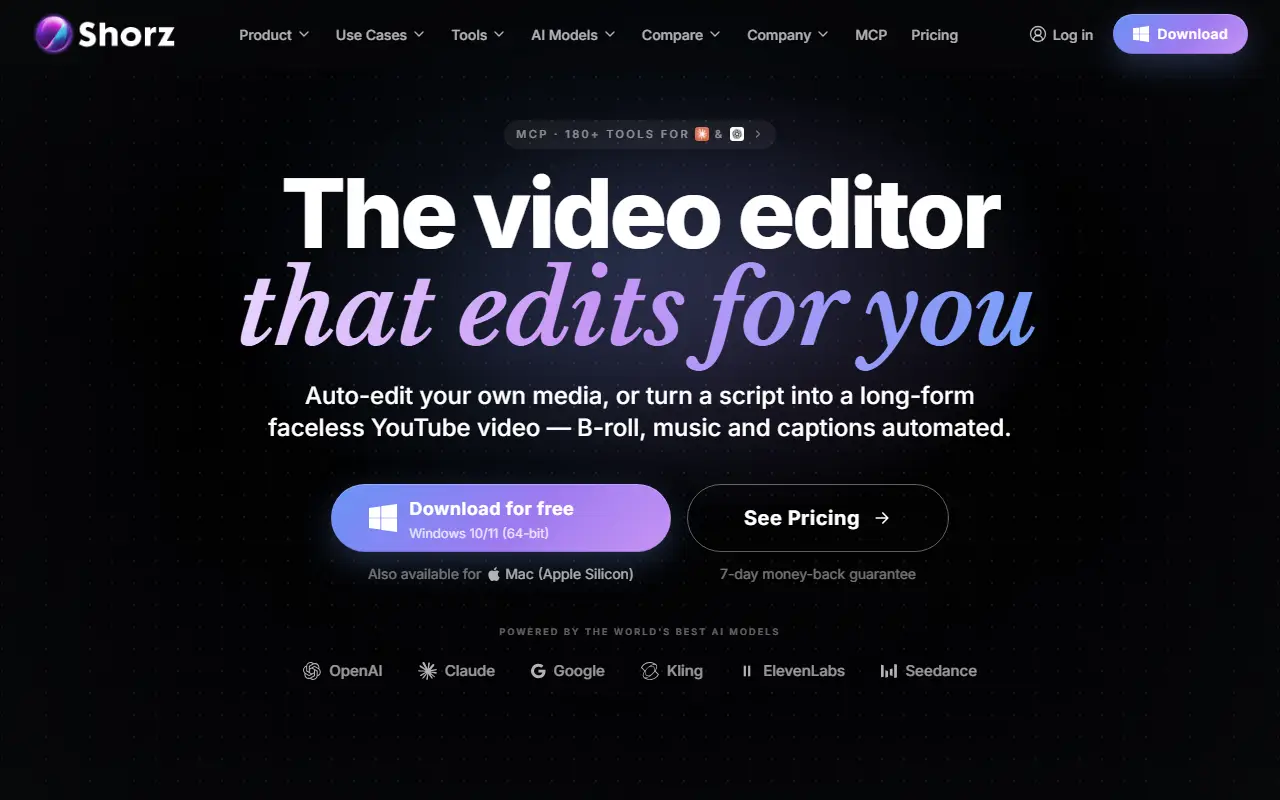
About Shorz
Shorz is a desktop AI video editor for Windows 10/11 and Mac with Apple Silicon. You describe the edit, and it auto-edits your own clips or turns a script into a finished, narrated video with B-roll, music and captions, including long-form faceless YouTube videos. It covers formats such as faceless clipping, avatar videos, podcast clipping, music videos and app, game and product ads.
It integrates many AI models for video, image, voice and music, naming Seedance, Kling, Nano Banana, GPT Image, ElevenLabs and others, and lists 30 tools including auto subtitles, a video translator, AI B-roll, a silence remover, an animation studio, a thumbnail maker and publish and schedule. An MCP server exposes 180+ tools so assistants can create videos. The site offers comparisons with CapCut, HeyGen, VEED and Descript, a free download and a 7-day money-back guarantee.
Key features
- Prompt-driven auto-edit of your own clips
- Script-to-video with narration and B-roll
- Auto subtitles, silence remover and translator
- Avatar and podcast clipping formats
- MCP server with 180+ tools
- Windows and Mac Apple Silicon apps
Good fit for
- Faceless YouTube videos from a script
- Cleaning up and captioning raw footage
Shorz: questions and answers
- What is Shorz used for?
- Shorz is an AI video editor for Windows and Mac that edits your footage from a prompt, turns scripts into narrated videos and adds B-roll, music and captions. It is a good fit for faceless YouTube videos from a script, and cleaning up and captioning raw footage.
- Is Shorz free?
- Yes. Shorz has a free plan. A free weekly allowance of 4 videos. Prepaid credit packs cost €19.90, €99.90 and €199.90 with no subscription.
- Is Shorz open source?
- No. Shorz is proprietary (closed-source) software and can't be self-hosted. In the Video Editing category, open-source options include ScreenToGif, OpenCut and Shotcut.
- What are some alternatives to Shorz?
- Shorz competes with CapCut, Wondershare Filmora and VEED.
Open-source alternatives to Shorz
See all
ScreenToGif
Video Editing
🎬 ScreenToGif allows you to record a selected area of your screen, edit and save it as a
MS-PLvs Snagit★ 28k
OpenCut
Video Editing
The open-source CapCut alternative
MITvs CapCut★ 93k
Shotcut
Video Editing
cross-platform (Qt), open-source (GPLv3) video editor
GPL-3.0vs Adobe Premiere Pro★ 15k
OpenShot
Video Editing
OpenShot Video Editor is an award-winning free and open-source video editor for Linux, Mac
OSSvs Adobe Premiere Pro★ 6.6k
Kdenlive
Video Editing
Free and open source video editor, based on MLT Framework and KDE Frameworks
GPL-3.0vs Adobe Premiere Pro★ 5.8k
OBS Studio
Video Editing
OBS Studio - Free and open source software for live streaming and screen recording
GPL-2.0vs vMix★ 77k
SaaS alternatives to Shorz
See all
CapCut
Video Editing
Video editor for short-form clips with templates, effects and auto captions
SaaS
Wondershare Filmora
Video Editing
Video editor for beginners and creators with effects, titles and AI tools
SaaS
VEED
AI Tools
Browser-based video editor with auto subtitles, AI avatars and screen recording
SaaS
Kapwing
Video Editing
Browser-based video editor with subtitles, templates and AI tools
SaaS
Microsoft Clipchamp
Video Editing
Browser and Windows video editor with templates, stock media and screen recording
SaaS
Descript
AI Tools
Edit video and podcasts by editing their transcript, with AI voice and cleanup tools
SaaS