
About vidgenn
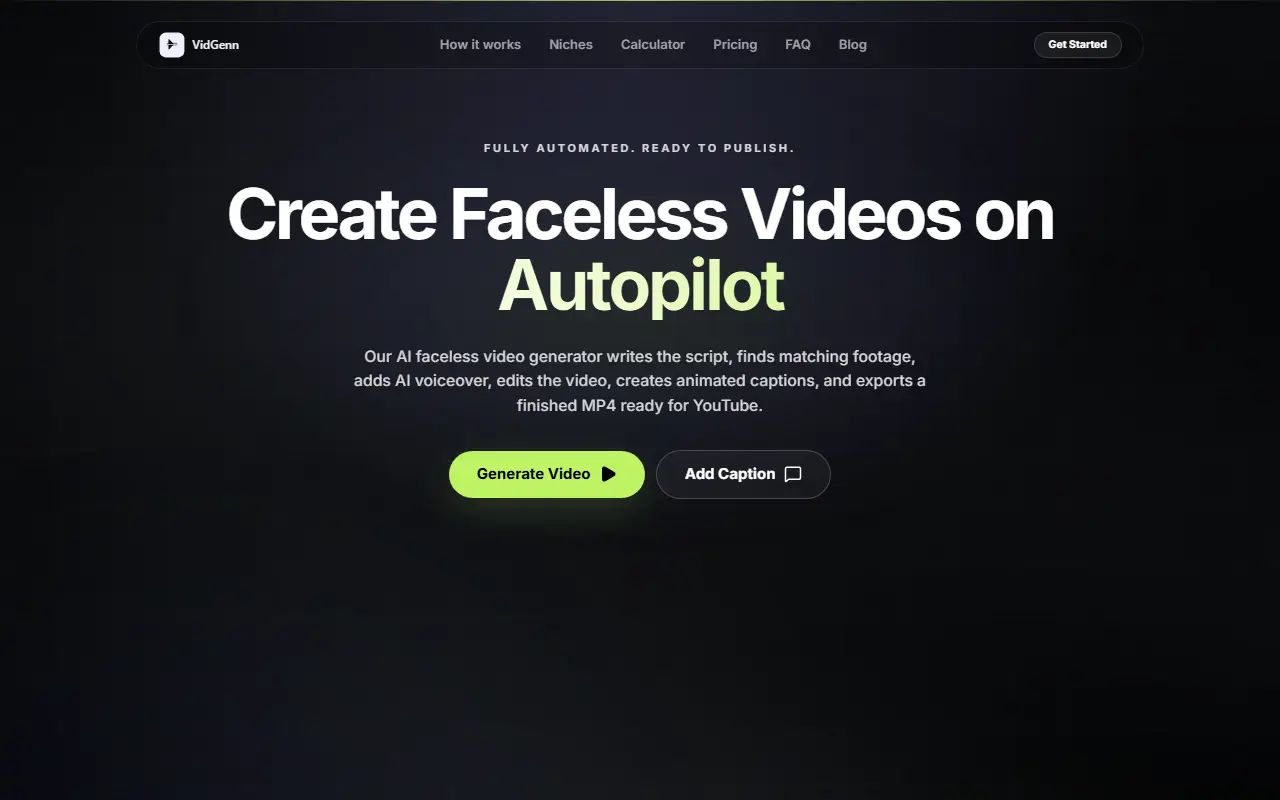
VidGenn is a hosted tool with two modes. In the faceless video mode you pick a topic and it drafts the script, selects matching stock footage, adds an AI voiceover, assembles the edit, builds animated captions and exports a finished MP4. In the caption mode you add captions to a clip you already have.
The caption maker transcribes an uploaded video with AI, applies one of 38 animated caption styles, and exports an MP4 with the captions burned in. The faceless generator is pitched at YouTube channel formats across topics such as history, science, finance, technology and nature, and the site links to niche pages, a calculator, a blog and an FAQ. You download the MP4 and upload it to your platform yourself. The product cautions that any monetization depends on whether the channel qualifies and how the audience responds, and it starts free.
Key features
- Topic to finished faceless MP4
- AI script, stock footage and voiceover
- 38 animated caption styles
- Auto-transcription of uploaded clips
- Burned-in captions on MP4 export
- Niche pages for channel formats
Good fit for
- Building faceless YouTube channels
- Adding animated captions to existing clips
vidgenn: questions and answers
- What is vidgenn used for?
- VidGenn builds faceless videos from a topic with script, footage, voiceover and captions, or adds 38 animated caption styles to clips you upload. It is a good fit for building faceless YouTube channels and adding animated captions to existing clips.
- Is vidgenn free?
- Yes. vidgenn has a free plan, and paid plans start at $19 per month.
- Is vidgenn open source?
- No. vidgenn is proprietary (closed-source) software and can't be self-hosted. In the Video Editing category, open-source options include OpenCut, OBS Studio and HandBrake.
- What are some alternatives to vidgenn?
- vidgenn competes with Submagic, Captions and VEED.
Open-source alternatives to vidgenn
See all
OpenCut
Video Editing
The open-source CapCut alternative
MITvs CapCut★ 93k
OBS Studio
Video Editing
OBS Studio - Free and open source software for live streaming and screen recording
GPL-2.0vs vMix★ 77k
HandBrake
Video Editing
HandBrake's development repository
OSS★ 25k
Cap
Video Editing
Open source Loom alternative. Beautiful, shareable screen recordings.
OSSvs Loom★ 23k
Screenity
Video Editing
The free and privacy-friendly screen recorder with no limits 🎥
GPL-3.0vs Screencastify★ 19k
Shotcut
Video Editing
cross-platform (Qt), open-source (GPLv3) video editor
GPL-3.0vs Adobe Premiere Pro★ 15k
SaaS alternatives to vidgenn
See all
Submagic
Video Editing
AI tool that adds captions and edits to short-form videos
SaaS
Captions
Video Editing
AI video editing app for captions, dubbing and talking-head content
SaaS
VEED
AI Tools
Browser-based video editor with auto subtitles, AI avatars and screen recording
SaaS
Kapwing
Video Editing
Browser-based video editor with subtitles, templates and AI tools
SaaS
CapCut
Video Editing
Video editor for short-form clips with templates, effects and auto captions
SaaS
SubtitleMe
Video Editing
Automatically generates captions for videos, with styling options and export-ready video files
SaaS