
About SubtitleMe
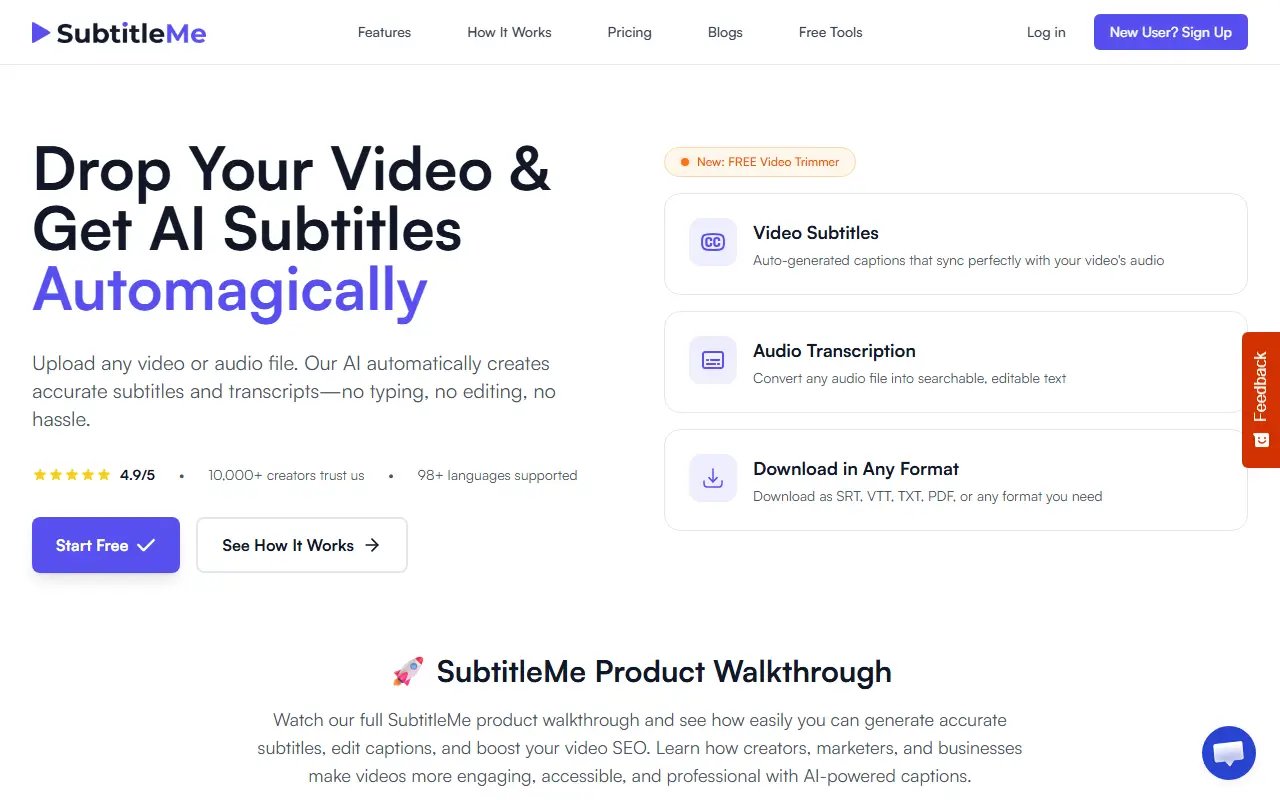
SubtitleMe takes an uploaded video or audio file and creates subtitles and transcripts automatically. Subtitles are timed to the speech, with automatic line breaks and reading-speed formatting, and can be styled with fonts, text color and background before export. Files can be downloaded as SRT, VTT, TXT, PDF, ASS and other formats. The site lists support for more than 98 languages.
Transcription accepts MP3, WAV, MP4, MOV and other files and can label speakers, making interviews, podcasts and meetings searchable and editable. A free video trimmer is available, and a beta one-click sharing feature publishes subtitled videos to TikTok, YouTube Shorts, Instagram Reels and X, with scheduled posting. The tool is aimed at creators, marketers and businesses who want accessible, searchable videos, and visitors can start free.
Key features
- Automatic subtitles timed to speech
- Transcripts with speaker identification
- 98+ languages supported
- Custom subtitle fonts, colors and backgrounds
- Export to SRT, VTT, TXT, PDF and ASS
- One-click publishing to social platforms in beta
Good fit for
- Adding captions to short-form videos
- Transcribing an interview or podcast
- Publishing subtitled clips to several platforms
SubtitleMe: questions and answers
- What is SubtitleMe used for?
- SubtitleMe is an AI tool that generates subtitles and transcripts from video or audio in 98+ languages, with styling, multiple export formats and social publishing. It is a good fit for adding captions to short-form videos, transcribing an interview or podcast and publishing subtitled clips to several platforms.
- Is SubtitleMe free?
- Yes. SubtitleMe has a free plan, and paid plans start at $15 per month. A free trial is also available.
- Is SubtitleMe open source?
- No. SubtitleMe is proprietary (closed-source) software and can't be self-hosted. In the Video Editing category, open-source options include OpenCut, OBS Studio and HandBrake.
- What are some alternatives to SubtitleMe?
- SubtitleMe competes with Captions, Submagic and VEED.
Open-source alternatives to SubtitleMe
See all
OpenCut
Video Editing
The open-source CapCut alternative
MITvs CapCut★ 93k
OBS Studio
Video Editing
OBS Studio - Free and open source software for live streaming and screen recording
GPL-2.0vs vMix★ 77k
HandBrake
Video Editing
HandBrake's development repository
OSS★ 25k
Cap
Video Editing
Open source Loom alternative. Beautiful, shareable screen recordings.
OSSvs Loom★ 23k
Screenity
Video Editing
The free and privacy-friendly screen recorder with no limits 🎥
GPL-3.0vs Screencastify★ 19k
Shotcut
Video Editing
cross-platform (Qt), open-source (GPLv3) video editor
GPL-3.0vs Adobe Premiere Pro★ 15k
SaaS alternatives to SubtitleMe
See all
Captions
Video Editing
AI video editing app for captions, dubbing and talking-head content
SaaS
Submagic
Video Editing
AI tool that adds captions and edits to short-form videos
SaaS
VEED
AI Tools
Browser-based video editor with auto subtitles, AI avatars and screen recording
SaaS
Kapwing
Video Editing
Browser-based video editor with subtitles, templates and AI tools
SaaS
AI Captions
Video Editing
Adds captions and subtitles to any video
SaaS
CapCut
Video Editing
Video editor for short-form clips with templates, effects and auto captions
SaaS