 TrackMedia
 TrackRev

About AI Captions
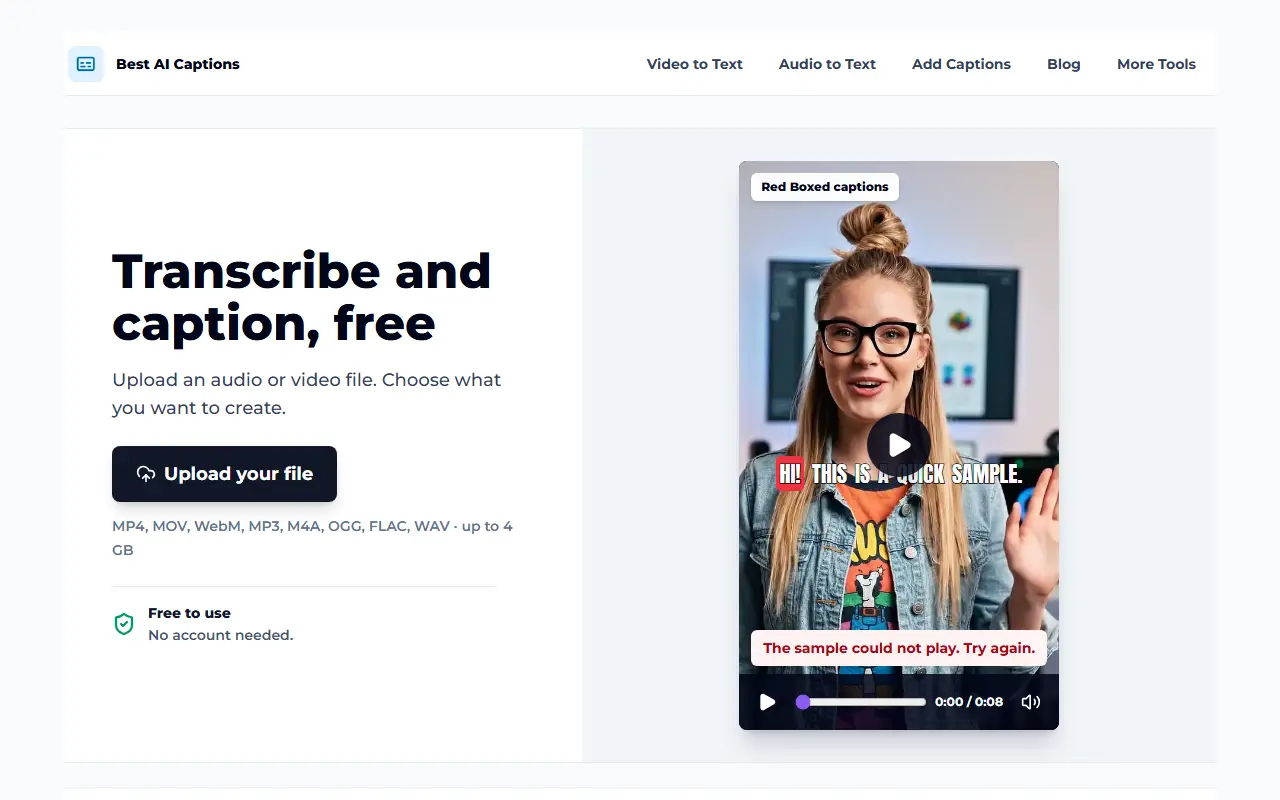
Best AI Captions is a browser-based caption maker for short-form video creators and anyone who needs subtitles. You upload an audio or video file, pick a caption style, check a short preview and then download the full captioned video. The vendor states that no account is required and that neither the preview nor the final video carries a watermark.
It accepts common formats such as MP4, MOV, WebM, MP3, M4A, OGG, FLAC and WAV, up to 4 GB. Caption looks include Viral, Native, Clean and Punchy, and you can also design your own by changing the font, text color, highlight, border, background box, size and position on screen. Separate pages handle video-to-text and audio-to-text transcription, and subtitles can be exported as SRT and VTT files. It is a hosted web product with no subscription required for the core captioning flow, and a pricing page is available.
Key features
- Automatic captions for video and audio
- Preset styles like Viral and Clean
- Custom fonts, colors and borders
- Preview before the full render
- SRT and VTT subtitle export
- Uploads up to 4 GB
- No watermark on output
Good fit for
- Captioning short social videos
- Transcribing recordings to text
- Creating subtitle files for editors
AI Captions: questions and answers
- What is AI Captions used for?
- AI Captions is a free web tool that transcribes uploaded audio or video, adds styled captions and exports the captioned video or SRT and VTT subtitle files. It is a good fit for captioning short social videos, transcribing recordings to text and creating subtitle files for editors.
- Is AI Captions free?
- Yes. AI Captions is free to use.
- Is AI Captions open source?
- No. AI Captions is proprietary (closed-source) software and can't be self-hosted. In the Video Editing category, open-source options include Kdenlive, Shotcut and OpenShot.
- What are some alternatives to AI Captions?
- AI Captions competes with Captions, Submagic and VEED.
Open-source alternatives to AI Captions
See all
Kdenlive
Video Editing
Free and open source video editor, based on MLT Framework and KDE Frameworks
GPL-3.0vs Adobe Premiere Pro★ 6.1k
Shotcut
Video Editing
cross-platform (Qt), open-source (GPLv3) video editor
GPL-3.0vs Adobe Premiere Pro★ 16k
OpenShot
Video Editing
OpenShot Video Editor is an award-winning free and open-source video editor for Linux, Mac
OSSvs Adobe Premiere Pro★ 6.8k
Cap
Video Editing
Open source Loom alternative. Beautiful, shareable screen recordings.
OSSvs Loom★ 25k
OpenCut
Video Editing
The open-source CapCut alternative
MITvs CapCut★ 98k
OBS Studio
Video Editing
OBS Studio - Free and open source software for live streaming and screen recording
GPL-2.0vs vMix★ 79k
SaaS alternatives to AI Captions
See all
Captions
Video Editing
AI video editing app for captions, dubbing and talking-head content
SaaS
Submagic
Video Editing
AI tool that adds captions and edits to short-form videos
SaaS
VEED
AI Tools
Browser-based video editor with auto subtitles, AI avatars and screen recording
SaaS
Kapwing
Video Editing
Browser-based video editor with subtitles, templates and AI tools
SaaS
AddSubtitles
Video Editing
Browser-based AI subtitle and video editor with word-level captions, silence removal and translation
SaaS
AutoSubtitles
Video Editing
AI transcription and subtitling for videos with SRT/VTT export and styled burned-in captions
SaaS