
About Kirocast
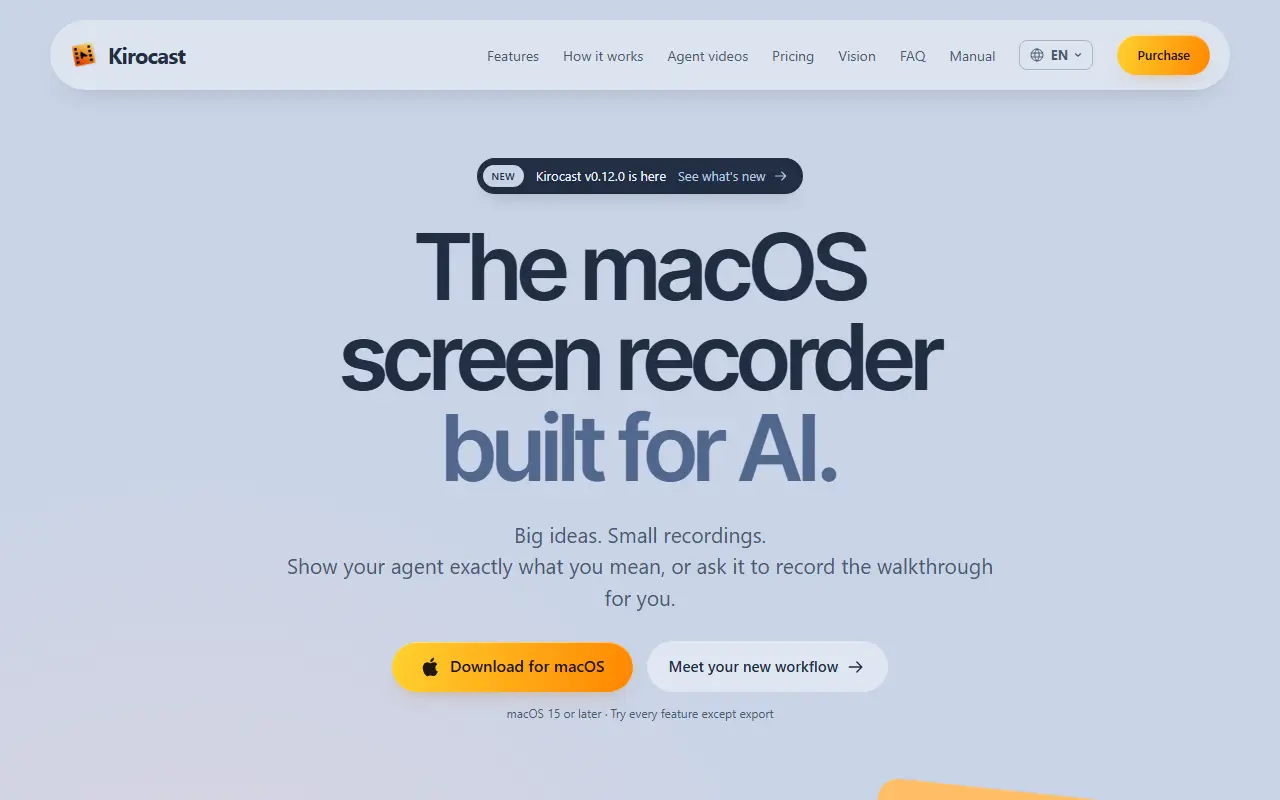
Kirocast is a screen recorder for macOS built around AI agents. In Talk Mode you hold Control and Option, speak and point at what matters, and Kirocast captures the screen, transcribes your voice and bundles the recording, transcript and annotations so you can hand the context to an agent such as Claude Code, Cursor, Codex or OpenCode. It requires macOS 15 or later.
Through an MCP connection an agent can also take over the screen and record a walkthrough from a script. Its tools cover starting, pausing and stopping recordings, moving and clicking the mouse, typing and pressing keys, and shaping the edit with cuts, zoom, annotations, styling and narration, plus reading rendered frames and exporting. The idea is to produce training, UI update and support videos, and to re-record when the interface changes.
As a recorder it supports capturing a screen, window or area with microphone and camera, automatic zoom on clicks with adjustable timing, on-device captions that export as an SRT file, and saved versions of an edit. A trial lets you use every feature except export, and the site is available in English and French.
Key features
- Talk Mode that bundles screen, voice transcript and annotations
- MCP tools for agents to record and edit
- Recording of a screen, window or area
- Automatic zoom with adjustable timing
- On-device captions with SRT export
- Saved versions of each edit
- Works with Claude Code, Cursor and Codex
Good fit for
- Showing an AI agent a bug with full context
- Letting an agent record product training videos
Kirocast: questions and answers
- What is Kirocast used for?
- Kirocast is a macOS screen recorder that packages context for AI coding agents and lets an agent record demo and support videos through MCP. It is a good fit for showing an AI agent a bug with full context and letting an agent record product training videos.
- How much does Kirocast cost?
- Paid plans for Kirocast start at $39 per seat as a one-time payment, and there is no free plan. A free trial is available.
- Is Kirocast open source?
- No. Kirocast is proprietary (closed-source) software. In the Video Editing category, open-source options include Screenity, FFmpeg and Nexrender.
- What are some alternatives to Kirocast?
- Kirocast competes with Loom, Jam and Screen Studio.
Open-source alternatives to Kirocast
See all
Screenity
Video Editing
The free and privacy-friendly screen recorder with no limits 🎥
GPL-3.0vs Screencastify★ 19k
FFmpeg
Video Editing
Mirror of https://git.ffmpeg.org/ffmpeg.git
OSS★ 65k
Nexrender
Video Editing
📹 Data-driven render automation for After Effects
MIT★ 1.9k
OBS Studio
Video Editing
OBS Studio - Free and open source software for live streaming and screen recording
GPL-2.0vs vMix★ 77k
HandBrake
Video Editing
HandBrake's development repository
OSS★ 25k
Cap
Video Editing
Open source Loom alternative. Beautiful, shareable screen recordings.
OSSvs Loom★ 23k
SaaS alternatives to Kirocast
See all
Loom
Productivity
Loom is a screen and camera recording tool for sharing asynchronous video messages, with editing, comments, transcripts and AI features.
SaaS
Jam
Testing & QA
Browser extension that captures bug reports with console logs and replays
SaaS
Screen Studio
Video Editing
Mac screen recorder that adds automatic zooms and polished cursor animations
SaaS
Tella
Video Editing
Screen and camera recorder with editing for demos and tutorials
SaaS
Screencastify
Video Editing
Chrome-based screen recorder aimed at education and teams
SaaS
Screen Records
Video Editing
Local screen recorder and editor with captions, AI editing and camera bubble, for demos and tutorials
SaaS