
About Screen Records
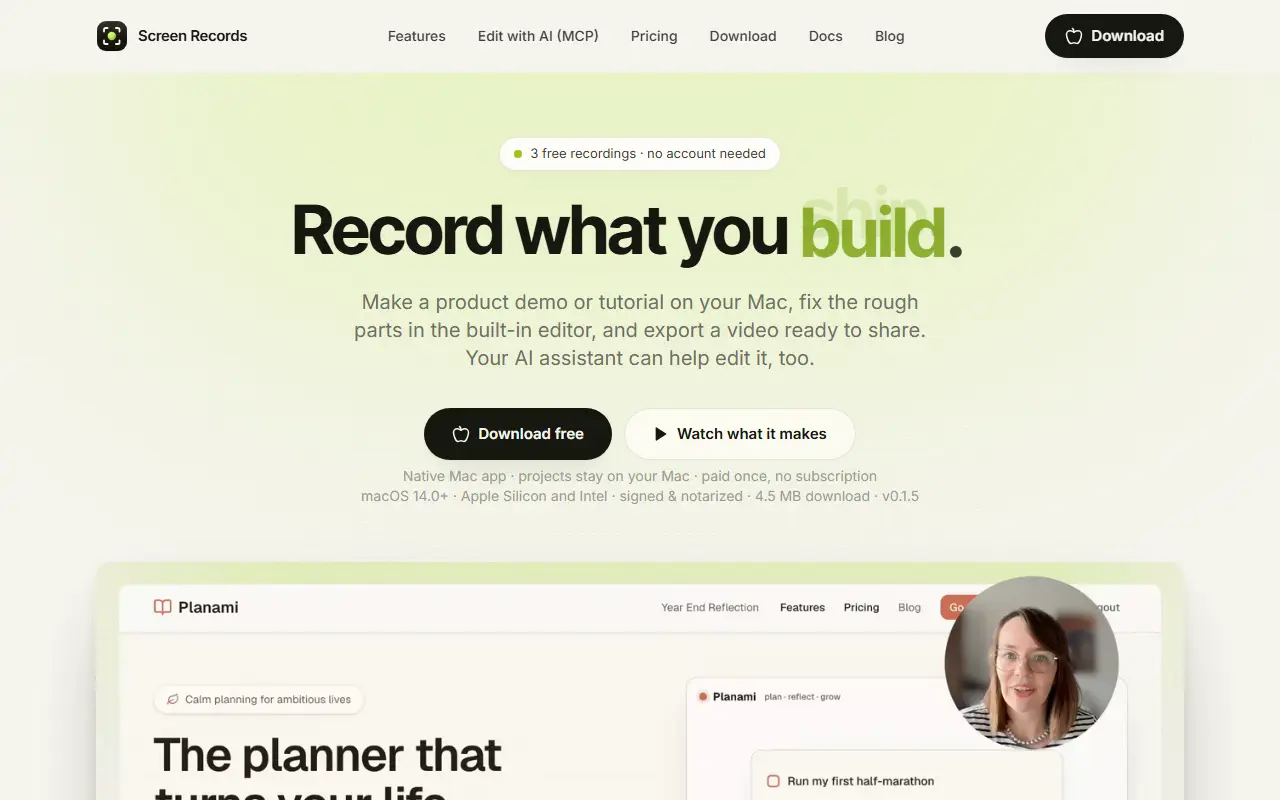
Screen Records is a native macOS app for recording demos and tutorials and editing them in the same app. Recordings open straight in the editor, where Remove Pauses cuts silences, captions are generated on the Mac, zooms follow clicks, text can be added, and the video exports as MP4 or GIF, with a choice of five frame shapes ranging from widescreen 16:9 to portrait 4:5. Projects stay on the computer.
The screen, camera and audio live on separate tracks, so any one of them can be fixed without disturbing the rest, and a stumble can be fixed by holding a key and re-saying the line. Through an MCP server, Claude, ChatGPT, Codex or Cursor can edit in plain words by cutting pauses, adding captions and zooms and exporting, with every change landing as one undo step. Capture covers a full display, a window or a region, with mic, camera and system audio as independent toggles. It requires macOS 14 or later on Apple Silicon or Intel, is a paid-once app without a subscription, and offers three free recordings with no account.
Key features
- Recording and editing in one Mac app
- Remove Pauses cuts every silence
- On-device caption generation
- MCP server for AI-assisted editing
- Separate tracks for screen, camera and audio
- MP4 and GIF export in five frame shapes
Good fit for
- Product demos and software tutorials
- Async standups and bug reports
- Online course lessons
Screen Records: questions and answers
- What is Screen Records used for?
- Screen Records is a macOS recorder and editor in one app, with an MCP server that lets AI assistants cut pauses and add captions and zooms, all kept local. It is a good fit for product demos and software tutorials, async standups and bug reports, and online course lessons.
- How much does Screen Records cost?
- Paid plans for Screen Records start at $29 as a one-time payment, and there is no free plan. A free trial is available.
- Is Screen Records open source?
- No. Screen Records is proprietary (closed-source) software. In the Video Editing category, open-source options include ScreenToGif, OpenCut and Cap.
- What are some alternatives to Screen Records?
- Screen Records competes with Loom, Screencastify and Tella.
Open-source alternatives to Screen Records
See all
ScreenToGif
Video Editing
🎬 ScreenToGif allows you to record a selected area of your screen, edit and save it as a
MS-PLvs Snagit★ 28k
OpenCut
Video Editing
The open-source CapCut alternative
MITvs CapCut★ 93k
Cap
Video Editing
Open source Loom alternative. Beautiful, shareable screen recordings.
OSSvs Loom★ 23k
Screenity
Video Editing
The free and privacy-friendly screen recorder with no limits 🎥
GPL-3.0vs Screencastify★ 19k
Shotcut
Video Editing
cross-platform (Qt), open-source (GPLv3) video editor
GPL-3.0vs Adobe Premiere Pro★ 15k
OpenShot
Video Editing
OpenShot Video Editor is an award-winning free and open-source video editor for Linux, Mac
OSSvs Adobe Premiere Pro★ 6.6k
SaaS alternatives to Screen Records
See all
Loom
Productivity
Loom is a screen and camera recording tool for sharing asynchronous video messages, with editing, comments, transcripts and AI features.
SaaS
Screencastify
Video Editing
Chrome-based screen recorder aimed at education and teams
SaaS
Tella
Video Editing
Screen and camera recorder with editing for demos and tutorials
SaaS
Camtasia
Video Editing
Screen recorder and video editor for tutorials and training videos
SaaS
Screen Studio
Video Editing
Mac screen recorder that adds automatic zooms and polished cursor animations
SaaS
autozoom
Video Editing
Screen recorder with automatic zoom, motion blur and 4K export
SaaS