
 CaptionCreator
 Captioner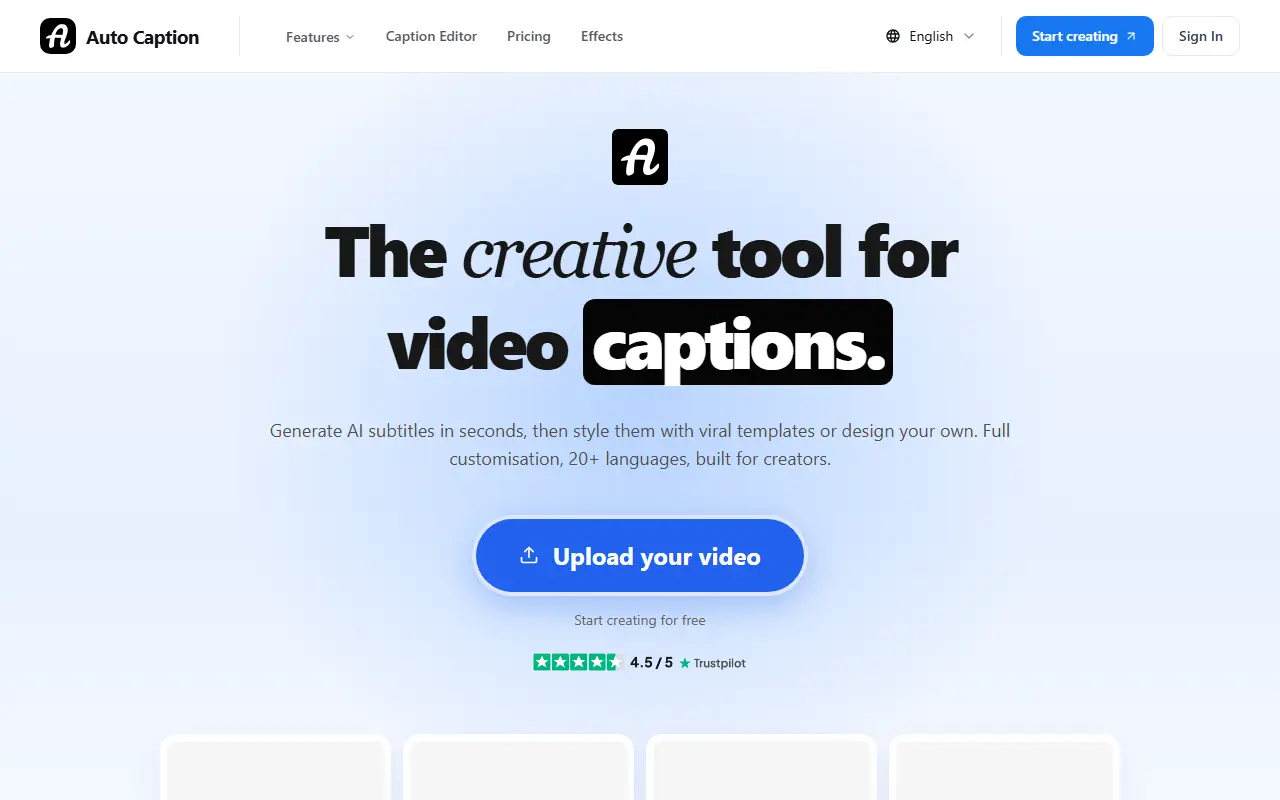
About AutoCaptioner
AutoCaptioner is a browser-based tool for adding subtitles to video. Users upload a clip, the AI transcribes the audio into captions, and the result can be edited, styled and exported either as a video with burned-in subtitles or as separate caption files.
The editor supports changing the wording and timing of each line, more than 25 style presets and full customization of caption styling, with transcription in more than 20 languages and translation of subtitles. Export options include video with burned-in subtitles plus SRT, VTT and TXT files. Uploads accept common formats such as MP4, MOV and WebM.
AutoCaptioner is aimed at YouTube creators, short-form video makers, educators and marketers. It is a commercial hosted service: basic subtitles can be created for free, and paid upgrades add animated, styled captions.
Key features
- AI transcription in 20+ languages
- Subtitle text and timing editor
- 25+ caption style presets
- Burned-in subtitle video export
- SRT, VTT and TXT export
- Subtitle translation
Good fit for
- →YouTube creators adding captions to long videos
- →Short-form creators making styled captions
- Tags
- subtitles
- captions
- ai-transcription
- video-editing
- translation
- srt
AutoCaptioner: questions and answers
- What is AutoCaptioner used for?
- AutoCaptioner is an online tool that generates AI subtitles for videos, lets you edit text and timing, style captions and export captioned video or subtitle files. It is a good fit for YouTube creators adding captions to long videos and short-form creators making styled captions.
- Is AutoCaptioner free?
- Yes. AutoCaptioner has a free plan, and paid plans start at $9.90 per month.
- Is AutoCaptioner open source?
- No. AutoCaptioner is proprietary (closed-source) software and can't be self-hosted. In the Video Editing category, open-source options include Shotcut, OpenShot and Kdenlive.
- What are some alternatives to AutoCaptioner?
- AutoCaptioner competes with AutoSubtitles, AddSubtitles and AI Captions.
Open-source alternatives to AutoCaptioner
See all
Shotcut
Video Editing
cross-platform (Qt), open-source (GPLv3) video editor
GPL-3.0vs Adobe Premiere Pro★ 15k
OpenShot
Video Editing
OpenShot Video Editor is an award-winning free and open-source video editor for Linux, Mac
OSSvs Adobe Premiere Pro★ 6.6k
Kdenlive
Video Editing
Free and open source video editor, based on MLT Framework and KDE Frameworks
GPL-3.0vs Adobe Premiere Pro★ 5.8k
OpenCut
Video Editing
The open-source CapCut alternative
MITvs CapCut★ 91k
OBS Studio
Video Editing
OBS Studio - Free and open source software for live streaming and screen recording
GPL-2.0vs vMix★ 77k
HandBrake
Video Editing
HandBrake's development repository
OSS★ 25k
SaaS alternatives to AutoCaptioner
See all
AutoSubtitles
Video Editing
AI transcription and subtitling for videos with SRT/VTT export and styled burned-in captions
SaaS
AddSubtitles
Video Editing
Browser-based AI subtitle and video editor with word-level captions, silence removal and translation
SaaS
AI Captions
Video Editing
Adds captions and subtitles to any video
SaaS
Captions
Video Editing
AI video editing app for captions, dubbing and talking-head content
SaaS
Submagic
Video Editing
AI tool that adds captions and edits to short-form videos
SaaS
Kapwing
Video Editing
Browser-based video editor with subtitles, templates and AI tools
SaaS