
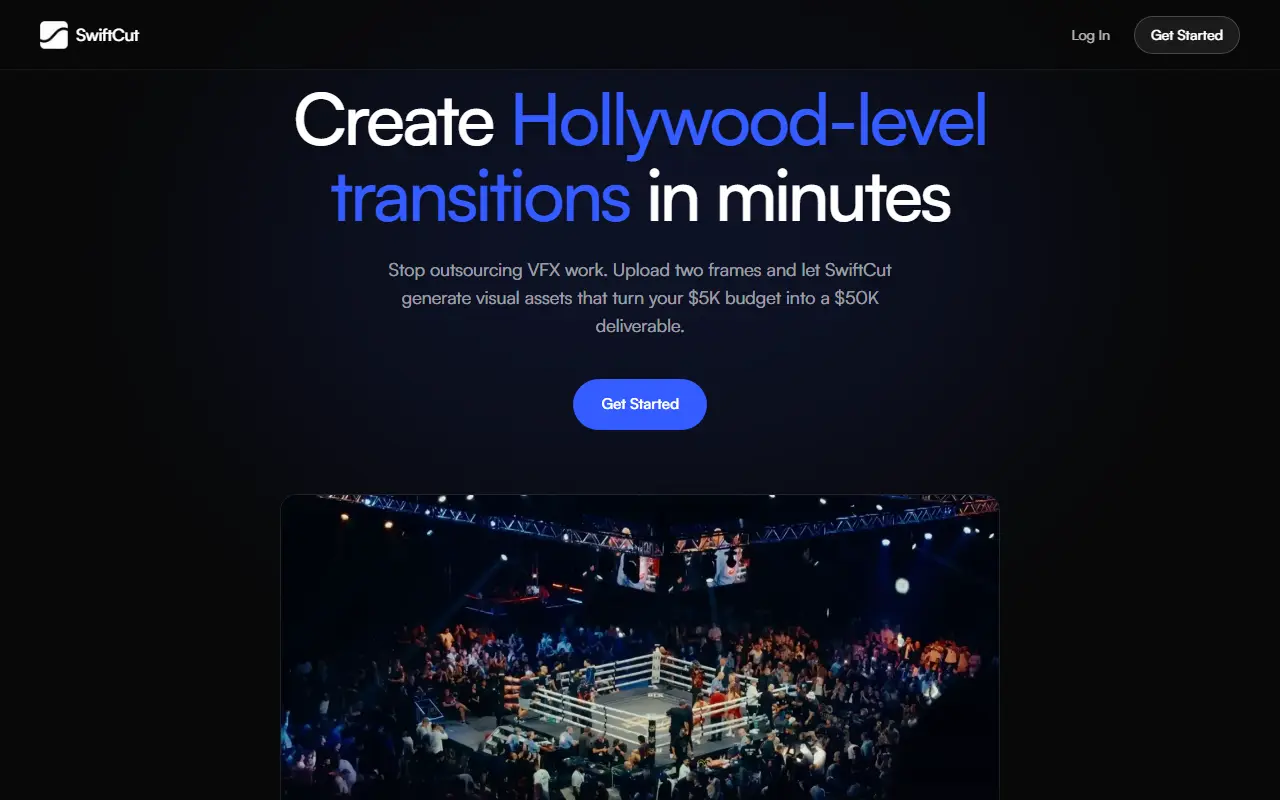
About SwiftCut
SwiftCut creates transition clips for video editors. You upload a start frame and an end frame, optionally add a prompt with extra instructions, and click Generate; the tool uses top AI video models to produce a clip within about two minutes that can be downloaded and imported into an editing timeline. It works without a prompt, and no VFX experience is required.
Use cases shown include visual hooks that morph one shot into another, logo morphs and product transitions. Models named are Seedance 2.0, Google Veo 3.1 and Kling 2.5. Pricing is monthly with credits: Basic is $12 for 300 credits, Creator is $45 for 1,500 credits with MCP access to generate from Claude and credit top-ups, and Studio is $147 for 6,000 credits, with more parallel generations on higher plans. Plans renew monthly through Stripe and can be canceled any time.
Key features
- Transitions from a start frame and an end frame
- Optional text prompt for extra direction
- Seedance, Veo and Kling video models
- Clips ready in about two minutes
- MCP access to generate from Claude on Creator
- Parallel generations on higher plans
Good fit for
- Making an eye-catching transition for a short video
- Morphing a logo into a scene
- Creating a product reveal transition
SwiftCut: questions and answers
- What is SwiftCut used for?
- SwiftCut is an AI tool that generates video transitions between two frames you upload, using models such as Seedance, Veo and Kling, in about two minutes. It is a good fit for making an eye-catching transition for a short video, morphing a logo into a scene and creating a product reveal transition.
- How much does SwiftCut cost?
- Paid plans for SwiftCut start at $12 per month, and there is no free plan.
- Is SwiftCut open source?
- No. SwiftCut is proprietary (closed-source) software and can't be self-hosted. In the Video Editing category, open-source options include Shotcut, OpenShot and Kdenlive.
- What are some alternatives to SwiftCut?
- SwiftCut competes with CapCut, Wondershare Filmora and Kapwing.
Open-source alternatives to SwiftCut
See all
Shotcut
Video Editing
cross-platform (Qt), open-source (GPLv3) video editor
GPL-3.0vs Adobe Premiere Pro★ 15k
OpenShot
Video Editing
OpenShot Video Editor is an award-winning free and open-source video editor for Linux, Mac
OSSvs Adobe Premiere Pro★ 6.6k
Kdenlive
Video Editing
Free and open source video editor, based on MLT Framework and KDE Frameworks
GPL-3.0vs Adobe Premiere Pro★ 5.8k
OpenCut
Video Editing
The open-source CapCut alternative
MITvs CapCut★ 93k
OBS Studio
Video Editing
OBS Studio - Free and open source software for live streaming and screen recording
GPL-2.0vs vMix★ 77k
HandBrake
Video Editing
HandBrake's development repository
OSS★ 25k
SaaS alternatives to SwiftCut
See all
CapCut
Video Editing
Video editor for short-form clips with templates, effects and auto captions
SaaS
Wondershare Filmora
Video Editing
Video editor for beginners and creators with effects, titles and AI tools
SaaS
Kapwing
Video Editing
Browser-based video editor with subtitles, templates and AI tools
SaaS
Runway
AI Tools
AI video, image and audio generation and editing for creative teams
SaaS
Shorz
Video Editing
AI video editor for Windows with auto-edit, text-to-video, avatar videos, b-roll, captions and auto-zoom
SaaS
VideoBGRemover
Video Editing
Removes and replaces video backgrounds with AI on the website or through an API, no green screen needed
SaaS