
About VideoBGRemover
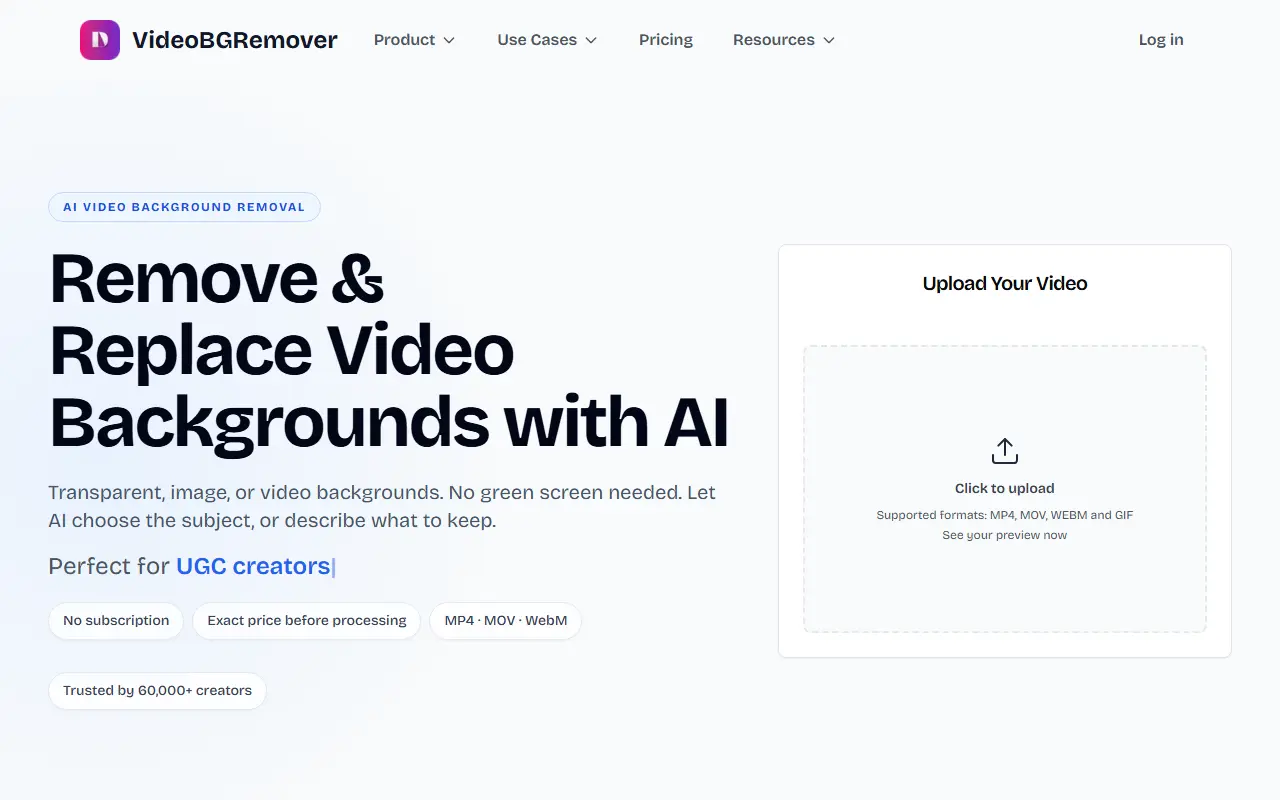
VideoBGRemover removes the background from videos using AI, without a green screen. The detection handles people, hair and complex motion, and the AI can pick the subject by itself, or you can describe what should stay, for example one named person, then add or remove parts of the selection and compare versions. A short preview is shown before the full video is processed. The tool adjusts a selection of what is already in the video and does not generate new objects.
Backgrounds can be transparent, a solid color, a custom image or a video with audio sync. It exports to nine formats, among them MP4, WebM, ProRes, GIF, WebP and Lottie, handles up to 4K and up to 120 minutes per video, and offers batch processing and API access.
Pricing is pay as you go with no subscription: $4.80 per minute for smaller purchases, falling to $2.50 per minute for purchases of $1,000 or more. Credits are bought once and are valid for one year, and the exact price is shown before processing starts.
Key features
- AI background removal without green screen
- Text-guided selection of what to keep
- Transparent, color, image or video backgrounds
- Nine export formats including ProRes and Lottie
- Up to 4K and 120 minutes per video
- Batch processing of many videos
- API access included
Good fit for
- Creators removing backgrounds from talking-head clips
- Making transparent WebM or Lottie assets for apps
- Processing webinars and tutorials in bulk
VideoBGRemover: questions and answers
- What is VideoBGRemover used for?
- VideoBGRemover removes or replaces video backgrounds with AI on the web or through an API, with no green screen and pay-per-minute credits. It is a good fit for creators removing backgrounds from talking-head clips, making transparent WebM or Lottie assets for apps, and processing webinars and tutorials in bulk.
- How much does VideoBGRemover cost?
- VideoBGRemover is a paid product with no free plan. Pay-as-you-go credits with no subscription. Video background removal costs $4.80 per minute on small purchases, dropping to $2.50 per minute at $1000 or more.
- Is VideoBGRemover open source?
- No. VideoBGRemover is proprietary (closed-source) software and can't be self-hosted. In the Video Editing category, open-source options include Shotcut, OpenShot and Kdenlive.
- What are some alternatives to VideoBGRemover?
- VideoBGRemover competes with Runway, Kapwing and VEED.
Open-source alternatives to VideoBGRemover
See all
Shotcut
Video Editing
cross-platform (Qt), open-source (GPLv3) video editor
GPL-3.0vs Adobe Premiere Pro★ 15k
OpenShot
Video Editing
OpenShot Video Editor is an award-winning free and open-source video editor for Linux, Mac
OSSvs Adobe Premiere Pro★ 6.6k
Kdenlive
Video Editing
Free and open source video editor, based on MLT Framework and KDE Frameworks
GPL-3.0vs Adobe Premiere Pro★ 5.8k
Nexrender
Video Editing
📹 Data-driven render automation for After Effects
MIT★ 1.9k
OpenCut
Video Editing
The open-source CapCut alternative
MITvs CapCut★ 93k
OBS Studio
Video Editing
OBS Studio - Free and open source software for live streaming and screen recording
GPL-2.0vs vMix★ 77k
SaaS alternatives to VideoBGRemover
See all
Runway
AI Tools
AI video, image and audio generation and editing for creative teams
SaaS
Kapwing
Video Editing
Browser-based video editor with subtitles, templates and AI tools
SaaS
VEED
AI Tools
Browser-based video editor with auto subtitles, AI avatars and screen recording
SaaS
CapCut
Video Editing
Video editor for short-form clips with templates, effects and auto captions
SaaS
Cutout.pro
Photos & Images
AI background removal and image enhancement tools
SaaS
OnyxVision
Video Editing
AI video editor app that transforms your videos with text prompts
SaaS