
About SubtitlesFast
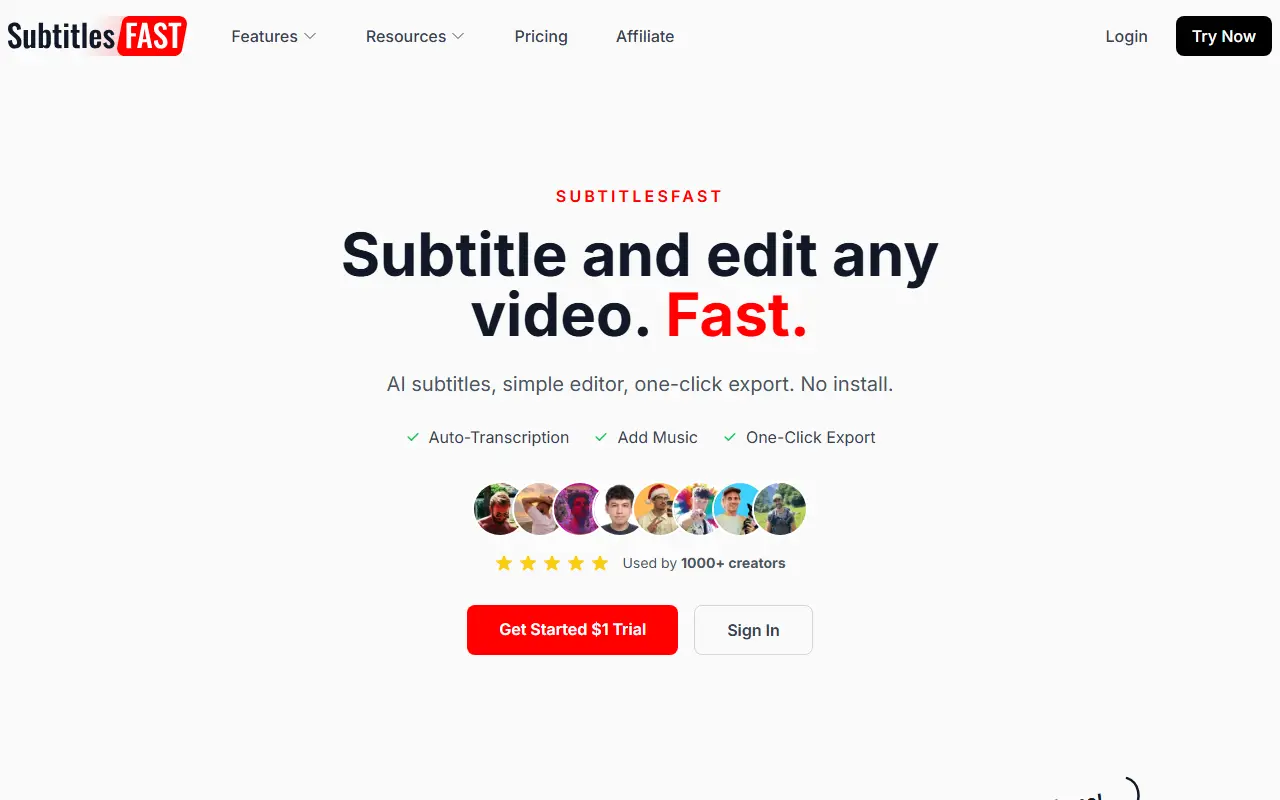
SubtitlesFast helps creators who post videos often. You upload a clip, the AI transcribes it in more than 50 languages, and you add subtitles, translate them, style animated captions and burn them into the video, or export an SRT file. Nothing needs to be installed, and the pitch is that recording, subtitling and posting can be done from a phone in minutes.
Editing tools cover changing aspect ratio, trimming, adding music and text overlays, an AI video editor, an AI thumbnail generator and a transcript-to-blog feature. A set of free tools includes generators for YouTube titles and descriptions, TikTok and Instagram hashtags, Instagram captions, video scripts and video ideas, plus SRT and VTT converters and a text-behind-image tool. The blog compares it with other subtitle tools, and a $1 trial is offered to get started.
Key features
- AI transcription in 50+ languages
- Add, translate and burn in subtitles
- Captions with animation styles
- Aspect ratio change, trim, music and text overlays
- AI thumbnail generator and transcript to blog
- Free title, hashtag and script generators
Good fit for
- Subtitling daily vlogs and short clips
- Translating a YouTube video's subtitles
- Exporting an SRT file for a recording
SubtitlesFast: questions and answers
- What is SubtitlesFast used for?
- SubtitlesFast is a web video tool for adding AI subtitles, animated captions and quick edits to daily videos, with free generators for titles, hashtags and scripts. It is a good fit for subtitling daily vlogs and short clips, translating a YouTube video's subtitles, and exporting an SRT file for a recording.
- How much does SubtitlesFast cost?
- SubtitlesFast is a paid product with no free plan. A $1 trial is offered, with no free plan. List prices are $4.49 per week, $23.99 per month and $288 per year, each shown with a discount.
- Is SubtitlesFast open source?
- No. SubtitlesFast is proprietary (closed-source) software and can't be self-hosted. In the Video Editing category, open-source options include Shotcut, OpenShot and Kdenlive.
- What are some alternatives to SubtitlesFast?
- SubtitlesFast competes with Captions, Submagic and VEED.
Open-source alternatives to SubtitlesFast
See all
Shotcut
Video Editing
cross-platform (Qt), open-source (GPLv3) video editor
GPL-3.0vs Adobe Premiere Pro★ 15k
OpenShot
Video Editing
OpenShot Video Editor is an award-winning free and open-source video editor for Linux, Mac
OSSvs Adobe Premiere Pro★ 6.6k
Kdenlive
Video Editing
Free and open source video editor, based on MLT Framework and KDE Frameworks
GPL-3.0vs Adobe Premiere Pro★ 5.8k
OpenCut
Video Editing
The open-source CapCut alternative
MITvs CapCut★ 93k
OBS Studio
Video Editing
OBS Studio - Free and open source software for live streaming and screen recording
GPL-2.0vs vMix★ 77k
HandBrake
Video Editing
HandBrake's development repository
OSS★ 25k
SaaS alternatives to SubtitlesFast
See all
Captions
Video Editing
AI video editing app for captions, dubbing and talking-head content
SaaS
Submagic
Video Editing
AI tool that adds captions and edits to short-form videos
SaaS
VEED
AI Tools
Browser-based video editor with auto subtitles, AI avatars and screen recording
SaaS
Kapwing
Video Editing
Browser-based video editor with subtitles, templates and AI tools
SaaS
AI Captions
Video Editing
Adds captions and subtitles to any video
SaaS
CapCut
Video Editing
Video editor for short-form clips with templates, effects and auto captions
SaaS