
About ScreenX
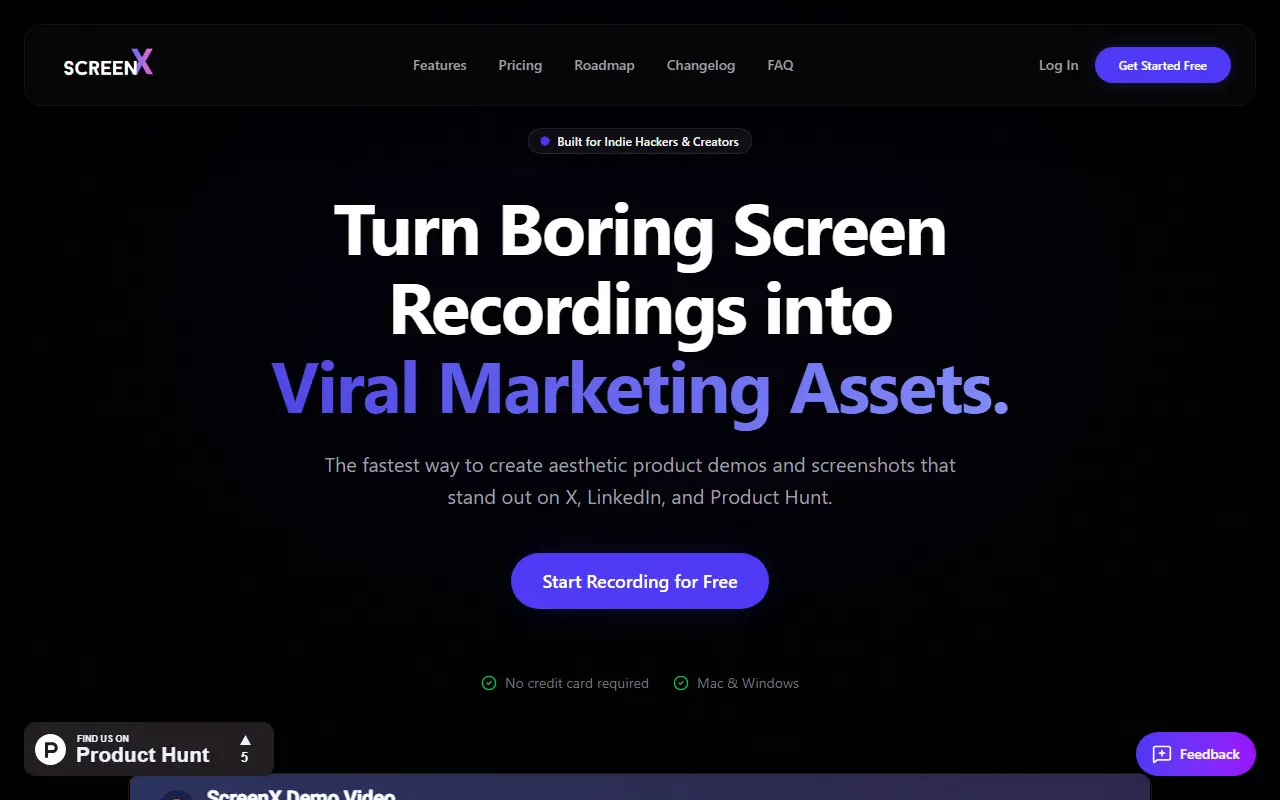
ScreenX is a web-based screen recorder and simple video editor for making demo and feature-showcase videos. It records in up to 4K, processes locally so unreleased features stay private, and exports MP4 or GIF with smooth frame rates. Because it runs in the browser, it works on Windows, Linux and Mac, and the site presents it as an option for people who want Screen Studio style zooms outside the Mac ecosystem.
Features include cinematic zooms, pans and backgrounds, with webcam overlay, screenshot mockups and cutting and merging videos in beta, and multi-point panning and automatic zoom on clicks listed as planned. An account is used so projects can sync across devices. All core features are free, and paid plans are aimed at people who need high-volume exports.
Key features
- Screen recording up to 4K in the browser
- Zoom, pan and background effects
- Webcam overlay (beta)
- Screenshot mockups (beta)
- Cut and merge video clips (beta)
- MP4 and GIF export
Good fit for
- Product demo videos for launch posts
- Feature walkthroughs on Windows or Linux
ScreenX: questions and answers
- What is ScreenX used for?
- ScreenX is a web-based screen recorder and simple video editor for demo videos, with zoom and pan effects, webcam overlay and 4K recording on Mac, Windows and Linux. It is a good fit for product demo videos for launch posts and feature walkthroughs on Windows or Linux.
- Is ScreenX free?
- Yes. ScreenX has a free plan, and paid plans start at $4.99 per month.
- Is ScreenX open source?
- No. ScreenX is proprietary (closed-source) software and can't be self-hosted. In the Video Editing category, open-source options include ScreenToGif, Cap and Screenity.
- What are some alternatives to ScreenX?
- ScreenX competes with Screen Studio, Camtasia and ScreenFlow.
Open-source alternatives to ScreenX
See all
ScreenToGif
Video Editing
🎬 ScreenToGif allows you to record a selected area of your screen, edit and save it as a
MS-PLvs Snagit★ 28k
Cap
Video Editing
Open source Loom alternative. Beautiful, shareable screen recordings.
OSSvs Loom★ 23k
Screenity
Video Editing
The free and privacy-friendly screen recorder with no limits 🎥
GPL-3.0vs Screencastify★ 19k
OpenCut
Video Editing
The open-source CapCut alternative
MITvs CapCut★ 93k
OBS Studio
Video Editing
OBS Studio - Free and open source software for live streaming and screen recording
GPL-2.0vs vMix★ 77k
HandBrake
Video Editing
HandBrake's development repository
OSS★ 25k
SaaS alternatives to ScreenX
See all
Screen Studio
Video Editing
Mac screen recorder that adds automatic zooms and polished cursor animations
SaaS
Camtasia
Video Editing
Screen recorder and video editor for tutorials and training videos
SaaS
ScreenFlow
Video Editing
Mac screen recording and video editing software from Telestream
SaaS
Tella
Video Editing
Screen and camera recorder with editing for demos and tutorials
SaaS
Loom
Productivity
Loom is a screen and camera recording tool for sharing asynchronous video messages, with editing, comments, transcripts and AI features.
SaaS
Lumiko
Video Editing
Privacy-first screen recorder with automatic cursor zoom, a built-in editor, smart blur and webcam overlays
SaaS