
About Screendrift
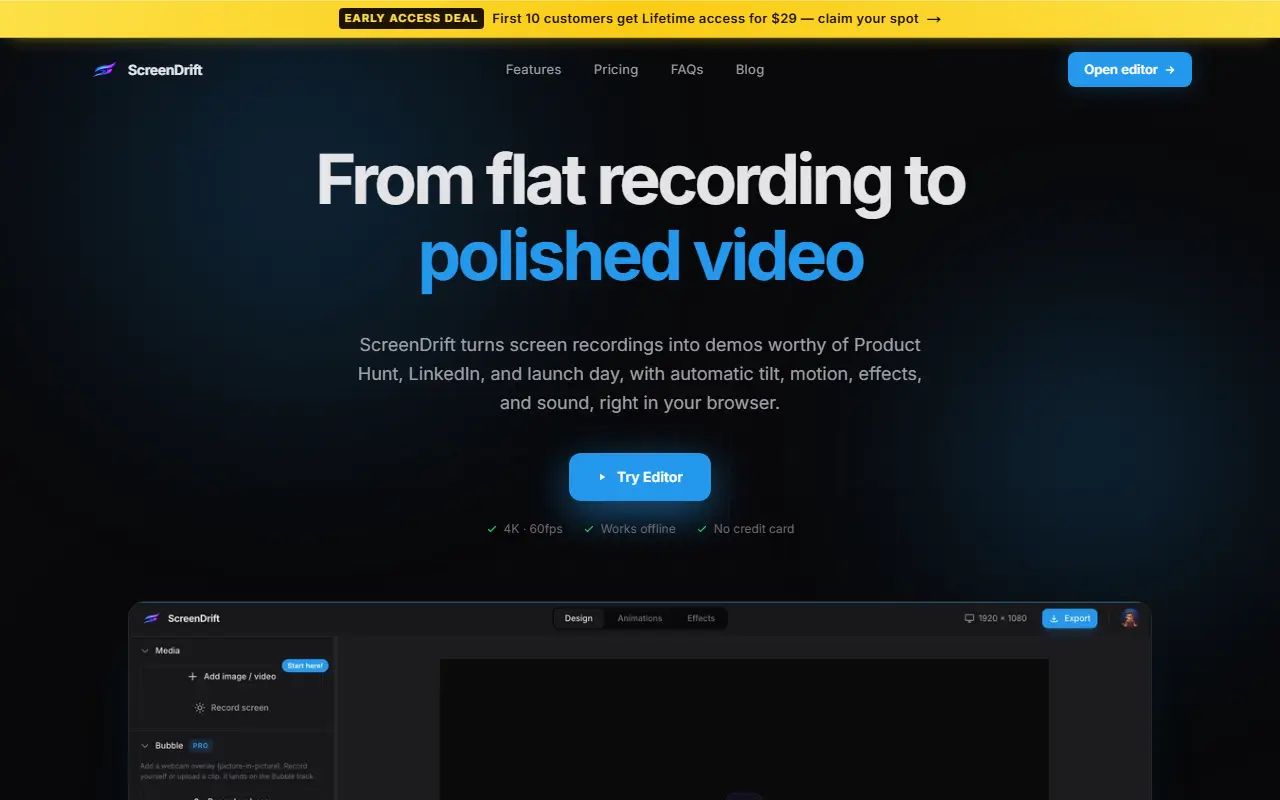
ScreenDrift is a browser-based editor that adds 3D tilt, motion, effects and sound to screen recordings. You drop in a recording or camera footage (MP4, MOV, WebM), apply one of 40+ animation presets or dial in rotation, scale and offset, and export in 4K at 60fps. Everything is processed on the device, so no video is uploaded and it works offline.
The output is framed, shadowed and placed on a brand background with a camera move that follows the action, plus background music and sound effects, aimed at demos for Product Hunt, LinkedIn and launch posts. GPU-accelerated rendering handles the export. The free tier has 10 animation presets, watermarked exports and basic 3D controls; Pro is $19 per year with all presets, no watermark and 4K 60fps export; and a lifetime license is listed at $29.
Key features
- 40+ animation presets for 3D camera moves
- Custom rotation, scale and offset controls
- Background music and sound effects
- 4K 60fps GPU-accelerated export
- Local processing with no upload
- Works fully offline
Good fit for
- Polished product demo videos
- Launch day social clips from raw recordings
Screendrift: questions and answers
- What is Screendrift used for?
- Screendrift is a browser-based tool that turns screen recordings into 3D-style demo videos with preset camera moves, effects and sound, processed on your device. It is a good fit for polished product demo videos and launch day social clips from raw recordings.
- Is Screendrift free?
- Yes. Screendrift has a free plan, and paid plans start at $19 per year.
- Is Screendrift open source?
- No. Screendrift is proprietary (closed-source) software. In the Video Editing category, open-source options include OpenCut, OBS Studio and Cap.
- What are some alternatives to Screendrift?
- Screendrift competes with Screen Studio, Tella and Camtasia.
Open-source alternatives to Screendrift
See all
OpenCut
Video Editing
The open-source CapCut alternative
MITvs CapCut★ 93k
OBS Studio
Video Editing
OBS Studio - Free and open source software for live streaming and screen recording
GPL-2.0vs vMix★ 77k
Cap
Video Editing
Open source Loom alternative. Beautiful, shareable screen recordings.
OSSvs Loom★ 23k
Shotcut
Video Editing
cross-platform (Qt), open-source (GPLv3) video editor
GPL-3.0vs Adobe Premiere Pro★ 15k
ScreenToGif
Video Editing
🎬 ScreenToGif allows you to record a selected area of your screen, edit and save it as a
MS-PLvs Snagit★ 28k
OpenShot
Video Editing
OpenShot Video Editor is an award-winning free and open-source video editor for Linux, Mac
OSSvs Adobe Premiere Pro★ 6.6k
SaaS alternatives to Screendrift
See all
Screen Studio
Video Editing
Mac screen recorder that adds automatic zooms and polished cursor animations
SaaS
Tella
Video Editing
Screen and camera recorder with editing for demos and tutorials
SaaS
Camtasia
Video Editing
Screen recorder and video editor for tutorials and training videos
SaaS
ScreenFlow
Video Editing
Mac screen recording and video editing software from Telestream
SaaS
DemoPolish
Video Editing
Turns rough screen recordings of software into polished demo videos
SaaSCinePhone
Video Editing
Phone screen recording editor: drag, drop, edit and export polished screen recordings
SaaS