About CinePhone
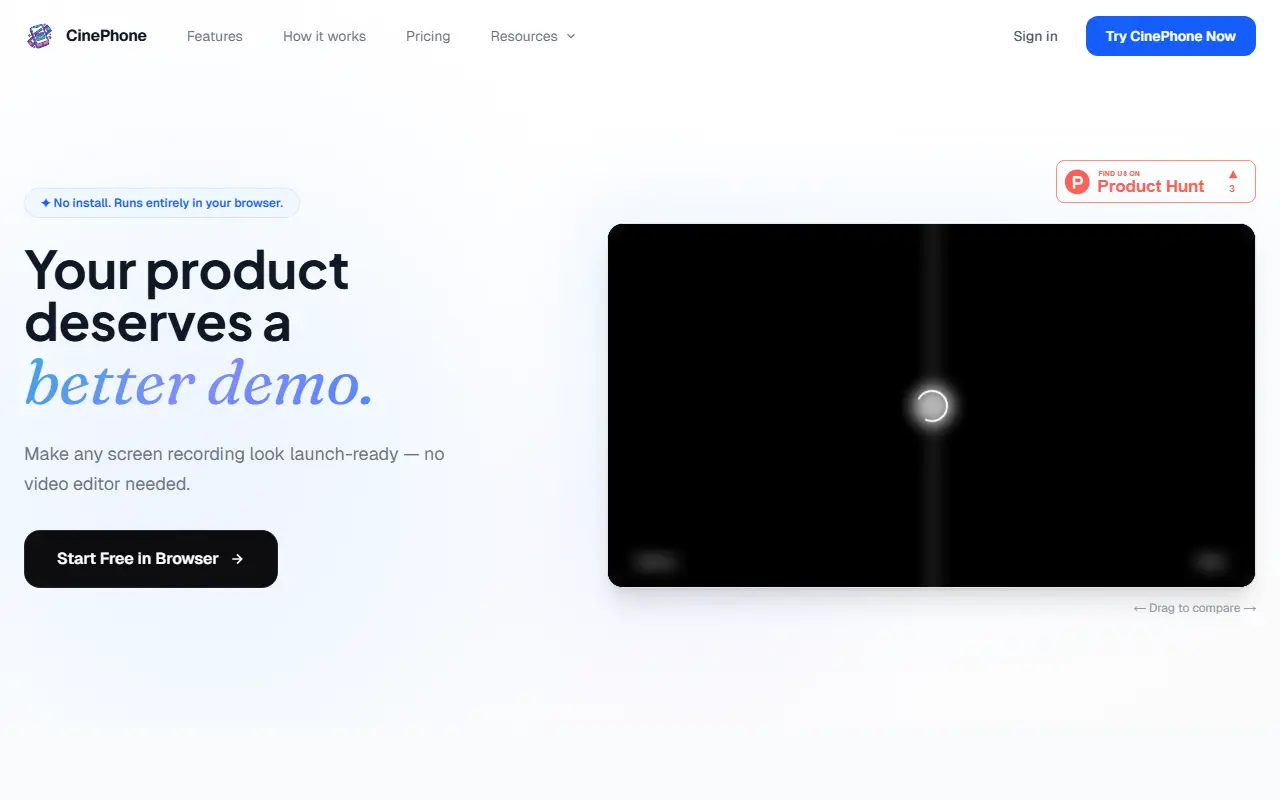
CinePhone is a web editor for making phone screen recordings look ready for a product launch. You upload a recording, choose a visual style, adjust zoom keyframes on a timeline and export an MP4, without learning a full video editor.
It includes curated wallpaper backgrounds inspired by macOS, support for your own colors and gradients, realistic device frame overlays and smooth cinematic zooms that guide attention. Presets help keep output consistent across videos, and clips can be exported for social media, documentation or app store listings.
The site states that video processing runs locally in your browser and that nothing needs to be installed. It is a commercial product with a free browser trial and a pricing section, though plan details are not shown in the scraped text.
Key features
- Browser-based editor with no install
- Device frame overlays for phone recordings
- Curated wallpapers and custom gradient backgrounds
- Timeline zoom keyframes
- One-click MP4 export
- Reusable presets for consistent branding
Good fit for
- →Making app demo videos for launches
- →Preparing clips for app store listings and social posts
- Tags
- screen-recording
- video-editing
- mockups
- app-demo
- ios
- browser-based
CinePhone: questions and answers
- What is CinePhone used for?
- CinePhone is a browser-based editor that turns iPhone screen recordings into polished demo videos with device frames, backgrounds and zoom keyframes. It is a good fit for making app demo videos for launches, and preparing clips for app store listings and social posts.
- Is CinePhone free?
- Yes. CinePhone has a free plan, and paid plans start at $8 per month.
- Is CinePhone open source?
- No. CinePhone is proprietary (closed-source) software and can't be self-hosted. In the Video Editing category, open-source options include OBS Studio, Cap and Shotcut.
- What are some alternatives to CinePhone?
- CinePhone competes with Screen Studio, DemoPolish and ScreenFlow.
Open-source alternatives to CinePhone
See all
OBS Studio
Video Editing
OBS Studio - Free and open source software for live streaming and screen recording
GPL-2.0vs vMix★ 77k
Cap
Video Editing
Open source Loom alternative. Beautiful, shareable screen recordings.
OSSvs Loom★ 23k
Shotcut
Video Editing
cross-platform (Qt), open-source (GPLv3) video editor
GPL-3.0vs Adobe Premiere Pro★ 15k
OpenShot
Video Editing
OpenShot Video Editor is an award-winning free and open-source video editor for Linux, Mac
OSSvs Adobe Premiere Pro★ 6.6k
Kdenlive
Video Editing
Free and open source video editor, based on MLT Framework and KDE Frameworks
GPL-3.0vs Adobe Premiere Pro★ 5.8k
OpenCut
Video Editing
The open-source CapCut alternative
MITvs CapCut★ 91k
SaaS alternatives to CinePhone
See all
Screen Studio
Video Editing
Mac screen recorder that adds automatic zooms and polished cursor animations
SaaS
DemoPolish
Video Editing
Turns rough screen recordings of software into polished demo videos
SaaS
ScreenFlow
Video Editing
Mac screen recording and video editing software from Telestream
SaaS
Camtasia
Video Editing
Screen recorder and video editor for tutorials and training videos
SaaS
Tella
Video Editing
Screen and camera recorder with editing for demos and tutorials
SaaS
CursorClip
Video Editing
macOS screen recorder that automatically zooms in on what matters as you record
SaaS