
About ScreenCursor
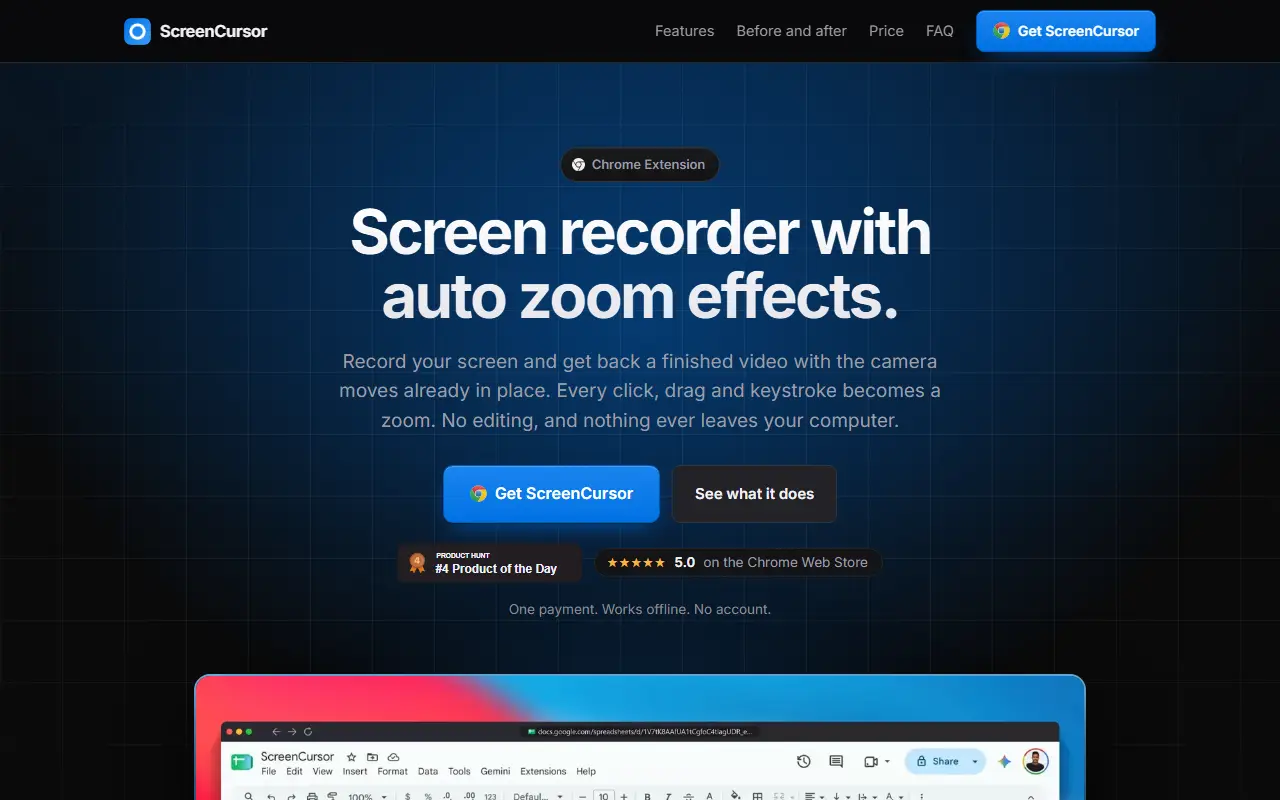
ScreenCursor is a Chrome extension that records the screen and hands back a finished video whose camera moves are already applied. Clicks, drags and keystrokes each turn into a zoom that arrives just before the action, holds steady and follows the cursor, so there is nothing to place by hand. Recording, editing and export all happen in the browser and nothing is uploaded.
Zooms can be retimed, deepened, switched between snappy and gentle motion or deleted, and a focus point can be set for any zoom. The editor splits and cuts clips, with zooms moving with the cut, and adds wallpaper, gradient or image backgrounds, a browser frame with the page title, rounded corners and aspect ratios. Export is MP4 at up to 1080p. It works offline, has no watermark or account, and a license covers up to three computers. Pricing is a single payment, listed at an early price of $49 against $79, with updates included.
Key features
- Automatic zoom on clicks, drags and keystrokes
- Editable zoom timing, depth and focus point
- Backgrounds, browser frame and aspect ratios
- Trim, cut and split editor
- 1080p MP4 export
- Local processing with no upload or account
Good fit for
- Quick product demos from a Chrome tab
- Software tutorials with automatic camera moves
ScreenCursor: questions and answers
- What is ScreenCursor used for?
- ScreenCursor is a Chrome extension that records the screen and converts clicks, drags and keystrokes into automatic zoom moves, processed locally with no account. It is a good fit for quick product demos from a Chrome tab and software tutorials with automatic camera moves.
- How much does ScreenCursor cost?
- ScreenCursor is a paid product with no free plan. One-time payment of $49 (early price, listed against $79) with updates included; no subscription.
- Is ScreenCursor open source?
- No. ScreenCursor is proprietary (closed-source) software. In the Video Editing category, open-source options include Screenity, ScreenToGif and OpenCut.
- What are some alternatives to ScreenCursor?
- ScreenCursor competes with Screen Studio, ScreenFlow and Tella.
Open-source alternatives to ScreenCursor
See all
Screenity
Video Editing
The free and privacy-friendly screen recorder with no limits 🎥
GPL-3.0vs Screencastify★ 19k
ScreenToGif
Video Editing
🎬 ScreenToGif allows you to record a selected area of your screen, edit and save it as a
MS-PLvs Snagit★ 28k
OpenCut
Video Editing
The open-source CapCut alternative
MITvs CapCut★ 93k
Cap
Video Editing
Open source Loom alternative. Beautiful, shareable screen recordings.
OSSvs Loom★ 23k
Shotcut
Video Editing
cross-platform (Qt), open-source (GPLv3) video editor
GPL-3.0vs Adobe Premiere Pro★ 15k
OpenShot
Video Editing
OpenShot Video Editor is an award-winning free and open-source video editor for Linux, Mac
OSSvs Adobe Premiere Pro★ 6.6k
SaaS alternatives to ScreenCursor
See all
Screen Studio
Video Editing
Mac screen recorder that adds automatic zooms and polished cursor animations
SaaS
ScreenFlow
Video Editing
Mac screen recording and video editing software from Telestream
SaaS
Tella
Video Editing
Screen and camera recorder with editing for demos and tutorials
SaaS
Camtasia
Video Editing
Screen recorder and video editor for tutorials and training videos
SaaS
Loom
Productivity
Loom is a screen and camera recording tool for sharing asynchronous video messages, with editing, comments, transcripts and AI features.
SaaS
Lumiko
Video Editing
Privacy-first screen recorder with automatic cursor zoom, a built-in editor, smart blur and webcam overlays
SaaS