
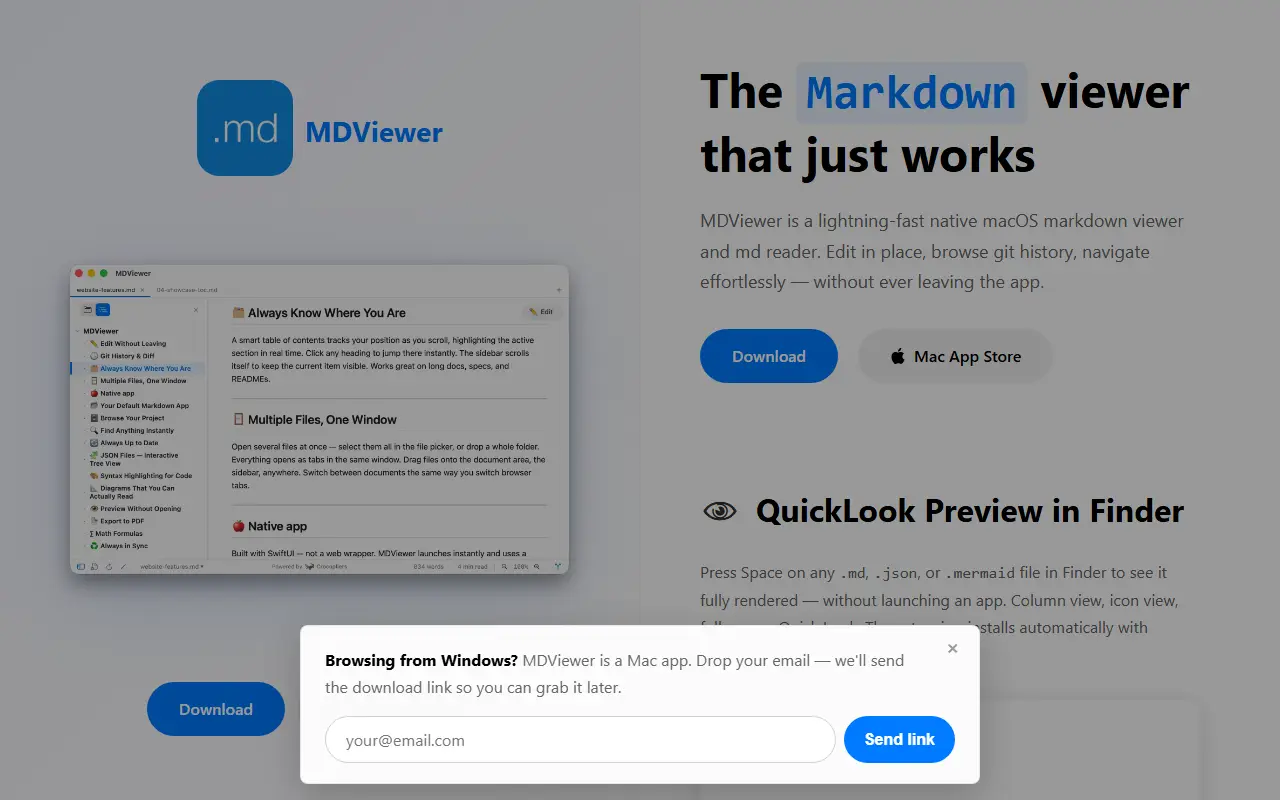
About MDViewer
MDViewer is a Markdown viewer and reader for the Mac, distributed through the Mac App Store. It is built natively with SwiftUI rather than Electron, and it opens .md files from Finder with full GitHub Flavored Markdown rendering, including tables, task lists, code blocks and strikethrough.
A Quick Look extension installs with the app, so pressing Space on a .md, .json or .mermaid file in Finder shows it rendered without launching anything. Mermaid flowcharts, sequence diagrams, ER diagrams and Gantt charts render as interactive SVGs, with a full-screen view that supports zoom and pan and follows light and dark mode. Fenced code blocks get highlighting for more than 180 languages.
Beyond reading, you can edit in place and browse Git history without leaving the app. JSON files open as a collapsible tree with a one-click format button, and any document can be saved as a PDF with a keyboard shortcut, with tables, code blocks and diagrams kept intact across page breaks and a choice of portrait or landscape.
Key features
- Finder Quick Look previews for .md, .json and .mermaid
- Interactive Mermaid diagrams with zoom and pan
- Inline editing of Markdown documents
- Git history browsing inside the app
- PDF export with portrait or landscape pages
- JSON tree viewer with a format button
- Code highlighting for 180+ languages
Good fit for
- Reading project documentation on a Mac
- Previewing Markdown and Mermaid files from Finder
- Exporting notes and specs as PDF
MDViewer: questions and answers
- What is MDViewer used for?
- MDViewer is a Mac-native Markdown reader with in-place editing, Git history, Mermaid diagrams and Finder Quick Look previews, built on SwiftUI. It is a good fit for reading project documentation on a Mac, previewing Markdown and Mermaid files from Finder, and exporting notes and specs as PDF.
- Is MDViewer free?
- Yes. MDViewer has a free plan, and paid plans start at $9.99 as a one-time payment.
- Is MDViewer open source?
- No. MDViewer is proprietary (closed-source) software. In the Developer Tools category, open-source options include GitHub Desktop, iTerm2 and Atlas.
- What are some alternatives to MDViewer?
- MDViewer competes with Typora, iA Writer and Bear.
Open-source alternatives to MDViewer
See all
GitHub Desktop
Developer Tools
Focus on what matters instead of fighting with Git.
MITvs GitKraken★ 22k
iTerm2
Developer Tools
iTerm2 is a terminal emulator for Mac OS X that does amazing things.
GPL-2.0vs Warp★ 18k
Atlas
Developer Tools
Atlas is a native macOS workspace for coding agents. Install Claude Code, Codex, OpenCode
Apache-2.0★ 9.1k
massCode
Developer Tools
A free, open-source developer workspace. Snippets, notes, HTTP requests, calculations, and
AGPL-3.0vs Dash★ 7kVS Code Project Manager
Developer Tools
Project Manager Extension for Visual Studio Code
GPL-3.0★ 2.7k
Nue
Developer Tools
Fastest way to build modern websites
MIT★ 8.8k
SaaS alternatives to MDViewer
See all
Typora
Note Taking
Minimal markdown editor with live preview
SaaS
iA Writer
Note Taking
Minimal markdown writing app with focus mode and cross-device sync
SaaS
Bear
Note Taking
Markdown notes app for Apple devices with tags and nested organization
SaaS
Inkdrop
Note Taking
Markdown note app with a plugin ecosystem aimed at developers
SaaS
PrettyMD
Developer Tools
App for reading the Markdown files your AI writes, such as specs, plans, skills and agents
SaaS
MdView
Developer Tools
Online Markdown viewer for distraction-free reading with rendered view, smooth scrolling and PDF export
SaaS