
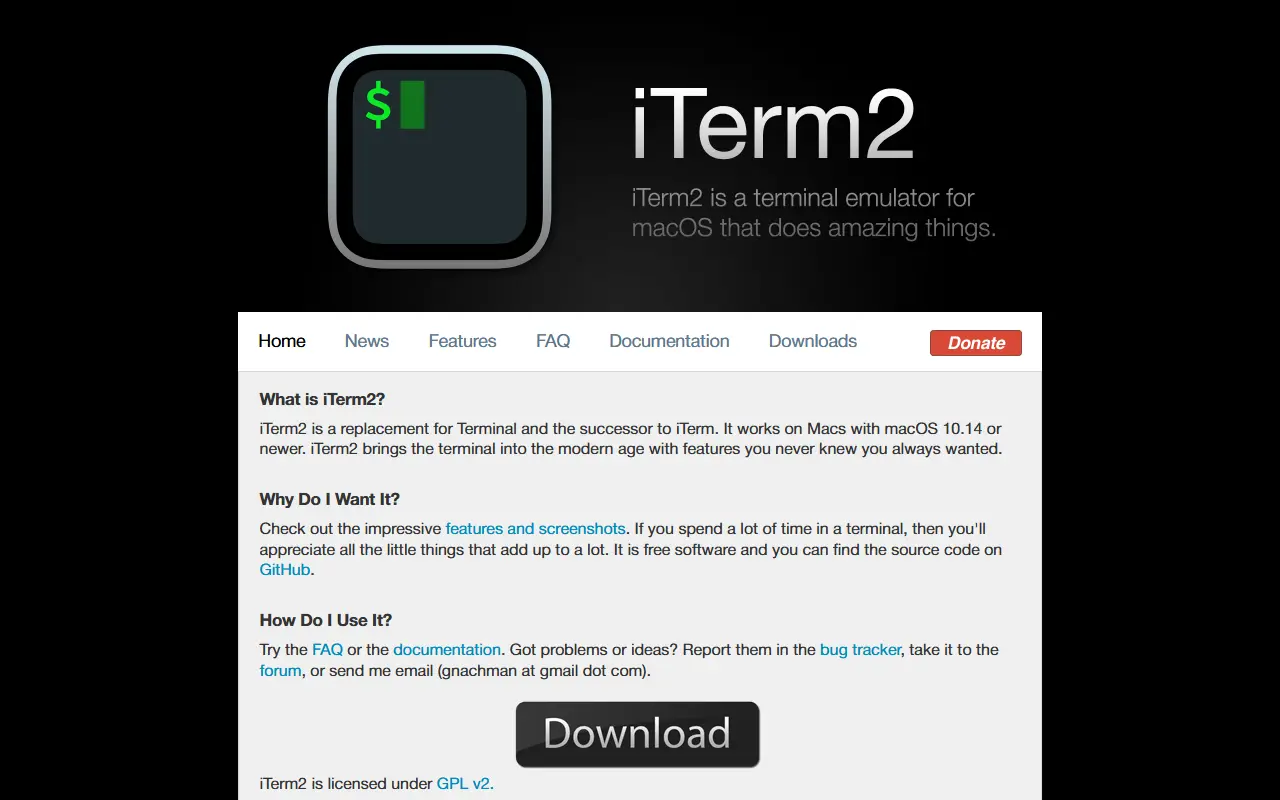
About iTerm2
iTerm2 is a terminal emulator for macOS intended as a replacement for the built-in Terminal app. It adds features aimed at people who spend much of their day in a shell, such as developers and system administrators. It is written in Objective-C and released under the GPL-2.0 license.
Its tmux integration turns tmux windows into native macOS windows and tabs when started in control mode, and sessions persist through crashes, SSH disconnects and app upgrades. Shell integration tracks commands, directories, hostnames and usernames, enabling click-to-download via SCP, drag-and-drop uploads and per-host command history. Inline image display, automatic profile switching by host, user, directory or command, and dedicated hotkey windows that slide in from a screen edge are also included.
Newer additions include a built-in chat window that can optionally interact with terminal contents using a language model, and a built-in web browser. Session restoration keeps shells running in long-lived server processes so they reconnect after the app restarts.
Key features
- Native tmux integration with macOS windows
- Shell integration tracking commands and directories
- Inline image display in the terminal
- Automatic profile switching by context
- Hotkey windows over fullscreen apps
- Session restoration after crashes or upgrades
- Optional built-in AI chat window
Good fit for
- →Daily terminal work on a Mac
- →Persistent remote sessions over SSH
- Built with
- Objective-C
- Tags
- terminal
- terminal-emulator
- macos
- tmux
- shell
- developer-tools
- objective-c
- productivity
iTerm2: questions and answers
- What is iTerm2 used for?
- iTerm2 is an open-source terminal emulator for macOS with tmux integration, shell integration, inline images and session restoration. It is a good fit for daily terminal work on a Mac and persistent remote sessions over SSH.
- Is iTerm2 open source?
- Yes. iTerm2 is open source under the GPL-2.0 licence. Its source code is on GitHub at gnachman/iTerm2 and is written mainly in Objective-C.
- Is iTerm2 free?
- Yes. iTerm2 is open source, so the software itself is free to use.
- What is iTerm2 an alternative to?
- iTerm2 is an open-source alternative to Warp. Other open-source alternatives to Warp include Tabby, Ghostty and kitty.
- Is iTerm2 actively maintained?
- Yes. The most recent commit to iTerm2 was on 1 October 2026. The project has 18k stars on GitHub.
Open-source alternatives to iTerm2
See all
Tabby
Developer Tools
A terminal for a more modern age
MITvs Warp★ 75k
Ghostty
Developer Tools
👻 Ghostty is a fast, feature-rich, and cross-platform terminal emulator that uses platfor
MITvs Warp★ 62kkitty
Developer Tools
If you live in the terminal, kitty is made for you! Cross-platform, fast, feature-rich, GP
GPL-3.0vs Warp★ 35k
WezTerm
Developer Tools
A GPU-accelerated cross-platform terminal emulator and multiplexer written by @wez and imp
OSSvs Warp★ 29k
Alacritty
Developer Tools
A cross-platform, OpenGL terminal emulator.
Apache-2.0vs Warp★ 66k
Wave Terminal
Developer Tools
An open-source, AI-integrated, cross-platform terminal for seamless workflows
Apache-2.0vs Warp★ 22k
SaaS alternatives to iTerm2
See all
Warp
Developer Tools
Terminal with AI assistance, command blocks and team workflows
SaaS
1DevTool
Developer Tools
Desktop workspace for running several AI coding agents side by side across multiple projects
SaaS
CNVS
Developer Tools
Infinite canvas that runs Claude, Cursor and Codex agents in parallel, controlled by voice
SaaS
Crowsnest
Developer Tools
Desktop interface with advanced features for working with AI coding agents
SaaS
Deska
Developer Tools
Spatial IDE with an infinite canvas for running AI coding agents, a browser and notes side by side
SaaS
SecureCRT
Developer Tools
Terminal emulator and SSH client for Windows, Mac and Linux
SaaS