 TrackMedia
 TrackRev

About Wave Terminal
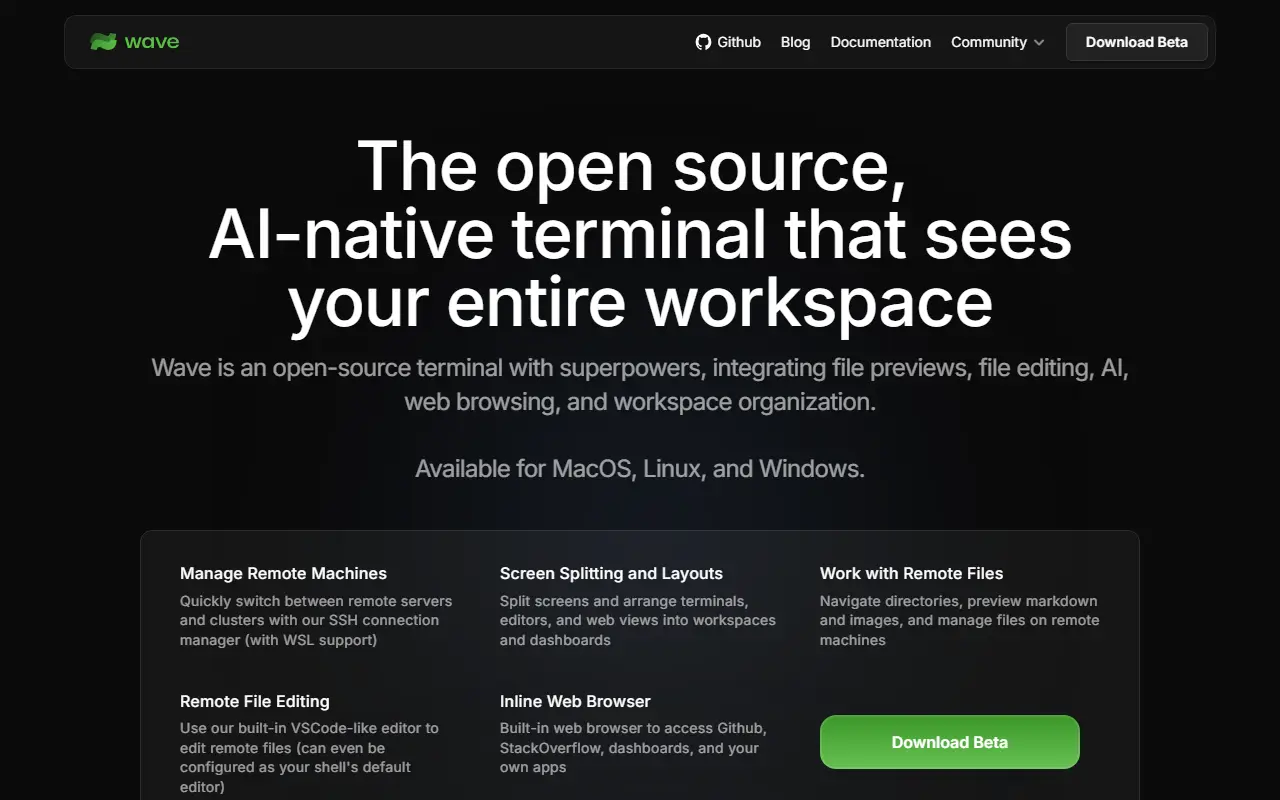
Wave Terminal is a terminal with built-in AI that is open source and runs on macOS, Linux and Windows. It can use whichever AI model you prefer: you bring your own API keys for providers such as OpenAI, Claude or Gemini, or run local models through Ollama and LM Studio, and no account is required. The project is written in Go and released under the Apache-2.0 license.
SSH sessions are durable: they persist through network drops and app restarts, and reconnect automatically. A drag-and-drop interface lets you arrange terminal blocks, editors, web browsers and AI assistants in one window. Wave AI reads terminal output and can perform file operations, a built-in editor and rich preview handle remote files such as markdown, images, video, PDFs and CSVs, and command blocks isolate individual commands. API keys can be stored securely using native system backends, and the wsh command manages the workspace from the CLI.
Key features
- AI assistant that reads terminal output
- Bring your own keys or use local models
- Durable SSH sessions with auto reconnect
- Drag-and-drop blocks for terminals and editors
- Remote file editor and preview
- wsh command for workspace control
Good fit for
- Working across remote servers with unstable connections
- Terminal workflows with an AI helper
Wave Terminal: questions and answers
- What is Wave Terminal used for?
- Wave Terminal is an open-source terminal with an integrated AI assistant, durable SSH sessions, and built-in editor and file previews. It is a good fit for working across remote servers with unstable connections and terminal workflows with an AI helper.
- Is Wave Terminal open source?
- Yes. Wave Terminal is open source under the Apache-2.0 licence. Its source code is on GitHub at wavetermdev/waveterm and is written mainly in Go.
- Is Wave Terminal free?
- Yes. Wave Terminal is open source, so the software itself is free to use.
- What is Wave Terminal an alternative to?
- Wave Terminal is an open-source alternative to Warp, Termius and SecureCRT. Other open-source alternatives to Warp include Alacritty, kitty and Tabby.
- Is Wave Terminal actively maintained?
- Yes. The most recent commit to Wave Terminal was on 6 November 2026, and the latest release is v0.14.5, published on 16 April 2026. The project has 23k stars on GitHub, with 211 added in the last 30 days.
Open-source alternatives to Wave Terminal
See all
Alacritty
Developer Tools
A cross-platform, OpenGL terminal emulator.
Apache-2.0vs Warp★ 66k
kitty
Developer Tools
If you live in the terminal, kitty is made for you! Cross-platform, fast, feature-rich, GP
GPL-3.0vs Warp★ 36k
Tabby
Developer Tools
A terminal for a more modern age
MITvs Warp★ 75k
iTerm2
Developer Tools
iTerm2 is a terminal emulator for Mac OS X that does amazing things.
GPL-2.0vs Warp★ 18k
WezTerm
Developer Tools
A GPU-accelerated cross-platform terminal emulator and multiplexer written by @wez and imp
OSSvs Warp★ 30k
Hyper
Developer Tools
A terminal built on web technologies
MITvs Warp★ 45k
SaaS alternatives to Wave Terminal
See all
Warp
Developer Tools
Terminal with AI assistance, command blocks and team workflows
SaaS
Termius
Developer Tools
SSH client and terminal for desktop and mobile with synced hosts
SaaS
SecureCRT
Developer Tools
Terminal emulator and SSH client for Windows, Mac and Linux
SaaS
termique
Developer Tools
Cross-platform SSH manager and terminal client for macOS, Windows, Linux and iOS with SSH key management and sync
SaaS
Gumpbox
Developer Tools
AI-first SSH client for developers
SaaS
Onepilot
Developer Tools
Mobile SSH terminal and AI agent IDE for iPhone that keeps sessions running when you disconnect
SaaS