7,363 open-source and SaaS tools, with GitHub stats refreshed every day.

8 alternatives ranked by real activity

Open-source Warp alternatives

A curated, ranked list of the 8 best open-source alternatives to Warp.

The best open-source alternative to Warp is Windows Terminal. If that doesn't suit you, other good options are Tabby, Ghostty, kitty and WezTerm.

Warp alternatives are mainly developer tools. 7 of them shipped code in the last 30 days, 8 can be self-hosted, and 5 use a permissive licence.

Last updated October 3, 2026 · ranked by GitHub stars, growth and recent commits

Windows Terminal

The source repository for Windows Terminal and the Windows console host, Microsoft's modern terminal application for command-line shells on Windows.

GitHub stars
105k
Last commit
yesterday
Latest release
v1.24.11911.0
Licence
MIT

The repository holds the source for Windows Terminal, Windows Terminal Preview and the original Windows console host, conhost.exe, plus the components they share. Windows Terminal is a modern application for working with command-line shells such as Command Prompt, PowerShell and Windows Subsystem for Linux on Windows. It is written in C++ and released under the MIT license.

The repo also includes ColorTool and sample projects that show how to use the Windows Console APIs. Related repositories cover the user documentation, the console API documentation and the Cascadia Code font. A Canary build is available for those who want the newest changes, and a Preview release exists alongside the stable one.

Windows Terminal requires Windows 10 version 2004 (build 19041) or later. The recommended way to install is from the Microsoft Store, which provides automatic upgrades; other options are GitHub releases, the winget package manager, and unofficial Chocolatey and Scoop packages. It suits developers and administrators who spend time in shells on Windows.

Key features

  • Hosts Command Prompt, PowerShell and WSL shells
  • Includes the Windows console host source
  • Microsoft Store, winget and GitHub installs
  • Preview and Canary release builds
  • Shared components and sample console API projects
  • ColorTool for color schemes

Pricing: Free and open source under the MIT license.

Tabby

A highly configurable terminal emulator with built-in SSH, Telnet and serial clients for Windows, macOS and Linux, plus split panes, themes and plugins.

GitHub stars
75k
Last commit
4 days ago
Latest release
v1.0.237
Licence
MIT
Self-hosted
Yes
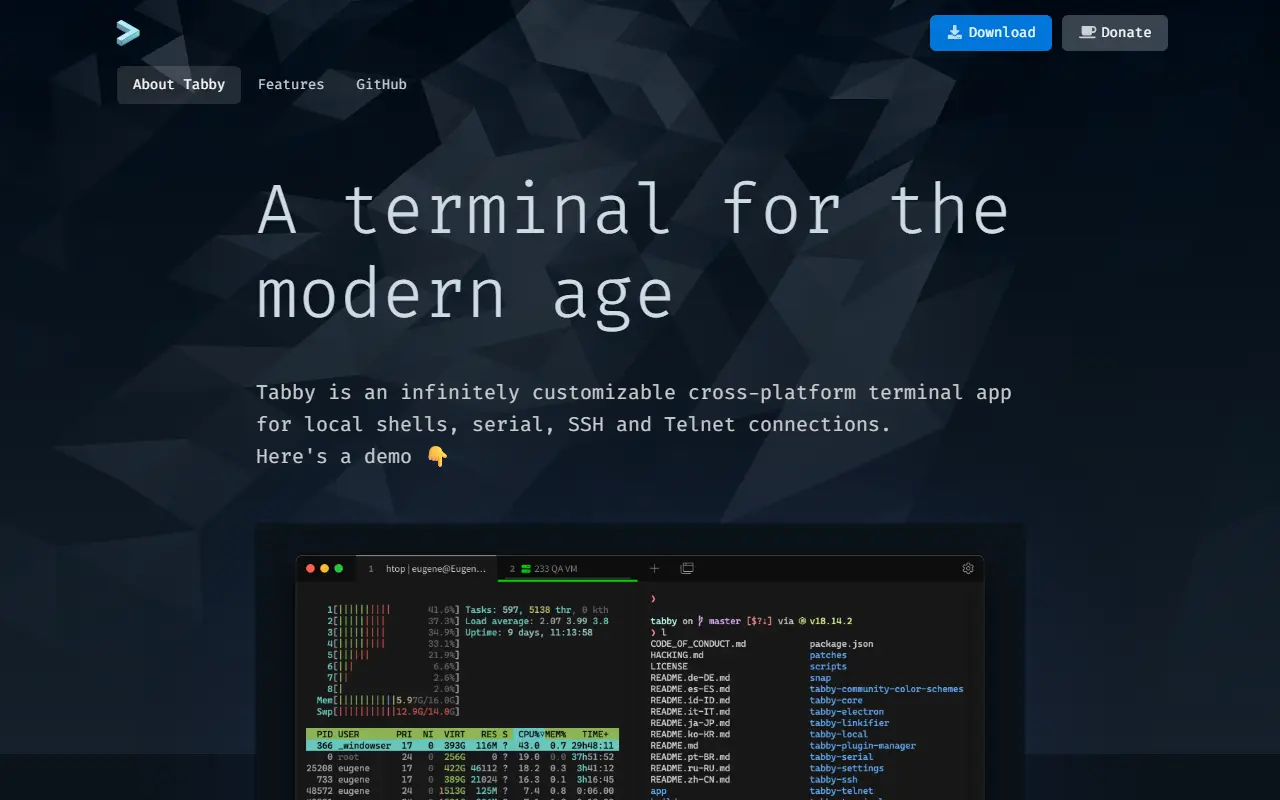
tabby.shTabby homepage screenshot

Tabby, formerly called Terminus, is a configurable terminal emulator that doubles as an SSH and serial client, running on Windows, macOS and Linux. It is written in TypeScript and released under the MIT license. It positions itself as an alternative to the default Windows console, PowerShell ISE, PuTTY and the stock macOS Terminal app, as well as iTerm.

The terminal supports multiple nested split panes, themes and color schemes, fully configurable shortcuts including multi-chord ones, and remembers your open tabs. An integrated SSH and Telnet client with a connection manager, a serial terminal, and file transfer over SSH sessions via Zmodem are included, and SSH secrets can be kept in an encrypted container. On Windows it can host CMD, Cmder, MSYS2, Cygwin, Git-Bash, WSL and PowerShell sessions, with tab completion via Clink.

A browser-based SSH, SFTP and Telnet client is available as a web app that can also be self-hosted. The README clarifies that Tabby does not replace your shell, MinGW or Cygwin, and that it is not lightweight, so memory-sensitive users may prefer other tools. It suits developers and administrators who manage many remote machines or serial devices.

Key features

  • Integrated SSH, Telnet and serial clients
  • Split panes and remembered tabs
  • Themes, color schemes and configurable shortcuts
  • Encrypted container for SSH secrets
  • Zmodem file transfer over SSH
  • Plugins and portable mode
  • Supports PowerShell, WSL, Git-Bash and CMD

Pricing: Free and open source under the MIT license.
Ghostty

A native, GPU-accelerated terminal emulator with tabs and split panes, plus libghostty, a library for building terminal features into other applications.

GitHub stars
62k
Last commit
today
Licence
MIT
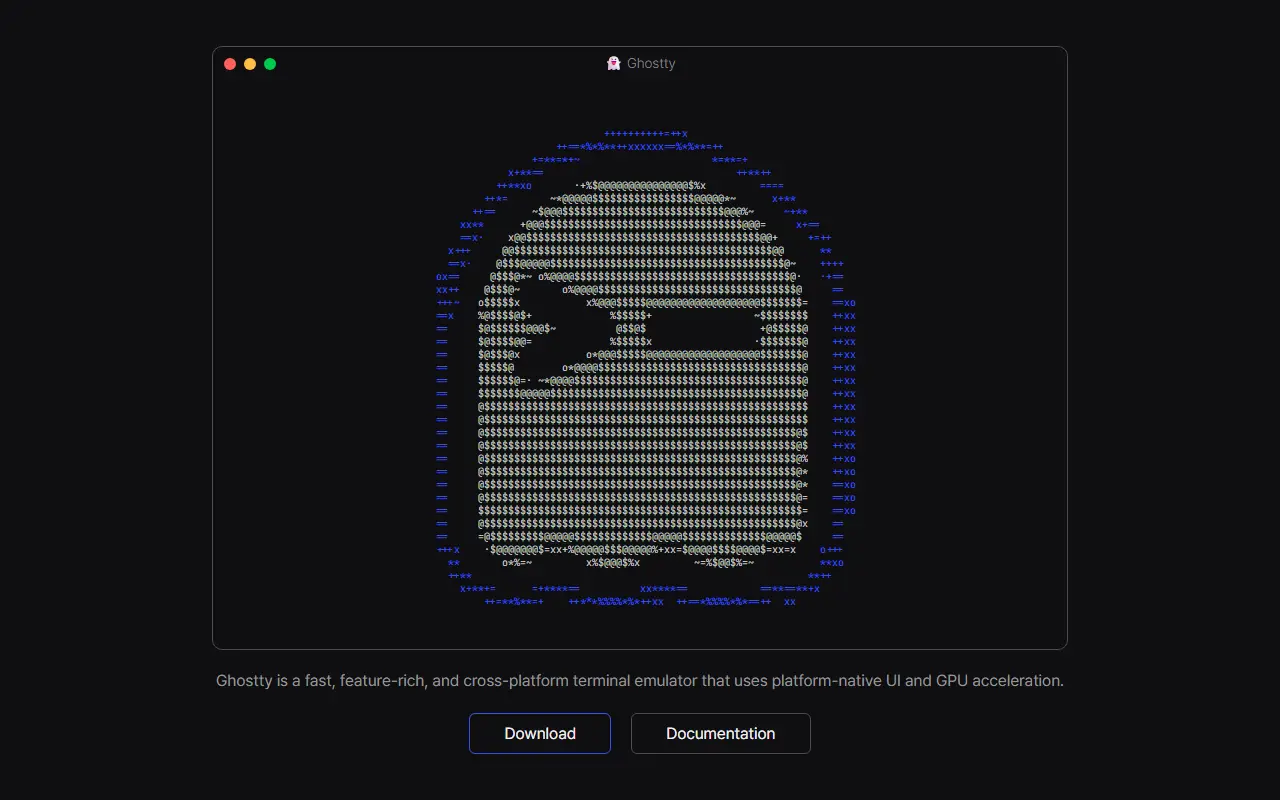
ghostty.orgGhostty homepage screenshot

Ghostty is a terminal emulator that aims to combine speed, a broad feature set and a native user interface, rather than making users choose between them. It uses platform-native UI and GPU acceleration, is written in Zig, and is released under the MIT license.

The project's roadmap covers standards-compliant terminal emulation, competitive performance, rich windowing features such as multiple windows, tabs and panes, and native experiences on each platform. Downloads and documentation are hosted on the Ghostty website, and the repository includes contributor and developer guides.

Ghostty also ships libghostty, a cross-platform, zero-dependency library in C and Zig for building terminal emulators or embedding terminal functionality, such as style parsing, into other software. A minimal example project called Ghostling is provided. Ghostty suits developers who spend much of the day in a terminal and want a native-feeling emulator, and those who want terminal capabilities inside their own applications.

Key features

  • GPU-accelerated terminal emulation
  • Platform-native user interface
  • Multiple windows, tabs and split panes
  • Standards-compliant terminal behavior
  • libghostty library for embedding terminals
  • Zero-dependency C and Zig library

Pricing: Free and open source under the MIT license.

kitty

kitty is a fast, cross-platform, GPU-accelerated terminal emulator with tabs, split layouts and an extension system called kittens.

GitHub stars
35k
Last commit
today
Latest release
v0.49.2
Licence
GPL-3.0
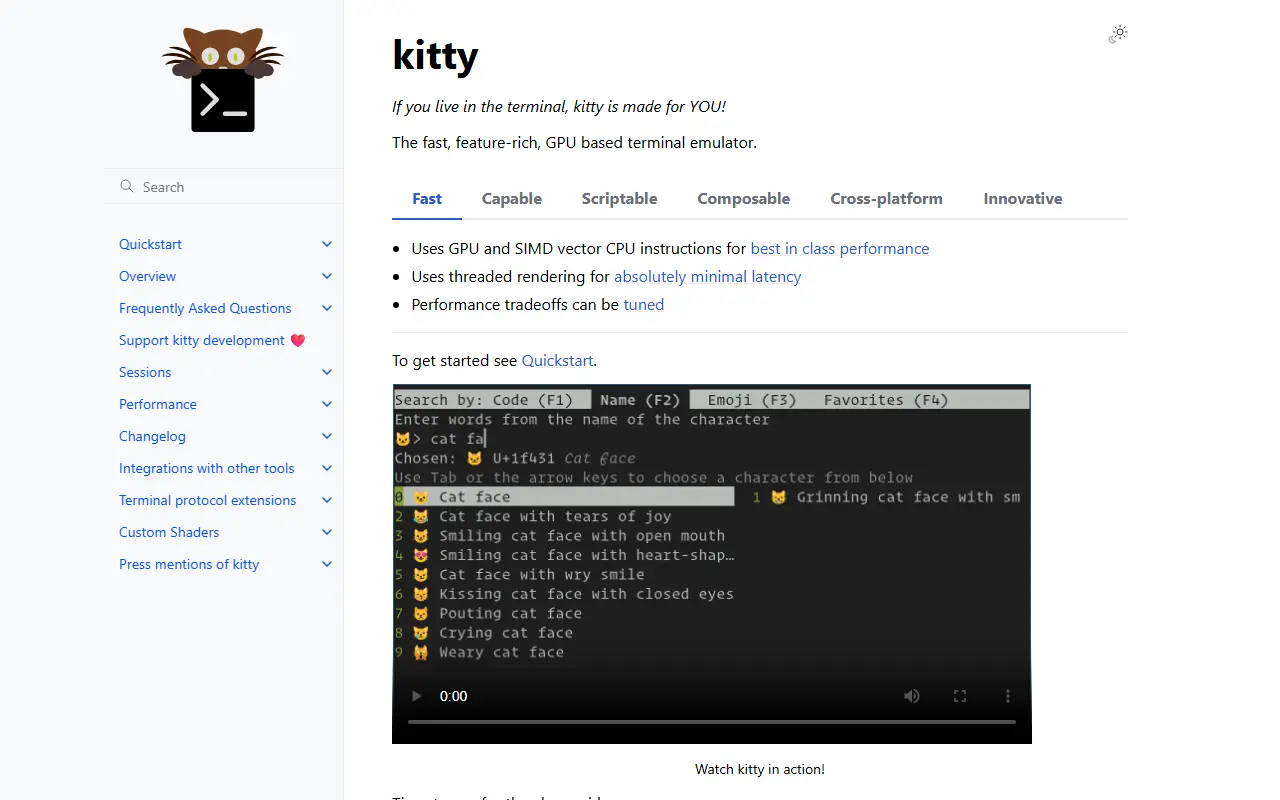
sw.kovidgoyal.netkitty homepage screenshot

kitty is a terminal emulator for people who spend much of their day in the command line. It is cross-platform and uses the GPU along with SIMD vector CPU instructions and multiple threads to keep rendering responsive. The project is written in Python, C and Go, and it is released under the GPL-3.0 license.

Window management is built in: tabs and windows can be arranged in layouts such as stack, tall, fat, grid, splits, horizontal and vertical, and sessions can restore a setup. Behavior is controlled through a kitty.conf file covering fonts, cursor, scrollback, mouse actions, tab bar and color schemes, including wide-gamut color formats. Kittens extend the terminal, for example icat for showing images and a diff viewer that can integrate with git. The documentation includes a quickstart, build instructions and a design philosophy page.

Key features

  • GPU-based rendering with threaded design
  • Tabs, windows and multiple split layouts
  • Text-file configuration for fonts and colors
  • Kittens such as icat image display
  • Built-in diff viewer with git integration
  • Session support and mappable keyboard actions

Pricing: Free and open source under the GPL-3.0 license.

WezTerm

WezTerm is a GPU-accelerated, cross-platform terminal emulator and multiplexer written in Rust.

GitHub stars
29k
Last commit
4 days ago
Latest release
20240203-110809-5046fc22
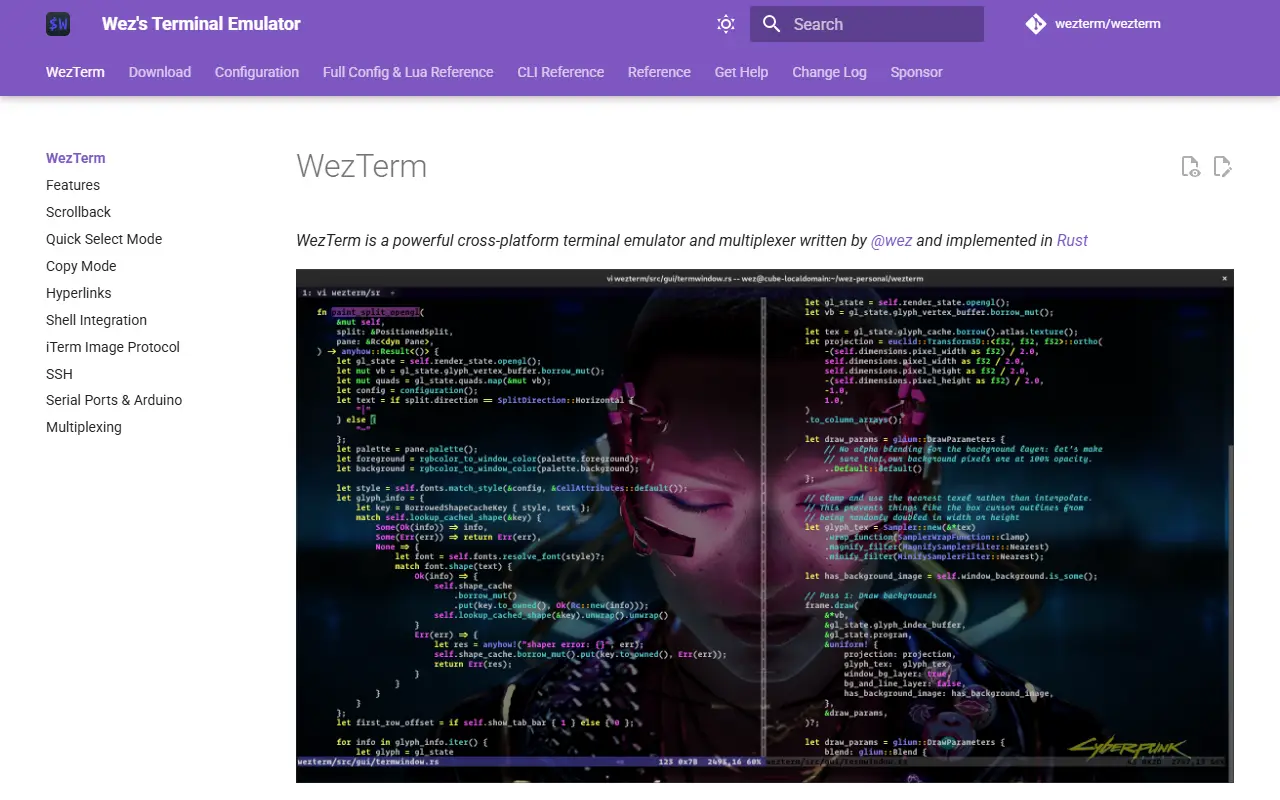
wezterm.orgWezTerm homepage screenshot

WezTerm is a terminal emulator and multiplexer created by Wez Furlong and implemented in Rust. It renders with the GPU, runs on several operating systems, and combines terminal emulation with built-in multiplexing so that tabs, panes and sessions can be managed without a separate tool. Repository topics also mention serial port support. The project's own site hosts the user guide and installation instructions.

The README describes it as a spare-time project, so response times from the maintainer may vary. Support channels are the GitHub issue tracker, GitHub Discussions and a Matrix room, and sponsorship is accepted through Patreon, Ko-fi and Liberapay to help cover maintenance costs. The most recent tagged release in the repository dates from February 2024, so check the commit history for current activity. The repository metadata lists the license as Other.

Key features

  • GPU-accelerated terminal rendering
  • Built-in multiplexer for tabs and panes
  • Cross-platform on Windows, macOS and Linux
  • Serial port connection support
  • Configurable through documented settings
  • Implemented in Rust

Pricing: Free and open source; sponsorship is accepted via Patreon, Ko-fi and Liberapay.

Alacritty

Alacritty is a cross-platform terminal emulator written in Rust that renders with OpenGL and favors performance and sensible defaults.

GitHub stars
66k
Last commit
1 mo ago
Latest release
v0.17.0
Licence
Apache-2.0
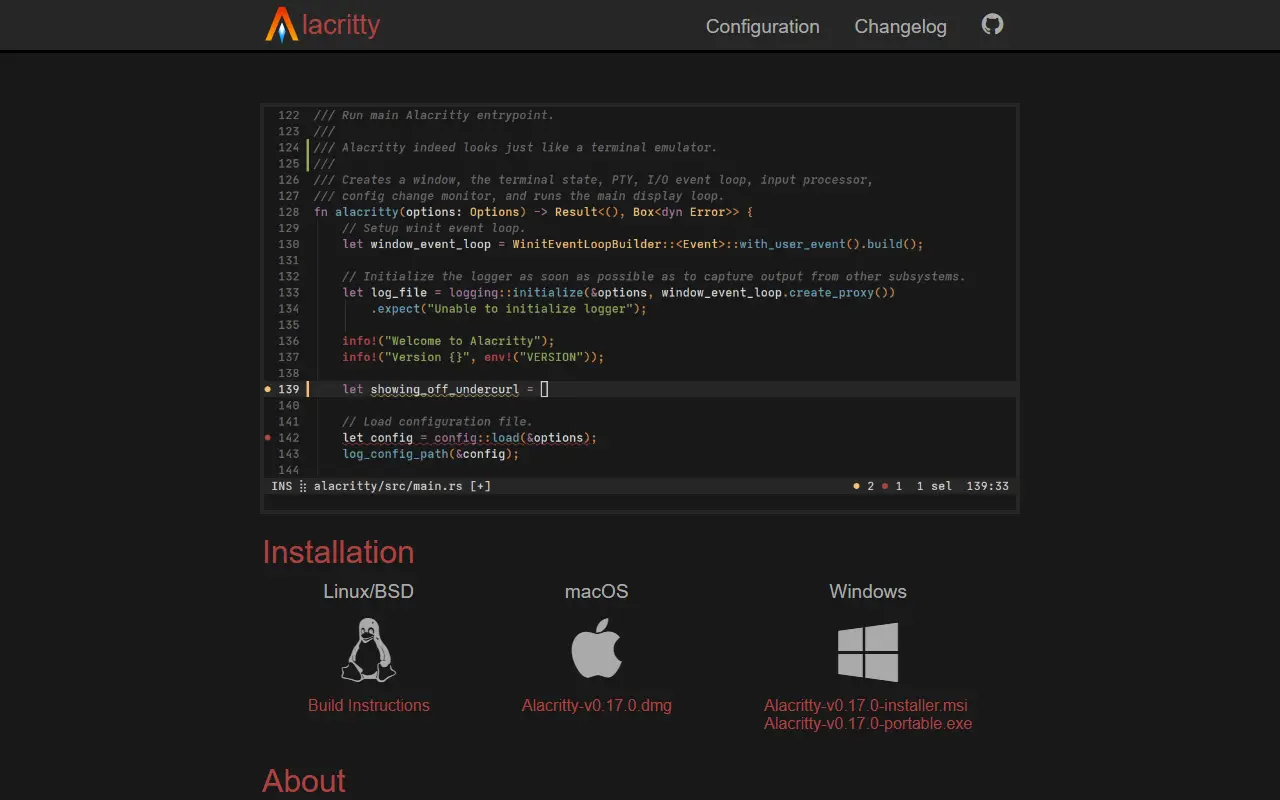
alacritty.orgAlacritty homepage screenshot

Alacritty is a terminal emulator that renders with OpenGL and is written in Rust. It ships with sensible defaults but can be configured extensively. Instead of reimplementing the features of other programs, it integrates with them, which the project credits for its flexible feature set and high performance. It runs on BSD, Linux, macOS and Windows and is released under the Apache-2.0 license.

The README calls the software beta quality, with some missing features and bugs, yet used by many people as a daily driver. It needs at least OpenGL ES 2.0, and on Windows it needs ConPTY support, which means Windows 10 version 1809 or later. Alacritty can be installed through package managers on several systems, or from precompiled binaries on the GitHub releases page. Configuration is documented in a man page and on the website, and the program does not generate a config file for you.

Key features

  • OpenGL-rendered terminal emulator
  • Runs on BSD, Linux, macOS and Windows
  • Sensible defaults with extensive configuration
  • Integrates with other tools rather than duplicating them
  • Precompiled binaries and package manager installs
  • Documented through man page and website

Pricing: Free and open source under the Apache-2.0 license.

Wave Terminal

Wave Terminal is an open-source terminal with an integrated AI assistant, durable SSH sessions, and built-in editor and file previews.

GitHub stars
22k
Last commit
today
Latest release
v0.14.5
Licence
Apache-2.0
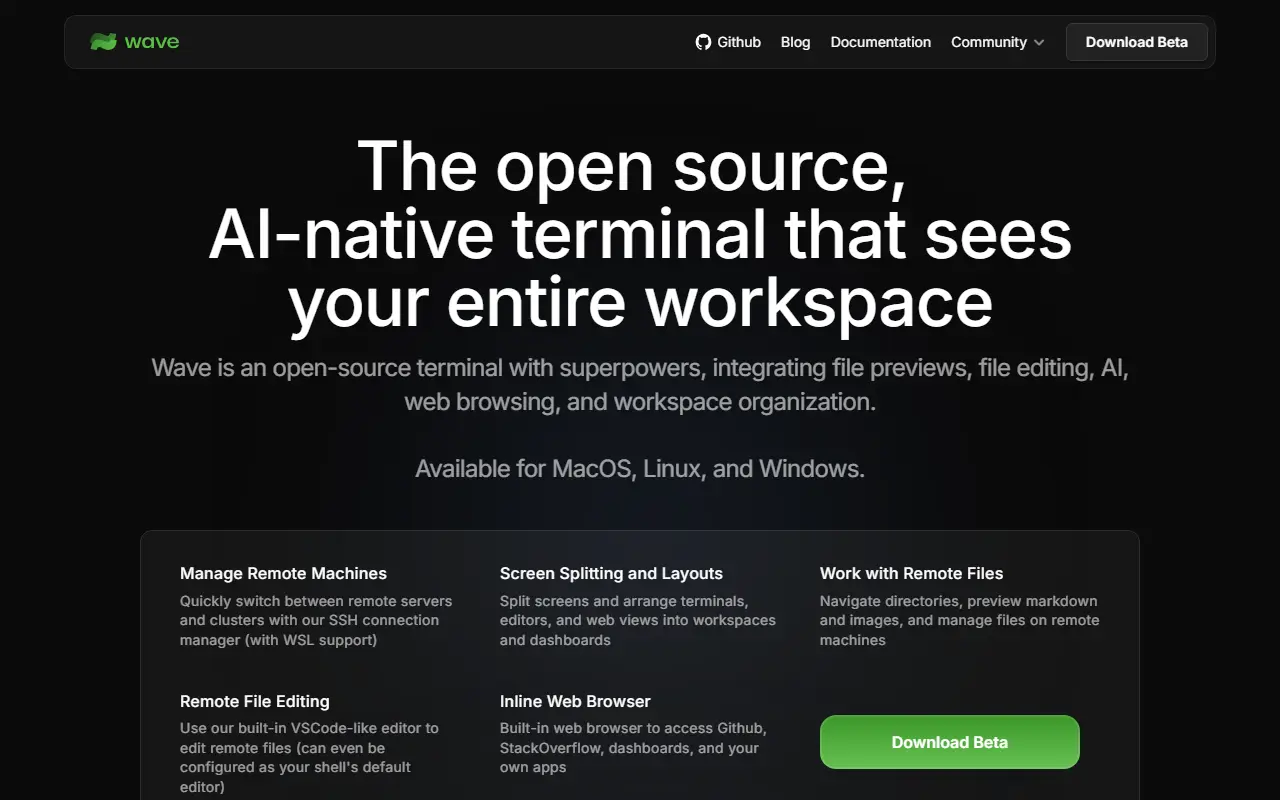
waveterm.devWave Terminal homepage screenshot

Wave Terminal is a terminal with built-in AI that is open source and runs on macOS, Linux and Windows. It can use whichever AI model you prefer: you bring your own API keys for providers such as OpenAI, Claude or Gemini, or run local models through Ollama and LM Studio, and no account is required. The project is written in Go and released under the Apache-2.0 license.

SSH sessions are durable: they persist through network drops and app restarts, and reconnect automatically. A drag-and-drop interface lets you arrange terminal blocks, editors, web browsers and AI assistants in one window. Wave AI reads terminal output and can perform file operations, a built-in editor and rich preview handle remote files such as markdown, images, video, PDFs and CSVs, and command blocks isolate individual commands. API keys can be stored securely using native system backends, and the wsh command manages the workspace from the CLI.

Key features

  • AI assistant that reads terminal output
  • Bring your own keys or use local models
  • Durable SSH sessions with auto reconnect
  • Drag-and-drop blocks for terminals and editors
  • Remote file editor and preview
  • wsh command for workspace control

Pricing: Free and open source under the Apache-2.0 license; AI use requires your own API keys or local models.

iTerm2

iTerm2 is an open-source terminal emulator for macOS with tmux integration, shell integration, inline images and session restoration.

GitHub stars
18k
Last commit
2 days ago
Licence
GPL-2.0
Self-hosted
Yes
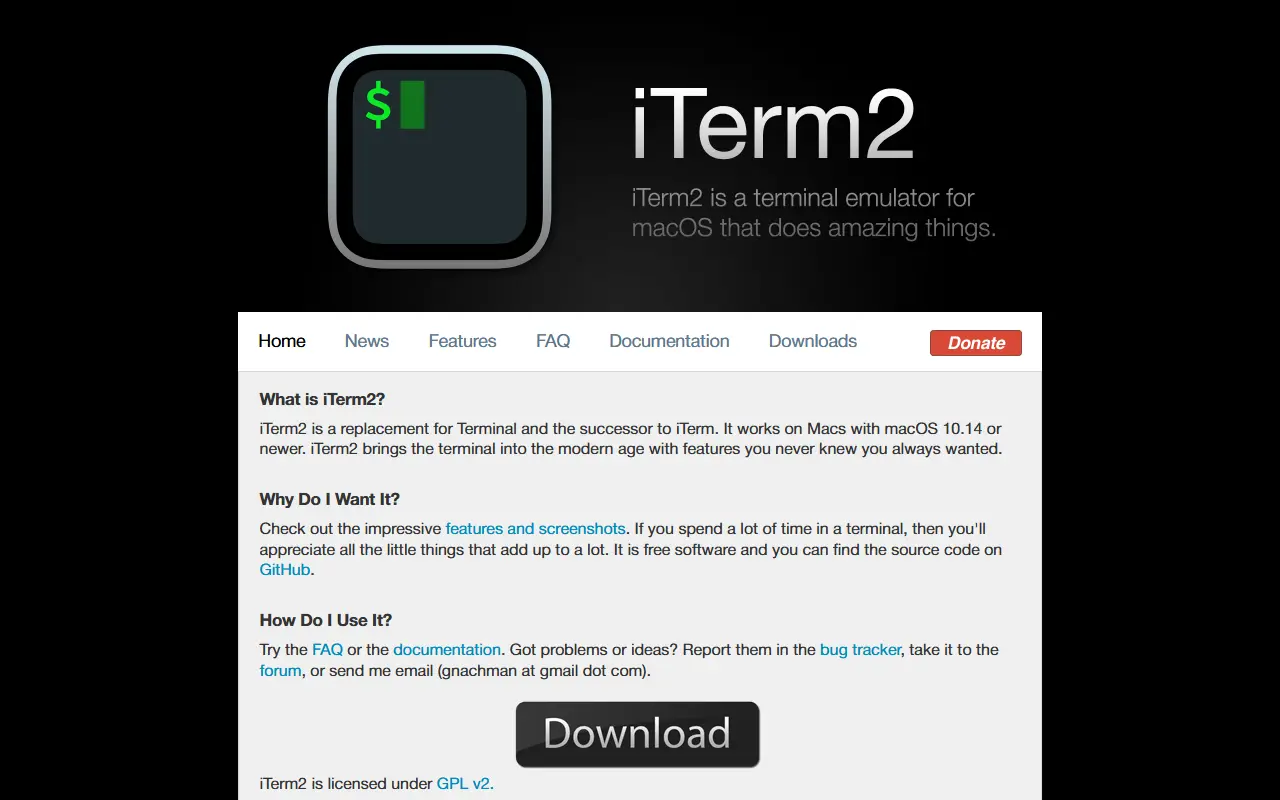
iterm2.comiTerm2 homepage screenshot

iTerm2 is a terminal emulator for macOS intended as a replacement for the built-in Terminal app. It adds features aimed at people who spend much of their day in a shell, such as developers and system administrators. It is written in Objective-C and released under the GPL-2.0 license.

Its tmux integration turns tmux windows into native macOS windows and tabs when started in control mode, and sessions persist through crashes, SSH disconnects and app upgrades. Shell integration tracks commands, directories, hostnames and usernames, enabling click-to-download via SCP, drag-and-drop uploads and per-host command history. Inline image display, automatic profile switching by host, user, directory or command, and dedicated hotkey windows that slide in from a screen edge are also included.

Newer additions include a built-in chat window that can optionally interact with terminal contents using a language model, and a built-in web browser. Session restoration keeps shells running in long-lived server processes so they reconnect after the app restarts.

Key features

  • Native tmux integration with macOS windows
  • Shell integration tracking commands and directories
  • Inline image display in the terminal
  • Automatic profile switching by context
  • Hotkey windows over fullscreen apps
  • Session restoration after crashes or upgrades
  • Optional built-in AI chat window

Pricing: Free and open source under the GPL-2.0 license.

Warp alternatives: questions

What is the best open-source alternative to Warp?
Windows Terminal is the top-ranked open-source alternative to Warp on Enlisted: The source repository for Windows Terminal and the Windows console host, Microsoft's modern terminal application for command-line shells on Windows. Other strong options are Tabby, Ghostty, kitty and WezTerm.
Are these Warp alternatives free?
All 8 are open source, so the code is free to use under its licence, and all of them can be self-hosted on your own server or computer.
How is this list of Warp alternatives ranked?
By a score built from GitHub stars, star growth over the last 30 days and how recently the code changed. 7 of these projects shipped code in the last 30 days. Data is refreshed daily, and nobody can pay to move up.

People also look for alternatives to…

View all