
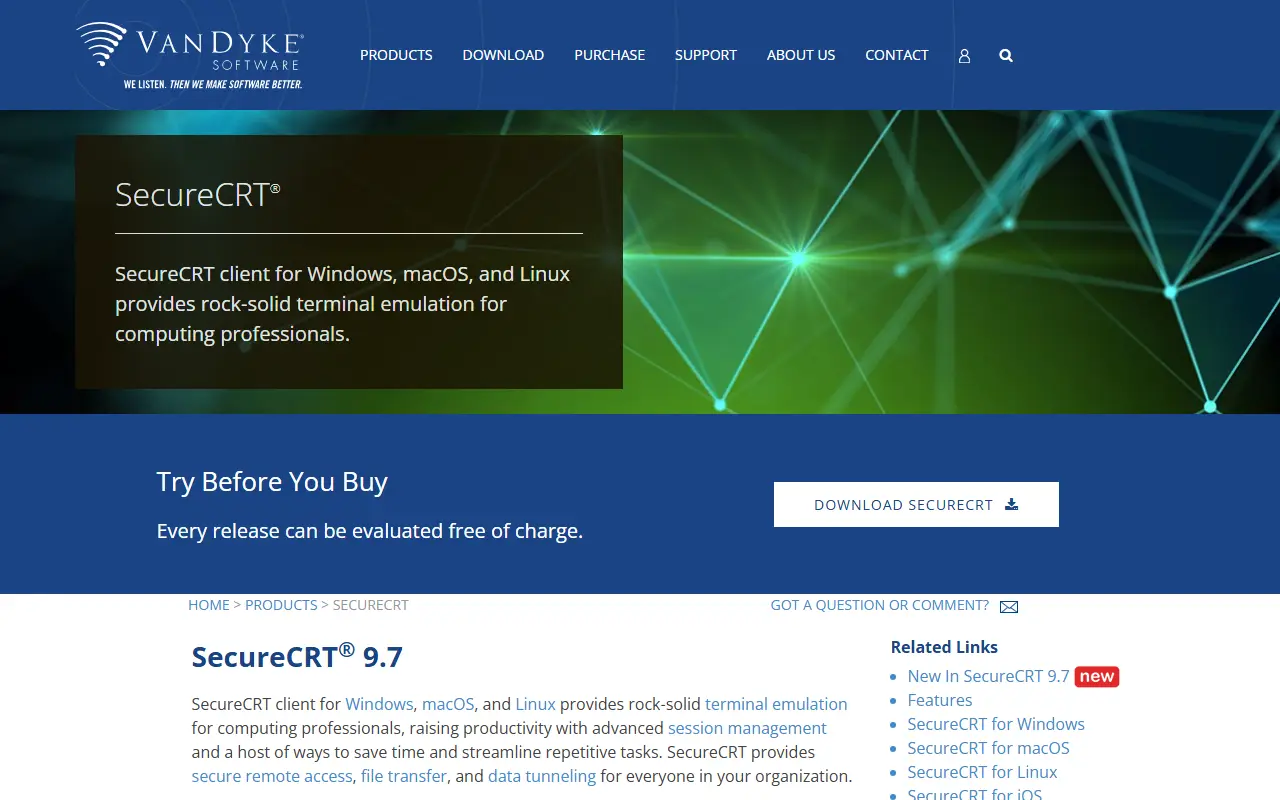
About SecureCRT
SecureCRT is a commercial terminal emulator and SSH client from VanDyke Software. It is available for Windows, macOS and Linux, with a version for iOS also listed, and is aimed at computing professionals who spend significant time connecting to remote systems.
The vendor stresses advanced session management and ways to automate repetitive tasks, along with secure remote access, file transfer and data tunneling. It is positioned as a replacement for Telnet or the built-in Terminal app for people who need a more capable secure access tool. VanDyke also sells SecureFX for file transfers and VShell Server, and the site includes pricing, history, FAQ and system requirement pages.
SecureCRT is proprietary software. Every release can be evaluated free of charge before buying, and licensing details are on the vendor's pricing page.
Key features
- Telnet and SSH terminal emulation
- Advanced session management
- Secure file transfer
- Data tunneling over secure connections
- Scripting to automate repetitive tasks
- Windows, macOS and Linux versions
Good fit for
- →Administering network devices over SSH
- →Managing large numbers of saved sessions
- →Replacing a basic built-in terminal
- Tags
- ssh
- telnet
- terminal-emulator
- remote-access
- sysadmin
- cross-platform
- networking
SecureCRT: questions and answers
- What is SecureCRT used for?
- SecureCRT is a Telnet and SSH terminal emulator for Windows, macOS and Linux with session management, file transfer and tunneling. It is a good fit for administering network devices over SSH, managing large numbers of saved sessions and replacing a basic built-in terminal.
- How much does SecureCRT cost?
- Paid plans for SecureCRT start at $119 per seat as a one-time payment, and there is no free plan. A free trial is available.
- Is SecureCRT open source?
- No. SecureCRT is proprietary (closed-source) software. Open-source alternatives to SecureCRT include Tabby, WezTerm and Wave Terminal.
- What are some alternatives to SecureCRT?
- SecureCRT competes with Termius and Warp. For open-source options, see Enlisted's ranked list of open-source SecureCRT alternatives.
Open-source alternatives to SecureCRT
See all
Tabby
Developer Tools
A terminal for a more modern age
MITvs Warp★ 75k
WezTerm
Developer Tools
A GPU-accelerated cross-platform terminal emulator and multiplexer written by @wez and imp
OSSvs Warp★ 29k
Wave Terminal
Developer Tools
An open-source, AI-integrated, cross-platform terminal for seamless workflows
Apache-2.0vs Warp★ 22k
Ghostty
Developer Tools
👻 Ghostty is a fast, feature-rich, and cross-platform terminal emulator that uses platfor
MITvs Warp★ 62kkitty
Developer Tools
If you live in the terminal, kitty is made for you! Cross-platform, fast, feature-rich, GP
GPL-3.0vs Warp★ 35k
Alacritty
Developer Tools
A cross-platform, OpenGL terminal emulator.
Apache-2.0vs Warp★ 66k
SaaS alternatives to SecureCRT
See all
Termius
Developer Tools
SSH client and terminal for desktop and mobile with synced hosts
SaaS
Warp
Developer Tools
Terminal with AI assistance, command blocks and team workflows
SaaS
1DevTool
Developer Tools
Desktop workspace for running several AI coding agents side by side across multiple projects
SaaS
CNVS
Developer Tools
Infinite canvas that runs Claude, Cursor and Codex agents in parallel, controlled by voice
SaaS
CodeMote
Developer Tools
iPhone and iPad app that connects to your dev machine for terminals, git and AI coding agents
SaaS
Crowsnest
Developer Tools
Desktop interface with advanced features for working with AI coding agents
SaaS