
About MdView
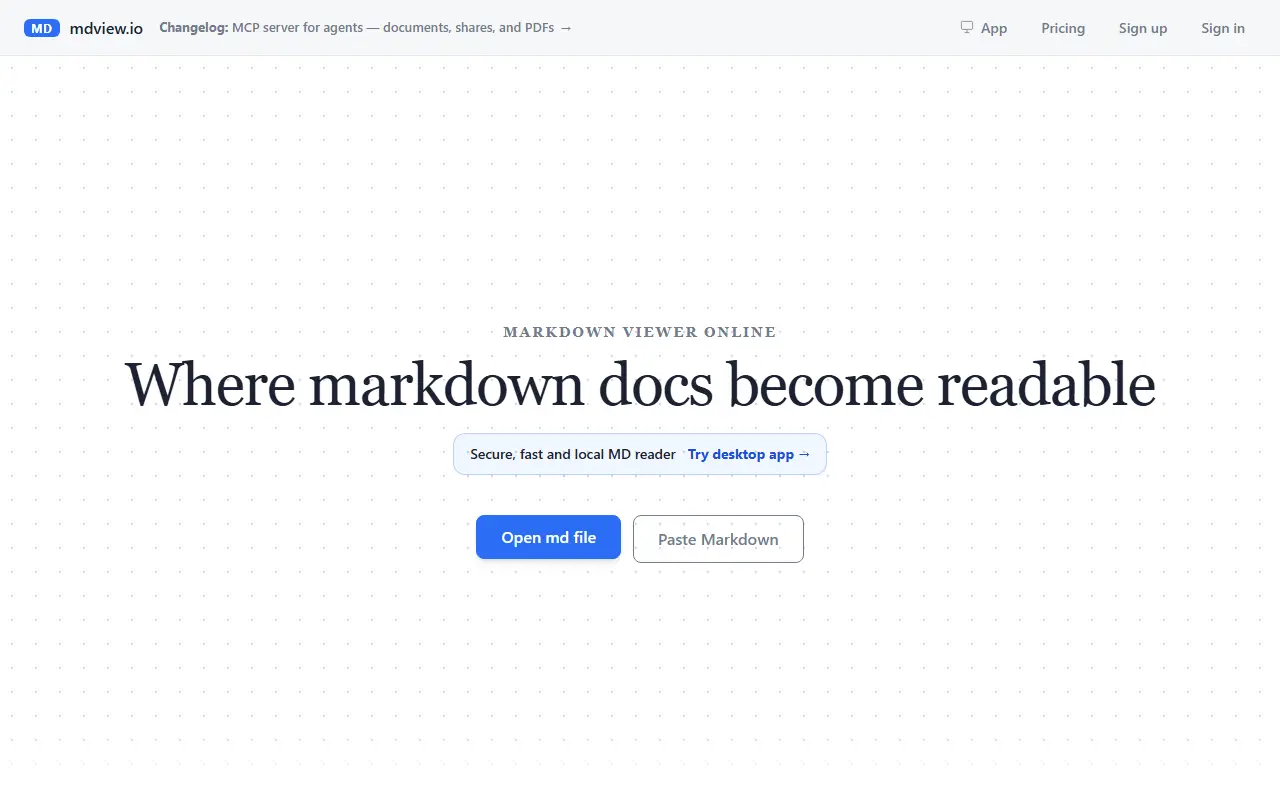
MdView is an online Markdown viewer built for reading rather than editing. You drop in a .md file from your device or paste the Markdown source, and the page renders it in the browser as headings, tables, code, diagrams and math, with no editor, no install and no account needed.
Reading comfort is the focus. It builds a table of contents from the headings, lets you change the font size and line width, scrolls smoothly and is described as handling files of 10 MB and more. Rendering follows CommonMark and GitHub Flavored Markdown, including tables, task lists and fenced code, with syntax highlighting for code blocks, and it also draws Mermaid diagrams and LaTeX math.
Once a document is open you can print, export or share it. The site positions it against online tools that are really editors or formatters, so it suits anyone who just needs to read README files, notes or long technical documents comfortably.
Key features
- Open or drag and drop local .md files
- Paste Markdown source for instant rendering
- Automatic table of contents from headings
- Font size and line width reading controls
- CommonMark and GFM tables and task lists
- Mermaid diagrams and LaTeX math
- Syntax highlighting for code blocks
- Print and PDF export
Good fit for
- Reading README files without an editor
- Reviewing long technical documents
- Previewing Markdown before sharing or printing
MdView: questions and answers
- What is MdView used for?
- MdView is a free online Markdown viewer that opens .md files or pasted text in the browser as a clean reading view, with no install or signup. It is a good fit for reading README files without an editor, reviewing long technical documents and previewing Markdown before sharing or printing.
- Is MdView free?
- Yes. MdView has a free plan.
- Is MdView open source?
- No. MdView is proprietary (closed-source) software and can't be self-hosted. In the Developer Tools category, open-source options include massCode, Docs MCP Server and Nue.
- What are some alternatives to MdView?
- MdView competes with Typora and iA Writer.
Open-source alternatives to MdView
See all
massCode
Developer Tools
A free, open-source developer workspace. Snippets, notes, HTTP requests, calculations, and
AGPL-3.0vs Dash★ 7k
Docs MCP Server
Developer Tools
Grounded Docs MCP Server: Open-Source Alternative to Context7, Nia, and Ref.Tools
MIT★ 1.8k
Nue
Developer Tools
Fastest way to build modern websites
MIT★ 8.8k
Assemble
Developer Tools
Get the rocks out of your socks! Assemble makes you fast at web development! Used by thous
MITvs GitHub Pages★ 4.3k
Wakapi
Developer Tools
📊 A minimalist, self-hosted WakaTime-compatible backend for coding statistics
MITvs WakaTime★ 4.4k
Sourcerer
Developer Tools
🦄 Sourcerer app makes a visual profile from your GitHub and git repositories.
MIT★ 6.7k
SaaS alternatives to MdView
See all
Typora
Note Taking
Minimal markdown editor with live preview
SaaS
iA Writer
Note Taking
Minimal markdown writing app with focus mode and cross-device sync
SaaS
MDViewer
Developer Tools
Native macOS Markdown viewer and editor with syntax highlighting, diagrams and math support
SaaS
PrettyMD
Developer Tools
App for reading the Markdown files your AI writes, such as specs, plans, skills and agents
SaaS
mermaidonline.live
Developer Tools
Web editor for creating diagrams and charts with Mermaid.js syntax
SaaS
Syntha AI
Developer Tools
Generate, explain, optimise, document and visualise code with AI agents
SaaS