
About KeyStrokes
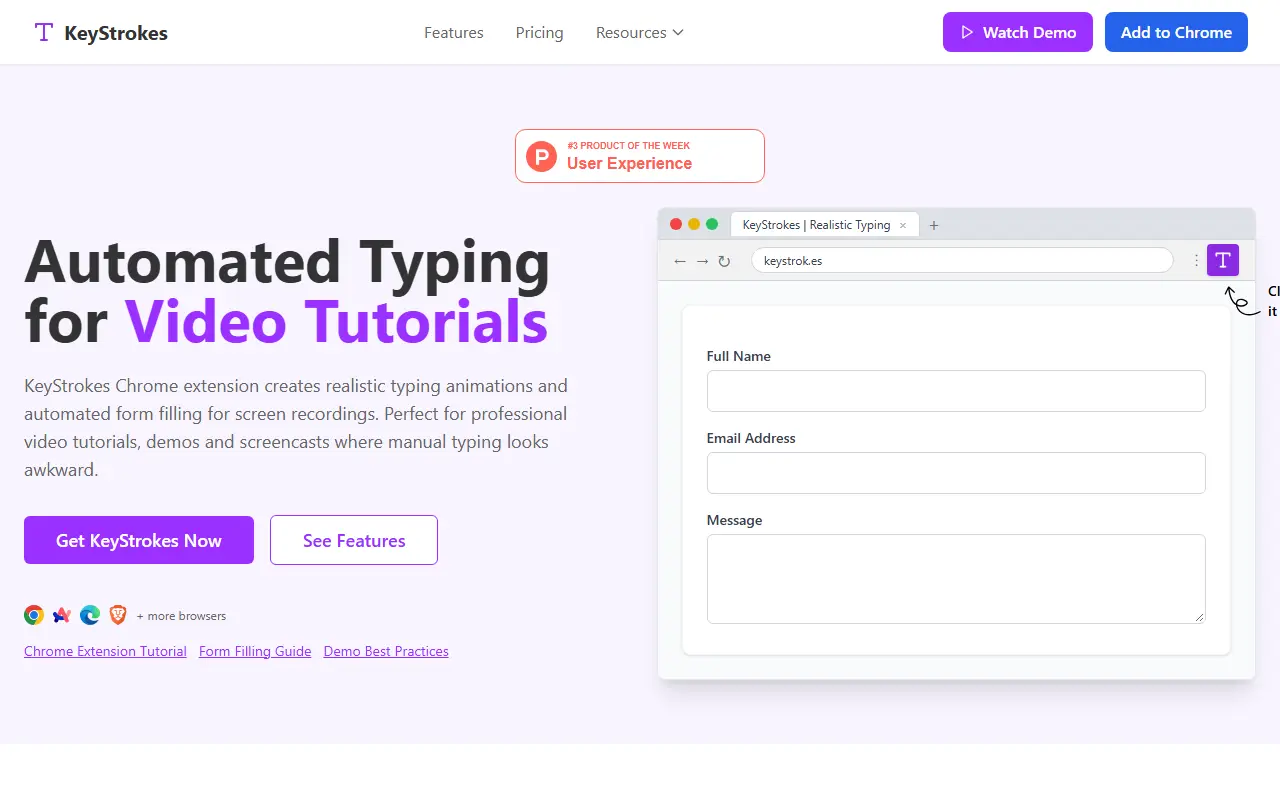
KeyStrokes is a browser extension that types for you, so product demos, tutorials and screencasts do not show awkward manual typing. You pre-define the text for each form field, and the extension fills the fields during a recording at a human-like speed, removing keyboard noise, typos and retakes.
You can pick slow, medium or fast typing to match the pacing of the video, choose which fields to fill and set the order they are typed in, which helps with multi-step form walkthroughs. It works on any website form in Chromium-based browsers such as Chrome, Edge and Arc, installs with one click and needs no technical setup.
The vendor lists SaaS product demos, online courses, marketing videos and employee training materials as typical uses, and offers tutorials, guides and a demo on its site. It is a browser extension distributed through the Chrome Web Store, with a pricing page on the vendor's site.
Key features
- Pre-defined text typed into form fields
- Slow, medium and fast typing speeds
- Choice of fields and typing order
- Works in Chrome, Edge, Arc and Chromium browsers
- Realistic human-like typing animation
- Installs in one click with no setup
Good fit for
- Recording SaaS product demos
- Creating online course tutorials
- Making employee training videos
KeyStrokes: questions and answers
- What is KeyStrokes used for?
- KeyStrokes is a Chrome extension that types text into form fields at a realistic pace, built for screen recordings, demos and tutorials. It is a good fit for recording SaaS product demos, creating online course tutorials and making employee training videos.
- How much does KeyStrokes cost?
- KeyStrokes is a paid product with no free plan.
- Is KeyStrokes open source?
- No. KeyStrokes is proprietary (closed-source) software. In the Video Editing category, open-source options include Screenity, OBS Studio and Cap.
- What are some alternatives to KeyStrokes?
- Other SaaS products in the Video Editing category include Tella, Kapshot and ScreenFlow.
Open-source alternatives to KeyStrokes
See all
Screenity
Video Editing
The free and privacy-friendly screen recorder with no limits 🎥
GPL-3.0vs Screencastify★ 19k
OBS Studio
Video Editing
OBS Studio - Free and open source software for live streaming and screen recording
GPL-2.0vs vMix★ 77k
Cap
Video Editing
Open source Loom alternative. Beautiful, shareable screen recordings.
OSSvs Loom★ 23k
Nexrender
Video Editing
📹 Data-driven render automation for After Effects
MIT★ 1.9k
OpenCut
Video Editing
The open-source CapCut alternative
MITvs CapCut★ 93k
HandBrake
Video Editing
HandBrake's development repository
OSS★ 25k
SaaS alternatives to KeyStrokes
See all
Tella
Video Editing
Screen and camera recorder with editing for demos and tutorials
SaaS
Kapshot
Video Editing
Screen recorder that adds zooms and cursor polish automatically while recording demos and tutorials
SaaS
ScreenFlow
Video Editing
Mac screen recording and video editing software from Telestream
SaaS
Zoomr
Video Editing
Browser tab screen recorder with live zoom and on-screen drawing for product demos and tutorials
SaaS
Zumie
Video Editing
Chrome extension for screen recordings with automatic zoom and no editing skills needed
SaaS
BlitzRecorder
Video Editing
macOS screen recording app for making product demos, tutorials and short software videos
SaaS