
About Flowsub
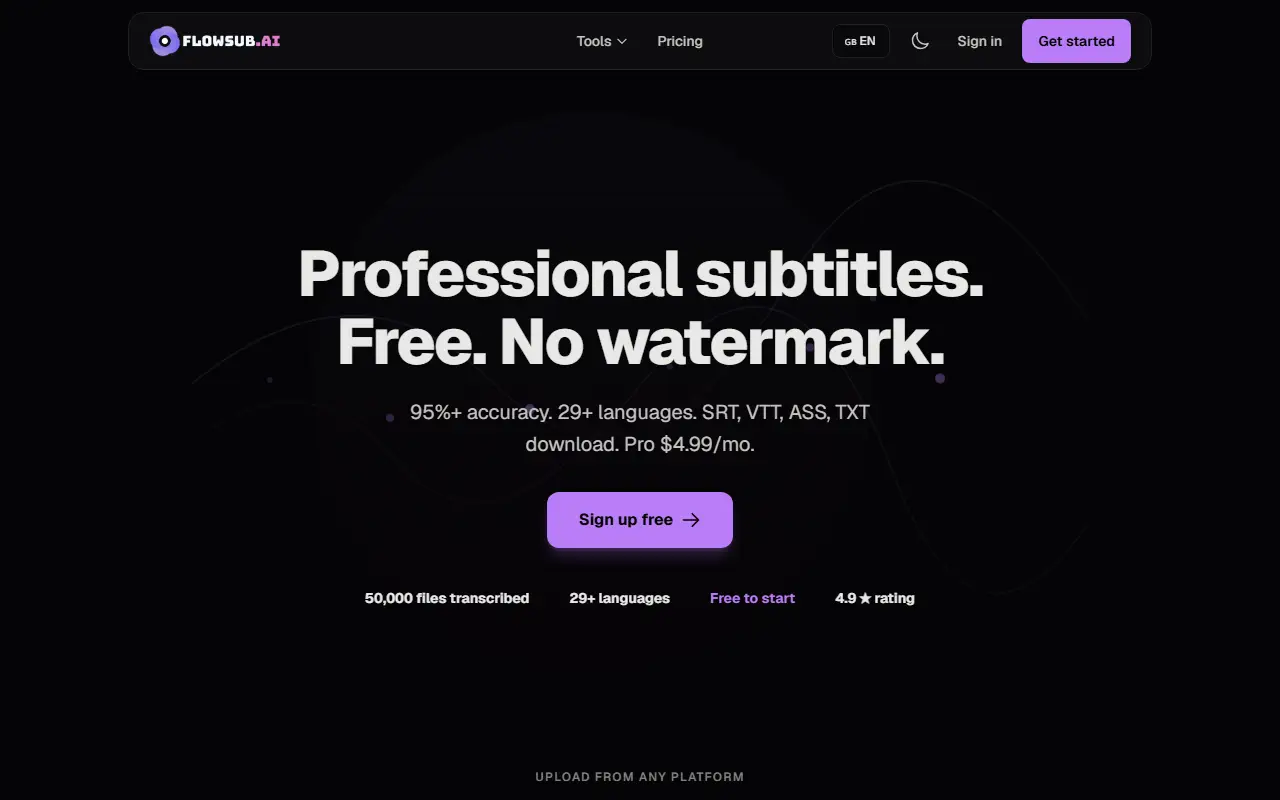
FlowSub turns an uploaded video or audio file into subtitles. You drop in a file of any common format up to 500 MB, the AI transcribes it with automatic language detection across more than 29 languages, and you download SRT, VTT, ASS or TXT files that work with any editor. The process is described as taking about two minutes for a 10-minute video, and no signup is needed to try it.
Subtitles can be translated into 29 or more languages, edited inline for timing and text, and burned into the video as an MP4 export. The site markets it to YouTubers adding captions, podcasters making transcripts and SRT clips, and course creators translating lessons. Transcription runs on a hosted Whisper model, and the navigation also lists related tools for image, video, voice and music generation and file conversion. The free plan includes 5 credits a month with all features and no watermark. A Pro plan costs $4.99 a month for 100 credits, with a 14-day money-back guarantee and cancellation at any time.
Key features
- Transcription of video and audio files
- SRT, VTT, ASS and TXT export
- Subtitle translation into 29+ languages
- Inline subtitle editor for timing and text
- Burn-in of subtitles to MP4
- No watermark on any plan
Good fit for
- Adding captions to YouTube videos
- Turning podcast episodes into transcripts
Flowsub: questions and answers
- What is Flowsub used for?
- Flowsub is an AI subtitle generator that transcribes uploaded video or audio into SRT, VTT, ASS or TXT in 29+ languages, with translation, an inline editor and MP4 burn-in. It is a good fit for adding captions to YouTube videos and turning podcast episodes into transcripts.
- Is Flowsub free?
- Yes. Flowsub has a free plan, and paid plans start at $4.99 per month.
- Is Flowsub open source?
- No. Flowsub is proprietary (closed-source) software and can't be self-hosted. In the Video Editing category, open-source options include OBS Studio, HandBrake and Screenity.
- What are some alternatives to Flowsub?
- Flowsub competes with Submagic, Captions and Kapwing.
Open-source alternatives to Flowsub
See all
OBS Studio
Video Editing
OBS Studio - Free and open source software for live streaming and screen recording
GPL-2.0vs vMix★ 77k
HandBrake
Video Editing
HandBrake's development repository
OSS★ 25k
Screenity
Video Editing
The free and privacy-friendly screen recorder with no limits 🎥
GPL-3.0vs Screencastify★ 19k
FFmpeg
Video Editing
Mirror of https://git.ffmpeg.org/ffmpeg.git
OSS★ 65k
Nexrender
Video Editing
📹 Data-driven render automation for After Effects
MIT★ 1.9k
OpenCut
Video Editing
The open-source CapCut alternative
MITvs CapCut★ 93k
SaaS alternatives to Flowsub
See all
Submagic
Video Editing
AI tool that adds captions and edits to short-form videos
SaaS
Captions
Video Editing
AI video editing app for captions, dubbing and talking-head content
SaaS
Kapwing
Video Editing
Browser-based video editor with subtitles, templates and AI tools
SaaS
VEED
AI Tools
Browser-based video editor with auto subtitles, AI avatars and screen recording
SaaS
Happy Scribe
AI Tools
Transcription, subtitling and translation service
SaaS
CaptionCreator
Video Editing
Generates subtitles for videos in 76 languages, with transcription and translation exported as subtitle files or text
SaaS