7,363 open-source and SaaS tools, with GitHub stats refreshed every day.

5 alternatives ranked by real activity

Open-source Docker Desktop alternatives

A curated, ranked list of the 5 best open-source alternatives to Docker Desktop.

The best open-source alternative to Docker Desktop is Podman. If that doesn't suit you, other good options are Colima, Lima, Podman Desktop and Rancher Desktop.

Docker Desktop alternatives are mainly infrastructure & container tools. 5 of them shipped code in the last 30 days, 5 can be self-hosted, and 5 use a permissive licence.

Last updated October 2, 2026 · ranked by GitHub stars, growth and recent commits

Podman

Podman is a tool for managing OCI containers, images, volumes and pods on Linux, and on Mac and Windows through a managed virtual machine.

GitHub stars
33k
Last commit
today
Latest release
v6.1.3
Licence
Apache-2.0
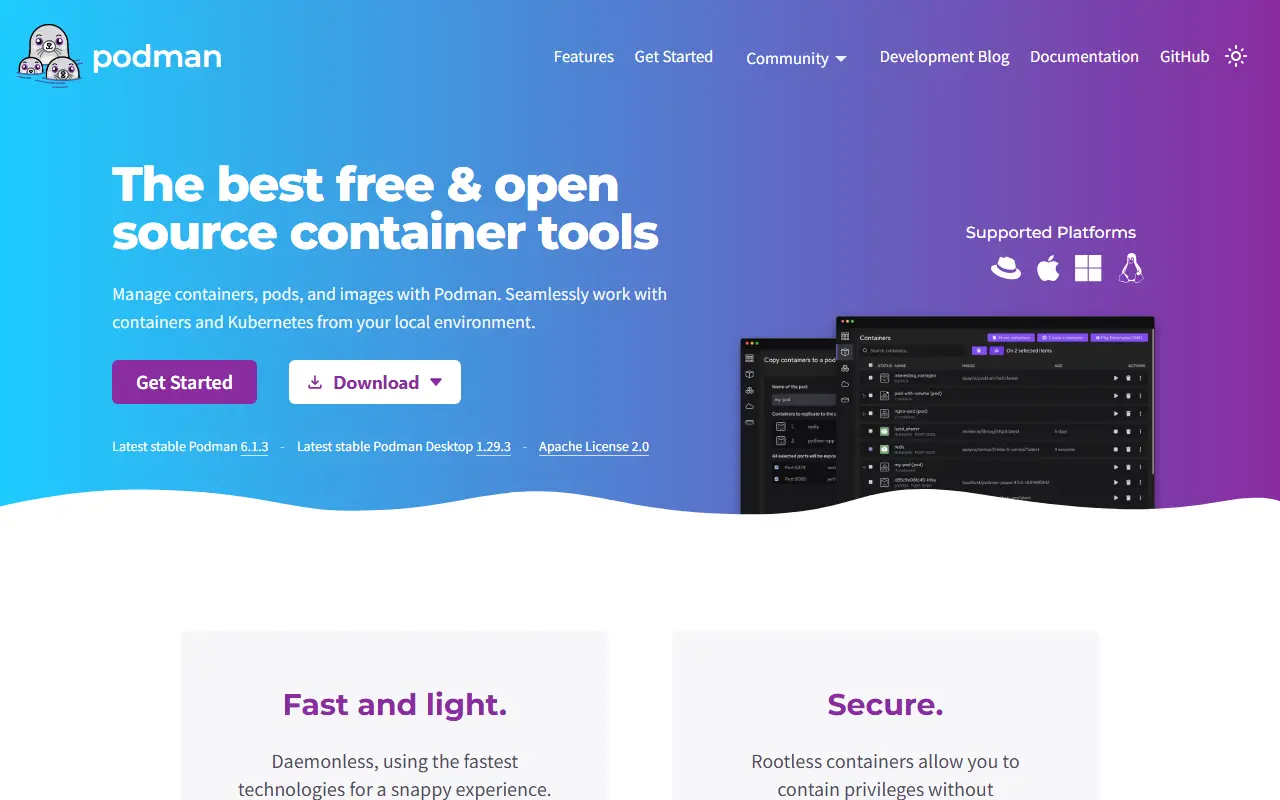
podman.ioPodman homepage screenshot

Podman, short for the POD MANager, manages containers and images, along with the volumes attached to them and pods composed of container groups. It runs containers natively on Linux and works on Mac and Windows through a Podman-managed virtual machine. It is written in Go, released under the Apache-2.0 license, and often used as an alternative to Docker.

Podman is built on libpod, a library in the same repository that exposes APIs for container lifecycle, pods, images and volumes. It supports OCI and Docker image formats, pulls and pushes images with trust verification, builds from Containerfiles or Dockerfiles, and handles checkpoint and restore through CRIU. Networking is handled by Netavark. Major and minor releases arrive four times a year and are PGP signed, with only the most recent release supported upstream.

Key features

  • Manages containers, images, volumes and pods
  • OCI and Docker image format support
  • Builds from Containerfile or Dockerfile
  • Checkpoint and restore via CRIU
  • Networking through Netavark
  • Mac and Windows support via a virtual machine

Pricing: Free and open source under the Apache-2.0 license.

Read more about PodmanWebsite GitHub

Colima

Colima runs container runtimes such as Docker, containerd and Incus on macOS and Linux with a simple command-line setup.

GitHub stars
31k
Last commit
today
Latest release
v0.10.3
Licence
MIT
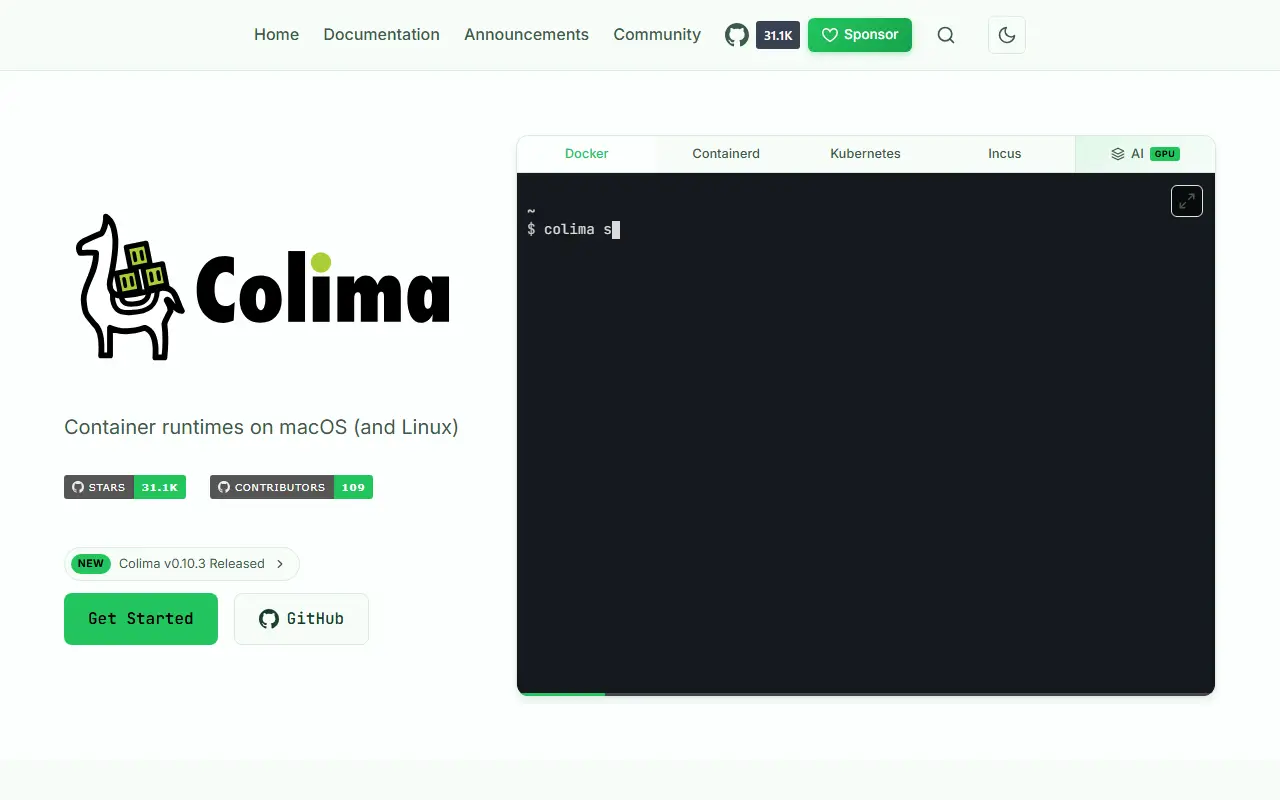
colima.runColima homepage screenshot

Colima gives you container runtimes on macOS and Linux without much configuration. It supports Intel and Apple Silicon Macs as well as Linux, and offers a command-line interface with sensible defaults, so a single start command gets a working Docker environment without a desktop application. It is written in Go, builds on Lima, and is released under the MIT license.

Colima starts with Docker as the default runtime, optionally with Kubernetes, and can instead use containerd with nerdctl or Incus for containers and virtual machines. It handles automatic port forwarding, volume mounts and multiple instances, and mentions GPU-accelerated containers for AI workloads. Settings can be supplied through flags or a config file. Colima is available from Homebrew, MacPorts, Nix and Mise, and the Docker or kubectl client is installed separately.

Key features

  • Docker, containerd and Incus runtimes
  • Optional Kubernetes with the --kubernetes flag
  • Automatic port forwarding and volume mounts
  • Multiple isolated instances
  • Intel and Apple Silicon macOS plus Linux
  • GPU-accelerated containers for AI workloads

Pricing: Free and open source under the MIT license.

Read more about ColimaWebsite GitHub

Lima

Lima launches Linux virtual machines with automatic file sharing and port forwarding, mainly to run containers on macOS and other hosts.

GitHub stars
22k
Last commit
today
Latest release
v2.2.0
Licence
Apache-2.0
Self-hosted
Yes
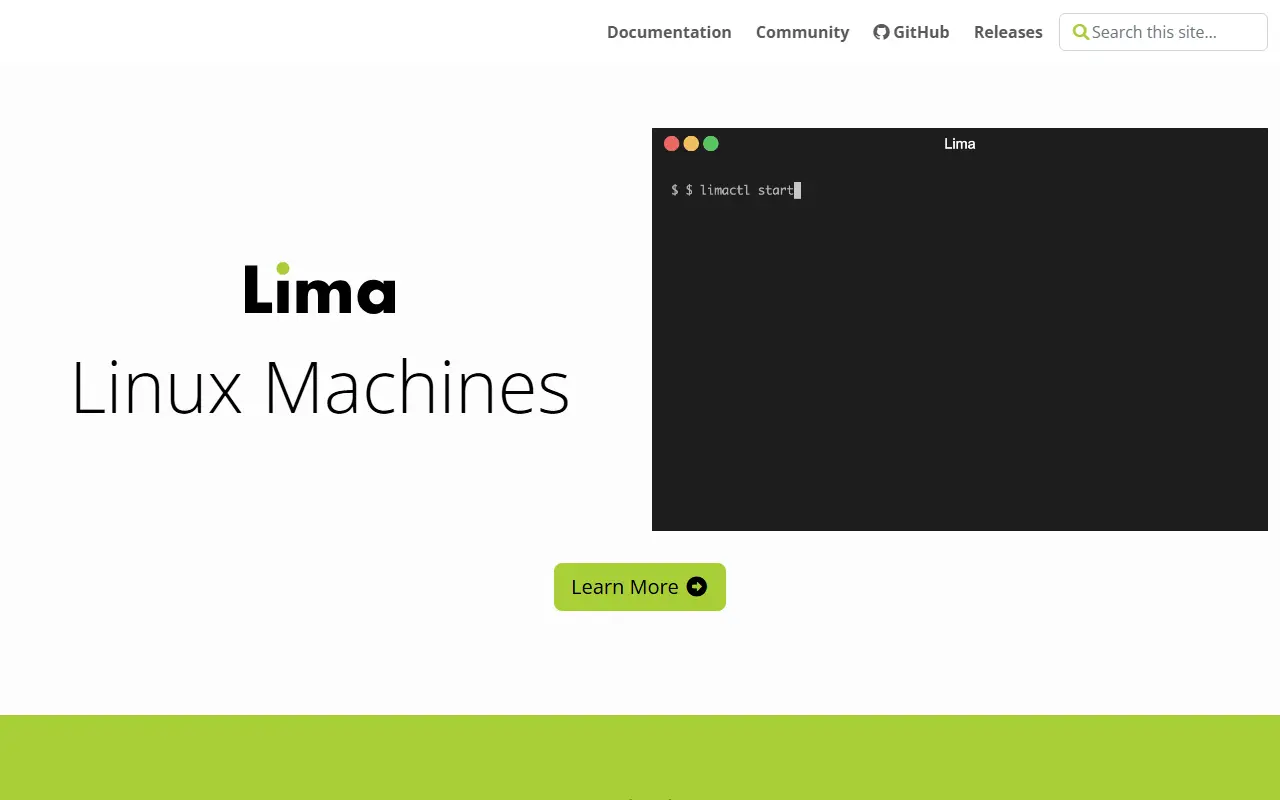
lima-vm.ioLima homepage screenshot

Lima, short for Linux Machines, starts Linux virtual machines from the command line with file sharing and port forwarding set up automatically, similar to how WSL2 works on Windows. It was created to bring containerd and its nerdctl command line tool to Mac users, but it can host any Linux workload, not only containers.

Besides containerd, Lima can be used to run Docker, Podman or Kubernetes inside the virtual machine. Hosts other than macOS are supported too, including Linux and NetBSD. It can be installed with Homebrew, and the project publishes software bills of materials in CycloneDX format alongside its downloads.

Lima is written in Go, released under the Apache 2.0 license, and documented on its own website. It suits developers who want a Linux environment for building and running containers on a laptop without adopting a full desktop virtualization product.

Key features

  • Command-line launch of Linux virtual machines
  • Automatic file sharing with the host
  • Automatic port forwarding
  • Runs containerd with nerdctl
  • Supports Docker, Podman and Kubernetes
  • macOS, Linux and NetBSD hosts

Pricing: Free and open source under the Apache 2.0 license.

Read more about LimaWebsite GitHub

Podman Desktop

Podman Desktop is a free, open-source graphical tool for developers to build and manage containers, pods and Kubernetes from a desktop application.

GitHub stars
8k
Last commit
today
Latest release
v1.29.3
Licence
Apache-2.0
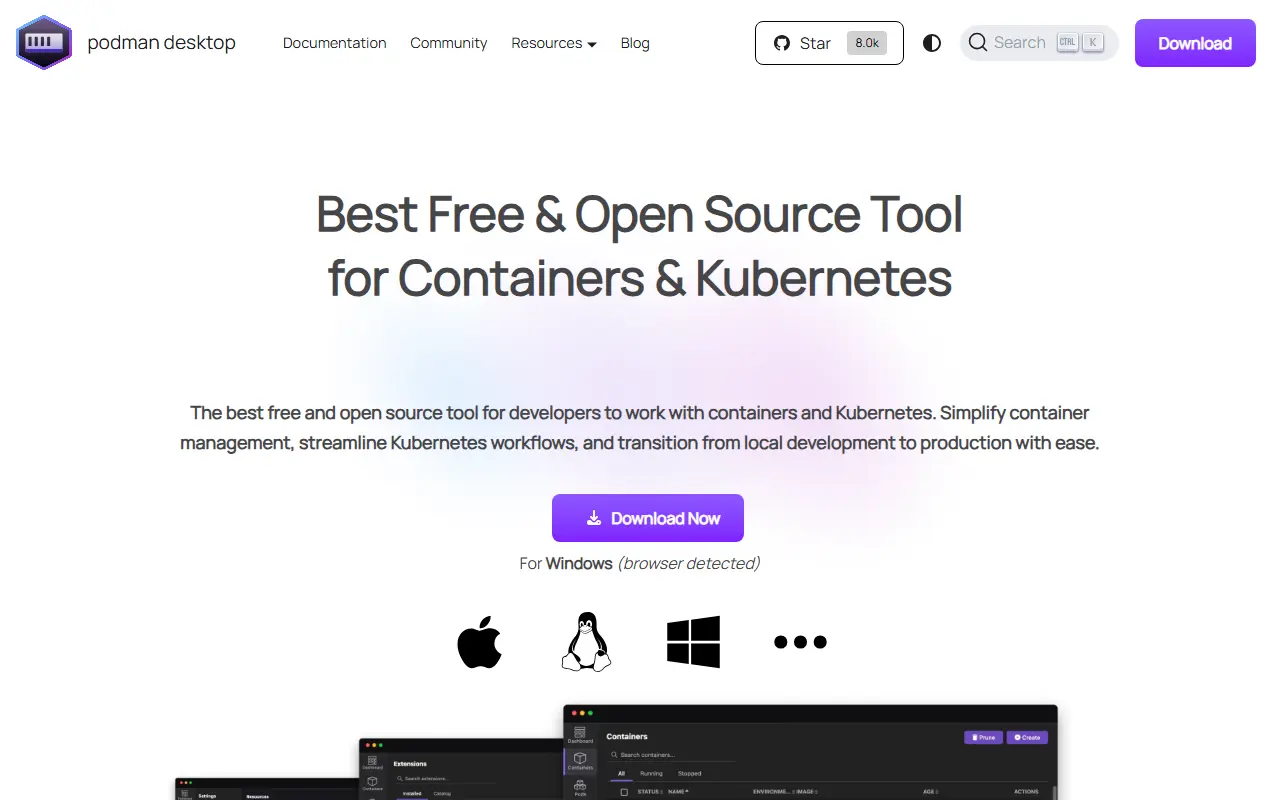
podman-desktop.ioPodman Desktop homepage screenshot

Podman Desktop is a graphical interface that lets application developers work with containers and Kubernetes. It sets up Podman, configures it and keeps it current on a local machine, and adds a system tray so you can check status and interact with the container engine without leaving other tasks.

The application provides a dashboard for containers, images, pods and volumes, and it configures OCI registries and network settings. Developers can build, run, manage and debug containers and pods, run pods on the container engine or on Kubernetes, and convert pods to run on Kubernetes. It also connects to Kubernetes environments to deploy pods. Several engines are supported, including Podman, crc, Lima and Docker, and capabilities can be extended through extensions.

Podman Desktop is written in TypeScript and released under the Apache-2.0 licence. It is downloaded from the project website as a desktop application, and an optional early adopter program lets users try pre-release builds. Documentation covers managing containers, images, pods, clusters and extensions.

Key features

  • Dashboard for containers, images, pods and volumes
  • Automatic Podman installation and updates
  • System tray status and controls
  • Support for Podman, Docker, Lima and crc engines
  • Deploy pods to Kubernetes
  • Extension system

Pricing: Free and open source under the Apache-2.0 licence.

Rancher Desktop

Rancher Desktop is an open-source Electron app that brings Kubernetes and container management to Windows, macOS and Linux desktops.

GitHub stars
7.4k
Last commit
today
Latest release
v1.24.0
Licence
Apache-2.0
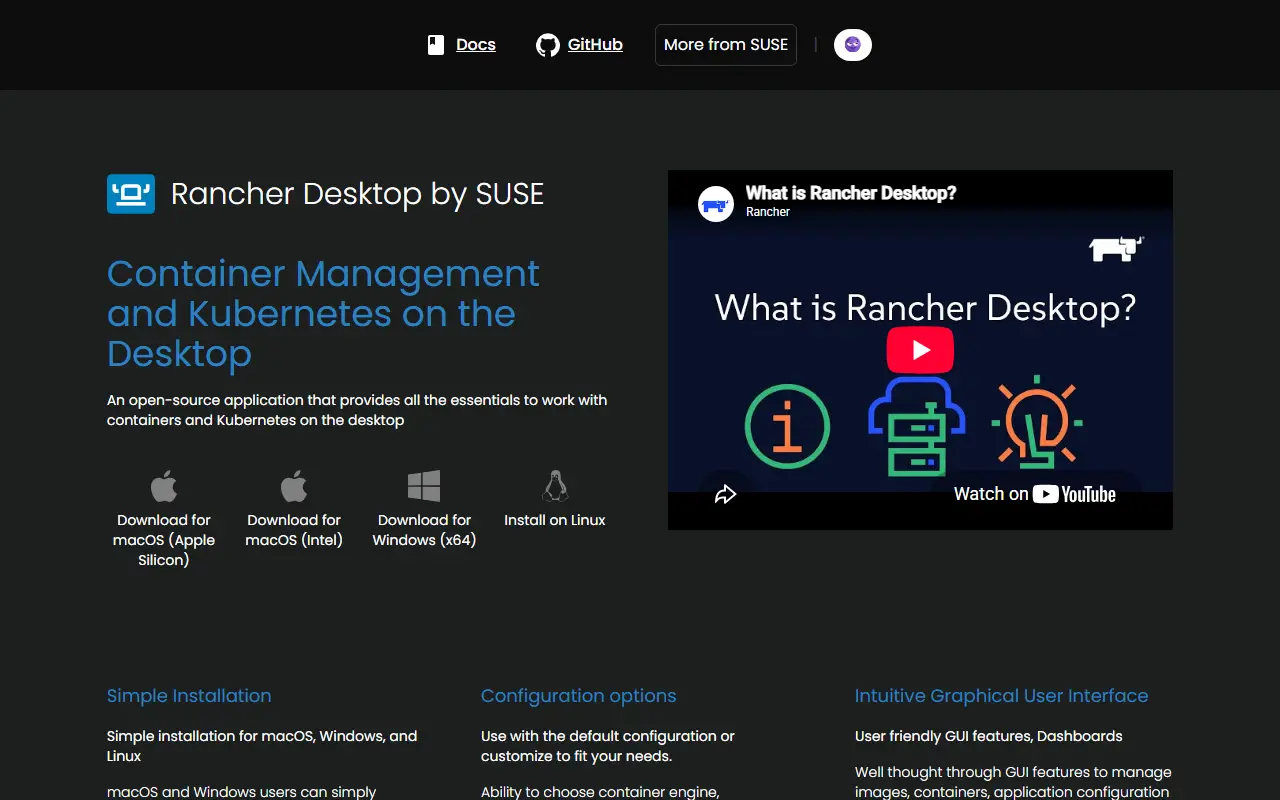
rancherdesktop.ioRancher Desktop homepage screenshot

Rancher Desktop is an open-source project that puts Kubernetes and container tooling on a developer's computer. It supports Windows, macOS and Linux and is aimed at developers who want to build and run containers and try Kubernetes locally without setting up a cluster by hand.

It is an Electron application written mainly in TypeScript that bundles a variety of other technologies into one cohesive application. It also includes rdctl, a command-line tool written in Go. The repository README focuses on development, covering building from source, running unit and end-to-end tests with yarn scripts and setting up a Windows development environment, while user documentation lives on the project website.

Rancher Desktop is released under the Apache-2.0 licence and is hosted in the rancher-sandbox organization. Installers and user guides are published through rancherdesktop.io and docs.rancherdesktop.io.

Key features

  • Kubernetes on the desktop
  • Container management
  • Runs on Windows, macOS and Linux
  • rdctl command-line tool
  • Electron application written in TypeScript

Pricing: Free and open source under the Apache-2.0 licence.

Docker Desktop alternatives: questions

What is the best open-source alternative to Docker Desktop?
Podman is the top-ranked open-source alternative to Docker Desktop on Enlisted: Podman is a tool for managing OCI containers, images, volumes and pods on Linux, and on Mac and Windows through a managed virtual machine. Other strong options are Colima, Lima, Podman Desktop and Rancher Desktop.
Are these Docker Desktop alternatives free?
All 5 are open source, so the code is free to use under its licence, and all of them can be self-hosted on your own server or computer.
How is this list of Docker Desktop alternatives ranked?
By a score built from GitHub stars, star growth over the last 30 days and how recently the code changed. 5 of these projects shipped code in the last 30 days. Data is refreshed daily, and nobody can pay to move up.

People also look for alternatives to…

View all