
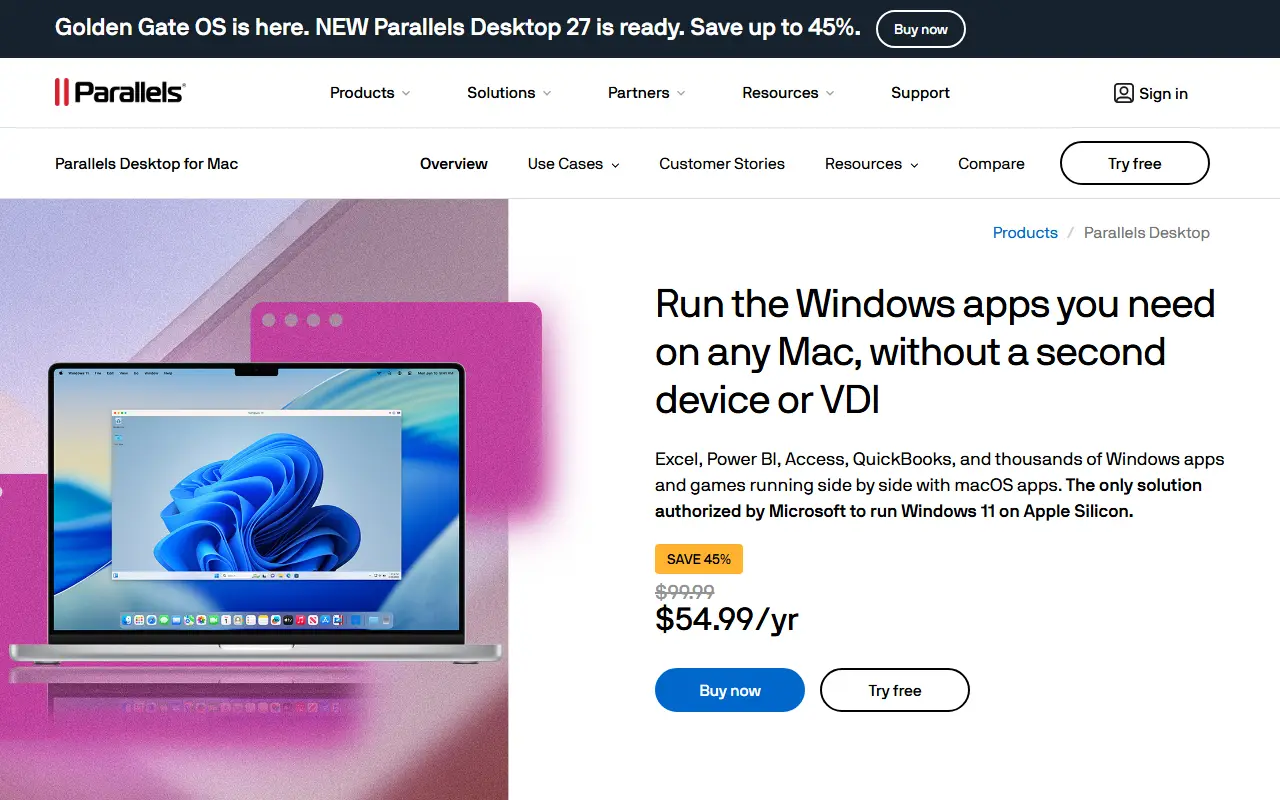
About Parallels Desktop
Parallels Desktop is a commercial virtualization app for Mac that runs Windows in a virtual machine so people can use Windows-only software without a separate computer. The product page highlights Windows 11 on Apple silicon and describes the offering as Microsoft-authorized.
Typical uses named by the vendor include Excel, AutoCAD, QuickBooks, and legacy or in-house apps, and it works offline without needing a virtual desktop infrastructure. Use cases pages cover developers, education, gaming and Microsoft Office. The line includes editions for individuals, a Pro version, and business and enterprise editions, plus other Parallels products such as Toolbox, remote application server and desktop-as-a-service offerings.
Parallels Desktop is proprietary software installed on the user's Mac. The vendor offers a free trial and publishes plans, including an education page.
Key features
- Windows 11 virtual machines on Apple silicon
- Microsoft-authorized Windows licensing path
- Runs offline without VDI
- Pro, Business and Enterprise editions
- Integrations for developer tools
- Linux guests alongside Windows
Good fit for
- →Running Windows-only business apps on a Mac
- →Testing software across operating systems
- →Playing Windows games on a Mac
- Tags
- virtualization
- macos
- windows
- virtual-machines
- apple-silicon
- parallels
- desktop
Parallels Desktop: questions and answers
- What is Parallels Desktop used for?
- Parallels Desktop is virtualization software for running Windows and Linux alongside macOS, including Windows 11 on Apple silicon Macs. It is a good fit for running Windows-only business apps on a Mac, testing software across operating systems and playing Windows games on a Mac.
- How much does Parallels Desktop cost?
- Parallels Desktop is a paid product with no free plan.
- Is Parallels Desktop open source?
- No. Parallels Desktop is proprietary (closed-source) software. Open-source alternatives to Parallels Desktop include Quickemu, UTM and VirtualBox.
- What are some alternatives to Parallels Desktop?
- Parallels Desktop competes with VMware Workstation and OrbStack. For open-source options, see Enlisted's ranked list of open-source Parallels Desktop alternatives.
Open-source alternatives to Parallels Desktop
See all
Quickemu
Infrastructure & Containers
Quickly create and run optimised Windows, macOS and Linux virtual machines
MITvs VMware Workstation★ 16k
UTM
Infrastructure & Containers
Virtual machines for iOS and macOS
Apache-2.0vs Parallels Desktop★ 36k
VirtualBox
Infrastructure & Containers
Source code for Oracle VirtualBox
GPL-3.0vs VMware Workstation★ 1.4k
virt-manager
Infrastructure & Containers
Desktop tool for managing virtual machines via libvirt
GPL-2.0vs VMware Workstation★ 3.3k
Tart
Infrastructure & Containers
macOS and Linux VMs on Apple Silicon to use in CI and other automations
OSS★ 7.3k
Windows in Docker
Infrastructure & Containers
Windows inside a Docker container.
MIT★ 53k
SaaS alternatives to Parallels Desktop
See all
VMware Workstation
Infrastructure & Containers
Desktop hypervisor for running virtual machines on Windows and Linux
SaaS
OrbStack
Infrastructure & Containers
Lightweight macOS app for running Docker containers and Linux machines
SaaS
Lens
Infrastructure & Containers
Desktop Kubernetes IDE for managing clusters and workloads
SaaS
Docker Desktop
Infrastructure & Containers
Desktop app for building and running containers locally, with Kubernetes support
SaaS
Azure Virtual Machines
Infrastructure & Containers
Scalable on-demand virtual machine compute on Microsoft Azure
SaaS
Citrix
Infrastructure & Containers
Virtual app, desktop and workspace delivery platform from Cloud Software Group
SaaS