
About Specchio
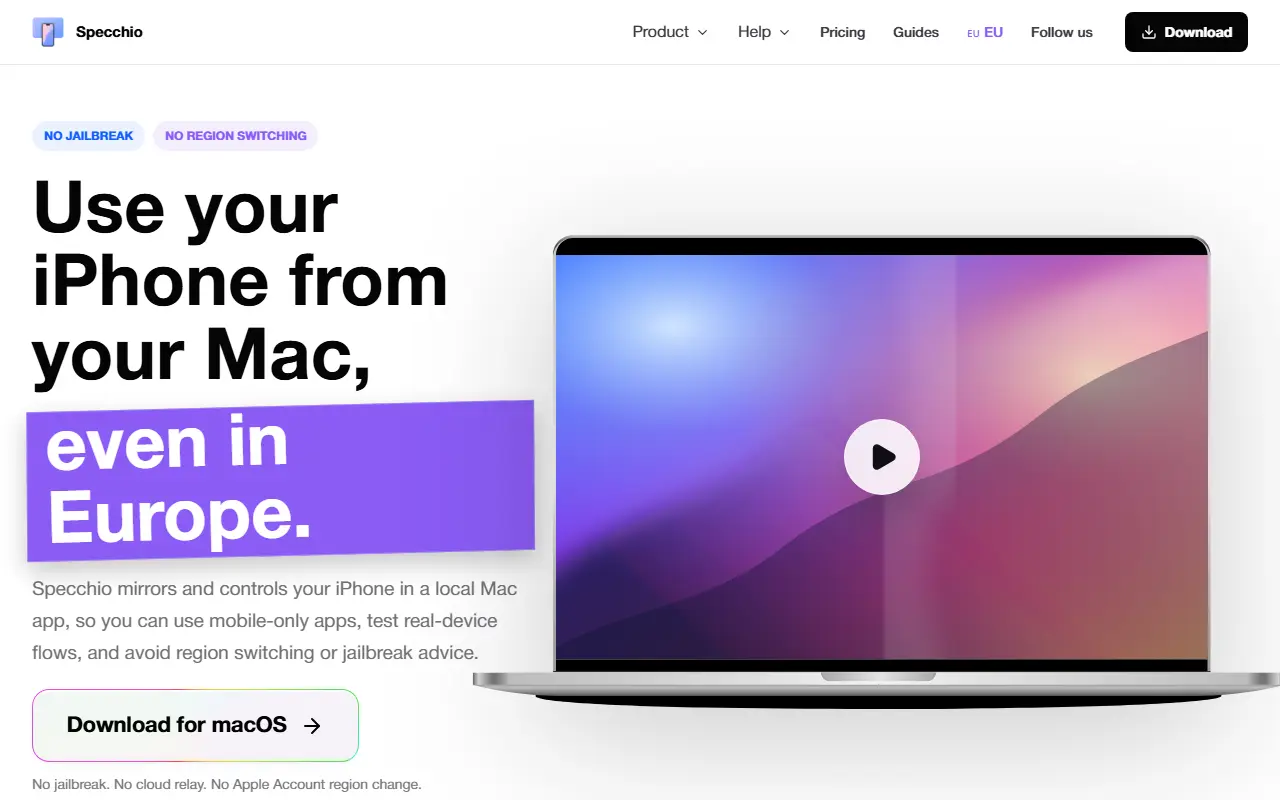
Specchio is a macOS app that shows your iPhone screen on your Mac and lets you control it with the mouse and keyboard. It is presented as an alternative to iPhone Mirroring for European users, with no jailbreak, no Apple Account region change and no cloud relay in the middle: the mirroring stays between the Mac and the phone.
Control works through clicks, drags and typing, and the phone can be mirrored over Wi-Fi without a cable. Described uses include opening mobile-only apps, testing real-device flows, handling support questions, checking authenticator codes without picking up the phone and controlling a phone that is charging across the room. In supported games, mouse and keyboard input on a larger screen over a USB path is promoted as a precision advantage. A separate agentic mode lets coding agents control real iPhones from the Mac, and the site has a wiki, roadmap, community channel and license recovery page.
Key features
- Mirrors an iPhone on the Mac screen
- Mouse and keyboard control of iPhone apps
- Wi-Fi mirroring without a cable
- Low-latency mode for supported iPhone games
- Works without jailbreak or region change
- Agentic mode so coding agents can control iPhones
Good fit for
- Using mobile-only apps from a Mac in Europe
- Testing real-device app flows as a QA tester
- Handling support requests without picking up the phone
Specchio: questions and answers
- What is Specchio used for?
- Specchio is a macOS app that shows your iPhone on your Mac and lets you operate it with mouse and keyboard locally, aimed at European users without iPhone Mirroring. It is a good fit for using mobile-only apps from a Mac in Europe, testing real-device app flows as a QA tester and handling support requests without picking up the phone.
- How much does Specchio cost?
- Paid plans for Specchio start at €29 as a one-time payment, and there is no free plan.
- Is Specchio open source?
- No. Specchio is proprietary (closed-source) software. In the Productivity category, open-source options include Rectangle, MarkerOn and RustCast.
- What are some alternatives to Specchio?
- Other SaaS products in the Productivity category include StowLink, Supaste and Talon.
Open-source alternatives to Specchio
See all
Rectangle
Productivity
Move and resize windows on macOS with keyboard shortcuts and snap areas
OSSvs BetterTouchTool★ 30k
MarkerOn
Productivity
Lightweight (~1.5 MB) open-source screen annotation with click-through mode and keyboard-f
MIT★ 1.1k
RustCast
Productivity
An open source alternative to raycast, in rust!! (retired)
MITvs Raycast★ 1.1k
Ice
Productivity
Powerful menu bar manager for macOS
GPL-3.0vs Bartender★ 30k
Stats
Productivity
macOS system monitor in your menu bar
MIT★ 42k
Flameshot
Productivity
Powerful yet simple to use screenshot software :desktop_computer: :camera_flash:
GPL-3.0vs Snagit★ 31k
SaaS alternatives to Specchio
See all
StowLink
Productivity
Native Mac app to save, organise and search links with nested folders, rich previews and an iOS companion
SaaS
Supaste
Productivity
Saves your clipboard and screenshots in a searchable visual history grouped by type, app and category
SaaS
Talon
Productivity
Organises your X bookmarks with AI: automatic rules, auto-labels and chat with your saved posts
SaaS
AI Renamer
Productivity
Renames files automatically based on their content using AI, with a local or cloud mode
SaaS
Apple Numbers
Productivity
Apple spreadsheet app for Mac, iPhone and iPad
SaaS
Bento
Productivity
Local-first desktop app combining fifteen mini-apps for tasks, notes, mood, sleep and budgets
SaaS